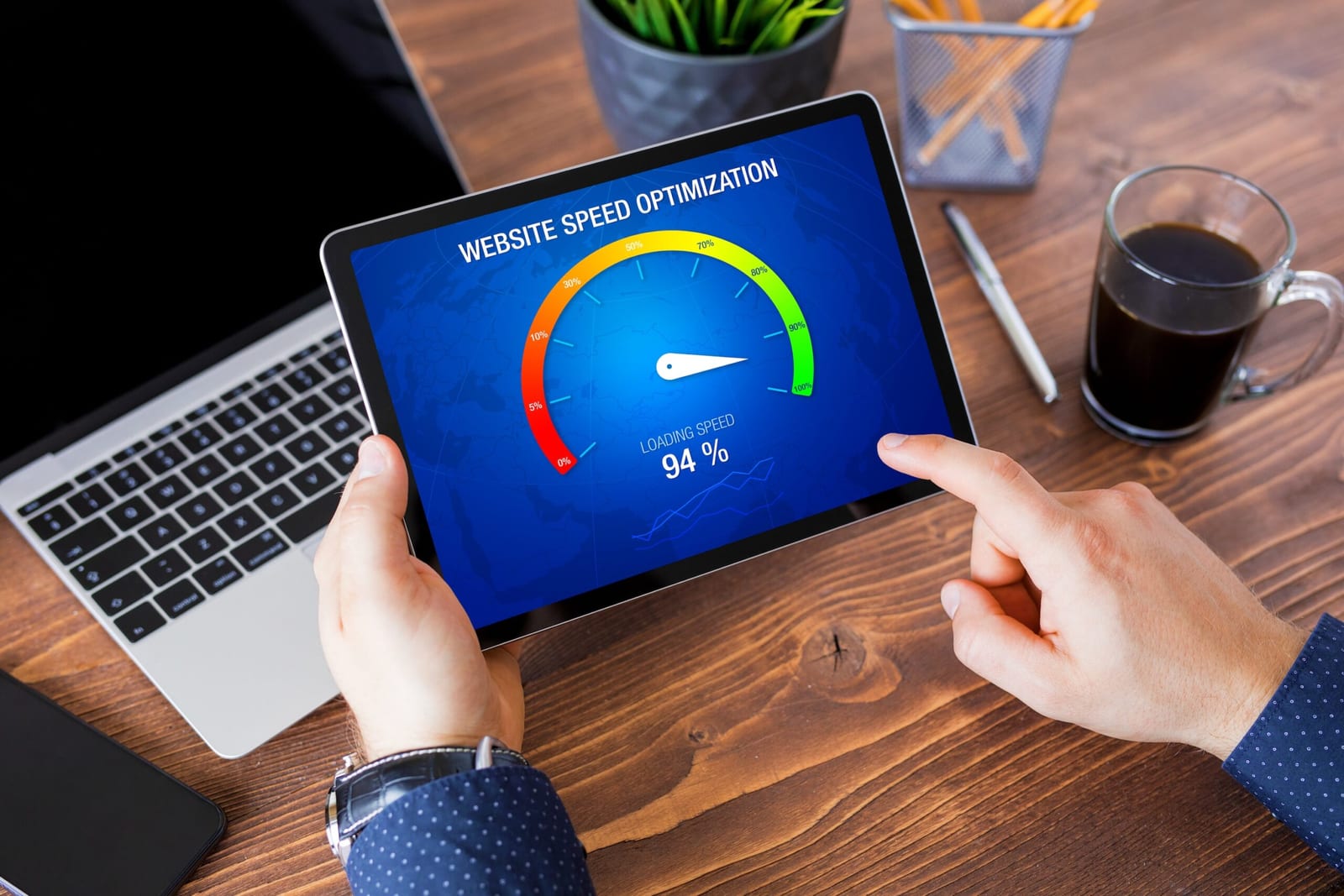
In today's digital age, a website's performance can make or break a business. Slow loading times not only frustrate users but also affect search engine rankings and overall site effectiveness. For this reason, optimizing your website's performance and speed is crucial.
At eSEOspace, we understand the necessity of having a fast, responsive website, and we've compiled strategies to help web developers, small business owners, and digital marketers boost their site speed and keep users engaged.
Why Speed Matters
Before we jump into the 'how,' it's crucial to understand the 'why' behind website speed optimization. Here's a snapshot of why website performance is more critical than ever:
- User Experience: Users expect webpages to load in two seconds or less. Beyond this, they're likely to abandon your site, which could lead to decreased customer satisfaction and revenue loss.
- SEO Rankings: Google and other search engines prioritize faster websites. A sluggish site can drop in search rankings, making it harder for potential customers to find you.
- Conversion Rates: A fast-loading website keeps people engaged, thereby increasing the likelihood of converting visitors into customers.
1. Optimize Images
Images can significantly slow down your website if they aren't properly optimized. Use tools to compress images without sacrificing quality, and consider using modern image formats like WebP.
2. Minimize HTTP Requests
Each on-page element (like scripts, stylesheets, and images) requires an HTTP request. More requests mean slower load times. Combine files where possible, use CSS sprites, and streamline the design.
3. Utilize Caching
Caching allows frequent visitors to load your site more quickly since their browsers can store parts of your pages. Implement caching via server settings or caching plugins.
4. Choose the Right Hosting
Not all web hosts are created equal. Invest in a reliable host that offers speedy server responses and scalability options.
5. Deploy a Content Delivery Network (CDN)
A CDN stores copies of your site at different data centers, so that users can download content from locations closer to them, speeding up the process.
6. Minify and Combine Files
You can reduce the size of your CSS, HTML, and JavaScript files by minifying them. Tools like CSSNano and UglifyJS can remove unnecessary code and whitespace.
7. Use Lazy Loading
With lazy loading, images or iframes only load when they are visible to the user, which can significantly improve loading times.
8. Monitor Your Speed Regularly
Continuous monitoring is essential. Use tools like Google PageSpeed Insights or GTMatrix to assess and monitor your website’s speed.
Final Thoughts
By now, you should have a clearer understanding of why website performance is not just a technicality but a fundamental element of your business's online presence and success. Implementing the strategies above will help your site load faster, hold users' attention more effectively, and ultimately improve your bottom line.
Remember, website optimization is a continuous process. Staying proactive and making incremental improvements can lead to a powerful, high-speed website.
Visit us at eSEOspace for more insights on web design, development, and optimization techniques that can help your business thrive online.