Key Takeaways
- Build the foundation first: a proper Business Manager, the Meta Pixel plus Conversions API, defined conversion events, and domain verification prevent most wasted ad spend.
- Choose an objective that maps to revenue, use the Leads or Calls objective, not cheap-click Traffic, and optimize for booked jobs rather than impressions.
- Geographic precision is a local business's biggest advantage: use radius or ZIP targeting, set 'people who live in this location,' and layer smart age bands over broad interests.
- Budget for at least $20 to $50 per day so the algorithm can gather the roughly 50 weekly conversions it needs, and give a new campaign 7 to 14 days before judging it.
- Track cost per acquired customer, not just cost per lead, retarget warm traffic for cheap high-intent conversions, and run paid social alongside SEO to lift branded search.
For a plumber, HVAC company, dentist, med spa, or law firm, Facebook Ads can be one of the fastest ways to put your offer in front of nearby homeowners who have never searched for you. Unlike Google Ads, where you wait for someone to type "emergency electrician near me," Facebook (and Instagram, which runs on the same ad system) lets you interrupt people in their feed and create demand before they start shopping. That is powerful for local service work, but it also means the platform will happily spend your money on the wrong people if your setup is sloppy.
The good news is that a local service business does not need a huge budget or a full marketing team to make Meta advertising profitable. What you need is a correctly structured account, tight geographic targeting, a campaign objective matched to how leads actually reach you, and enough discipline to let the algorithm learn before you start pulling levers. This guide walks through the exact setup, targeting, and budget decisions we make for service-business clients, and where paid social should fit alongside your organic strategy.
Below is the framework: what to build first, who to target, how much to spend, and how to read the numbers so you know whether it is working.
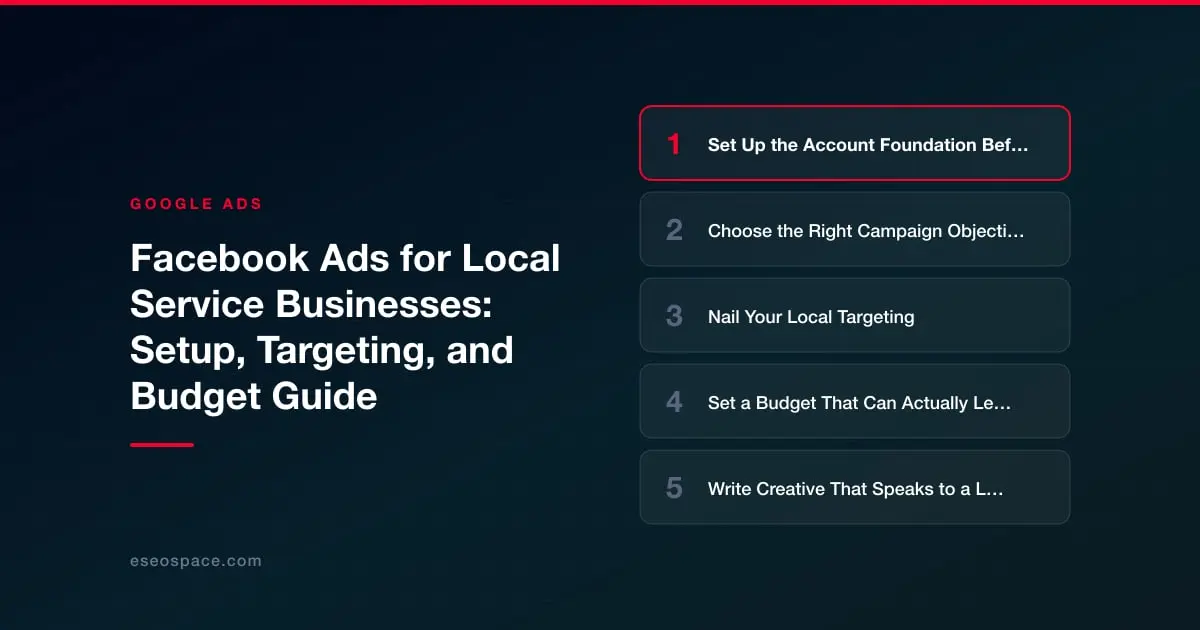
Set Up the Account Foundation Before You Spend a Dollar
Most wasted ad spend traces back to skipped setup steps, not bad creative. Before you launch anything, get the plumbing in place inside Meta Business Suite and Ads Manager.
- Business Manager and a dedicated ad account. Never run local ads off a personal profile's "Boost Post" button. Create a Business Manager, add your Facebook Page and Instagram account as assets, and set up a proper ad account so billing, permissions, and pixel data stay under your control.
- Install the Meta Pixel and Conversions API. The Pixel is a snippet on your website that tracks who visited, who called, and who filled out a form. Pair it with the Conversions API (CAPI) so you still capture conversions when browsers block cookies. Without this, Facebook cannot optimize for leads, and you are flying blind.
- Define conversion events. For a service business the key events are usually Lead (form submit), Contact (click-to-call), and Schedule (booking). Mark your most valuable action as the priority event in Aggregated Event Measurement.
- Verify your domain. Domain verification protects your event configuration and is required for accurate reporting after Apple's privacy changes.
If your website's form or call tracking is not wired up correctly, your ad data will be unreliable no matter how good the targeting is. This is where a technically sound site matters, and it is one reason we treat paid social as part of a broader search engine marketing strategy rather than a standalone tactic.
Choose the Right Campaign Objective
Meta's objective determines which people it shows your ads to, so this choice matters more than any single setting. For local service businesses, three objectives cover almost every scenario.
- Leads objective. The default workhorse. Use it to drive form fills either on your website or through an Instant Form (a native lead form that opens inside Facebook and pre-fills the user's name, email, and phone). Instant Forms convert well because there is no page load, but the leads can be lower-intent, so add a qualifying question or two.
- Calls objective. Ideal for urgent, high-ticket services, think water heater failures, roof leaks, or emergency dental. The ad's primary button dials your phone directly, which suits older homeowner audiences who prefer talking to typing.
- Traffic or Awareness. Generally a poor fit for lead generation. Only use Awareness if you are a new business that genuinely needs name recognition in a small town before demand exists.
A common mistake is running a Traffic campaign because clicks are cheap, then wondering why no one calls. Cheap clicks are not the goal, booked jobs are. Optimize for the conversion event that maps to revenue, even though the cost-per-result number will look higher.
Nail Your Local Targeting
Geographic precision is the single biggest advantage a local service business has on Facebook. You are not competing for a national audience, so use that.
- Radius targeting. Set a location by dropping a pin on your service area and drawing a radius, typically 10 to 25 miles depending on how far your crews will drive. For metros, target specific ZIP codes so you exclude neighborhoods you don't serve.
- People living in this location. Change the default from "People living in or recently in" to "People who live in this location." Otherwise you pay to reach tourists and people passing through, who will never become customers.
- Age and demographics. Homeowner services skew toward ages 30 to 65+. If you sell roofing or HVAC replacement, exclude the 18 to 29 renter bracket to stop wasting impressions.
- Detailed targeting and homeowner signals. Layer in interests where relevant, homeownership, recently moved, home improvement, but keep it broad. Meta's algorithm now finds converting customers more efficiently when you give it a large audience and a strong conversion signal than when you over-stack narrow interests.
For most local advertisers, a well-defined radius plus "live in this location" plus a smart age band beats elaborate interest stacking. Let the Pixel data and the Leads objective do the fine-tuning. Save your best-performing audience as a Custom Audience, then build a Lookalike Audience from your existing customer list once you have enough conversions.
Set a Budget That Can Actually Learn
Budget anxiety kills more local campaigns than bad targeting. The algorithm needs data to optimize, and data costs money up front. Here are realistic benchmarks.
- Minimum viable budget. Plan for at least $20 to $50 per day per campaign. Meta's optimization needs roughly 50 conversions per ad set per week to exit the "learning phase." If your cost per lead is $25, a $50/day budget produces about 14 leads a week, enough to make progress.
- Cost-per-lead expectations. For local services, cost per lead commonly ranges from $8 to $60 depending on industry and competition. Instant Form leads run cheaper; high-value niches like legal or cosmetic dentistry run higher.
- Campaign Budget Optimization (Advantage Campaign Budget). Set the budget at the campaign level and let Meta distribute it across ad sets. This usually outperforms manually splitting budgets, especially with limited spend.
- Do not edit daily. Every time you change budget or targeting, you can reset the learning phase. Give a new campaign 7 to 14 days before judging it.
Think in terms of return, not cost. If a new HVAC customer is worth $6,000 in lifetime value and you close one in four leads, a $40 lead that produces a $1,500 close is extremely profitable. Track cost per acquired customer, not just cost per lead, so a slightly pricier lead source that closes better gets the credit it deserves.
Write Creative That Speaks to a Local Homeowner
The best targeting fails behind a generic ad. Local service creative should feel like it came from a real business in the neighborhood, not a stock template.
- Lead with the problem or offer. "AC out in this heat? Same-day repair across [City]." beats "We provide quality HVAC services."
- Show real work. Photos of your actual trucks, crew, and before/after jobs outperform polished stock images. Authenticity signals trust for local buyers.
- Use short video. A 15 to 30 second clip of a technician explaining a common problem, or a quick before/after, tends to earn the cheapest reach and strongest engagement.
- Include social proof and a clear CTA. Star ratings, a review quote, licensing or "family-owned since 2005," plus one obvious next step: "Get a free estimate."
- Add a seasonal or urgency hook. Tie offers to weather, holidays, or limited slots. Urgency drives action for services people delay.
Run at least three or four creative variations so Meta can find the winner, and refresh them every few weeks to fight ad fatigue in a small local audience that sees your ads repeatedly.
Measure, Optimize, and Connect It to Your Whole Funnel
Once ads are live, resist the urge to tinker daily. Review performance on a weekly cadence against the metrics that matter: cost per lead, lead-to-appointment rate, and ultimately cost per booked job.
- Watch frequency. If your ad frequency climbs above 3 to 4 in a week, your small audience is seeing ads too often, refresh creative or widen the radius.
- Kill and scale decisively. Turn off ad sets that produce expensive, low-quality leads. When one wins, increase its budget by 20 to 30 percent at a time so you don't reset learning.
- Retarget warm traffic. Build a retargeting audience of website visitors and video viewers who didn't convert, and serve them a stronger offer. These are typically your cheapest, highest-intent leads.
- Feed the whole system. The homeowners who see your ads today often Google your business name later. Paid social builds awareness that lifts branded search, which is why it should run alongside strong organic SEO and local search rather than replacing it.
Facebook Ads reward local service businesses that treat setup as seriously as creative: verified tracking, tight geo-targeting, a conversion-focused objective, a budget with room to learn, and honest weekly measurement. Do those things and you turn the feed into a predictable pipeline of nearby customers, one that compounds as your Pixel data, Custom Audiences, and Lookalikes get smarter with every dollar you spend.