



How to Migrate a Website Without Losing SEO Rankings: A Developer's Guide
How to Migrate a Website Without Losing SEO Rankings: A Developer's Guide
Key Takeaways
- A website migration only preserves SEO rankings if every indexable old URL is 301-redirected to its closest equivalent on the new site, never lazily to the homepage.
- Start with a complete pre-migration audit: a full URL inventory, baseline rankings and traffic, and backlink data become the checklist you validate against after launch.
- Verify robots.txt, canonical tags, and sitemaps at the moment of cutover, since an accidental staging noindex block is the most common catastrophic migration mistake.
- Test the entire redirect map and crawl the site on a locked-down staging environment before launch, treating clean validation as a formal QA gate.
- Expect a brief ranking dip while Google reprocesses the site, but monitor Search Console, rankings, and redirects daily for at least three months to catch real problems early.
Few technical projects carry as much revenue risk as a website migration. Whether you are changing domains, moving from HTTP to HTTPS, replatforming from WordPress to a headless stack, or simply restructuring URLs, one careless step can wipe out years of accumulated search equity overnight. The pages Google has crawled, indexed, and ranked represent real trust signals, and migrations are the single most common way to accidentally throw them away.
Website migration SEO is the discipline of preserving that equity through the transition. It is less about clever tricks and more about disciplined engineering: mapping every URL, honoring every link, and verifying every assumption before and after launch. Done well, a migration is invisible to search engines. Done poorly, it triggers ranking drops that can take six months or more to recover from.
This guide walks through the process the way a developer should approach it, from pre-launch auditing through post-launch monitoring, with the specific technical details that separate a clean cutover from a costly one.
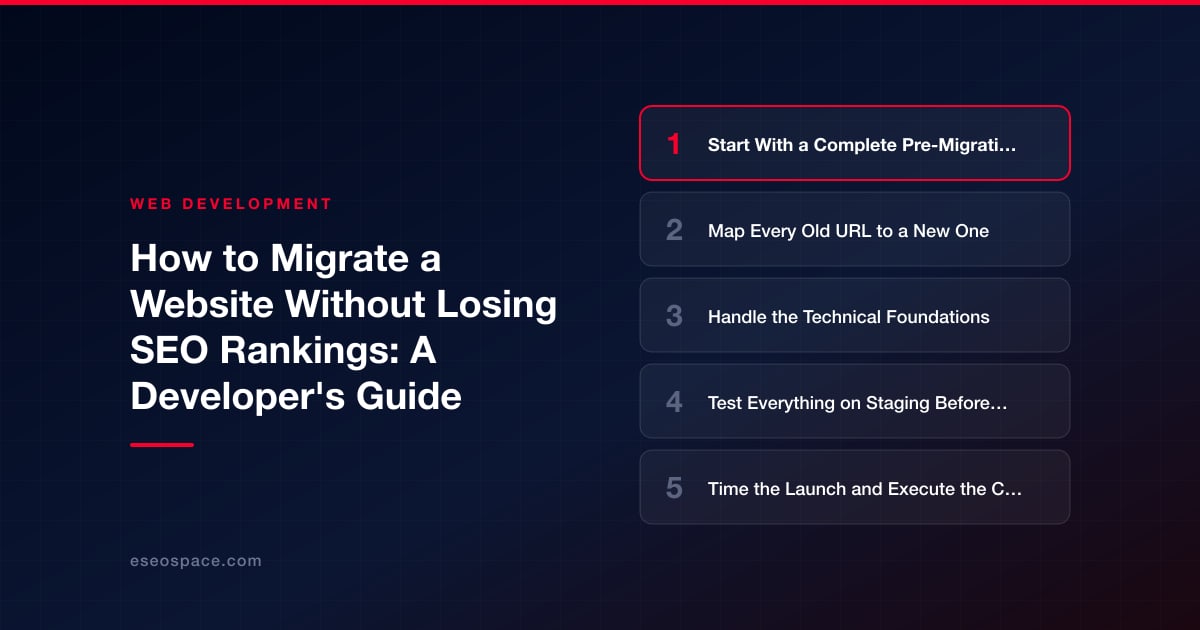
Start With a Complete Pre-Migration Audit
You cannot preserve what you have not measured. Before touching anything, capture a full baseline of the current site so you have a source of truth to reconcile against after launch. This baseline is non-negotiable and should include:
- A full URL inventory. Crawl the live site with a tool like Screaming Frog or Sitebulb, then cross-reference against your XML sitemaps, Google Search Console's Pages report, and server logs. Each source catches URLs the others miss.
- Current rankings and traffic. Export organic landing pages, impressions, clicks, and average position from Search Console for at least the trailing 12 months. Pull organic sessions and conversions from your analytics platform too.
- Backlink data. Identify which pages have earned external links using Ahrefs, Semrush, or Search Console's Links report. These are your highest-value URLs, and their redirects deserve extra scrutiny.
- Top-performing content. Flag the 20 percent of pages driving 80 percent of organic value so you can prioritize QA on the pages that actually matter.
Save these exports somewhere immutable. After launch they become the checklist you validate against, and if rankings wobble, they are how you diagnose which URLs broke. If you would rather hand this off, our website migration services build this baseline as the first deliverable of every engagement.
Map Every Old URL to a New One
Redirect mapping is the heart of migration SEO, and it is where most rankings are lost. The rule is simple: every indexable URL on the old site must resolve to the single most relevant URL on the new site via a 301 redirect. A 301 (permanent) redirect passes the overwhelming majority of link equity; a 302 (temporary) tells Google the move is not permanent and can leave the old URL indexed indefinitely.
Build a redirect map as a spreadsheet with two columns: old URL and new URL. Then apply these principles:
- Redirect to the closest equivalent, not the homepage. Lazily pointing dozens of retired pages at the homepage is treated by Google as a soft 404 and passes almost no equity. If a true equivalent does not exist, redirect to the nearest category or parent page.
- Avoid redirect chains. If URL A redirected to B years ago and B now moves to C, update the rule so A points directly to C. Chains dilute equity and slow crawling.
- Preserve query parameters and anchors where they matter. Use regex or pattern-based rules for large URL sets, but always spot-check a sample of the generated redirects manually.
- Match redirect type to the change. Domain change, HTTPS migration, and URL restructuring all use 301s. Only use 302s for genuinely temporary states.
For sites with tens of thousands of URLs, generate rules programmatically but validate a representative sample by hand. One malformed regex can silently break thousands of redirects.
Handle the Technical Foundations
Beyond redirects, a migration touches the plumbing that search engines rely on to understand your site. Address each of these deliberately rather than assuming your new platform handles them correctly by default.
- Canonical tags. Confirm every page self-references the correct canonical URL on the new domain and protocol. Stale canonicals pointing at the old site are a classic post-launch bug.
- XML sitemaps. Generate a fresh sitemap with the new URLs and submit it in Search Console immediately after launch. Also submit a sitemap of the old URLs temporarily so Google recrawls them faster and discovers your redirects sooner.
- Robots.txt. Staging sites are usually blocked with Disallow: / or a noindex header. The most common catastrophic migration mistake is pushing that block to production. Verify robots.txt and meta robots tags the moment you go live.
- Structured data and metadata. Carry over title tags, meta descriptions, heading structure, and schema markup verbatim unless you are intentionally improving them. Migration is not the time to also rewrite every title.
- Internal links. Update internal links to point directly at the new URLs rather than relying on redirects. Internal redirect chains waste crawl budget and slightly dampen equity flow.
If you are replatforming as part of the move, coordinate closely with whoever owns website development so that SEO requirements are baked into the build rather than bolted on afterward. Preserving rendering behavior matters too: if the old site served static HTML and the new one relies on client-side JavaScript, confirm Google can still render and index your content.
Test Everything on Staging Before Launch
A staging environment that mirrors production lets you catch failures before real users and crawlers see them. Password-protect or IP-restrict staging so it never gets indexed, then run a full pre-launch pass:
- Crawl the staging site and confirm there are no unexpected 404s, broken internal links, or orphaned pages.
- Run your redirect map through a bulk redirect checker to confirm each old URL returns a single 301 to the correct destination with no chains or loops.
- Validate that canonical tags, hreflang (if international), titles, and structured data render correctly on the new pages.
- Test page speed and Core Web Vitals, since load performance is a ranking factor and replatforming often changes it in both directions.
- Confirm analytics and Search Console tracking fire correctly on the new templates.
Treat this as a formal QA gate. Nothing goes to production until the redirect map validates cleanly and the staging crawl is free of surprises.
Time the Launch and Execute the Cutover
Launch during a low-traffic window so any issues affect the fewest users, but avoid Fridays and holidays when your team is unavailable to respond. Do not migrate during peak season for your business.
At cutover, the sequence matters. Deploy the new site, activate all 301 redirects, remove the staging robots block, and immediately verify a handful of critical URLs by hand. In Search Console, use the Change of Address tool if you are moving to a new domain; this explicitly signals the move to Google and accelerates the transfer of signals. Submit the new sitemap and request indexing for your most important pages. Keep the old domain's registration and hosting active for at least a year so the redirects keep firing while Google reprocesses everything. Our structured migration process treats the cutover as a rehearsed runbook rather than an improvised scramble.
Monitor Relentlessly After Launch
The work is not finished at launch; the first few weeks are when problems surface. Set up daily monitoring and act on anomalies quickly, because early intervention is far cheaper than recovering lost rankings later.
- Crawl errors and coverage. Watch Search Console's Pages report for spikes in 404s, server errors, or pages dropping out of the index. Reconcile against your pre-migration URL inventory.
- Rankings and traffic. A modest, temporary dip as Google reprocesses the site is normal and usually recovers within a few weeks. A steep, sustained drop signals a broken redirect, a robots block, or missing content that needs immediate investigation.
- Redirect integrity. Re-crawl the old URLs periodically to confirm redirects are still firing and no chains have crept in.
- Server logs. Watch how Googlebot crawls the new site to confirm it is discovering and following your redirects rather than wasting budget on dead URLs.
- Backlinks. Where high-value external links point at old URLs, consider reaching out to have the most important ones updated directly, which is stronger than relying on redirects alone.
Keep monitoring for at least three months. Full re-processing and ranking stabilization commonly takes several weeks to a few months depending on site size and crawl frequency. Patience paired with vigilant monitoring is what turns a nerve-wracking migration into a non-event.
Get a FREE Audit
We'll perform a comprehensive SEO, AEO, GEO & CRO audit of your website — completely free — and show you exactly how to outrank your competitors.
Don't have a site yet? Get in touch →
Put this into action with eSEOspace
We help businesses grow with website development that actually performs. Explore the services behind this guide:
Frequently Asked Questions
Will I lose SEO rankings when I migrate my website?
Should I use 301 or 302 redirects for a website migration?
How long does it take to recover rankings after a migration?
What is the most common mistake during a website migration?
Do I need to keep my old domain after migrating to a new one?
Get a FREE GEO/AEO/SEO Audit
We'll analyze your site's SEO, GEO, AEO & CRO — completely free — and show you exactly how to get found across Google and AI answers.
Don't have a site yet? Get in touch →
Great — your audit is on the way!
We'll send your free SEO/GEO/AEO/CRO audit within the next few hours. Where should we send it?
You're all set! ✓
Your free audit is being prepared — check your inbox in the next few hours. Talk soon!








