



How We Build Custom Website + CRM Solutions: Our Discovery-to-Launch Process
How We Build Custom Website + CRM Solutions: Our Discovery-to-Launch Process
Key Takeaways
- A reliable custom CRM development process starts with mapping your actual workflows, not with picking software or listing features.
- Data modeling and architecture decided up front are what let a CRM extend later without a costly rebuild.
- Prototyping high-frequency actions before writing production code prevents the daily friction that kills CRM adoption.
- Data migration should be audited, mapped, and dry-run in staging so the real cutover is uneventful and trustworthy.
- Testing against real workflows, role-specific training, and a post-launch iteration loop are what turn a launched CRM into one the team actually uses.
Most businesses do not fail their CRM project because the software is bad. They fail because the process around it was never defined. A generic platform gets bought, half-configured, and abandoned when it does not match how the team actually sells, onboards, and supports customers. A well-run custom CRM development process flips that: it starts with your workflow, not the vendor's assumptions, and produces a system your people actually open every morning.
At eSEOspace we have built and launched custom website and CRM solutions for service businesses, agencies, and multi-location operators since 2019. Over that time we have refined a discovery-to-launch sequence that keeps scope honest, budget predictable, and the final product genuinely usable. Below is that process, stage by stage, with the specific decisions and deliverables that separate a CRM people trust from one they route around.
Whether you are replacing a tangle of spreadsheets or outgrowing an off-the-shelf tool, the phases are the same. What changes is the depth of each one.
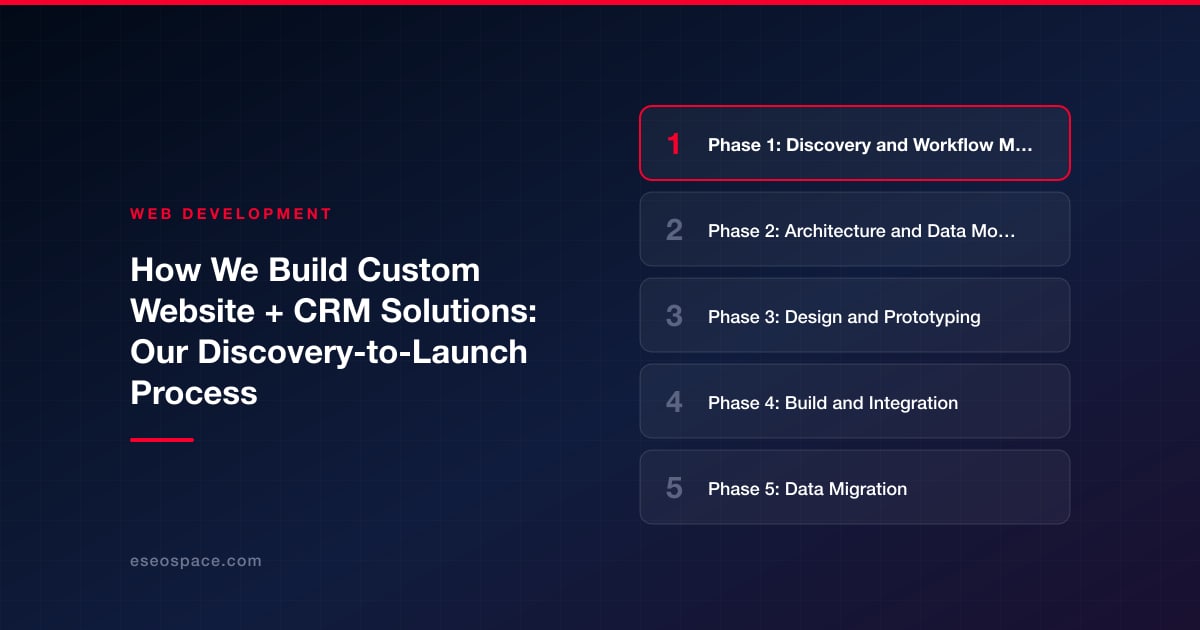
Phase 1: Discovery and Workflow Mapping
Discovery is where a custom CRM development process either earns its keep or quietly goes wrong. We do not open with a feature list. We open with questions about how work moves through your business today: who owns a lead, what triggers a handoff, where deals stall, and which reports someone rebuilds by hand every Friday.
Our discovery deliverables typically include:
- A workflow map of every stage a customer passes through, from first touch to renewal, with the human owner of each stage named.
- A data inventory listing every field you actually use, every field you think you need, and the systems each one lives in today.
- An integration list of the tools the CRM must talk to, such as your email platform, accounting software, calendar, phone system, or website forms.
- A prioritized problem statement that names the two or three pains costing you the most time or revenue, so the build stays focused on outcomes.
This phase usually runs one to three weeks depending on team size. The output is a written scope both sides sign off on, which is what keeps later stages from drifting. If you are combining the CRM with a new site, we align discovery with our custom website and CRM development planning so the two share one data model from day one instead of being stitched together later.
Phase 2: Architecture and Data Modeling
Before a single screen is designed, we model the data. This is the least glamorous phase and the one that determines whether your CRM ages well or collapses under its own edge cases in year two.
We define the core objects (contacts, companies, deals, projects, tickets, whatever your business actually tracks), the relationships between them, and the rules that govern them. A contact can belong to multiple companies. A deal can spawn a project on close. A support ticket can reopen a churned account. These relationships are decided here, on paper and in a schema, not discovered painfully mid-build.
Key architecture decisions we lock in during this phase:
- Data ownership and structure so reporting is reliable and you are never guessing which record is the source of truth.
- Permission and role design so sales sees pipeline, support sees tickets, and leadership sees dashboards without exposing everything to everyone.
- The technology stack, chosen for your scale and in-house skills rather than trend. We favor maintainable, well-documented frameworks so you are not locked into us forever.
- Automation boundaries, deciding what the system does automatically versus what stays a deliberate human action.
Getting the model right here is why our clients can add a new field or report months later without a rebuild.
Phase 3: Design and Prototyping
A CRM lives or dies on daily usability. If logging a call takes six clicks, reps will not log calls, and your data rots. So we prototype the core screens and put them in front of the people who will use them before we write production code.
We design the highest-frequency actions first: adding a lead, moving a deal, logging an activity, pulling the one report a manager checks every morning. Those flows get refined until they feel obvious. Lower-frequency admin screens can be more utilitarian. This is the same interface discipline we bring to our broader custom design and development work, where the measure of good design is how little the user has to think.
Prototyping in clickable form, before build, is deliberately cheap to change. Moving a button in a prototype costs minutes. Moving it after launch costs a change request and retraining. We would rather find the friction now.
Phase 4: Build and Integration
With the model and prototypes approved, development runs in short iterations. We build a working slice, show it, gather feedback, and build the next. You are never waiting months to see something real; you see progress every week or two and can course-correct while it is still cheap.
Integration is usually the hardest part of any custom CRM build, and it is where experience pays off. Connecting a CRM to your website forms, email marketing, invoicing, and calendar means handling authentication, rate limits, data mismatches, and failure cases where an external service is down. We build these connections defensively, with logging and retry logic, so a hiccup in one system does not silently drop a lead. If your site is being built alongside the CRM, our website development team wires lead capture directly into the CRM so a form submission becomes a tracked contact with zero manual re-entry.
Throughout the build we keep a running list of what is in scope, what got deferred, and why, so there are no surprises at launch.
Phase 5: Data Migration
Migration is where many projects lose weeks and trust. Legacy data is messy: duplicate contacts, inconsistent phone formats, dead accounts, fields used for three different purposes over the years. Dumping that directly into a clean new system just moves the mess.
Our migration approach:
- Audit and clean first, identifying duplicates, dead records, and malformed fields before anything moves.
- Map every source field to a destination field, deciding explicitly what to keep, merge, or archive.
- Run a test migration into a staging environment so you can validate that records, relationships, and history came across correctly.
- Reconcile counts and spot-check so the number of contacts, deals, and dollars in the new system matches the old one before go-live.
Doing a dry run first means the real cutover is boring, which is exactly what you want from a data migration.
Phase 6: Testing, Training, and Launch
Before launch we test against the workflows from discovery, not against abstract features. Can a rep really take a lead from web form to closed deal? Does the handoff to onboarding fire correctly? Does the manager's dashboard match reality? We test the paths your team walks every day, plus the edge cases that break lesser systems.
Adoption is the real goal, so training is built into launch rather than bolted on. We provide role-specific walkthroughs, short reference documentation, and a defined support window after go-live for the questions that only surface once people use the system for real. A CRM that 90 percent of the team uses beats a more powerful one that half the team avoids.
Launch itself is staged. We often run the new system in parallel briefly, or cut over in phases by team, so there is always a fallback. Once it is stable, we decommission the old tools and hand over clean documentation.
Phase 7: Iteration After Launch
Launch is a milestone, not the finish line. The most valuable CRM improvements come from watching real usage. Which reports get exported and reworked in a spreadsheet? That is a report we should build in. Which field is always left blank? Maybe it should be removed or automated.
We build in a review after the first weeks of live use to capture these signals and prioritize a short list of refinements. Because the data model was designed to extend, most of these changes are additive rather than structural. This ongoing loop is what turns a launched system into one that keeps compounding value, and it is why we structure engagements to make small, steady improvements easy rather than treating every change as a new project.
Get a FREE Audit
We'll perform a comprehensive SEO, AEO, GEO & CRO audit of your website — completely free — and show you exactly how to outrank your competitors.
Don't have a site yet? Get in touch →
Put this into action with eSEOspace
We help businesses grow with website development that actually performs. Explore the services behind this guide:
Frequently Asked Questions
How long does a custom CRM development process take?
Why build a custom CRM instead of buying an off-the-shelf platform?
What is the most important phase in the process?
How do you handle migrating our existing data?
What happens after the CRM launches?
Get a FREE GEO/AEO/SEO Audit
We'll analyze your site's SEO, GEO, AEO & CRO — completely free — and show you exactly how to get found across Google and AI answers.
Don't have a site yet? Get in touch →
Great — your audit is on the way!
We'll send your free SEO/GEO/AEO/CRO audit within the next few hours. Where should we send it?
You're all set! ✓
Your free audit is being prepared — check your inbox in the next few hours. Talk soon!








