



Google Business Profile for Multi-Location Businesses: Setup, Optimization, and Management
Google Business Profile for Multi-Location Businesses: Setup, Optimization, and Management
Key Takeaways
- Multi-location Google Business Profile management is a systems problem: get account structure and business groups right before optimizing individual listings.
- Bulk verification is available for brands with ten or more locations and depends entirely on submitting complete, consistent NAP data up front.
- Duplicate listings and keyword-stuffed business names are the leading causes of split rankings and account-wide suspensions, so prevention beats cure.
- Each profile should be optimized for local relevance with unique descriptions, per-location categories, accurate hours, and real geo-specific photos rather than corporate clones.
- Reviews and data quality must be managed per location using dashboards, the Business Profile API, and personalized response workflows to scale without going stale.
Managing one Google Business Profile is straightforward. Managing ten, fifty, or two hundred of them is a different discipline entirely. Once you cross a handful of locations, the challenges shift from “fill out the profile correctly” to “keep hundreds of profiles accurate, consistent, and individually optimized without letting any of them drift into suspension or duplication.” A single misspelled brand name, an inconsistent phone format, or a stray duplicate listing can quietly erode rankings across an entire region.
This guide walks through the practical mechanics of running Google Business Profile at multi-location scale: how to structure your account, verify in bulk, avoid the duplicate and suspension traps that plague chains and franchises, and optimize each profile so it competes locally rather than blending into a generic corporate template. The goal is a system that treats every location as its own local business in Google’s eyes while keeping brand governance centralized.
Whether you operate company-owned branches, a franchise network, or service-area territories, the same core principles apply. Get the account architecture right first, then layer optimization and ongoing management on top.
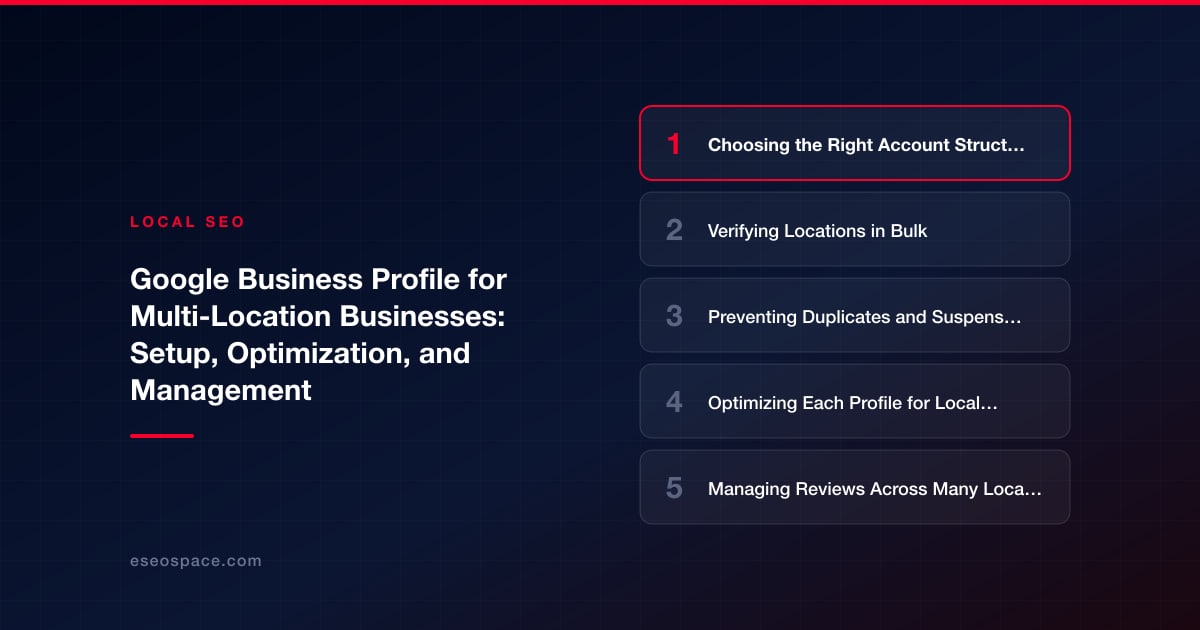
Choosing the Right Account Structure First
Before you touch a single listing, decide how ownership and access will be organized. Google offers business groups (formerly location groups) inside the Business Profile Manager, which act as shared containers for multiple locations. This is the foundation of scalable management—it lets you assign managers to a group rather than to individual profiles one at a time.
Key structural decisions to make up front:
- One primary owner account that the organization controls, never a personal Gmail belonging to a departing employee or a single franchisee.
- Business groups organized by region, brand, or franchise unit so permissions map cleanly to your org chart.
- Manager-level access for agencies and local staff, reserving owner rights for corporate. Local managers can post and reply without being able to delete the listing.
- A documented naming and data standard—exact legal name, phone format, hours convention—so every profile reads identically where it should and uniquely where it must.
For networks with more than roughly ten locations, request access to the bulk location management tools, which unlock spreadsheet-style uploads and API access. Getting this architecture right saves enormous rework later, and it is where an experienced local SEO team earns its keep by preventing the messy, half-verified account sprawl that so many multi-location brands inherit.
Verifying Locations in Bulk
Verification is the single biggest bottleneck for multi-location rollouts. Individually verifying by postcard would take weeks and invite errors. Google provides a bulk verification process designed specifically for organizations managing ten or more locations under the same brand.
To qualify and apply for bulk verification:
- Populate all locations into a single business group with complete, accurate data before applying—Google reviews the whole group at once.
- Ensure the business name, address, and phone number are consistent with your website and other citations; mismatches trigger manual review or rejection.
- Submit the bulk verification request form from within the group, providing the business account manager email, the corporate contact, and a point of verification such as a franchise agreement.
- Expect a manual review that can take a week or more; do not create duplicate listings while you wait, as that is the most common cause of complications.
Once bulk verification is granted, newly added locations under that verified brand often inherit trusted status and skip individual postcard verification. That single approval is the difference between a two-day rollout and a two-month one, so treat the initial data accuracy as non-negotiable.
Preventing Duplicates and Suspensions
At scale, duplicate listings are the silent killer of local rankings. They appear when a location was previously claimed by a franchisee, auto-generated by Google from web data, or created twice during a chaotic rollout. Duplicates split your reviews and ranking signals across two entries, and Google may show the weaker one.
Build a defensive routine around these practices:
- Audit for existing listings before creating new ones. Search Google Maps for each address and brand name; claim and merge what already exists rather than adding fresh entries.
- Keep NAP data byte-for-byte consistent across the website, profiles, and major directories—same suite abbreviation, same phone format, same street spelling.
- Never use a call-tracking number as the primary phone if it does not match your public citations; put tracking numbers in the secondary phone field instead.
- Avoid keyword-stuffing the business name (for example, “Acme Plumbing – Best Emergency Plumber Denver”). This is the most frequent trigger for hard suspensions across a whole account.
Because a suspension can cascade—Google sometimes reviews related listings when one profile is flagged—governance matters more than any single optimization tactic. Reinstatement requires documentation and patience, so prevention is far cheaper than cure.
Optimizing Each Profile for Local Relevance
The biggest missed opportunity in multi-location management is treating every profile as a clone of corporate. Google ranks each listing on its own local relevance, proximity, and prominence, which means location-specific optimization outperforms templated uniformity every time.
Differentiate each profile with genuinely local detail:
- Unique location descriptions that mention the specific neighborhood, nearby landmarks, and services offered at that branch—never a copy-pasted paragraph across every city.
- Accurate, individually maintained hours, including special hours for local holidays, which also improves user trust and reduces negative reviews.
- Categories chosen per location: a primary category that matches the core service plus secondary categories reflecting what that branch actually does.
- Location-specific photos of the actual storefront, team, and interior rather than stock brand imagery—fresh geo-tagged photos are a real ranking and conversion signal.
- Products and services populated per location with local pricing and availability where relevant.
Attributes, service areas, and booking links should also be tuned per branch. This granular work is exactly what a structured Google Business Profile optimization program delivers—turning a directory of near-identical entries into a network of individually competitive local listings.
Managing Reviews Across Many Locations
Reviews are both a ranking factor and a reputation asset, and they must be handled at the location level. A corporate team cannot realistically reply to hundreds of reviews manually, yet unanswered reviews signal neglect and hurt both trust and rankings.
An effective multi-location review system includes:
- Per-location review monitoring through the API or a reputation platform that aggregates all profiles into one dashboard with location filters.
- Response templates with mandatory personalization fields—approved brand-voice frameworks that require the responder to reference the specific issue and location, avoiding robotic identical replies.
- A review-generation workflow at the point of service, such as SMS or email follow-ups linking to that exact location’s review form, so volume grows organically and locally.
- Escalation rules that route one- and two-star reviews to a manager quickly, since response speed materially affects customer sentiment.
Never buy reviews or funnel them all through a single device or IP—Google’s spam detection flags unnatural patterns across a network faster than for a standalone business. Steady, genuine, location-authentic reviews compound over time.
Maintaining Data Quality and Posting at Scale
The final discipline is ongoing maintenance. Business data changes constantly—hours shift, phone systems migrate, a location relocates—and stale data on Google directly harms conversions and trust. At scale, manual updates do not keep up.
Operationalize maintenance with these practices:
- Use bulk edits and the Business Profile API to push data changes across many locations at once rather than editing profiles one by one.
- Schedule quarterly data audits comparing live profile data against your master source of truth, flagging any Google-suggested edits that were accepted incorrectly.
- Watch for and reject bad “suggested edits.” Anyone can propose changes to your listings; unmonitored profiles can have wrong hours or addresses pushed live by third parties.
- Post updates strategically—local offers or events can be tailored per region and scheduled through the API, keeping profiles active without demanding daily manual work.
- Track performance per location using the profile insights (calls, direction requests, searches) to identify underperformers that need targeted attention.
Multi-location Google Business Profile management is ultimately a systems problem, not a content problem. Brands that win locally build repeatable processes for verification, deduplication, per-location optimization, review handling, and data hygiene—then run them consistently. Do that, and each of your locations competes as a strong local business while the brand as a whole stays governed, accurate, and suspension-free.
Get a FREE Audit
We'll perform a comprehensive SEO, AEO, GEO & CRO audit of your website — completely free — and show you exactly how to outrank your competitors.
Don't have a site yet? Get in touch →
Put this into action with eSEOspace
We help businesses grow with website development that actually performs. Explore the services behind this guide:
Frequently Asked Questions
How many locations do I need for Google bulk verification?
Should each location have its own Google Business Profile?
What causes multi-location Google profiles to get suspended?
How do I manage reviews across hundreds of locations?
How do I avoid duplicate Google Business Profile listings?
Get a FREE GEO/AEO/SEO Audit
We'll analyze your site's SEO, GEO, AEO & CRO — completely free — and show you exactly how to get found across Google and AI answers.
Don't have a site yet? Get in touch →
Great — your audit is on the way!
We'll send your free SEO/GEO/AEO/CRO audit within the next few hours. Where should we send it?
You're all set! ✓
Your free audit is being prepared — check your inbox in the next few hours. Talk soon!








