



Ghost to Astro Migration Guide
Ghost to Astro Migration Guide
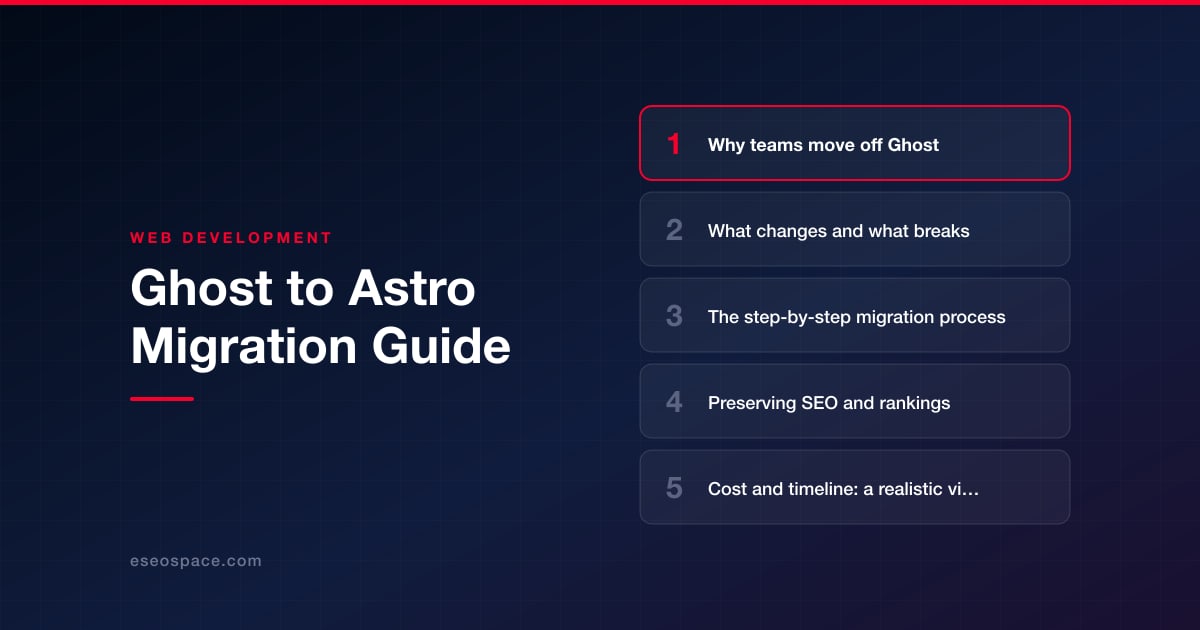
Key Takeaways
- Teams leave Ghost when they outgrow its Handlebars themes, hosting costs, and performance ceiling in favor of Astro's static-first, zero-JS-by-default architecture.
- Ghost content exports as Mobiledoc or Lexical JSON and must be converted to Markdown or MDX with clean frontmatter before it fits Astro's type-checked content collections.
- The biggest risks are dynamic features going static and URLs shifting, so members, comments, and forms need external replacements and any changed path needs a 301 redirect.
- Preserving SEO means matching URLs one to one, carrying over titles, meta, canonicals, and JSON-LD, keeping the RSS feed and sitemap live, and verifying coverage after cutover.
- A typical few-hundred-post migration runs two to four weeks and a mid-four-figure budget, driven mostly by the number of custom templates and dynamic features rebuilt.
Ghost is a clean, opinionated publishing platform, and for a while it does exactly what a content team needs. But as your site grows past a simple blog, its boundaries start to show. You want custom landing pages, marketing components, gated content, or a design that does not look like every other Ghost theme, and suddenly you are fighting Handlebars templates, a hosted CMS billing tier, and a Node process you would rather not maintain. That is usually the moment teams start looking at Astro.
Astro flips the model. Instead of a monolithic blog engine, you get a static-first framework that ships zero JavaScript by default, renders Markdown and MDX natively, and lets you pull content from any source you like, including a headless Ghost instance if you want to keep it. The result is faster pages, lower hosting costs, and total control over markup. This guide walks through why teams move off Ghost, what actually breaks in the transition, a concrete migration process, and how to hold onto the SEO equity you have spent years building.
Why teams move off Ghost
Ghost is excellent at what it was designed for: newsletters and straightforward blogs. The friction shows up when your ambitions outgrow that scope. The most common reasons teams migrate include:
- Theme rigidity. Ghost themes use Handlebars, and building genuinely custom page types or component-driven marketing pages means bending a templating system that was never meant for it.
- Hosting cost and lock-in. Ghost(Pro) pricing scales with traffic and staff seats. Self-hosting means babysitting a Node app, a MySQL database, and mail configuration. Astro deploys as static files to a CDN for pennies.
- Performance ceilings. Ghost renders server-side and bundles more client JavaScript than a content site needs. Astro's island architecture ships almost no JS, which directly improves Core Web Vitals.
- Developer experience. Teams want their content in a Git repository, reviewable in pull requests, and buildable in a modern component framework instead of a themed admin panel.
- Composability. Astro lets you mix React, Vue, or Svelte components on the same page and integrate any API, which is hard to do inside Ghost.
If you are still weighing the decision, our guide on how to choose a JavaScript framework for your website compares Astro against the alternatives for content-heavy projects.
What changes and what breaks
Moving from Ghost to Astro is not a like-for-like port, and it helps to know where the seams are before you start. The content itself moves cleanly, but everything Ghost handled automatically becomes your responsibility.
- Dynamic features go static. Ghost's members, subscriptions, and native comments are server features. In Astro you either keep them via an external service (Stripe, a headless Ghost API, a comments widget) or drop them.
- URL structure can shift. Ghost defaults to flat
/post-slug/URLs. If your Astro routing changes these, every changed URL needs a redirect or you lose rankings. - Handlebars helpers disappear. Theme logic like
{{#foreach}},{{ghost_head}}, and dynamic tag pages must be rebuilt as Astro components and content collections. - Image handling changes. Ghost stores and resizes images through its API. In Astro you move those files into your project and use Astro's built-in
<Image>component for optimization, or serve them from an asset host. - RSS, sitemaps, and structured data are automatic in Ghost. In Astro you add the official
@astrojs/rssand@astrojs/sitemapintegrations and hand-author your JSON-LD.
None of these are blockers, but each is a task. Scoping them honestly up front is what separates a smooth migration from a scramble. This is exactly the kind of work our website migration services are built to de-risk.
The step-by-step migration process
A reliable Ghost-to-Astro migration follows the same disciplined sequence every time. Rushing any step is where sites lose traffic.
- 1. Export everything. From Ghost Admin, use Labs → Export to pull a full JSON dump of posts, pages, tags, and authors. Separately, download your
/content/imagesfolder so no media is left behind. - 2. Convert content to Markdown. Ghost stores posts as Mobiledoc or Lexical JSON, not Markdown. Use a converter such as the community
ghost-to-astroormobiledoc-to-mdscripts to transform each post into a Markdown or MDX file with clean frontmatter (title, slug, date, tags, excerpt, feature image). - 3. Model content as collections. Scaffold your project with
npm create astro@latest, then define acontent/collection with a Zod schema incontent.config.tsso every post's frontmatter is type-checked at build time. - 4. Rebuild templates as components. Recreate your post layout, tag archive, author pages, and homepage as
.astrocomponents. Match the existing URL structure exactly unless you have a deliberate reason to change it. - 5. Restore the extras. Add
@astrojs/rssfor your feed,@astrojs/sitemapfor the sitemap, and port yourghost_headmeta and JSON-LD into an SEO component. - 6. Handle dynamic needs. If you relied on members or forms, wire in the replacements now. Teams that need real application logic often pair Astro with a backend, which is where our custom website and CRM development work comes in.
- 7. Build a redirect map, then deploy. Diff every old Ghost URL against its new Astro path, stage on a preview URL, QA thoroughly, then cut over DNS.
Preserving SEO and rankings
This is the part that keeps stakeholders up at night, and rightly so. A content migration that mishandles URLs can erase years of ranking equity overnight. The good news is that Astro can preserve everything if you are methodical.
- Match URLs one to one. The safest migration changes no URLs at all. Configure Astro's routing so
/my-post/stays/my-post/, including the trailing slash behavior Ghost uses. - Map and implement redirects for anything that moves. Every changed URL needs a 301 redirect from old to new. Our 301 redirect map guide shows how to build this systematically so no page is orphaned.
- Preserve metadata exactly. Carry over each post's title tag, meta description, canonical URL, and Open Graph and Twitter card data. Rebuild the JSON-LD article and breadcrumb schema Ghost generated automatically.
- Keep the feed and sitemap live. Maintain
/rss/(or your existing feed path) and submit the freshsitemap.xmlto Google Search Console the day you launch. - Verify after cutover. Crawl the new site, watch Search Console coverage and Core Web Vitals for a few weeks, and fix any 404s immediately.
Work through our full website migration SEO checklist before you flip DNS. It catches the small omissions, like a missing canonical or a dropped redirect, that quietly cost traffic.
Cost and timeline: a realistic view
A Ghost-to-Astro migration is not a weekend project, but it is also not open-ended. For a typical blog of a few hundred posts with a custom design, expect the content conversion and collection setup to take a few days, template rebuilding and component work to take one to two weeks, and QA plus the redirect map to take several more days. Most straightforward migrations land in the two-to-four week range.
That generally translates to a mid-four-figure project for a standard blog, scaling up with the number of custom page types, dynamic features you need to re-implement, and the volume of content requiring cleanup. Sites with thousands of posts, membership systems, or heavy interactive components sit at the higher end. The single biggest cost driver is not the content, it is how many bespoke templates and dynamic behaviors you are recreating.
The bottom line
Migrating from Ghost to Astro trades a comfortable but constrained publishing platform for a fast, fully controllable, low-cost static site you actually own. The content moves cleanly, the performance gains are immediate, and the developer experience is dramatically better. The risk lives entirely in the details: URL parity, redirects, metadata, and the dynamic features you have to consciously replace rather than inherit. Handle those with discipline and you keep every ranking while gaining a site that is faster, cheaper to run, and ready to grow. If you would rather not sweat the redirect map and the Core Web Vitals watch yourself, that is precisely the work we do every day.
Get a FREE Audit
We'll perform a comprehensive SEO, AEO, GEO & CRO audit of your website — completely free — and show you exactly how to outrank your competitors.
Don't have a site yet? Get in touch →
Put this into action with eSEOspace
We help businesses grow with website development that actually performs. Explore the services behind this guide:
Frequently Asked Questions
Can I keep Ghost as a headless CMS with Astro?
Will migrating from Ghost to Astro hurt my Google rankings?
How does Ghost store posts, and why does that matter for migration?
What Ghost features will I lose by moving to Astro?
How long does a Ghost to Astro migration take?
Get a FREE GEO/AEO/SEO Audit
We'll analyze your site's SEO, GEO, AEO & CRO — completely free — and show you exactly how to get found across Google and AI answers.
Don't have a site yet? Get in touch →
Great — your audit is on the way!
We'll send your free SEO/GEO/AEO/CRO audit within the next few hours. Where should we send it?
You're all set! ✓
Your free audit is being prepared — check your inbox in the next few hours. Talk soon!








