



Squarespace to Astro Migration Guide
Squarespace to Astro Migration Guide
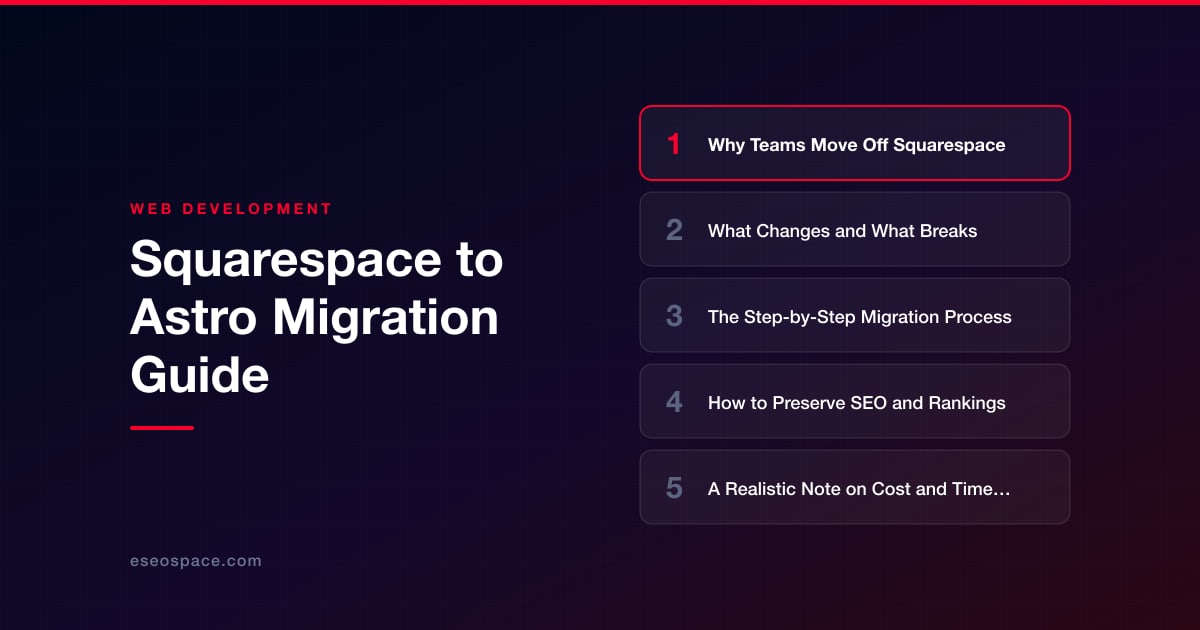
Key Takeaways
- Astro is an ideal destination for teams leaving Squarespace because it ships zero JavaScript by default, renders static HTML, and gives you full ownership of the code in a Git repository.
- The migration is a front-end rebuild, not a plugin: content is portable, but templates, forms, commerce, and built-in features must be recreated as Astro components and third-party integrations.
- Follow a disciplined sequence — crawl and inventory, export content, scaffold Astro, convert to Markdown, rebuild templates, reconnect features, map redirects, QA on staging, then cut over DNS.
- Protecting rankings depends on preserving URLs where possible, implementing complete page-to-page 301 redirects, porting all metadata and structured data, and monitoring Search Console for weeks after launch.
- Most small-to-mid marketing sites migrate in two to eight weeks; near-free static hosting often makes the project pay for itself within a year while page speed and conversions improve.
Squarespace is a fast way to launch a good-looking site, but growing teams eventually run into its ceiling. You are locked into template structures, a limited developer platform, per-page performance you cannot fully control, and a monthly bill that never buys you the underlying code. When marketing wants faster pages, engineering wants version control, and everyone wants Core Web Vitals that actually pass, the platform starts working against you rather than for you.
Astro is one of the most compelling destinations for teams leaving Squarespace. It ships zero JavaScript by default, renders to static HTML, supports content collections with type-safe frontmatter, and lets you pull in React, Vue, or Svelte components only where you truly need interactivity. The result is a site that loads in a fraction of the time, costs pennies to host, and lives entirely in a Git repository your team owns forever.
This guide walks through why teams make the move, what actually breaks in the transition, a concrete step-by-step migration process, and how to protect the rankings you have spent years earning. It is written for founders and marketers who want to understand the work, and for developers who want the technical specifics.
Why Teams Move Off Squarespace
The reasons are rarely a single dealbreaker. They accumulate. The most common drivers we hear from clients considering a move are:
- Performance ceilings. Squarespace injects heavy global JavaScript, jQuery, and its own layout engine on every page. Even a simple marketing page ships hundreds of kilobytes of script you did not write and cannot remove, which drags down Largest Contentful Paint and interaction metrics.
- No real code ownership. You rent the platform. There is no repository, no branching, no meaningful CI/CD, and code injection is capped and sandboxed. You cannot build custom logic, integrate a headless CMS cleanly, or wire up bespoke data flows.
- Scaling and cost. As traffic and page count grow, Business and Commerce plan fees add up while giving you no infrastructure control. Astro sites deploy as static assets to a CDN like Netlify, Vercel, or Cloudflare Pages for near-zero hosting cost.
- Design and structure limits. Template constraints force compromises on information architecture, navigation, and unique layouts that a component-based framework handles trivially.
If those pressures sound familiar, the next question is what the migration actually involves. Choosing the destination framework matters too; our guide on how to choose a JavaScript framework for your website explains why a content-heavy marketing site is often a perfect fit for Astro over a heavier SPA framework.
What Changes and What Breaks
Be honest with stakeholders up front: this is a rebuild of the front end, not a plugin you flip on. Understanding what carries over and what does not prevents ugly surprises.
- Content is portable, layout is not. Your text, images, and blog posts can be exported and re-imported. The visual templates, style tweaks, and drag-and-drop blocks do not translate and must be rebuilt as Astro components and CSS.
- Built-in features become integrations. Squarespace forms, member areas, scheduling (Acuity), and commerce are proprietary. In Astro you replace them with services like Netlify Forms, a headless commerce provider (Snipcart, Shopify Buy, Stripe Checkout), or a dedicated custom CRM and backend integration when you need real business logic behind the site.
- The Squarespace blog export is imperfect. Squarespace exports to a WordPress-format XML file. It captures most posts but often mangles image references, drops galleries, and omits some pages entirely. Budget cleanup time.
- URLs may shift. Squarespace uses collection-based paths like
/blog/post-slugand gallery URLs that will not automatically match your new Astro route structure. Every changed URL needs a redirect, which we cover below. - Third-party embeds and code injection. Analytics, chat widgets, and custom scripts placed in Squarespace's code injection need to be re-added to your Astro layout, ideally consolidated into a single base layout component.
The Step-by-Step Migration Process
Here is the sequence we follow on production migrations. Working in this order keeps the site auditable at every stage.
- 1. Crawl and inventory the existing site. Run Screaming Frog or a similar crawler against your live Squarespace site to capture every URL, title, meta description, and image. This inventory becomes your source of truth and your redirect checklist.
- 2. Export content. Use Squarespace's Import/Export to pull the blog XML, and manually collect static page copy, images, and any media the export misses. Download original-resolution images rather than the compressed CDN versions.
- 3. Scaffold the Astro project. Initialize with
npm create astro@latest, set up content collections with a typed schema insrc/content/config.ts, and establish a base layout, navigation, and shared components. - 4. Convert content to Markdown or MDX. Transform the exported posts into Markdown files with proper frontmatter (title, date, slug, description, canonical). A script can automate the bulk of this, with manual cleanup for images and embeds.
- 5. Rebuild templates as components. Recreate each page type — home, blog index, post, service pages, contact — as Astro components. Match the existing design closely at first so nothing looks like a downgrade, then improve from there.
- 6. Reconnect dynamic features. Wire up forms, search, commerce, and analytics using the integrations chosen earlier. Add interactive islands only where needed so most pages stay pure HTML.
- 7. Build the redirect map. Map every old URL to its new destination before launch (detailed in the SEO section).
- 8. Deploy to staging and QA. Push to a preview environment, then check every template, form submission, mobile breakpoint, and 404 behavior against the original inventory.
- 9. Cut over DNS and launch. Point your domain to the new host, then verify HTTPS, redirects, and live analytics immediately.
Teams that would rather not run this in-house can hand the whole sequence to our website migration services, which covers the crawl, rebuild, redirect strategy, and post-launch monitoring end to end.
How to Preserve SEO and Rankings
This is where migrations succeed or fail. A technically clean rebuild that ignores SEO can erase years of authority overnight. The non-negotiables:
- Preserve URLs where possible. Every URL you keep identical is one you do not have to redirect and one that keeps its ranking signals intact. Design your Astro routes to match existing paths first.
- Build a complete 301 redirect map. For every URL that must change, implement a permanent 301 redirect to the closest equivalent page. Never redirect everything to the homepage — that dumps link equity. Our guide to building a 301 redirect map shows how to structure this at scale, and most Astro hosts support redirects via a simple
_redirectsfile or config entry. - Match on-page metadata exactly. Port every title tag, meta description, canonical tag, Open Graph data, and structured data (JSON-LD) to the new pages. Astro makes this easy with a reusable SEO component fed by frontmatter.
- Regenerate the sitemap and robots.txt. Use
@astrojs/sitemapto produce an accurate XML sitemap, then resubmit it in Google Search Console the day you launch. - Monitor after launch. Watch Search Console coverage, crawl stats, and rankings for four to eight weeks. Some fluctuation is normal; a sustained drop signals a redirect gap or missing content. Working through a structured website migration SEO checklist before and after cutover catches most issues before they cost traffic.
Done properly, an Astro migration usually improves rankings over time because dramatically faster page speed and cleaner HTML are both ranking and conversion advantages.
A Realistic Note on Cost and Timeline
Scope drives everything, but here are honest ranges. A small marketing site of ten to twenty pages with a modest blog typically takes two to four weeks and lands in the low-to-mid four figures. A mid-sized site with a large blog, custom design, and a few integrations runs four to eight weeks. Sites with commerce, membership, or heavy custom functionality extend further and often benefit from a phased launch.
Most of the budget goes into three buckets: rebuilding templates as components, migrating and cleaning content, and building plus testing the redirect map. Hosting flips from a recurring Squarespace subscription to near-free static hosting, so the migration frequently pays for itself within a year on hosting savings alone — before you count the conversion lift from a faster site.
The Bottom Line
Leaving Squarespace for Astro is a deliberate trade: you invest in a one-time rebuild and in return you own your code, slash your load times, cut hosting costs to nearly nothing, and gain a platform your team can extend indefinitely. The migration is very manageable when you inventory thoroughly, rebuild methodically, and treat the redirect map and metadata as first-class deliverables rather than afterthoughts. Get those fundamentals right and you keep your rankings while everything about the site — speed, flexibility, and cost — gets measurably better.
Get a FREE Audit
We'll perform a comprehensive SEO, AEO, GEO & CRO audit of your website — completely free — and show you exactly how to outrank your competitors.
Don't have a site yet? Get in touch →
Put this into action with eSEOspace
We help businesses grow with website development that actually performs. Explore the services behind this guide:
Frequently Asked Questions
Will migrating from Squarespace to Astro hurt my Google rankings?
Can I export my Squarespace blog directly into Astro?
What Squarespace features stop working after migrating to Astro?
How long does a Squarespace to Astro migration take?
Why choose Astro instead of Next.js or WordPress after Squarespace?
Get a FREE GEO/AEO/SEO Audit
We'll analyze your site's SEO, GEO, AEO & CRO — completely free — and show you exactly how to get found across Google and AI answers.
Don't have a site yet? Get in touch →
Great — your audit is on the way!
We'll send your free SEO/GEO/AEO/CRO audit within the next few hours. Where should we send it?
You're all set! ✓
Your free audit is being prepared — check your inbox in the next few hours. Talk soon!








