



How to Migrate from Weebly to Squarespace
How to Migrate from Weebly to Squarespace
Key Takeaways
- Weebly-to-Squarespace is a manual rebuild, not a one-click import: pages, design, and apps must be recreated in Squarespace.
- URLs change between the two platforms, so a complete 301 redirect map is the single most important step for protecting rankings and backlinks.
- Recreate all SEO metadata (titles, descriptions, alt text, headers) from a full crawl of your existing Weebly site before you launch.
- Build and fully test the new Squarespace site on its trial URL first, then repoint DNS only once everything works.
- Timelines run from 1-2 weeks for a small brochure site to 4-8 weeks for e-commerce, with Squarespace plans costing roughly $16-$52/month plus migration labor.
Weebly served millions of small businesses well, but since Square acquired it, product development has slowed to a crawl, the app center has thinned out, and many owners feel stuck on an aging platform. Squarespace, by contrast, ships polished templates, a mature commerce engine, built-in email marketing, and stronger SEO controls. Moving between them is a common and sensible upgrade, but Weebly and Squarespace do not talk to each other, so there is no one-click importer that carries a full site across.
That means a Weebly-to-Squarespace migration is really a rebuild: you export what you can, recreate your pages and design in the new editor, and then carefully preserve the SEO equity you have already earned. Done carelessly, you can lose rankings, break links, and orphan customers. Done methodically, most sites come through with traffic intact or improved.
This guide walks through exactly what transfers, what breaks, and the step-by-step process to move your site safely, including the redirect strategy that protects your search visibility.
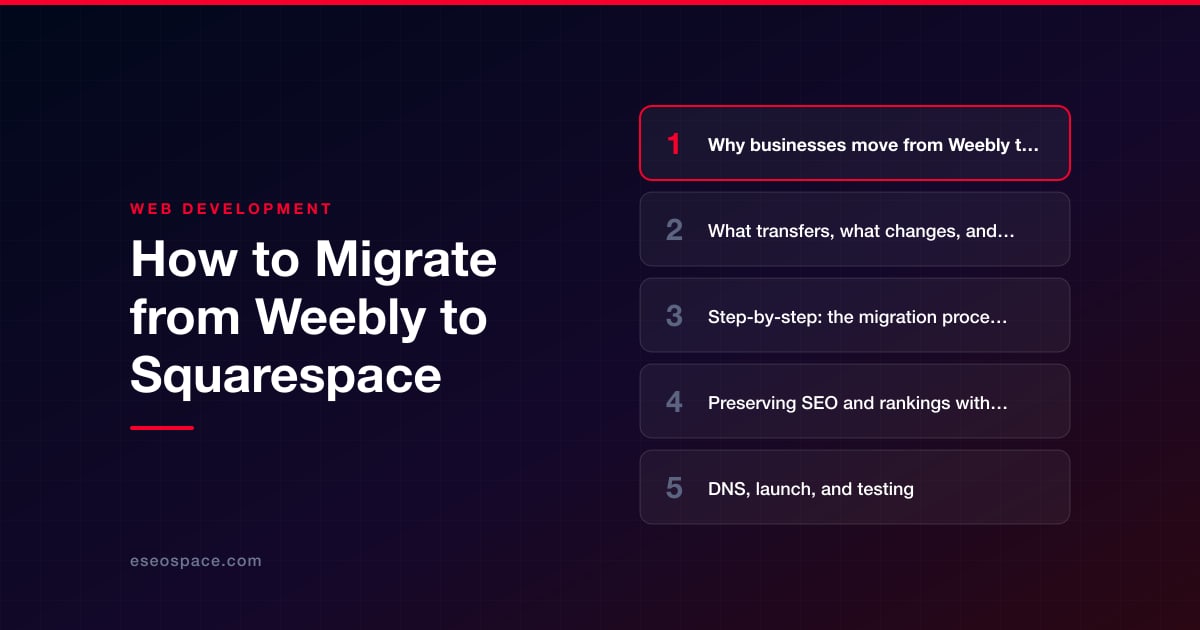
Why businesses move from Weebly to Squarespace
The decision usually comes down to product momentum and design ceiling. Since Square folded Weebly into its ecosystem, updates have been sparse and the third-party app center has shrunk, leaving owners waiting on features that never arrive. Squarespace releases regularly and offers a far deeper design system without needing plugins.
- Design quality: Squarespace templates and its Fluid Engine drag-and-drop editor produce more modern, mobile-responsive layouts than Weebly's dated theme library.
- Built-in features: Email campaigns, scheduling (Acuity), member areas, and blogging come native, replacing a stack of Weebly apps.
- Commerce: Squarespace Commerce handles subscriptions, digital products, and abandoned-cart recovery that Weebly's store lacks.
- SEO controls: Cleaner URL structures, per-page meta and canonical control, auto-generated sitemaps, and built-in AMP-free fast rendering.
If your goal is a genuine visual overhaul rather than a like-for-like copy, treat this as a redesign and plan the information architecture up front. Our website redesign services exist for exactly this crossover moment.
What transfers, what changes, and what breaks
Understanding this before you start prevents nasty surprises at launch. Very little moves automatically between the two platforms.
- Blog posts: Weebly can export a blog to an RSS/XML feed, and Squarespace can import a limited set of blog formats, but it is unreliable for Weebly specifically. Expect to re-import via a WordPress-format bridge or copy posts manually, and to reset publish dates and authors.
- Pages and content: Static pages (Home, About, Services, Contact) do not transfer. You recreate them in Squarespace, pasting text and re-uploading images.
- Design and theme: Nothing carries over. Your Weebly theme is abandoned; you rebuild the look in a Squarespace template.
- Weebly apps/plugins: These do not migrate. Find Squarespace-native equivalents or integrations (e.g., forms, pop-ups, booking).
- URLs: This is the big one. Weebly and Squarespace generate different URL patterns and slug rules, so most of your page addresses will change, breaking inbound links and rankings unless you redirect them.
- Products: Weebly store items can be exported to CSV; Squarespace accepts a product CSV, though you will remap columns and re-upload product images.
Because so much is a manual rebuild, scoping the work realistically is critical. A structured website migration service maps every page, asset, and redirect before a single thing moves, which is what keeps traffic from falling off a cliff.
Step-by-step: the migration process
Follow this sequence. Do not point your domain at Squarespace until the new site is fully built and tested.
- 1. Inventory the current site. Crawl your live Weebly site (Screaming Frog or a similar tool) and export a full list of URLs, page titles, and meta descriptions. This becomes your master checklist and the source for your redirect map.
- 2. Export what you can. In Weebly, export your store products to CSV and your blog to its available feed. Download all images and documents you cannot re-source easily.
- 3. Build the Squarespace site on a trial. Start a Squarespace trial, pick a template, and recreate each page, matching or improving on your Weebly content. Rebuild navigation, forms, and store items. Keep the trial site on its temporary squarespace.com URL for now.
- 4. Recreate SEO metadata. Copy over page titles, meta descriptions, image alt text, and header structure from your inventory so no on-page SEO signal is lost.
- 5. Build the redirect map. Match every old Weebly URL to its new Squarespace URL. This is the single most important step for rankings.
- 6. Test everything. Click every link, submit every form, run a test checkout, and preview on mobile. Confirm the sitemap generates and pages are set to index.
- 7. Connect the domain and launch. Point your DNS to Squarespace, upgrade from the trial to a paid plan, and go live.
- 8. Post-launch verification. Submit the new sitemap in Google Search Console, confirm redirects fire, and monitor Coverage and Performance reports for the next several weeks.
For a comprehensive pre-launch checklist, our website migration SEO checklist covers the technical items that are easy to forget under launch-day pressure.
Preserving SEO and rankings with 301 redirects
When URLs change, Google needs to be told where each old page now lives, or it treats them as dead (404) and the rankings and backlinks pointing at them evaporate. A 301 redirect permanently forwards an old URL to its new equivalent and passes the accumulated link equity along with it.
Squarespace has a built-in URL Mappings tool (Settings → Developer Tools / Advanced → URL Mappings) where you add redirects in a simple /old-path -> /new-path 301 syntax. Your job is to fill it with one line for every URL that changed.
- Map like-for-like. Send each old page to its closest new match, not lazily to the homepage. Homepage-only redirects are treated as soft 404s and lose ranking value.
- Prioritize by value. Start with pages that have traffic, backlinks, or rankings; use Search Console and Analytics to identify them.
- Watch Weebly's quirks. Weebly blog URLs often carry date or category prefixes that Squarespace won't replicate, so those almost always need explicit redirects.
- Keep the old sitemap handy. Cross-check it after launch to confirm nothing was missed.
Building this cleanly is a discipline in itself; our guide to creating a 301 redirect map for a website migration shows the exact format and QA process we use so no URL slips through.
DNS, launch, and testing
Launch is a DNS change: you repoint your domain's records from Weebly's servers to Squarespace's. If your domain was registered through Weebly/Square, you may need to transfer it out or update nameservers; if it is with a third-party registrar, you update the A records and CNAME per Squarespace's connection wizard.
- Lower TTL first. A day or two before launch, reduce your DNS TTL so the switch propagates in minutes rather than hours.
- Expect propagation lag. Some visitors may hit the old site briefly; keep the Weebly site live until propagation completes so nobody sees an error.
- Verify SSL. Squarespace provisions a free certificate automatically once the domain connects; confirm HTTPS resolves before announcing.
- Re-test on the live domain. Redirects, forms, and checkout can behave differently on the real domain than on the trial URL, so run the full test pass again after cutover.
Realistic timeline and cost
Because this is a rebuild rather than a data transfer, effort scales with page count and store complexity, not with a magic import button.
- Small brochure site (5-10 pages, no store): typically 1-2 weeks of focused work.
- Content-heavy or blog-driven site: 3-5 weeks, most of it spent recreating posts and mapping redirects.
- E-commerce site: 4-8 weeks, given product data cleanup, payment/shipping setup, and checkout testing.
On cost, Squarespace itself runs roughly $16-$52/month depending on plan (annual billing), plus your domain. Professional migration labor is where budgets vary: a straightforward brochure move is a modest project, while a large store or a full redesign with custom functionality is larger. If you need capabilities Squarespace cannot handle natively, that is a signal to consider custom website and CRM development or a fully bespoke website development build instead of forcing it into a template. The safest, cheapest outcome is almost always the one where redirects and SEO are planned before the rebuild starts, not patched afterward.
Get a FREE Audit
We'll perform a comprehensive SEO, AEO, GEO & CRO audit of your website — completely free — and show you exactly how to outrank your competitors.
Don't have a site yet? Get in touch →
Put this into action with eSEOspace
We help businesses grow with website development that actually performs. Explore the services behind this guide:
Frequently Asked Questions
Can I import my Weebly site directly into Squarespace?
Will I lose my Google rankings when I switch?
How do I set up redirects in Squarespace?
How long does a Weebly to Squarespace migration take?
What does it cost to move from Weebly to Squarespace?
Get a FREE GEO/AEO/SEO Audit
We'll analyze your site's SEO, GEO, AEO & CRO — completely free — and show you exactly how to get found across Google and AI answers.
Don't have a site yet? Get in touch →
Great — your audit is on the way!
We'll send your free SEO/GEO/AEO/CRO audit within the next few hours. Where should we send it?
You're all set! ✓
Your free audit is being prepared — check your inbox in the next few hours. Talk soon!








