



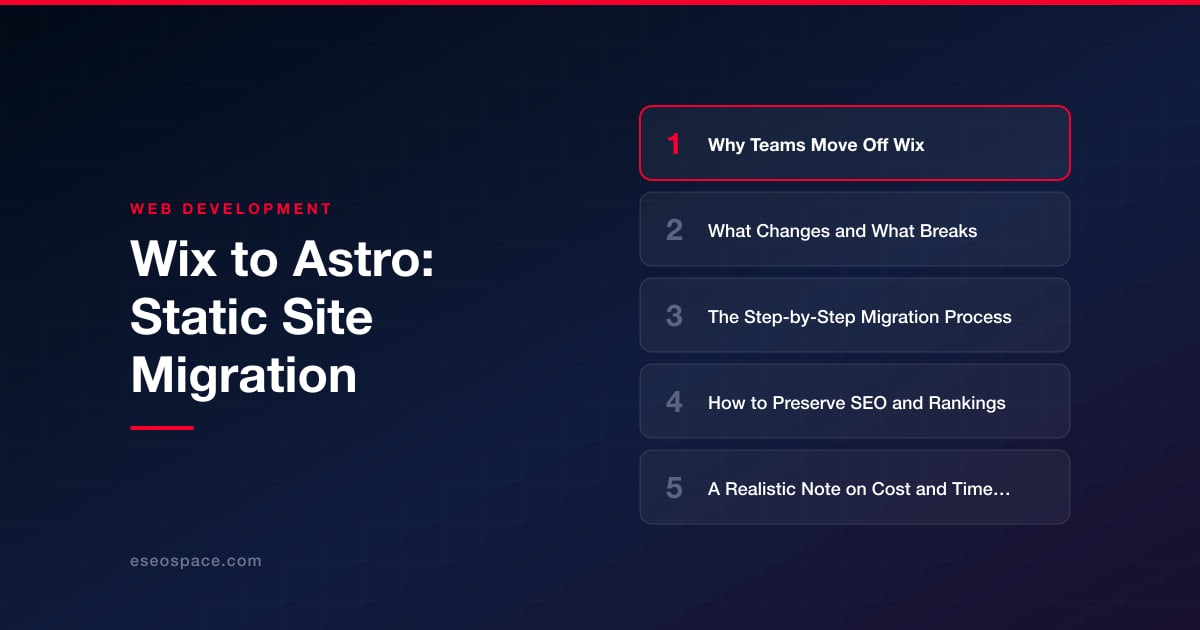
Wix to Astro: Static Site Migration
Wix to Astro: Static Site Migration
Key Takeaways
- Teams leave Wix when they hit ceilings on performance, code access, portability, and custom functionality that a closed platform cannot lift.
- Astro's static, zero-JavaScript-by-default rendering produces near-instant pages that typically score well on Lighthouse and cost pennies to host on a CDN.
- The migration is a front-end rebuild on top of existing content: the visual editor, built-in forms, and Wix apps are replaced, but content and rankings are preserved.
- One-to-one 301 redirects, matched on-page signals, and reimplemented structured data are the non-negotiables that protect SEO equity through the move.
- A typical migration runs 2-12 weeks depending on page count and dynamic features, with content extraction and forms driving most of the cost.
Wix is a genuinely good place to launch a first website. It gets a business online in an afternoon, and its drag-and-drop editor means no one has to touch code. But the same closed, managed environment that makes Wix easy also becomes the ceiling teams eventually hit. Page speed plateaus at “acceptable” and never reaches “fast.” You cannot edit the underlying markup, control the rendering pipeline, or move your content anywhere else without a rebuild. For a marketing site whose job is to rank and convert, those constraints quietly cost you traffic.
Astro is the natural destination for a content-driven site that has outgrown Wix. It ships zero JavaScript by default, renders pages to static HTML at build time, and lets you keep authoring in Markdown or a headless CMS. The result is a site that loads almost instantly, costs pennies to host on a CDN, and gives you full ownership of every byte. This guide walks through why teams make the move, what actually changes, and how to migrate without dropping your rankings.
Why Teams Move Off Wix
The reasons are consistent across the businesses we help migrate. Wix works until you need it to do more than it was designed for:
- Performance ceilings. Wix pages are server-rendered but load a large JavaScript runtime and are hard to get into the green on Core Web Vitals. Astro’s static HTML typically scores well on Lighthouse with little tuning.
- No real code access. You cannot control the DOM, add arbitrary meta tags cleanly, tune the critical rendering path, or integrate a custom build step. Velo (Wix’s coding layer) is a walled garden, not an escape hatch.
- Portability and lock-in. Your content, URLs, and design live inside Wix’s proprietary system. There is no clean export, which makes every future decision more expensive.
- Cost at scale. Premium plans, app-market add-ons, and per-feature upsells add up. A static Astro site on a CDN is often cheaper to run and faster to extend.
- Custom functionality. Once you need bespoke integrations, gated content, or a real custom CRM and web application, Wix stops being a platform and starts being a constraint.
None of this means Wix is bad. It means your site graduated. The trigger is usually a plateau in organic traffic, a redesign that Wix can’t accommodate, or an SEO audit that flags speed and crawlability as the bottleneck.
What Changes and What Breaks
Migrating to Astro is not a lift-and-shift; it is a rebuild of the front end on top of your existing content. Being honest about that up front prevents nasty surprises. Here is what genuinely changes:
- Rendering model. Wix renders each page on its servers per request, then loads its JavaScript runtime in the browser. Astro renders to HTML at build time. Pages become files a CDN serves directly, which is why they feel instant.
- Content authoring. The visual editor goes away. Content moves to Markdown files, MDX, or a headless CMS (Sanity, Contentful, Storyblok) that non-technical editors can still use through a friendly UI.
- Forms and dynamic features. Wix’s built-in contact forms, bookings, and stores do not carry over. You replace them with services like a form endpoint, a headless commerce provider, or serverless functions. This is the most commonly underestimated part of the move.
- URLs. Wix uses specific URL patterns (for example,
/post/prefixes on blog articles). Your new structure may differ, which makes a redirect map mandatory rather than optional. - Third-party embeds. Wix apps for reviews, chat, or galleries need direct equivalents wired in as Astro components or scripts.
What does not break, if you plan correctly: your content, your rankings, your brand, and your ability to let non-developers publish. Everything worth keeping is preserved; only the proprietary plumbing gets replaced.
The Step-by-Step Migration Process
A clean Wix-to-Astro migration follows a predictable sequence. Rushing any step is where projects lose rankings, so treat this as a checklist.
- 1. Inventory everything. Crawl the existing Wix site with Screaming Frog to capture every live URL, title, meta description, heading, and image. Export analytics and Search Console data to identify your top-performing pages — these get white-glove treatment.
- 2. Extract the content. Wix has no true export, so content is pulled via its Blog API where available, HTML scraping, or manual migration for smaller sites. Normalize it into Markdown or your chosen CMS, keeping frontmatter for titles, dates, slugs, and meta.
- 3. Scaffold the Astro project. Set up content collections with schemas so every page is type-checked, build reusable layout and component files, and port the design. This is where you decide your rendering strategy; our guide to choosing a JavaScript framework for your website covers when static, SSR, or a hybrid island approach fits.
- 4. Rebuild dynamic features. Wire up forms to an endpoint or serverless function, connect commerce or booking if needed, and re-add embeds as components. Test every interactive element.
- 5. Build the redirect map. Map every old Wix URL to its new counterpart with 301s. Follow a disciplined process like our 301 redirect map methodology so no equity is stranded on a 404.
- 6. Preserve SEO signals. Recreate titles, meta descriptions, canonical tags, structured data, and image alt text one-to-one. Generate a fresh XML sitemap and robots.txt.
- 7. Stage, QA, and cut over. Deploy to a preview URL, run a full crawl to catch broken links and missing redirects, validate Core Web Vitals, then point DNS. Submit the new sitemap to Search Console immediately after launch.
For teams that would rather not manage this in-house, our website migration services run the entire sequence — extraction, rebuild, redirects, and post-launch monitoring — so rankings stay intact through the transition.
How to Preserve SEO and Rankings
This is the part clients worry about most, and rightly so — a botched migration can erase years of ranking equity in a week. The good news is that Astro tends to improve SEO once the fundamentals are handled, because faster, cleaner HTML is exactly what search engines reward. Protect your rankings by treating these as non-negotiable:
- One-to-one 301 redirects. Every old URL that has traffic, backlinks, or crawl history must redirect to its new equivalent. Never let an indexed page 404.
- Preserve on-page signals. Match titles, meta descriptions, H1s, heading hierarchy, and internal linking. Small drifts compound into ranking drops.
- Reimplement structured data. Re-add JSON-LD schema for articles, breadcrumbs, organizations, and products so rich results survive the move.
- Keep URLs stable where possible. The fewer URLs you change, the fewer redirects and the less risk. Only restructure when there is a clear reason.
- Monitor after launch. Watch Search Console coverage, crawl stats, and rankings daily for the first few weeks. Fix crawl errors immediately.
Work through a complete website migration SEO checklist before you flip DNS. The migrations that lose traffic almost always skipped a step on that list; the ones that gain traffic did not.
A Realistic Note on Cost and Timeline
Honest expectations matter more than optimistic ones. A Wix-to-Astro migration is a real project, not a plugin. Here is roughly what to plan for:
- Small brochure or blog (5–20 pages): typically 2–4 weeks, with the bulk of effort in content extraction and redirects rather than design.
- Mid-size marketing site (20–80 pages) with a CMS and forms: usually 4–8 weeks, including headless CMS setup so editors keep a friendly workflow.
- Large or feature-heavy site (commerce, gated content, integrations): 8–12+ weeks, since dynamic features and custom development drive the timeline more than page count.
The single biggest cost variable is content extraction — because Wix has no clean export, more pages mean more manual or API-driven pulling. The second is dynamic functionality: forms, bookings, and stores each need a replacement service wired and tested. Design complexity matters less than most people assume, since a rebuild is a chance to modernize efficiently. Budget for a proper redirect map and post-launch monitoring; skimping there is what turns a migration into a recovery project.
The Confident Close
Leaving Wix can feel daunting because the platform holds your content, your design, and your traffic all in one closed box. But that is exactly the problem worth solving. Moving to Astro trades a rented, throttled platform for a fast, portable, fully owned site — one that loads in a blink, costs almost nothing to serve, and can grow into whatever your business needs next. Done methodically, with a real redirect map and a disciplined SEO checklist, a migration does not just protect your rankings; it typically improves them, because you are handing search engines cleaner, faster pages than Wix could ever produce. The work is real, but the payoff — speed, control, and a foundation you own — lasts for years.
Get a FREE Audit
We'll perform a comprehensive SEO, AEO, GEO & CRO audit of your website — completely free — and show you exactly how to outrank your competitors.
Don't have a site yet? Get in touch →
Put this into action with eSEOspace
We help businesses grow with website development that actually performs. Explore the services behind this guide:
Frequently Asked Questions
Will migrating from Wix to Astro hurt my Google rankings?
Can I export my content directly out of Wix?
What happens to my Wix contact forms and online store?
How will non-technical staff update the site after moving to Astro?
How long does a Wix to Astro migration take?
Get a FREE GEO/AEO/SEO Audit
We'll analyze your site's SEO, GEO, AEO & CRO — completely free — and show you exactly how to get found across Google and AI answers.
Don't have a site yet? Get in touch →
Great — your audit is on the way!
We'll send your free SEO/GEO/AEO/CRO audit within the next few hours. Where should we send it?
You're all set! ✓
Your free audit is being prepared — check your inbox in the next few hours. Talk soon!








