



WordPress to Directus Migration Guide
WordPress to Directus Migration Guide
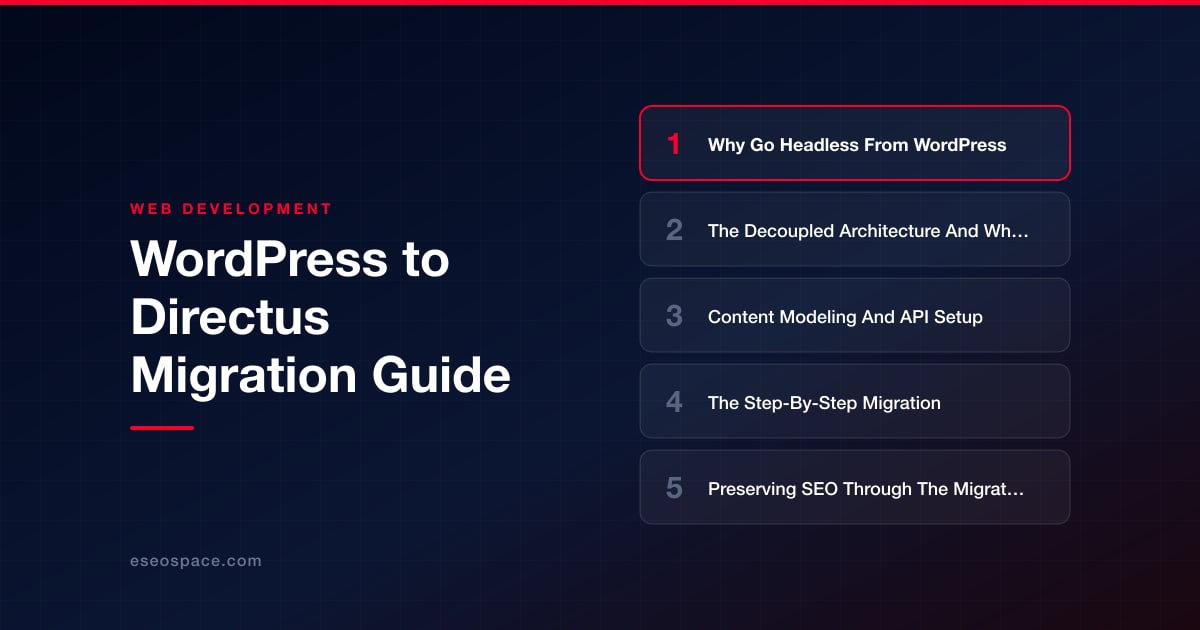
Key Takeaways
- Directus decouples your content into a real SQL database with an instant REST and GraphQL API, replacing WordPress's coupled theme-and-plugin architecture.
- Content modeling is the core work: map WordPress posts, taxonomies, and meta to clean Directus collections with explicit relational fields and dedicated SEO fields.
- Migrate content through the WordPress REST API using a scripted, idempotent extract-transform-load pipeline rather than raw SQL dumps.
- Preserve SEO by mapping every URL to 301 redirects, serving server-rendered or statically generated HTML, and carrying over all title tags and metadata.
- A headless front end must render complete HTML for crawlers; a browser-only SPA will damage search rankings after migration.
WordPress powers roughly 40% of the web, but its monolithic architecture increasingly works against modern teams. When your marketing site, mobile app, and digital signage all need the same content, funneling everything through a PHP theme layer becomes a bottleneck. Directus takes a fundamentally different approach: it wraps a real SQL database in an instant REST and GraphQL API and a polished admin app, giving you a headless data platform rather than a coupled website engine.
Migrating from WordPress to Directus is not a plugin swap. You are decoupling your content from its presentation, normalizing years of accumulated post meta into clean relational tables, and rebuilding the front end as an independent application that consumes an API. Done well, the payoff is a faster site, a cleaner data model, and content you can reuse across any channel.
This guide walks through why teams go headless from WordPress, what actually changes in a decoupled architecture, and the concrete steps to model, migrate, and ship your content on Directus without sacrificing the search rankings you have spent years earning.
Why Go Headless From WordPress
The most common trigger is performance and flexibility hitting a wall at the same time. WordPress renders pages server-side through a theme, and every request drags along plugins, hooks, and database queries you cannot easily prune. A headless setup separates the content repository from the delivery layer, so your front end can be a statically generated Next.js or Astro site served from a CDN in milliseconds.
Beyond speed, teams migrate for these reasons:
- Omnichannel reuse: the same product description or blog post can feed a website, a native app, and a kiosk from one API, with no duplicated content.
- Clean data ownership: Directus runs on your own PostgreSQL, MySQL, or SQLite database. There is no proprietary lock-in and no wp_postmeta key-value soup to untangle later.
- Security surface: a decoupled front end has no direct database connection and no login screen exposed to bots, shrinking the attack surface that plagues WordPress installs.
- Developer experience: version-controlled schema, typed API responses, and granular role-based permissions replace the guesswork of theme functions and filter hooks.
If you are still weighing the tradeoffs, our breakdown of headless CMS versus traditional CMS covers where each model wins and where a monolith is still the right call.
The Decoupled Architecture And What Changes
In WordPress, content, business logic, and presentation live in one codebase. In a Directus architecture, those responsibilities split into distinct layers. Directus becomes the content and data platform: it owns the database schema, the admin editing experience, authentication, and the auto-generated API. Your front end becomes a separate application that fetches JSON over HTTPS and renders it however you like.
The practical implications are significant. Themes and PHP templates disappear entirely, replaced by framework components in React, Vue, or Svelte. WordPress plugins have no equivalent, so functionality like forms, search, and redirects must be handled by your front-end framework, a Directus Flow (its automation engine), or a dedicated service. Rendering shifts from per-request PHP to static generation or server-side rendering at the edge, which is why headless sites feel dramatically faster.
Content relationships also become explicit. Where WordPress hides connections in taxonomy tables and serialized meta, Directus uses first-class relational fields, Many-to-One, Many-to-Many, and Many-to-Any, that map directly onto foreign keys. This is a genuine data-modeling exercise, and it is where partnering with a team experienced in custom website and application development pays off, because the schema you design now dictates how flexible your platform is for years.
Content Modeling And API Setup
Before moving a single row of data, design your Directus collections to mirror the content types you actually have. A typical WordPress blog maps to a handful of collections:
- posts with fields for title, slug, body (a rich-text or markdown field), excerpt, featured_image (a file relation), status, and published_date.
- categories and tags as separate collections linked to posts through Many-to-Many junction tables, replacing WordPress taxonomies.
- authors as a collection, so bylines are structured data rather than user-account side effects.
- pages for static content, optionally using a repeatable block field for flexible page building.
Directus generates a REST endpoint and a GraphQL schema for every collection the moment you create it, so there is no separate API to build. Configure roles and permissions carefully: create a public read-only role scoped to published items only, and issue a static access token for your front end to read content at build time. Model your SEO fields explicitly, add meta_title, meta_description, canonical_url, and an og_image field to each collection, because unlike WordPress with Yoast, nothing provides these automatically. Getting this structure right up front prevents painful re-migrations later.
The Step-By-Step Migration
With your schema in place, the migration itself follows a repeatable sequence. The safest path uses the WordPress REST API as the source of truth rather than raw SQL dumps, since the REST API returns fully rendered content and resolved relationships.
- Extract: pull all content from
/wp-json/wp/v2/posts,/pages,/categories,/tags,/users, and/media, paginating through every record. Save the raw JSON so you can re-run transforms without re-hitting the source. - Transform: write a script that maps WordPress fields to your Directus fields, converts rendered HTML or Gutenberg blocks to your chosen body format, and resolves author and taxonomy IDs to their new Directus counterparts. Sanitize legacy shortcodes and inline styles here.
- Migrate media: download every file from the WordPress uploads directory and import it through the Directus files API, then remap each post's featured_image and inline image references to the new asset UUIDs.
- Load: use the Directus SDK or REST API to create records collection by collection, importing authors and categories first so posts can reference them. Batch requests and respect rate limits.
- Verify: reconcile counts, spot-check rich content, and confirm relationships resolved correctly before pointing any front end at the new data.
A scripted, idempotent pipeline is worth the investment because you will run it multiple times before cutover. For larger or business-critical sites, our website migration services handle this extraction and transformation end to end, including edge cases like custom post types, ACF fields, and nested block structures.
Preserving SEO Through The Migration
The single biggest risk in any platform move is losing search rankings, and headless migrations are especially exposed because the URL structure and rendering method both change. Protect your equity with a disciplined plan.
- Map every URL: export your existing WordPress permalinks and decide the corresponding Directus-driven route for each. If slugs change, you need a redirect, and our 301 redirect map guide shows how to build that mapping without gaps.
- Serve rendered HTML: use static generation or server-side rendering so crawlers receive complete markup. A client-only SPA that renders content in the browser is the fastest way to tank a headless migration.
- Migrate metadata explicitly: carry over the title tags, meta descriptions, canonical URLs, and structured data that Yoast or Rank Math previously generated, populating the SEO fields you modeled earlier.
- Rebuild XML sitemaps and robots.txt in the front-end framework, and resubmit them in Google Search Console at launch.
Work through a full website migration SEO checklist before and after cutover, and keep the old WordPress site reachable on a staging URL so you can diff rendered pages and confirm nothing regressed. Monitor Search Console for crawl errors and coverage drops for at least a few weeks post-launch.
Shipping With Confidence
Migrating from WordPress to Directus is a deliberate architectural upgrade, not a lift-and-shift. You trade a coupled theme engine for a clean relational database, an instant API, and a front end you fully control, which pays dividends in speed, security, and reuse across every channel your business touches.
The teams that succeed treat it as three disciplined phases: model the schema thoughtfully, script an idempotent data pipeline, and guard SEO with redirects and rendered HTML at every step. Nail those, and you emerge with a faster site, cleaner content, and a platform that grows with you instead of fighting you. When the stakes are high, bringing in specialists to plan the schema and execute the migration is the difference between a smooth launch and months of cleanup.
Get a FREE Audit
We'll perform a comprehensive SEO, AEO, GEO & CRO audit of your website — completely free — and show you exactly how to outrank your competitors.
Don't have a site yet? Get in touch →
Put this into action with eSEOspace
We help businesses grow with website development that actually performs. Explore the services behind this guide:
Frequently Asked Questions
Is Directus a good replacement for WordPress?
How do I migrate WordPress content to Directus?
Will migrating to Directus hurt my SEO?
What replaces WordPress plugins in Directus?
Do I need a developer to migrate from WordPress to Directus?
Get a FREE GEO/AEO/SEO Audit
We'll analyze your site's SEO, GEO, AEO & CRO — completely free — and show you exactly how to get found across Google and AI answers.
Don't have a site yet? Get in touch →
Great — your audit is on the way!
We'll send your free SEO/GEO/AEO/CRO audit within the next few hours. Where should we send it?
You're all set! ✓
Your free audit is being prepared — check your inbox in the next few hours. Talk soon!








