



The Complete Website Migration Checklist: SEO, Content, Redirects, and Testing
The Complete Website Migration Checklist: SEO, Content, Redirects, and Testing
Key Takeaways
- Never migrate without a full pre-launch benchmark of crawl data, analytics, rankings, and backlinks, because you cannot diagnose problems you never measured.
- Map every old URL one-to-one to its closest new equivalent and avoid mass-redirecting pages to the homepage, which search engines treat as soft 404s.
- Use permanent 301 redirects, eliminate chains and loops so each URL resolves in a single hop, and keep the rules live indefinitely.
- Preserve technical SEO signals through the move: titles, canonicals, structured data, sitemaps, robots.txt, and internal links must all point to final URLs.
- Treat launch as a verification checklist and monitor Search Console, rankings, and conversion paths closely for the first two to four weeks.
A website migration is one of the highest-risk projects any site owner can undertake. Whether you are changing domains, switching platforms (say WordPress to Next.js), moving to HTTPS, restructuring your URLs, or consolidating multiple sites into one, the moment you flip the switch you are asking search engines to re-map everything they know about your site. Done carelessly, a migration can wipe out years of accumulated rankings, backlinks, and organic traffic in a matter of days.
The good news is that traffic loss is almost always preventable. In our experience running website migration projects, the sites that hold their rankings are the ones that treated migration as a disciplined, checklist-driven process rather than a single launch-day event. This guide walks through the complete website migration checklist in the order the work actually happens: planning and benchmarking, content mapping, redirects, technical SEO, launch, and post-launch testing.
Use it as a working document. Copy each section into your project tracker, assign owners, and do not treat any item as optional until you have confirmed it does not apply to your situation.
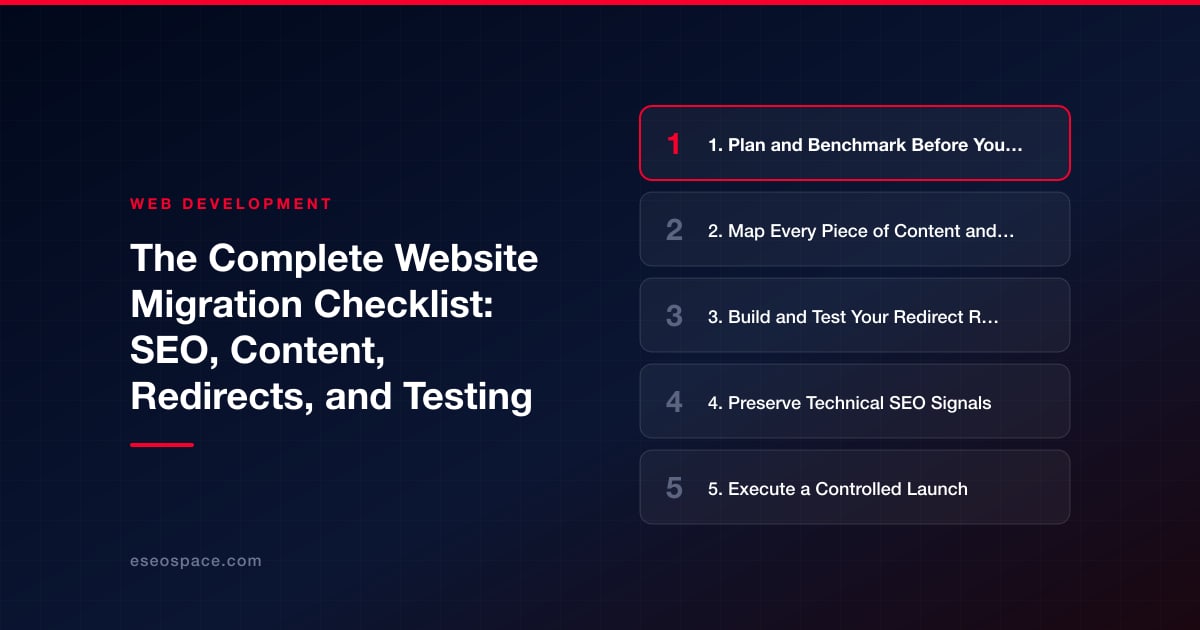
1. Plan and Benchmark Before You Touch Anything
The single most common cause of a failed migration is launching without a baseline. If you do not know what your traffic, rankings, and crawl behavior looked like before the move, you cannot diagnose what broke afterward. Spend real time here.
- Define the scope and reason. Is this a domain change, a platform/CMS change, a redesign, an HTTPS move, a URL restructure, or several at once? Whenever possible, avoid stacking multiple major changes in a single launch, because it makes it far harder to isolate the cause if something goes wrong.
- Export a full crawl of the current site. Use Screaming Frog or Sitebulk to capture every indexable URL, its status code, title tag, meta description, H1, canonical, and word count. This becomes your source of truth for content mapping.
- Benchmark analytics and Search Console. Record 3-6 months of organic sessions, top landing pages, conversions, and your highest-traffic keyword positions. Screenshot Search Console coverage and performance reports.
- Pull your backlink profile. Identify which URLs earn the most external links (Ahrefs, Semrush, or GSC links report). These pages are non-negotiable candidates for one-to-one redirects.
- Set up a staging environment. Build and validate the new site on a password-protected or noindexed staging domain so it can never be crawled or indexed prematurely.
2. Map Every Piece of Content and Every URL
Redirects are how you preserve link equity, but a redirect is only as good as the content mapping behind it. Build a spreadsheet with one row per old URL and columns for the new destination URL, the HTTP status you expect, the priority (based on traffic and links), and a mapping notes field.
- Map one-to-one wherever possible. Every high-value old URL should point to the closest equivalent new URL. Avoid redirecting large numbers of pages to the homepage; search engines often treat a redirect to an irrelevant page as a soft 404, and the link equity is largely lost.
- Account for orphaned and low-value pages. Decide deliberately whether to redirect, consolidate, or intentionally retire each one. Thin or duplicate pages can be consolidated into stronger hub pages during a migration, which is one of the few upsides of the disruption.
- Preserve or upgrade on-page content. If you are also redesigning, resist the urge to trim copy for aesthetics. Pages that rank do so partly because of their content depth. Keep the substance, and if anything, improve it. A thoughtful website development process treats content preservation as a launch requirement, not an afterthought.
- Match URL structures intentionally. If your new platform changes URL patterns (trailing slashes, category prefixes, date stamps in blog URLs), document the old-to-new transformation as a rule so you can generate redirects programmatically rather than by hand.
3. Build and Test Your Redirect Rules
Redirects are the load-bearing wall of any migration. Get them right and most of your equity survives; get them wrong and you leak traffic through broken chains and 404s.
- Use 301 (permanent) redirects. A 301 tells search engines the move is permanent and passes the maximum link signal. Use 302 only for genuinely temporary situations.
- Avoid redirect chains and loops. A should redirect directly to C, never A to B to C. Chains dilute equity and slow crawling. After you generate rules, crawl the old URL list and confirm each resolves in a single hop to a 200-status destination.
- Handle protocol and host consolidation. Ensure http to https and non-www to www (or vice versa) all funnel to one canonical version in a single redirect, not multiple stacked ones.
- Test redirects on staging first. Load your redirect map into the staging config and run your full old-URL crawl against it before launch. Every priority URL must return the expected 301 to the expected destination.
- Keep redirects live indefinitely. Do not remove them after a few weeks. Backlinks and bookmarks pointing to old URLs can persist for years, so leave the rules in place permanently.
4. Preserve Technical SEO Signals
Beyond redirects, dozens of technical signals tell search engines how to interpret your site. A migration is the easiest time to accidentally break every one of them at once.
- Titles, meta descriptions, and headings. Confirm the new templates output the same (or improved) metadata your ranking pages had. A CMS switch frequently resets these to generic defaults.
- Canonical tags. Every page should self-canonical to its final HTTPS, correct-host URL. Watch for staging URLs leaking into canonicals after launch, which is a classic and costly mistake.
- Structured data. Re-implement schema markup (Organization, Article, Product, FAQ, LocalBusiness) that existed before, and validate it with the Rich Results Test.
- XML sitemaps and robots.txt. Generate a fresh sitemap of the new URLs only, and double-check robots.txt does not carry over a staging-era
Disallow: /that would block your entire site. - Internal links. Update internal links to point at final URLs directly rather than routing through redirects. Internal linking is fully within your control, so there is no excuse for internal redirect chains.
- Performance and Core Web Vitals. Benchmark LCP, CLS, and INP on staging. A faster stack is a common reason teams choose to migrate their site in the first place, so verify the new build actually delivers the speed you moved for.
5. Execute a Controlled Launch
Launch day should be boring. If you have done the preparation, cutover is mostly a sequence of verification steps rather than firefighting. Pick a low-traffic window and have your rollback plan documented.
- Remove staging protections in the right order. Deploy the site, then immediately confirm robots.txt allows crawling and that no page carries a lingering noindex tag.
- Activate redirects at cutover. Make sure the redirect rules go live at the same moment the new site does, so no user or bot ever hits a dead old URL.
- Verify DNS and SSL. Confirm the certificate is valid across all subdomains and that DNS has propagated to the correct host. An expired or mismatched SSL certificate throws browser warnings that tank trust and conversions.
- Submit new sitemaps in Search Console. Submit the updated sitemap and, for domain moves, use the Change of Address tool. Keep the old domain verified so you can monitor its de-indexing.
6. Test, Monitor, and Iterate After Launch
The migration is not finished at launch. The critical window is the first two to four weeks, when search engines re-crawl and re-index. Watch closely and act fast on anything that surfaces.
- Re-crawl immediately. Run a full crawl of the new site to catch broken links, 404s, unexpected redirects, missing metadata, and orphan pages before Google does.
- Monitor Search Console coverage daily. Watch for spikes in 404s, server errors, or excluded pages. A sudden jump in "crawled, not indexed" often points to a redirect or canonical problem.
- Track rankings and traffic against your benchmark. Expect a brief dip as search engines reprocess; a minor, short-lived fluctuation is normal. A sustained drop after two to three weeks signals a real problem worth escalating.
- Test conversion paths. Confirm forms, checkout, analytics tracking, event firing, and phone/email links all work on the new site. Traffic that converts nowhere is as damaging as traffic that never arrives.
- Keep a punch list. Log every issue you find with an owner and a fix date. Migrations are iterative; the difference between a smooth one and a disaster is usually how quickly the team closes out post-launch findings.
Approached methodically, a migration does not have to cost you rankings, and it can even leave your site faster, cleaner, and better organized than before. The teams that succeed are simply the ones who refuse to skip steps. If you want that discipline applied to your project by people who do it regularly, our website migration services exist for exactly this reason.
Get a FREE Audit
We'll perform a comprehensive SEO, AEO, GEO & CRO audit of your website — completely free — and show you exactly how to outrank your competitors.
Don't have a site yet? Get in touch →
Put this into action with eSEOspace
We help businesses grow with website development that actually performs. Explore the services behind this guide:
Frequently Asked Questions
How long does it take to recover rankings after a website migration?
Should I use 301 or 302 redirects for a migration?
Will I lose my backlinks when I change domains?
Can I redesign my site and migrate platforms at the same time?
What is the most common website migration mistake?
Get a FREE GEO/AEO/SEO Audit
We'll analyze your site's SEO, GEO, AEO & CRO — completely free — and show you exactly how to get found across Google and AI answers.
Don't have a site yet? Get in touch →
Great — your audit is on the way!
We'll send your free SEO/GEO/AEO/CRO audit within the next few hours. Where should we send it?
You're all set! ✓
Your free audit is being prepared — check your inbox in the next few hours. Talk soon!








