



Custom CMS to WordPress Migration: When It Makes Sense and How We Do It
Custom CMS to WordPress Migration: When It Makes Sense and How We Do It
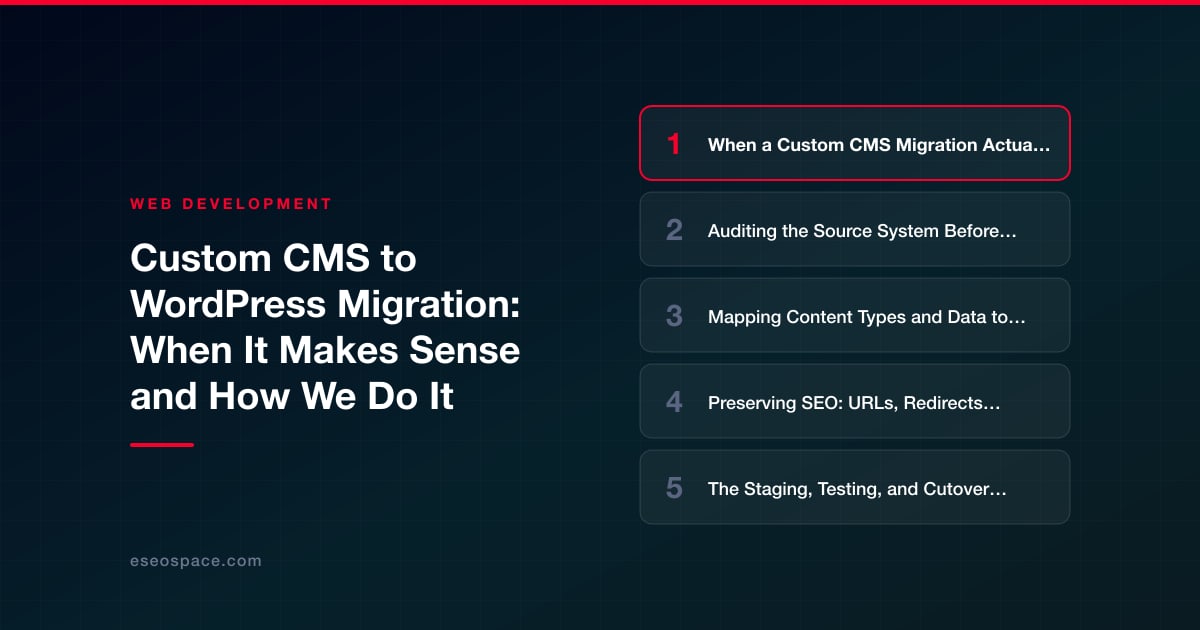
Key Takeaways
- A custom CMS to WordPress migration makes sense when maintenance cost, bus-factor risk, end-of-life security, or a feature ceiling outweigh the value of the bespoke system.
- The most common cause of failed migrations is starting the export before fully auditing the source schema, content types, URLs, and integrations.
- Bespoke content should be mapped deliberately to WordPress posts, pages, and custom post types with custom fields rather than forced into a generic model.
- SEO is preserved by matching URLs where possible, building one-to-one 301 redirects for the rest, and migrating title tags, metadata, and structured data with the content.
- Every migration should run on staging with content and technical QA, a frozen final sync, a clean DNS cutover, and weeks of post-launch monitoring.
A custom content management system usually starts life as a smart decision. A developer or agency builds something tailored to a company's exact workflow, and for a while it fits like a glove. Then the original developer moves on, the codebase ages, security patches stop arriving, and every small edit turns into a quoted change request. When maintaining the platform costs more than the platform delivers, a CMS to WordPress migration stops being a nice-to-have and becomes a business decision.
WordPress powers a huge share of the web for good reasons: an enormous plugin and theme ecosystem, a deep pool of developers who already know it, a REST API for headless setups, and no per-seat licensing. But migrating off a bespoke system is not a copy-paste job. Your content lives in a database schema nobody documented, your URLs were invented by a framework that no longer exists, and your SEO equity is tied to both. This guide covers when the move actually makes sense and the exact process we follow to do it without tanking your rankings.
We have run this play across dozens of platforms, from PHP frameworks and .NET applications to proprietary SaaS builders. The technology changes; the discipline does not.
When a Custom CMS Migration Actually Makes Sense
Not every aging system needs to move. Migration is disruptive, and doing it for the wrong reasons wastes budget. In our experience, a move to WordPress is justified when several of these signals stack up:
- Bus-factor risk. One person understands the codebase, and if they leave, you cannot change a headline safely. Custom CMS platforms frequently have no documentation and no second developer who can pick them up.
- Stalled security and maintenance. The framework version is end-of-life, dependencies no longer receive patches, or the hosting stack cannot be upgraded without breaking the app.
- High cost of routine edits. If publishing a blog post or adding a service page requires a developer ticket and a deploy, your team is paying engineering rates for editorial work.
- Feature ceiling. You need e-commerce, memberships, multilingual content, or marketing integrations that would take months to build custom but are mature, supported plugins in WordPress.
- Hiring and continuity. WordPress talent is abundant and affordable. Bespoke-framework talent is scarce and expensive.
Conversely, if your custom CMS is actively maintained, performs well, and its logic is genuinely unique to a competitive advantage, a headless or hybrid approach may beat a full replatform. Part of our website migration services is an honest upfront assessment that sometimes ends with "don't migrate yet." A migration you don't need is the most expensive kind.
Auditing the Source System Before You Touch Anything
The single biggest cause of failed migrations is starting the export before you understand the export. Before we write a line of migration code, we inventory the old system in detail.
We catalog every content type and how many records exist for each: pages, posts, products, team bios, case studies, custom taxonomies, and any one-off structures the original developer bolted on. We map the database schema and how relationships are stored, because a custom CMS often keeps author, category, and media links in ways that make no sense until you trace the foreign keys by hand.
Just as important, we pull a complete URL inventory from analytics, the XML sitemap, server logs, and a full crawl. Every URL that currently earns traffic or holds a backlink is an asset we must account for. We also list media files, forms and their destinations, third-party integrations, and any custom fields or metadata that drive layouts. The output is a written spec that says exactly what is moving and where each piece lands in WordPress.
This audit phase is also where hidden landmines surface. Custom systems often store dates in non-standard formats, embed content in serialized blobs, reference images by database ID rather than path, or hard-code business logic into templates. We find these problems on paper, before they can corrupt a live import. A thorough audit routinely uncovers duplicate or orphaned records, legacy content nobody wants to carry forward, and redirect chains from previous migrations that should be flattened rather than inherited.
Mapping Content Types and Data to WordPress
WordPress has a deceptively simple content model: posts, pages, taxonomies, and metadata. The art of a clean CMS to WordPress migration is translating a bespoke schema into that model without forcing square pegs into round holes.
Our typical mapping approach:
- Standard editorial content becomes native posts and pages, with old categories and tags rebuilt as WordPress taxonomies.
- Structured, repeating content such as properties, providers, products, or events becomes custom post types with custom fields (via ACF or a similar framework), so editors get proper input forms instead of raw HTML.
- Media is imported into the WordPress media library with filenames and alt text preserved, and in-content image references are rewritten to the new paths so nothing 404s.
- Authors and metadata are matched to real WordPress users and postmeta, preserving publish dates so archives and feeds stay chronologically correct.
We build this as a repeatable, scriptable importer rather than hand-copying pages. Reading the old database (or its API) and writing through the WordPress REST API or WP-CLI means we can run the migration against staging as many times as needed, refine the mapping, and re-run cleanly. Hand-migration is only viable for tiny sites, and even then it invites human error. This scripted rigor is the same one we bring to broader website development work.
Preserving SEO: URLs, Redirects, and Rankings
This is where migrations are won or lost. A custom CMS almost always generates URLs differently than WordPress does by default, and if you let those URLs change without a plan, you can lose years of accumulated ranking equity overnight.
We handle SEO preservation as a first-class deliverable, not an afterthought:
- Match URLs where possible. WordPress permalinks are flexible. We configure the structure so that high-value URLs stay identical, avoiding redirects entirely when we can.
- 301 redirect what must change. For any URL that genuinely has to move, we build a one-to-one 301 redirect map from the old address to the closest new equivalent. Blanket redirects to the homepage are a ranking killer; we redirect page to matching page.
- Carry over metadata. Title tags, meta descriptions, canonical tags, and structured data migrate with the content, not as a later cleanup pass.
- Rebuild the technical layer. A fresh XML sitemap, a correct robots.txt, and preserved internal linking tell search engines the new structure is intentional and complete.
Before launch we crawl staging and compare it against a baseline crawl of the live site, flagging any URL that lost its redirect, any broken internal link, and any page missing its title tag. Our full migration process treats this diff as a launch gate: we do not go live with unresolved redirect gaps.
The Staging, Testing, and Cutover Process
We never migrate directly on production. Everything happens on a staging environment that mirrors the target hosting, so the team can review real content in the real design before anything is public.
Our launch sequence looks like this:
- Build and import to staging. Run the scripted importer, assemble the theme, and load the redirect map.
- Content QA. Editors and stakeholders spot-check representative pages of every content type for formatting, images, and missing fields.
- Technical QA. Validate redirects, forms, page speed, mobile rendering, schema, and analytics tracking.
- Freeze and final sync. Pause edits on the old system, then run one last import to capture any content changed since the first pass.
- Cutover. Point DNS to the new site, deploy the redirects at the server or WordPress level, and submit the new sitemap to search engines.
- Post-launch monitoring. Watch crawl errors, index coverage, and rankings closely for the first several weeks and fix anything that surfaces.
A short ranking wobble in the first couple of weeks is normal as search engines re-crawl and process redirects. A sustained drop is a signal something in the redirect or metadata layer is wrong, which is exactly why the monitoring window matters. Done with discipline, a CMS to WordPress migration should preserve traffic while unlocking a platform your team can finally own and edit themselves.
Get a FREE Audit
We'll perform a comprehensive SEO, AEO, GEO & CRO audit of your website — completely free — and show you exactly how to outrank your competitors.
Don't have a site yet? Get in touch →
Put this into action with eSEOspace
We help businesses grow with website development that actually performs. Explore the services behind this guide:
Frequently Asked Questions
Will I lose my Google rankings when migrating from a custom CMS to WordPress?
How long does a custom CMS to WordPress migration take?
Can all my content and images be moved automatically?
Why migrate to WordPress instead of another platform?
What happens to my old URLs and backlinks after migration?
Get a FREE GEO/AEO/SEO Audit
We'll analyze your site's SEO, GEO, AEO & CRO — completely free — and show you exactly how to get found across Google and AI answers.
Don't have a site yet? Get in touch →
Great — your audit is on the way!
We'll send your free SEO/GEO/AEO/CRO audit within the next few hours. Where should we send it?
You're all set! ✓
Your free audit is being prepared — check your inbox in the next few hours. Talk soon!








