



BigCommerce to Headless Migration Guide
BigCommerce to Headless Migration Guide
Key Takeaways
- Going headless keeps BigCommerce as the commerce engine while a modern framework like Next.js renders a faster, fully custom storefront.
- Teams migrate for performance headroom, design and UX freedom, best-of-breed CMS and search, and better developer workflows.
- The hardest work is rebuilding theme apps, achieving content parity, and QAing checkout, not the API integration itself.
- Protect SEO by rendering server-side (SSR/SSG), preserving URLs, porting all metadata and structured data, and building a one-to-one 301 redirect map.
- Expect an 8-16 week build for most catalogs, plus new front-end hosting and ongoing maintenance you now own.
BigCommerce is a capable hosted platform, but as a store scales, its Stencil templating, theme conventions, and monolithic checkout start to feel like a ceiling. Merchants who want faster page loads, custom UX, an editorial CMS, or a truly bespoke buying experience eventually run into the limits of what you can do inside a Stencil theme. That's when going headless becomes attractive: keep BigCommerce (or another commerce engine) as the backend for catalog, cart, and checkout, and render the storefront with a modern framework like Next.js, Nuxt, or Astro.
Going headless is not a theme swap. It's an architectural change that decouples your presentation layer from your commerce backend and connects the two through APIs. Done well, it delivers dramatic speed and flexibility gains. Done carelessly, it tanks organic traffic and introduces operational complexity your team isn't staffed for. This guide walks through why teams migrate, what actually changes and breaks, the step-by-step process, how to protect your SEO, and what it realistically costs.
The good news: because BigCommerce ships a mature GraphQL Storefront API and REST Management API, it's one of the friendlier platforms to decouple. You don't have to rip out your product data or payment processing to modernize the front end.
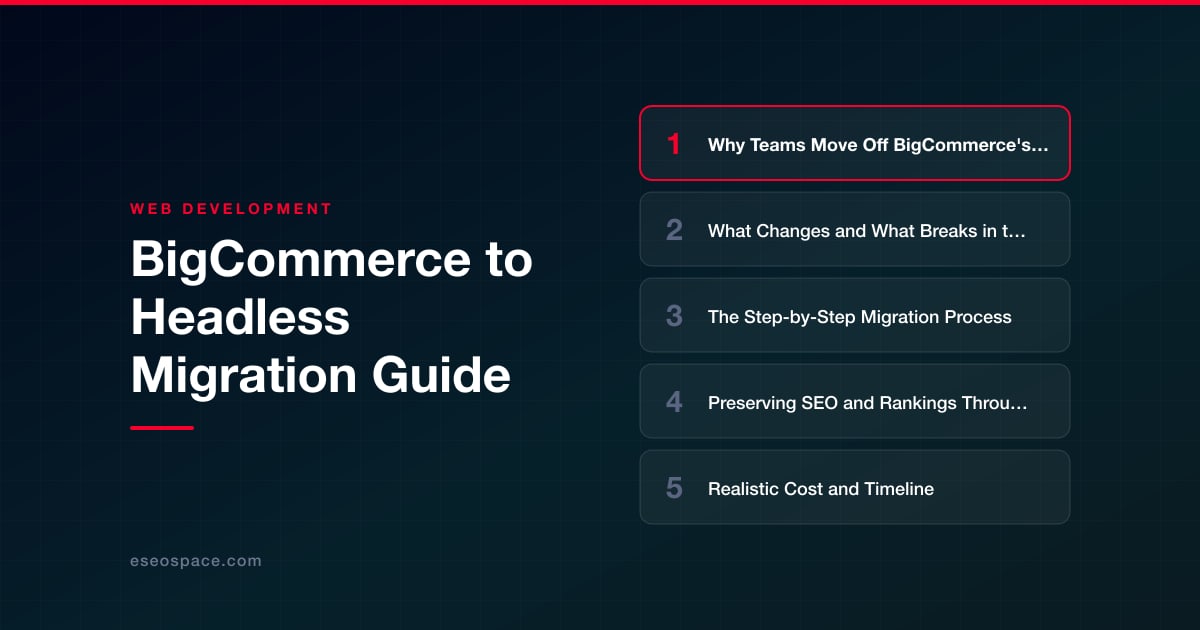
Why Teams Move Off BigCommerce's Native Storefront
The motivations are almost always some mix of performance, design freedom, and content ambitions. Stencil themes are server-rendered from Handlebars templates, and while BigCommerce's CDN is solid, you're constrained by the theme's asset pipeline and jQuery-era front-end patterns. Teams that want sub-second interactions, image-optimized responsive galleries, and app-like navigation hit friction fast.
- Performance ceilings: Core Web Vitals are hard to fully control when you can't own the render pipeline. A headless front end gives you SSR/SSG, edge caching, granular code-splitting, and modern image formats.
- Design and UX freedom: Custom product configurators, immersive PDPs, bundled experiences, and content-commerce hybrids are far easier to build in React or Vue than inside Stencil.
- Best-of-breed stack: Headless lets you pair BigCommerce's commerce engine with a dedicated CMS (Contentful, Sanity, Storyblok), a purpose-built search provider, and your own component library.
- Developer experience: Modern tooling, Git-based workflows, preview deployments, and TypeScript beat editing theme files in a browser panel.
- Omnichannel reuse: The same API layer that feeds your web storefront can power a mobile app, kiosk, or marketplace integration.
If your only complaint is a dated design, a new Stencil theme may be cheaper. Headless pays off when you need control the platform simply won't give you. If you're weighing which direction to take, our website migration services team can pressure-test whether decoupling is actually the right call for your catalog size and roadmap.
What Changes and What Breaks in the Move
The biggest conceptual shift is that you now own the storefront. Every piece of functionality BigCommerce gave you for free in the theme must be rebuilt or reconnected through APIs. Underestimating this scope is the single most common migration failure.
- Checkout: The safest pattern is to keep BigCommerce's hosted checkout (embedded or redirect) so you inherit PCI compliance and payment integrations. Fully custom checkout via the Checkout SDK is possible but adds significant compliance and QA burden.
- Theme apps and widgets: Anything installed from the BigCommerce app marketplace that injected into your Stencil theme (reviews, upsells, popups, live chat) will not carry over. Each needs an API-based replacement or a direct SDK integration.
- Content pages and blog: BigCommerce's native web pages and blog live in the platform. You'll migrate that content into your new CMS or framework routes.
- Faceted search and filtering: Native product filtering is theme-bound. Expect to wire up a search service or query the Storefront API's filtering yourself.
- URLs and redirects: Your new framework controls routing, so every existing URL must be intentionally preserved or redirected. This is where rankings are won or lost.
- Analytics and pixels: Every tracking script the theme fired must be re-implemented, including enhanced ecommerce events, or your reporting goes dark.
What stays stable: your product catalog, categories, pricing, inventory, customer accounts, and orders all remain in BigCommerce and are read/written through the GraphQL Storefront API and REST Management API. That's the whole point of headless. You're replacing the paint, not the engine.
The Step-by-Step Migration Process
A disciplined sequence keeps the project from sprawling. Treat it as a phased build with a hard cutover, not a big-bang launch.
- 1. Audit and inventory: Crawl the existing site. Catalog every URL, template type, app integration, tracking tag, and content page. Export analytics to identify your top-traffic and top-converting pages so you protect them first.
- 2. Choose the stack: Pick a framework and rendering strategy. Next.js with ISR or SSG is the common choice for commerce because it balances SEO-friendly server rendering with fast static delivery. Our guide on how to choose a JavaScript framework covers the tradeoffs between Next, Nuxt, and Astro for catalog-heavy sites.
- 3. Provision API access: Create Storefront API tokens (scoped, CORS-restricted) and a Management API account. Model your data-fetching layer and decide what renders at build time versus request time.
- 4. Build the storefront: Develop PDPs, PLPs, cart, and content templates against real API data. Reuse a component library. Keep the cart in sync with BigCommerce so line items, promotions, and tax calculate correctly server-side.
- 5. Wire checkout and payments: Hand the cart off to BigCommerce hosted checkout or embed it. Test every payment method, shipping zone, and tax scenario in staging.
- 6. Migrate content and re-integrate apps: Move blog and marketing pages into the CMS. Replace theme apps with API/SDK equivalents and re-add analytics, consent, and remarketing pixels.
- 7. Build the redirect map: Map every old URL to its new destination before launch. Our 301 redirect map guide shows how to structure this so no equity leaks.
- 8. QA and staged cutover: Run a full pre-launch pass on a staging domain, validate structured data and metadata, then cut over DNS during a low-traffic window and monitor closely.
Preserving SEO and Rankings Through the Migration
Replatforming is the highest-risk moment for organic traffic, and headless adds a rendering-strategy wrinkle on top of the usual URL and metadata concerns. The non-negotiable rule: serve fully rendered HTML to crawlers. Client-only rendering (a bare SPA) can leave Google seeing empty shells, so use SSR or SSG for all indexable pages.
- Preserve URLs where possible: Keeping identical URL structure eliminates most redirect risk. When you must change paths, implement clean 301 redirects one-to-one, never bulk-redirect to the homepage.
- Port every metadata element: Title tags, meta descriptions, canonical tags, Open Graph, robots directives, and hreflang must transfer page-for-page.
- Rebuild structured data: Re-implement Product, Offer, BreadcrumbList, and Organization JSON-LD. Validate with Google's Rich Results Test before launch.
- Keep XML sitemaps and robots.txt current: Generate a fresh sitemap from the new routes and submit it in Search Console immediately after cutover.
- Match internal linking and content: Don't quietly drop body copy, H1s, or link structure during the rebuild. Content parity protects rankings.
Work through a formal checklist rather than trusting memory. Our website migration SEO checklist lays out the full pre- and post-launch sequence, from crawl comparisons to monitoring for coverage errors in the weeks after go-live. Plan to watch Search Console daily for the first month and keep the redirect map live indefinitely.
Realistic Cost and Timeline
Headless is a genuine software project, so budget and schedule accordingly. A focused storefront for a small-to-mid catalog typically runs 8 to 16 weeks; larger stores with heavy customization, multiple locales, or complex integrations can reach 4 to 6 months. The API integration itself is rarely the long pole. Rebuilding every theme app, achieving content parity, and thorough checkout QA consume the most time.
- Discovery and architecture: 1-2 weeks to audit, choose the stack, and map data and URLs.
- Build: The bulk of the timeline. Costs scale with the number of custom templates, integrations, and CMS complexity.
- Ongoing hosting: You now pay for front-end hosting (Vercel, Netlify, or similar) plus your BigCommerce plan and any CMS or search subscriptions.
- Maintenance: Owning the storefront means owning updates, dependency patches, and security. Factor in retained developer hours.
A well-scoped headless build is a serious but predictable investment, and the ROI shows up in conversion lift from speed and the ability to ship features your competitors on stock themes simply can't. If your roadmap includes CRM sync, customer portals, or bespoke logic, our custom website and CRM development work can be scoped into the same engagement so you build once.
Is Headless Right for You?
Go headless when performance, design control, and content flexibility are strategic priorities and you have (or will hire) the engineering support to maintain a modern stack. Stay on Stencil if a fresh theme solves your problem and a lean team needs everything managed for them. The middle path, keeping BigCommerce as the commerce engine behind a custom front end, gives most merchants the upside of decoupling without abandoning battle-tested checkout and payments.
The migration is very achievable with the right plan: audit thoroughly, render server-side, preserve every URL, and QA checkout relentlessly. Nail those, and you get a faster, more distinctive store without sacrificing the rankings you've spent years earning.
Get a FREE Audit
We'll perform a comprehensive SEO, AEO, GEO & CRO audit of your website — completely free — and show you exactly how to outrank your competitors.
Don't have a site yet? Get in touch →
Put this into action with eSEOspace
We help businesses grow with website development that actually performs. Explore the services behind this guide:
Frequently Asked Questions
Do I have to leave BigCommerce completely to go headless?
Will a headless migration hurt my search rankings?
How long does a BigCommerce to headless migration take?
What breaks or needs rebuilding when I go headless?
Should I build a custom checkout or keep BigCommerce's?
Get a FREE GEO/AEO/SEO Audit
We'll analyze your site's SEO, GEO, AEO & CRO — completely free — and show you exactly how to get found across Google and AI answers.
Don't have a site yet? Get in touch →
Great — your audit is on the way!
We'll send your free SEO/GEO/AEO/CRO audit within the next few hours. Where should we send it?
You're all set! ✓
Your free audit is being prepared — check your inbox in the next few hours. Talk soon!








