



Drupal to Next.js Migration Guide
Drupal to Next.js Migration Guide
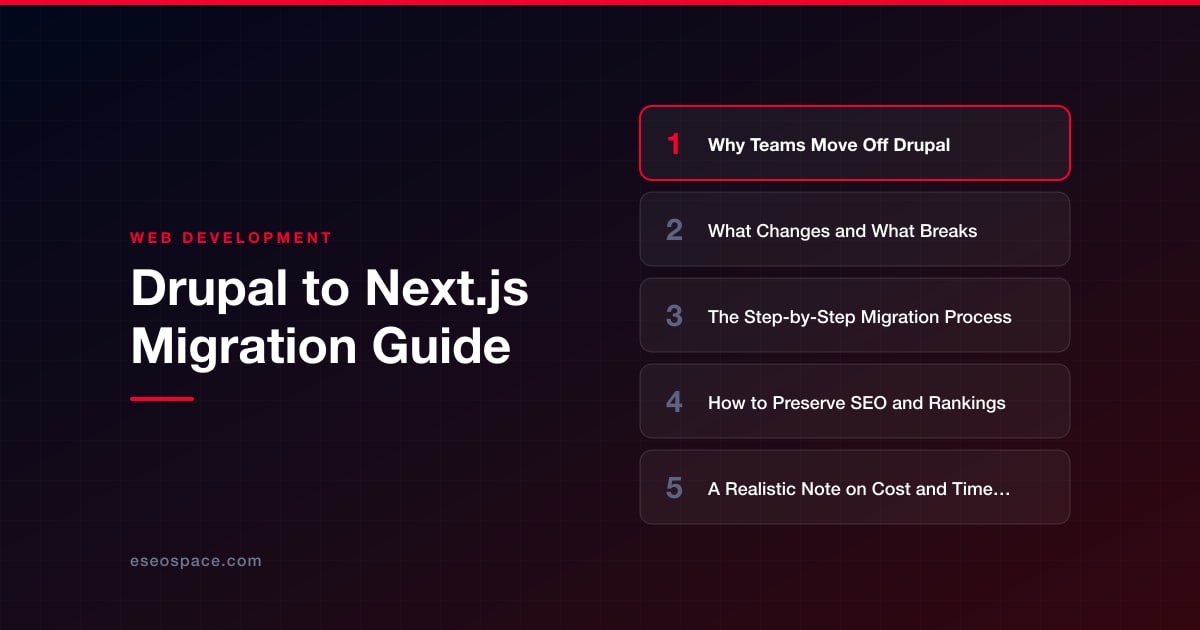
Key Takeaways
- Drupal-to-Next.js moves are driven by version end-of-life pressure, Core Web Vitals gains, easier React hiring, and a smaller security surface.
- Next.js is a front-end framework, so Drupal's modules, forms, search, auth, and editorial workflow must be rebuilt or replaced rather than moved.
- A disciplined eight-step sequence, from dependency audit through redirect mapping and post-launch monitoring, keeps the project predictable.
- Preserving rankings hinges on 301 redirects for every changed URL, server-rendered HTML, exact metadata porting, and content parity at launch.
- A simple migration typically runs six to ten weeks in the low five figures, while custom-logic-heavy platforms extend to months and larger budgets.
Drupal built a lot of the web's most ambitious content platforms, but the calculus has shifted. Teams running Drupal 7, 8, or 9 are staring down forced upgrades, a shrinking pool of specialized developers, and a monolithic PHP stack that feels heavy next to modern front-end tooling. Migrating to Next.js, a React framework with server-side rendering, static generation, and a first-class developer experience, is increasingly the pragmatic answer, whether you decouple Drupal as a headless backend or leave it behind entirely.
This guide walks through why organizations are making the move, what genuinely changes and what breaks along the way, a concrete step-by-step migration process, and how to protect the SEO equity you have spent years building. It closes with a realistic look at cost and timeline so you can plan the project instead of stumbling into it.
Why Teams Move Off Drupal
The motivations are rarely a single dramatic failure. They accumulate. The most common drivers we hear from clients considering a Drupal to Next.js migration include:
- Version end-of-life pressure. Drupal 7 reached end-of-life in January 2025, and major-version jumps (7 to 9 to 10) have historically required near-total rebuilds rather than in-place updates, so the "upgrade" is already a migration.
- Performance and Core Web Vitals. A default Drupal theme ships a heavy PHP render pipeline. Next.js delivers pre-rendered static HTML and hydrated React, routinely improving Largest Contentful Paint and interactivity scores that feed directly into rankings.
- Developer availability and cost. React developers are far easier to hire than seasoned Drupal architects, which lowers long-term maintenance risk.
- Security surface. A monolith exposes the database, admin, and rendering layer on one server. A decoupled or static Next.js front end shrinks the public attack surface dramatically.
- Modern integrations. Component-driven UIs, edge deployment, and clean REST/GraphQL data flows are native to Next.js and awkward bolt-ons in Drupal.
If you are still weighing the decision itself rather than the execution, our Drupal vs Next.js comparison breaks down the trade-offs feature by feature.
What Changes and What Breaks
Be honest with stakeholders early: this is not a lift-and-shift. Drupal bundles content management, templating, business logic, forms, user accounts, and search into one application. Next.js is a front-end framework, so every one of those responsibilities needs a new home.
What changes: Twig templates become React components. Views become data-fetching functions using getStaticProps, server components, or route handlers. Drupal's node/field data model is replaced by whatever content source you choose, often a headless CMS or Drupal itself running in decoupled mode via JSON:API.
What breaks or needs rebuilding:
- Contributed modules. Thousands of Drupal modules have no React equivalent. Each one represents functionality you must re-implement, replace with a service, or retire.
- Webform and complex forms. Multi-step forms, conditional logic, and email handlers must be rebuilt, typically against a serverless function or a form API.
- User authentication and gated content. Drupal's roles/permissions system has to be reconstructed with an auth provider or a custom solution.
- Internal search. Solr/Search API gives way to a hosted search service or a static index.
- Editorial workflow. Content moderation states and preview need a headless CMS that supports them, or the editors move platforms.
Mapping these dependencies before you write a line of code is the single most important planning step. Because much of this is genuinely custom application logic, teams frequently pair the migration with custom web and CRM development to rebuild the pieces that no off-the-shelf product covers.
The Step-by-Step Migration Process
A disciplined sequence keeps the project predictable:
- 1. Audit and inventory. Catalog every content type, field, taxonomy, module, form, URL, and integration. Export a full URL list from your sitemap and analytics so nothing high-traffic is lost.
- 2. Choose the architecture. Decide between decoupled (Drupal stays as a headless API), a new headless CMS (Sanity, Contentful, Strapi), or flat-file/MDX content. This choice governs everything downstream.
- 3. Model the content. Recreate content types and relationships in the new source. Clean up legacy cruft here rather than carrying it forward.
- 4. Migrate the data. Extract Drupal content via JSON:API, the Migrate API, or a database export, then transform and load it into the new system with a repeatable script so you can run it more than once.
- 5. Build the Next.js front end. Rebuild templates as components, wire up data fetching, and choose rendering strategy per route: static generation for content pages, incremental static regeneration for frequently updated ones, server rendering for personalized views.
- 6. Rebuild interactive features. Forms, search, auth, and any custom logic, backed by serverless functions or APIs.
- 7. Map redirects and QA. Build the 301 redirect map, run content parity checks, test performance, and validate accessibility.
- 8. Launch and monitor. Cut over DNS, submit the new sitemap, and watch crawl stats and rankings closely for the first weeks.
If you would rather hand the heavy lifting to a team that runs this playbook regularly, our website migration services cover the full sequence from audit through post-launch monitoring. The framework decision in step 2 deserves real scrutiny; our guide on how to choose a JavaScript framework is a useful checkpoint before you commit.
How to Preserve SEO and Rankings
This is where migrations succeed or quietly destroy years of organic traffic. Next.js is exceptionally SEO-friendly when configured correctly, but the risk lives in the transition, not the technology.
- Preserve URL structure where possible. Every URL that changes needs a permanent 301 redirect to its new equivalent. Never let a ranking page return a 404. Building a thorough 301 redirect map is non-negotiable.
- Render HTML on the server. Use static generation or server-side rendering so crawlers receive complete markup, not an empty shell that depends on client-side JavaScript.
- Port metadata precisely. Titles, meta descriptions, canonical tags, Open Graph data, and structured data (JSON-LD) must carry over field by field. Next.js Metadata API makes this systematic.
- Regenerate sitemap and robots.txt. Submit the fresh XML sitemap in Google Search Console on launch day.
- Match content exactly. Thin or altered content during migration can trigger ranking drops. Aim for parity first, improvements second.
Work through a complete website migration SEO checklist before and after launch so nothing slips. Expect minor ranking fluctuation for a few weeks as Google recrawls; a clean redirect map and faster load times usually mean rankings recover and then climb.
A Realistic Note on Cost and Timeline
Costs scale with content volume and, more importantly, with the number of custom modules and integrations you have to rebuild. A brochure-style Drupal site of a few dozen pages with standard content types is a modest project. A content-heavy site with custom workflows, gated areas, e-commerce, and third-party integrations is a serious engineering effort.
A straightforward migration commonly lands in the low five figures and runs six to ten weeks, while complex platforms with heavy custom logic can extend to several months and higher budgets. The biggest cost driver is almost always the custom application layer, the forms, search, auth, and business logic that Drupal handled through modules and that now needs deliberate reconstruction. Getting the audit right up front is what keeps the estimate honest.
Moving Forward With Confidence
A Drupal to Next.js migration is a real project, but it is a well-understood one. Teams that plan the content model, inventory every dependency, protect their URLs with a disciplined redirect strategy, and treat SEO as a launch requirement rather than an afterthought come out the other side with a faster, cheaper-to-maintain, and more secure site. The organizations that struggle are the ones that treated it as a simple export. Approach it methodically, and Next.js gives you a platform your developers actually enjoy working in and your users feel in every page load.
Get a FREE Audit
We'll perform a comprehensive SEO, AEO, GEO & CRO audit of your website — completely free — and show you exactly how to outrank your competitors.
Don't have a site yet? Get in touch →
Put this into action with eSEOspace
We help businesses grow with website development that actually performs. Explore the services behind this guide:
Frequently Asked Questions
Do I have to abandon Drupal completely to use Next.js?
Will migrating from Drupal to Next.js hurt my Google rankings?
What happens to my Drupal contributed modules?
How long does a Drupal to Next.js migration take?
Where does my Drupal content live after migration?
Get a FREE GEO/AEO/SEO Audit
We'll analyze your site's SEO, GEO, AEO & CRO — completely free — and show you exactly how to get found across Google and AI answers.
Don't have a site yet? Get in touch →
Great — your audit is on the way!
We'll send your free SEO/GEO/AEO/CRO audit within the next few hours. Where should we send it?
You're all set! ✓
Your free audit is being prepared — check your inbox in the next few hours. Talk soon!








