



Magento to Strapi Migration Guide
Magento to Strapi Migration Guide
Key Takeaways
- Moving from Magento to Strapi replaces a coupled PHP monolith with an API-first stack that renders faster, costs less to host, and lets front-end and back-end teams deploy independently.
- In a headless setup Strapi owns content and the admin while a modern framework handles presentation; if you run a real storefront, cart and checkout must move to a dedicated commerce API, not Strapi.
- Content modeling is the pivotal step: translate Magento's EAV entities into Strapi collection types and components with explicit relations, then expose them cleanly over REST or GraphQL.
- The migration itself is an ETL pipeline: extract from Magento's API or SQL, transform records into Strapi payloads, and load categories, products, relations, and media in dependency order against staging first.
- SEO survives a replatform only with a complete 301 redirect map, migrated title tags, canonicals, and structured data, a regenerated sitemap, and daily Search Console monitoring after launch.
Magento built a reputation as the enterprise commerce workhorse, but that power comes bundled with a heavy monolithic architecture: PHP templating, a sprawling EAV database, and a tightly coupled admin, storefront, and business logic that all ship as one deployable unit. For teams that have outgrown Magento's rendering model, or that never needed a full commerce engine to manage their content, moving to Strapi as a headless CMS unlocks a faster, cleaner, API-first stack.
This guide walks through exactly how to migrate from Magento to Strapi: why the decoupled model wins, what actually changes architecturally, how to model your content and expose it through APIs, the step-by-step data migration itself, and how to preserve every ounce of SEO equity you have earned. It is written for engineering leads and marketers who want a migration that ships without traffic loss.
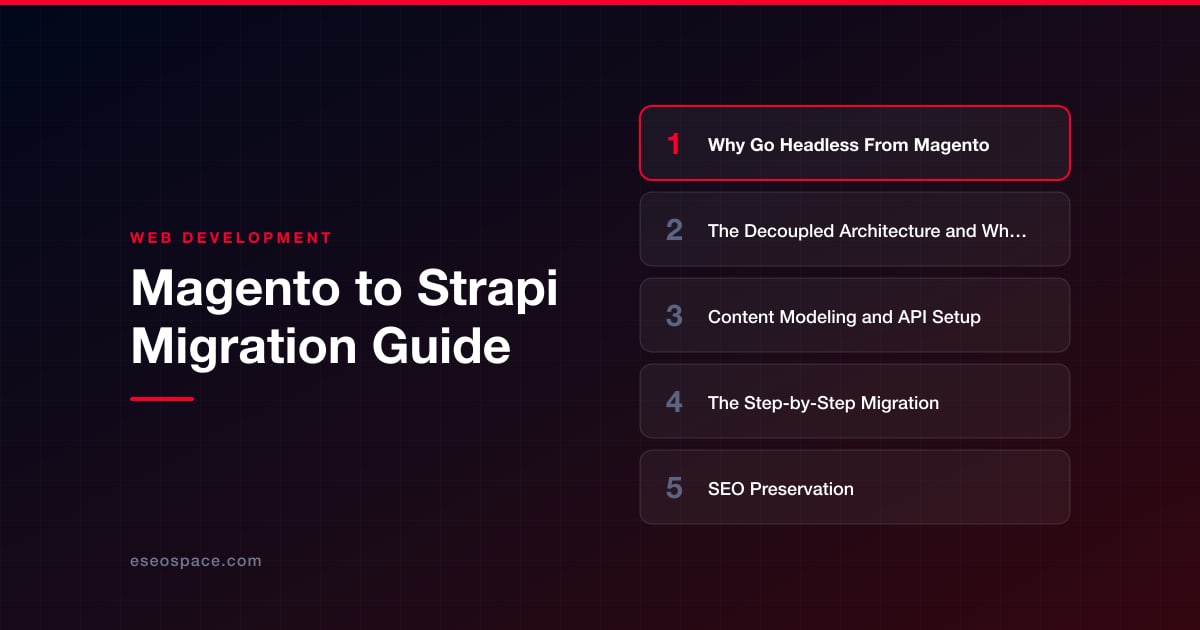
Why Go Headless From Magento
Magento couples your data, your business logic, and your presentation layer into a single monolith. Every front-end change risks touching the backend, upgrades are notoriously painful, and page-render performance is bottlenecked by server-side PHP templating (Knockout, Luma, or even a partially adopted PWA Studio). The result is a stack that is expensive to host, slow to iterate on, and difficult to staff for.
Going headless with Strapi separates the concerns. Strapi becomes the content source of truth, exposing structured data over REST or GraphQL, while your front end is built with whatever modern framework your team prefers, typically Next.js, Nuxt, or Astro. The payoffs are concrete:
- Performance: a static or edge-rendered front end delivers sub-second loads instead of waiting on Magento's PHP layer.
- Omnichannel reuse: the same API feeds your website, mobile app, kiosk, or partner integrations without duplicating content.
- Developer velocity: front-end and back-end teams deploy independently, and Strapi's Node.js/TypeScript codebase is far easier to hire for than Magento's PHP internals.
- Lower cost: you drop Magento's heavy hosting requirements for a lightweight Node process and a standard database.
If you are still weighing the tradeoffs of decoupling, our breakdown of headless CMS versus traditional CMS covers where each model makes sense before you commit.
The Decoupled Architecture and What Changes
The single biggest mental shift is that Strapi does not render pages. In Magento, a request hits the server, PHP assembles a full HTML document, and the browser receives markup. In a headless setup, your front-end application requests JSON from Strapi's API, then renders the page itself, either at build time (SSG), on the server (SSR), or on the client.
That means your architecture splits into three clear layers. Strapi owns content and the admin experience. A front-end framework owns presentation and routing. A deployment platform (Vercel, Netlify, or your own Node host) serves the compiled front end from a CDN. Critically, if you are migrating a true storefront, Strapi is not a commerce engine. It manages catalog content, descriptions, media, and marketing pages, but cart, checkout, pricing rules, and payments should move to a dedicated commerce API such as Medusa, Commerce Layer, or a payment provider you integrate directly. For many Magento sites that were really being used as content-heavy catalogs, this separation is exactly the simplification they needed.
Authentication, roles, and workflows also change. Strapi ships with a role-based admin, granular API token scopes, and a plugin system, replacing Magento's ACL model. Plan for how editors will work day one so the migration does not disrupt your content team.
Content Modeling and API Setup
Magento stores products in an EAV (Entity-Attribute-Value) schema, which is flexible but notoriously hard to query directly. Strapi uses a straightforward relational or document model through its Content-Type Builder, so your first real task is translating Magento entities into Strapi content types.
Map your entities deliberately:
- Products become a Product collection type with fields for name, SKU, description (rich text), price, and media relations.
- Categories become a Category collection type with a self-referencing relation to support parent/child hierarchies.
- CMS pages and blocks become Page and Component types; Strapi's reusable components and dynamic zones are ideal for the flexible content blocks Magento handled with widgets.
- Attributes and attribute sets map to fields, enumerations, or related components depending on cardinality.
Model relations explicitly (one-to-many for category-to-products, many-to-many for cross-sells) rather than flattening everything, because clean relations are what make the API pleasant to consume later. Once your types exist, decide between Strapi's REST API and its GraphQL plugin; GraphQL is usually the better fit for storefronts because it lets the front end request exactly the fields a page needs in one round trip. Lock down access with API tokens and configure role permissions so public read-only endpoints expose only what should be public. Thoughtful modeling here pays off across every downstream integration, which is why we treat it as a first-class step in our custom website and CRM development work.
The Step-by-Step Migration
With content types defined, the migration becomes an ETL exercise: extract from Magento, transform to match your Strapi schema, and load through Strapi's API. Follow a repeatable sequence:
- Extract: pull data out of Magento using the REST/GraphQL APIs (cleanest for respecting business rules) or direct SQL against the EAV tables for bulk exports. Export media from the
pub/mediadirectory separately. - Transform: write a migration script (Node.js is natural here) that reshapes each Magento record into your Strapi content-type payload, resolving attribute codes into real field values and rebuilding category trees.
- Load: push records through Strapi's REST API or use a bulk-import approach, seeding parent categories first, then products, then relations, so foreign keys resolve correctly.
- Media: upload assets through Strapi's Upload API (or an S3/Cloudinary provider plugin) and map returned media IDs back onto the content records.
- Validate: reconcile record counts, spot-check rich-text fidelity, and confirm relations resolved.
Run the entire pipeline against a staging Strapi instance first, iterate until counts and content match, and only then repeat against production. This is the phase where an experienced partner earns its keep; our website migration services exist precisely to run these ETL pipelines without data loss or downtime. Build the front end in parallel so that the moment content lands, you can render and QA real pages.
SEO Preservation
A replatform is the single most common way sites accidentally torch their organic traffic. The mechanics of Magento URLs almost never match a new front end one-to-one, so a 301 redirect map is non-negotiable. Export every indexed Magento URL (from your sitemap, Search Console, and server logs), map each to its new destination, and implement permanent redirects at the CDN or framework level. Our guide to building a 301 redirect map for a website migration details how to do this without gaps.
Beyond redirects, preserve the on-page signals that Magento generated for you:
- Migrate title tags, meta descriptions, and canonical URLs as fields on your Strapi content types so editors keep control.
- Reproduce structured data (Product, BreadcrumbList, Organization schema) in your front-end templates.
- Regenerate an XML sitemap from Strapi content and resubmit it in Search Console.
- Match heading structure and internal linking so relevance signals carry over.
Before you cut over, walk the full website migration SEO checklist to confirm nothing is missed. Crawl staging with Screaming Frog, compare it against a pre-migration crawl of Magento, and resolve every diff. After launch, monitor Search Console coverage and rankings daily for the first few weeks so any redirect gap or indexing issue is caught while it is still cheap to fix.
Bringing It Together
Migrating from Magento to Strapi is not just a platform swap; it is a deliberate move from a heavy, coupled monolith to a lean, API-first architecture that your team can actually iterate on. The work breaks down into knowable phases: decouple the presentation layer, model your Magento entities as clean Strapi content types, run a disciplined extract-transform-load pipeline, and protect your search equity with a rigorous redirect and metadata plan.
Do those four things well and you land a faster, cheaper, more flexible stack with your rankings intact, and a foundation ready for whatever channel comes next. When you want experienced hands on the ETL, the redirects, and the front-end build, that is exactly the kind of migration we run every week.
Get a FREE Audit
We'll perform a comprehensive SEO, AEO, GEO & CRO audit of your website — completely free — and show you exactly how to outrank your competitors.
Don't have a site yet? Get in touch →
Put this into action with eSEOspace
We help businesses grow with website development that actually performs. Explore the services behind this guide:
Frequently Asked Questions
Can Strapi fully replace Magento as an e-commerce platform?
How do I migrate Magento's EAV product data into Strapi?
Will migrating from Magento to Strapi hurt my SEO rankings?
REST or GraphQL for a Strapi front end?
How long does a Magento to Strapi migration take?
Get a FREE GEO/AEO/SEO Audit
We'll analyze your site's SEO, GEO, AEO & CRO — completely free — and show you exactly how to get found across Google and AI answers.
Don't have a site yet? Get in touch →
Great — your audit is on the way!
We'll send your free SEO/GEO/AEO/CRO audit within the next few hours. Where should we send it?
You're all set! ✓
Your free audit is being prepared — check your inbox in the next few hours. Talk soon!








