



PHP to Node.js: Modernizing Your Web Application
PHP to Node.js: Modernizing Your Web Application
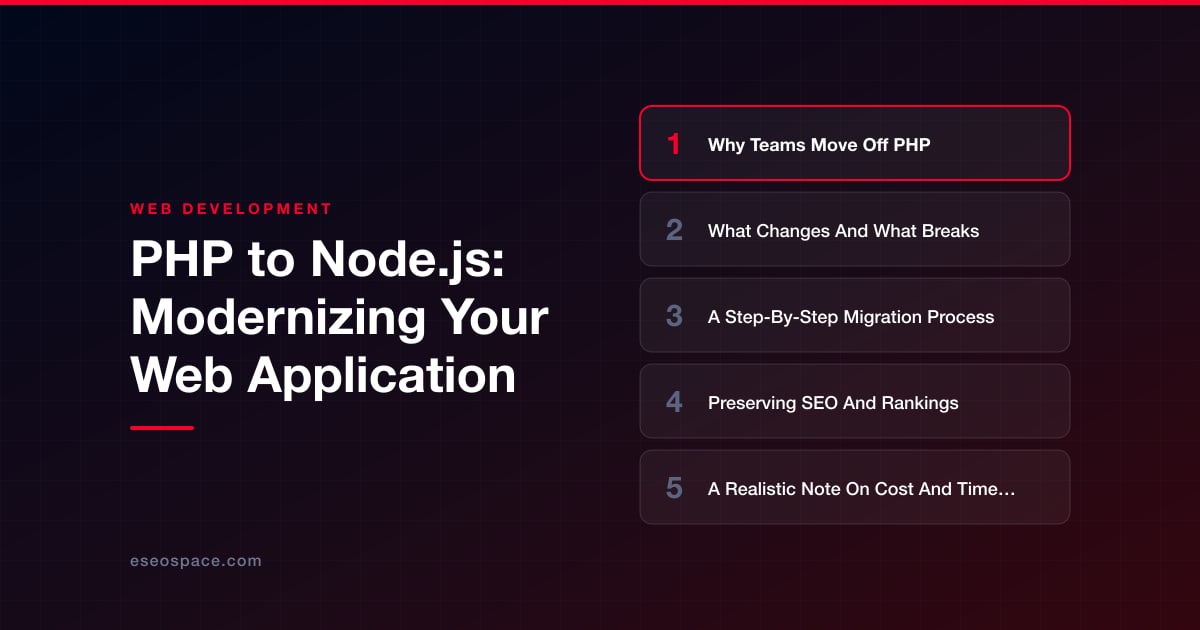
Key Takeaways
- Teams move from PHP to Node.js for a unified JavaScript stack, real-time concurrency, modern tooling, and deployment that fits serverless and edge runtimes.
- The core shift is PHP's per-request model versus Node's long-lived asynchronous process, which changes sessions, auth, error handling, and server configuration.
- The safest migration is incremental: use a strangler-fig pattern to route individual URLs to Node as each feature is rebuilt and verified, avoiding a big-bang cutover.
- Preserving SEO means keeping URL structure, implementing 301 redirects for anything that changes, reproducing metadata exactly, and retaining server-side rendering.
- Realistic timelines run from four weeks for small sites to a year for large platforms, and incremental migration costs more hours but avoids expensive downtime and ranking losses.
For fifteen years PHP quietly powered a huge share of the web, and for good reason: it was cheap to host, easy to deploy, and forgiving to learn. But the applications teams are building today look nothing like the request-render-forget pages PHP was designed for. Real-time dashboards, streaming APIs, shared logic between server and browser, and event-driven integrations all push against the boundaries of the traditional LAMP stack. When those pressures mount, moving from PHP to Node.js stops being a preference and becomes an engineering decision with measurable payoff.
Migrating a live application is not a weekend rewrite, though. Done carelessly, it torches your search rankings, breaks integrations you forgot existed, and quietly drops features that only one customer used but absolutely depended on. Done well, it modernizes your platform while your traffic, conversions, and Google position stay exactly where they were, or improve. This guide walks through why teams make the move, what actually changes under the hood, the step-by-step process we use, and how to protect the SEO equity you have spent years building.
Why Teams Move Off PHP
The most common driver is not that PHP is "bad", it is that the surrounding ecosystem has moved on. Teams migrate to Node.js because they want one language across the entire stack. When your frontend already runs JavaScript in React, Vue, or Svelte, keeping a separate PHP mental model on the server doubles the cognitive load, splits your hiring pool, and prevents code reuse for things like validation rules and data models.
Beyond language unification, the technical motivations are concrete:
- Concurrency and real-time features. Node's non-blocking event loop handles thousands of simultaneous open connections cheaply, which makes WebSockets, live notifications, and streaming responses natural rather than bolted-on.
- Modern tooling and packages. The npm ecosystem, first-class TypeScript support, and mature frameworks like Next.js, NestJS, and Express give teams a faster path to server-side rendering, typed APIs, and clean architecture.
- Deployment fit. Node aligns with serverless functions, edge runtimes, and containerized microservices in a way legacy PHP-FPM setups often fight against.
- Talent and momentum. Recruiting JavaScript engineers is easier, and the surrounding libraries see more active investment.
That said, migration is a business decision, not a fashion statement. If your PHP app is stable, well-staffed, and not blocking growth, the honest answer may be to stay put. The case for moving strengthens when you are already rewriting the frontend, adding real-time capability, or struggling to hire for your current stack.
What Changes And What Breaks
The biggest conceptual shift is the execution model. PHP spins up, handles one request, and dies. State lives in the database, the session store, or nowhere. Node.js runs as a long-lived process holding state in memory across requests, which unlocks connection pooling and caching but also means a memory leak or unhandled promise rejection can crash the whole server instead of one request. Your team has to think about process lifecycle, graceful shutdowns, and clustering in ways PHP never required.
Concretely, expect these things to change or break:
- Synchronous habits. PHP code reads top to bottom. Node is asynchronous by default, so database calls, file reads, and HTTP requests all return promises. Ported logic that assumes sequential blocking behavior will produce race conditions until it is rewritten with async/await.
- Sessions and auth. PHP's
$_SESSIONand cookie handling have no direct equivalent. You will re-implement authentication with JWTs or a session library backed by Redis. - Server configuration.
.htaccessrules, mod_rewrite, and Apache/Nginx routing move into application code or a reverse proxy config. - Extensions and functions. Built-in PHP functions and Composer packages need npm equivalents, and a few have no clean match, forcing a redesign of that feature.
- Deployment pipeline. "Upload files via FTP" gives way to a build step, a process manager like PM2, and CI/CD.
Your database usually survives untouched, which is the good news. MySQL or PostgreSQL data does not care what language queries it, so an ORM like Prisma or a query builder maps cleanly onto your existing schema. Because rewriting the application layer touches so much, many teams treat this as the moment to formalize their data models and business logic properly, which is where a deliberate approach to custom application and CRM development pays for itself rather than porting spaghetti one-to-one.
A Step-By-Step Migration Process
The safest migrations are incremental. A big-bang rewrite where you disappear for six months and reappear with a new app is the single most reliable way to blow the budget and the timeline. Here is the sequence we follow on website migration projects.
- 1. Audit and inventory. Catalog every route, every cron job, every third-party integration, and every undocumented feature. Crawl the live site to capture the full URL list. You cannot preserve what you have not written down.
- 2. Choose the target architecture. Decide between a full-stack framework like Next.js, a dedicated API layer like NestJS or Express, and how the database layer will work. If you are unsure, our guide on how to choose the right JavaScript framework lays out the trade-offs.
- 3. Stand up the Node foundation. Build the new app skeleton, database connection, auth, and deployment pipeline before porting any features. Point it at a copy of production data.
- 4. Migrate feature by feature. Use the strangler-fig pattern: put a reverse proxy in front of both apps and route individual URLs to Node as each feature is rebuilt and verified, leaving the rest on PHP. Traffic never sees a hard cutover.
- 5. Test relentlessly. Write integration tests against the old behavior, then confirm the Node version produces identical output for the same inputs, especially around edge cases in pricing, permissions, and forms.
- 6. Cut over and monitor. Once every route lives on Node, flip DNS or the proxy fully, keep the PHP app warm as a rollback for a week or two, and watch logs, error rates, and analytics closely.
The strangler-fig approach matters because it de-risks the whole project. If feature seven has a problem, only feature seven is affected, and the other six are already live and earning.
Preserving SEO And Rankings
This is where migrations most often go wrong, and where the damage is least visible until it is too late. Google has indexed your PHP URLs, accumulated ranking signals against them, and built expectations about your content. If those URLs change, disappear, or start returning different status codes, rankings drop, sometimes catastrophically. Protecting SEO is not an afterthought, it is a workstream that runs the entire migration.
The non-negotiables:
- Preserve URL structure wherever possible. If
/products/blue-widgetwas the URL in PHP, it should be the URL in Node. Matching paths means zero ranking transfer risk for those pages. - Map every URL that must change. Where paths genuinely change, implement 301 redirects from old to new so link equity flows forward. Build this systematically using a proper 301 redirect map rather than ad-hoc rules.
- Reproduce metadata exactly. Title tags, meta descriptions, canonical tags, structured data, and heading hierarchy must carry over. Node frameworks make this cleaner, but only if someone verifies it page by page.
- Keep server-side rendering. PHP rendered HTML on the server, and Googlebot loved it. If you replace it with a client-only React app, crawlability suffers. Use SSR or static generation so bots still receive complete HTML.
- Match status codes and performance. A missing page must return 404, not 200. And Node's speed advantage should show up as better Core Web Vitals, not worse.
Working through a disciplined website migration SEO checklist before and after cutover is the difference between a migration your users never notice and one that shows up as a traffic cliff in Search Console. We benchmark rankings before the move and monitor daily for weeks afterward.
A Realistic Note On Cost And Timeline
Anyone who quotes a fixed price without seeing your codebase is guessing. That said, honest ranges help. A small brochure-style site with light dynamic functionality might move in four to eight weeks. A mid-sized application with user accounts, a dozen integrations, and real business logic typically runs three to six months. A large, mission-critical platform can take a year or more when done incrementally alongside ongoing feature work.
The cost drivers are predictable: the number of features and integrations, how much undocumented behavior has to be reverse-engineered, the state of the existing database, and how much SEO-sensitive content is in play. The incremental strangler-fig approach usually costs more in total hours than a reckless rewrite, but it dramatically lowers the risk of the expensive failures, lost revenue during downtime, tanked rankings, and emergency rollbacks, that make cheap rewrites so costly in practice. The right question is not "what is the lowest bid" but "what protects the traffic and revenue this application already generates."
Modernize With Confidence
Migrating from PHP to Node.js is one of the highest-leverage moves a growing product team can make: a unified language, real-time capability, modern tooling, and a deployment story that fits how software is built today. The risk is not in the destination, it is in the journey, and every serious risk, broken features, lost rankings, blown timelines, is manageable with an incremental process, obsessive URL and SEO preservation, and disciplined testing. Handled that way, your users experience a faster, more capable application and never notice that the engine underneath was replaced. If you are weighing the move, start with a thorough audit, protect your search equity from day one, and migrate one feature at a time until the old stack has nothing left to do.
Get a FREE Audit
We'll perform a comprehensive SEO, AEO, GEO & CRO audit of your website — completely free — and show you exactly how to outrank your competitors.
Don't have a site yet? Get in touch →
Put this into action with eSEOspace
We help businesses grow with website development that actually performs. Explore the services behind this guide:
Frequently Asked Questions
Is Node.js actually faster than PHP?
Will migrating from PHP to Node.js hurt my Google rankings?
Do I have to migrate my database too?
Can I migrate gradually instead of all at once?
How much does a PHP to Node.js migration cost?
Get a FREE GEO/AEO/SEO Audit
We'll analyze your site's SEO, GEO, AEO & CRO — completely free — and show you exactly how to get found across Google and AI answers.
Don't have a site yet? Get in touch →
Great — your audit is on the way!
We'll send your free SEO/GEO/AEO/CRO audit within the next few hours. Where should we send it?
You're all set! ✓
Your free audit is being prepared — check your inbox in the next few hours. Talk soon!








