



Migrate from WordPress to Astro: Step-by-Step
Migrate from WordPress to Astro: Step-by-Step
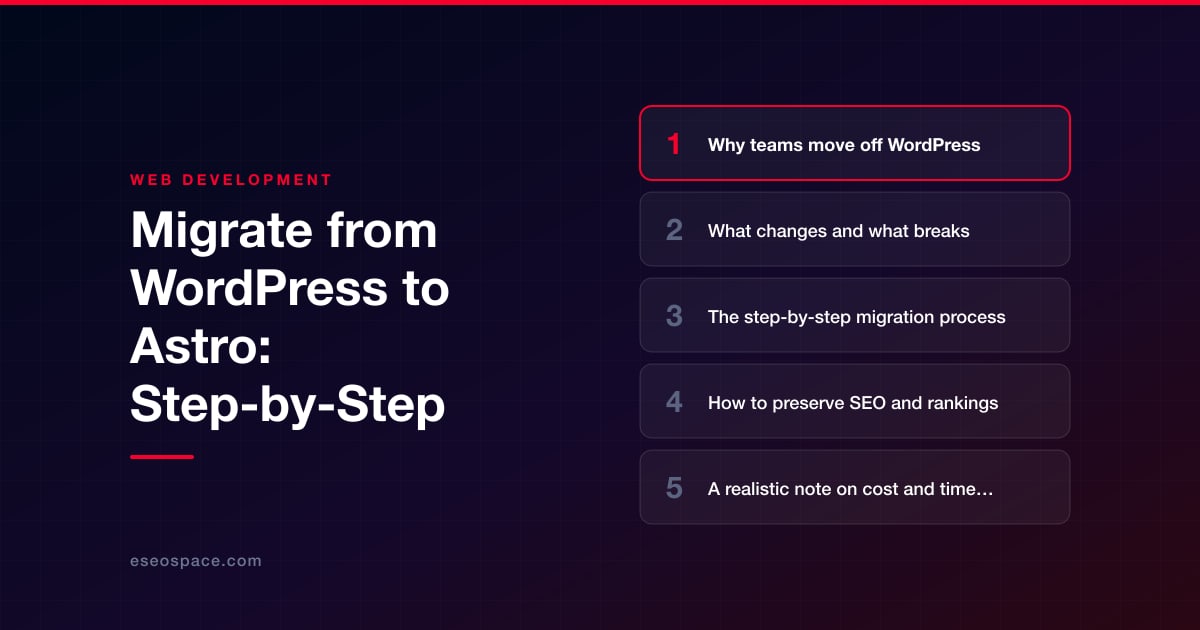
Key Takeaways
- Astro ships zero JavaScript by default and pre-renders to static HTML, delivering faster load times, better Core Web Vitals, and a far smaller security surface than WordPress.
- Themes, page builders, and plugins do not carry over; forms, search, and commerce must be rebuilt with serverless functions, APIs, or a headless CMS.
- A disciplined process, audit, content export, component rebuild, redirect mapping, and staged launch, keeps a WordPress-to-Astro migration predictable.
- Preserving URLs, building a complete 301 redirect map, and matching content exactly at launch are the non-negotiables for protecting SEO rankings.
- Small sites migrate in two to four weeks for the low four figures, while complex CMS or e-commerce builds run several months into five figures.
WordPress still powers a huge share of the web, but for content-driven sites the tradeoffs are getting harder to ignore: slow Time to First Byte, a constant stream of plugin and core security patches, bloated page weight from render-blocking scripts, and hosting bills that climb as traffic grows. Astro takes the opposite approach. It ships zero JavaScript by default, renders your pages to static HTML at build time, and only hydrates the interactive components you explicitly opt into with its islands architecture. The result is a site that loads in milliseconds, sails through Core Web Vitals, and has almost no server-side attack surface.
Migrating is not a plugin swap, though. You are moving from a database-driven CMS to a file-based, component-oriented framework, and the way content, templates, and forms work changes fundamentally. Done carelessly, a migration can tank your rankings overnight. Done deliberately, it typically improves them because Google rewards the speed and stability Astro delivers. This guide walks through why teams make the move, what breaks, the exact migration process, and how to protect the SEO equity you have spent years building.
Why teams move off WordPress
The reasons cluster into four buckets, and most teams feel all of them at once:
- Performance. A typical WordPress theme loads jQuery, a page builder runtime, and a dozen plugin scripts before the user sees anything. Astro pre-renders to HTML and ships no framework JS unless you ask for it, so pages routinely hit 90+ Lighthouse scores with no manual tuning.
- Security and maintenance. Every plugin is a dependency you must patch. A static Astro build has no PHP runtime, no live database, and no admin login exposed to the internet, which eliminates the most common WordPress attack vectors entirely.
- Developer experience. Astro uses components, TypeScript, scoped CSS, and Git-based workflows. Content lives in Markdown or MDX files that can be version-controlled and reviewed in pull requests instead of edited in a database.
- Hosting cost. Static output deploys to a CDN for pennies, versus managed WordPress hosting that scales its pricing with traffic and resource usage.
If you are still weighing the decision, our detailed WordPress vs Astro comparison breaks down where each platform genuinely wins, because Astro is not the right answer for every project.
What changes and what breaks
Understanding the mismatches up front is what separates a smooth migration from a painful one. The biggest conceptual shift is that WordPress serves content dynamically from MySQL on every request, while Astro reads content from files and renders it once at build time. That single difference cascades into several concrete changes:
- Themes and page builders do not carry over. Elementor, Divi, WPBakery, and classic PHP themes have no Astro equivalent. Their output must be rebuilt as Astro components, and any shortcodes embedded in post content need to be converted or replaced.
- Dynamic features need a new home. Contact forms, search, comments, memberships, and e-commerce carts relied on server-side PHP. In Astro these move to serverless functions, third-party APIs, or embedded services. Complex interactive tooling may warrant purpose-built custom development or CRM integration rather than a plugin substitute.
- Plugins disappear. Yoast, caching, and image-optimization plugins are unnecessary because Astro optimizes images natively, generates sitemaps with its official sitemap integration, and lets you set meta tags in your layouts, all at build time.
- Content editing changes. Non-technical editors lose the WordPress admin unless you pair Astro with a headless CMS such as Sanity, Contentful, or Storyblok. Decide this early, because it shapes the whole architecture.
- URL structures may shift. WordPress permalink patterns do not always map cleanly to Astro routes, which is the single most common cause of lost rankings and must be planned for.
The step-by-step migration process
A disciplined sequence keeps the project predictable. Here is the workflow we follow on client engagements:
- 1. Audit and inventory. Crawl the existing site with Screaming Frog to capture every URL, template type, redirect, and piece of structured data. Export your top pages by organic traffic from Google Search Console so you know exactly what must be preserved.
- 2. Export content. Pull posts and pages out of WordPress. The cleanest route is the WordPress REST API or WP GraphQL, which lets you script content into Markdown or MDX files. For simpler sites, a WXR export processed through a conversion tool works fine.
- 3. Scaffold the Astro project. Initialize Astro, define your content collections with schema validation using the built-in content layer, and add the official sitemap, image, and MDX integrations.
- 4. Rebuild templates as components. Recreate the header, footer, post layout, and page layouts as reusable
.astrocomponents. Convert only the interactive pieces into islands using your framework of choice. - 5. Import and map content. Load the exported Markdown into your collections and wire up dynamic routes so each post renders at its correct URL.
- 6. Rebuild dynamic functionality. Replace forms with a serverless handler or form service, add search via a client-side index like Pagefind, and connect any commerce or membership features to their new providers.
- 7. Set up redirects. Map every old URL to its new location before launch. This step is non-negotiable and is covered in detail below.
- 8. Test and launch. Validate against a staging build, run Lighthouse and accessibility checks, verify all redirects resolve, then cut over DNS. Keep the old site available on a subdomain until you confirm the new build is stable.
Because the details of each phase compound, many teams bring in a partner for the cutover. Our website migration services handle the export scripting, redirect mapping, and post-launch monitoring so nothing slips through during the highest-risk window.
How to preserve SEO and rankings
The good news is that Astro's speed is itself an SEO upgrade, so a well-executed migration usually lifts rankings rather than hurting them. The risk is entirely in the execution details. Protect your equity by locking down these fundamentals:
- Preserve URLs wherever possible. If you can keep the exact same paths, do it. Every changed URL is a chance to lose link equity, so only restructure when there is a compelling reason.
- Build a complete 301 redirect map. For any URL that does change, a permanent 301 redirect passes almost all of its ranking signal to the new page. Our guide to building a 301 redirect map for a website migration shows how to do this at scale without gaps.
- Recreate metadata and structured data. Port over every title tag, meta description, canonical tag, and JSON-LD schema block. Astro makes this straightforward with layout props and the sitemap integration.
- Match content exactly at launch. Do not redesign copy and migrate platforms in the same release. Keep content identical so Google sees continuity, then iterate afterward.
- Verify in Search Console. Submit the new sitemap, watch the coverage and crawl-stats reports for errors, and monitor rankings for the first few weeks.
Work through our full website migration SEO checklist before you flip DNS; it catches the small omissions, like a missing canonical or an orphaned image URL, that quietly erode traffic.
A realistic note on cost and timeline
Scope drives everything, but some honest ranges help set expectations. A small brochure or blog site of 10 to 30 pages is typically a two-to-four week project. A mid-sized content site with a few hundred posts, a headless CMS, and custom forms runs four to eight weeks. Large sites with e-commerce, memberships, or thousands of URLs can extend to several months and warrant a phased rollout. Straightforward migrations often land in the low-to-mid four figures, while complex builds with custom functionality and CMS integration reach into five figures.
The variables that move the number most are the volume of content, whether editors need a CMS, how much dynamic functionality must be rebuilt, and how heavily the old site leaned on page builders whose output has to be reconstructed. Choosing the right architecture up front avoids expensive rework; if you are still deciding on the stack, our guide to choosing a JavaScript framework is worth reading before you commit.
Making the move with confidence
Migrating from WordPress to Astro is a genuine platform change, not a cosmetic one, and that is exactly why it pays off. You trade a heavy, database-driven system for fast static HTML, drop an entire category of security and maintenance overhead, and cut hosting costs, all while positioning your site to score higher on the Core Web Vitals that increasingly influence rankings. The one thing you cannot improvise is the SEO handoff: preserve your URLs, redirect what changes, and match your content exactly at launch. Nail those, and the migration becomes a durable upgrade rather than a gamble. With a clear inventory, a disciplined process, and careful attention to redirects, most teams come out the other side with a faster, safer, cheaper-to-run site and rankings that hold or climb.
Get a FREE Audit
We'll perform a comprehensive SEO, AEO, GEO & CRO audit of your website — completely free — and show you exactly how to outrank your competitors.
Don't have a site yet? Get in touch →
Put this into action with eSEOspace
We help businesses grow with website development that actually performs. Explore the services behind this guide:
Frequently Asked Questions
Will migrating from WordPress to Astro hurt my SEO rankings?
Can non-technical editors still update content after moving to Astro?
What happens to my WordPress plugins and contact forms?
How long does a WordPress to Astro migration take?
Why choose Astro over Next.js or staying on WordPress?
Get a FREE GEO/AEO/SEO Audit
We'll analyze your site's SEO, GEO, AEO & CRO — completely free — and show you exactly how to get found across Google and AI answers.
Don't have a site yet? Get in touch →
Great — your audit is on the way!
We'll send your free SEO/GEO/AEO/CRO audit within the next few hours. Where should we send it?
You're all set! ✓
Your free audit is being prepared — check your inbox in the next few hours. Talk soon!








