Key Takeaways
- A multi-language CRM goes beyond translation to deliver a culturally aware, technically robust experience for a diverse global user base.
- Letting teams work in their native language boosts user adoption, reduces cognitive load, and lowers costly data-entry errors.
- Native-language data entry captures local terms and cultural context, improving data quality and cross-region collaboration.
- Text expansion is a top challenge, as translations can run 30-300% longer and break fixed-width layouts and buttons.
- Designing with flexible layouts, locale-aware date and number formats, and pseudo-localization testing prevents common internationalization failures.
In an increasingly connected world, businesses are no longer confined by geographical borders. Expanding into international markets is a powerful growth strategy, but it introduces a new layer of complexity: language. To manage global customer relationships effectively, you need a Customer Relationship Management (CRM) system that speaks your customers' language—and your team's. A multi-language CRM is not just about translating words; it's about designing a user experience (UX) that is culturally aware, technically robust, and truly usable for a diverse, global user base.
Designing a CRM for multi-language support presents a unique set of challenges that go far beyond simple translation. From text expansion issues that break layouts to cultural nuances that affect user perception, getting it wrong can lead to a clumsy, frustrating experience that alienates users and undermines your global strategy. A poorly implemented multi-language feature can create more problems than it solves, leading to data entry errors, poor user adoption, and miscommunication.
This comprehensive guide will dive into the critical UX challenges and technical hurdles of multi-language CRM design. We will explore practical solutions and best practices for creating a seamless, intuitive, and scalable system that empowers your global teams and helps you build stronger relationships with customers around the world.
The Strategic Imperative for a Multi-Language CRM
Before tackling the "how," it's crucial to understand the "why." Investing in a properly designed multi-language CRM is a strategic decision that directly impacts your bottom line and competitive positioning.
Unlocking Global Market Potential
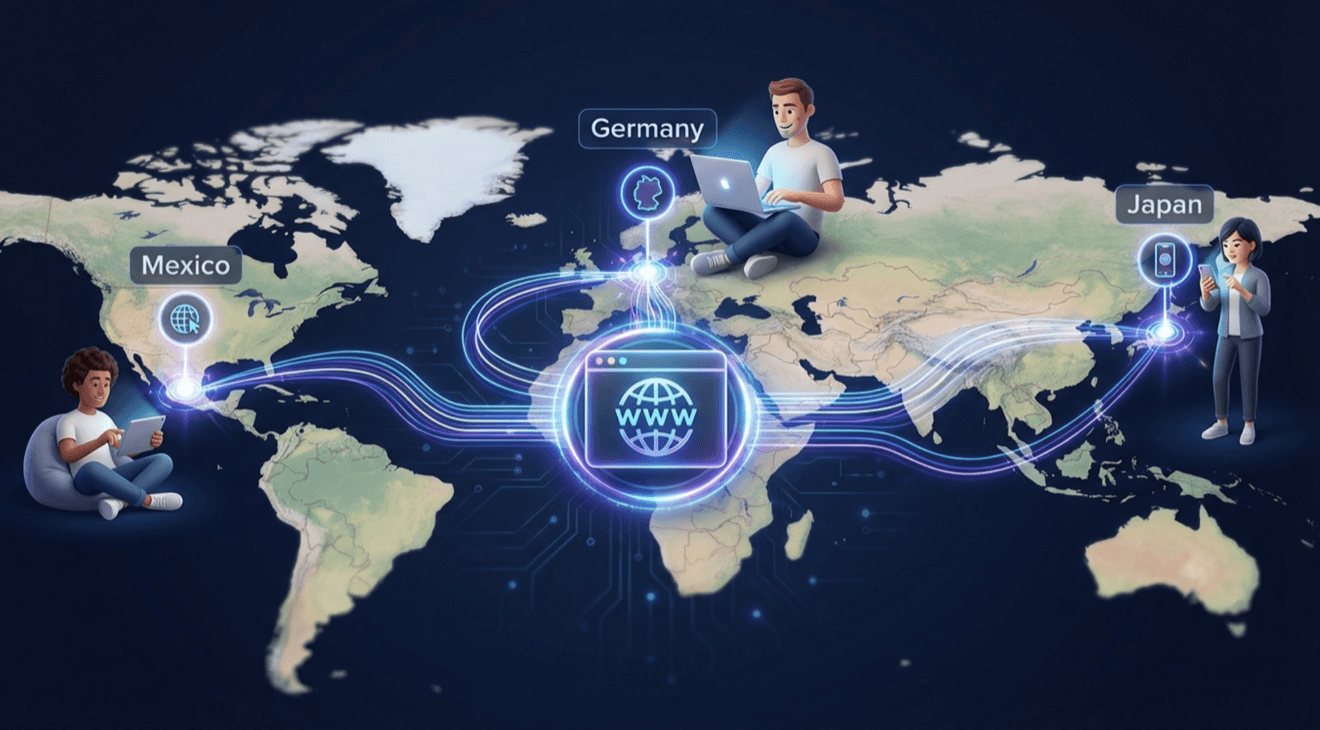
The most obvious benefit is the ability to operate effectively in new regions. When your sales team in Germany can use the CRM in German and your support team in Japan can use it in Japanese, you remove a significant barrier to entry. Local teams can work more efficiently and accurately, capturing the nuances of their customer interactions without having to translate their thoughts into a second language.
Boosting User Adoption and Productivity
If a CRM is difficult to use, people won't use it. Forcing a global team to work in a single language—typically English—creates friction and cognitive load. Users who are not native speakers may struggle to understand labels, navigate menus, and enter data correctly. This slows them down and increases the likelihood of errors. A CRM that speaks their native language feels intuitive and welcoming, which dramatically increases user adoption rates and overall productivity.
Enhancing Data Quality and Consistency
When users can enter data in their native language, the quality and richness of that data improve significantly. They can capture detailed notes, specific local terms, and cultural context that would be lost in translation. A well-designed multi-language CRM ensures that this data is stored correctly and can be viewed and understood by team members in other regions, fostering better collaboration and a more accurate global view of your business.
Improving Customer Experience
A multi-language CRM enables you to deliver a more personalized and effective customer experience. It allows for automated communications—like email confirmations or support ticket updates—to be sent to customers in their preferred language. This simple act shows respect for the customer's culture and builds stronger, more loyal relationships. This focus on user-centric functionality is a core principle of high-quality software design and development.
The UX Gauntlet: Top Challenges in Multi-Language Design
Creating a great multi-language UX is a design and engineering puzzle. Seemingly small details can have a major impact on usability. Here are the most common challenges you will face.
1. Text Expansion and Contraction
This is one of the most immediate and visible challenges. When you translate text from one language to another, the length of the string can change dramatically.
- The Problem: English is a relatively compact language. Translating English UI elements into languages like German, Spanish, or Russian can result in text that is 30-300% longer. "Save" (4 characters) becomes "Speichern" (9 characters) in German. This expansion can cause text to overflow its container, wrap awkwardly, or break the entire layout of a button, menu, or data field. Conversely, some languages, like Chinese or Japanese, can convey complex ideas in just a few characters, which can leave a layout looking sparse and unbalanced.
- The Solution: Design for flexibility from the start. Avoid fixed-width containers for text elements. Use dynamic layouts (like CSS Flexbox or Grid) that allow components to grow or shrink gracefully. Test your UI with pseudo-localization (see below) to simulate text expansion early in the design process. For buttons and tight spaces, work with translators to find concise, contextually appropriate terms.
2. Differing Date, Time, and Number Formats
How you write a date, time, or number is not universal. Assuming a single format is a classic internationalization mistake.
- The Problem: In the United States, October 12, 2026, is written as 10/12/2026. In most of Europe, it's 12/10/2026. Japan uses a year-month-day format: 2026/10/12. Similarly, numbers and currency are formatted differently; a thousand dollars and fifty cents is "$1,000.50" in the US, but "1.000,50 €" in Germany. Forcing users to conform to a foreign format is confusing and leads to critical data entry errors.
- The Solution: Never store dates, times, or numbers as formatted strings in your database. Store them in a standardized, culture-neutral format (like a UNIX timestamp for dates or a decimal type for numbers). The application's presentation layer should then be responsible for formatting this data according to the user's selected locale (language and region). Use established internationalization libraries (like Intl in JavaScript or ICU in other languages) that handle these formatting rules automatically.
3. Right-to-Left (RTL) Language Support
Supporting languages like Arabic, Hebrew, or Persian requires more than just flipping text. The entire user interface layout needs to be mirrored.
- The Problem: In RTL languages, the reading order flows from right to left. This means navigation menus should be on the right, icons that indicate direction (like back arrows) must be flipped, and form fields should align to the right. Even progress bars should fill from right to left. Simply right-aligning the text is not enough; the entire interface must be a mirror image of the LTR (left-to-right) version.
- The Solution: Plan for RTL support from the beginning of the app design and development process. Use modern CSS logical properties (margin-inline-start instead of margin-left) which automatically adapt to the document's writing direction. This significantly reduces the amount of custom CSS needed to create the mirrored layout. Test your RTL layouts thoroughly to catch any components that don't flip correctly.
4. Cultural Nuances in Colors, Icons, and Imagery
Visual elements are not culturally universal. A symbol or color that is positive in one culture can be neutral or even negative in another.
- The Problem: An icon of a piggy bank to represent "savings" might be meaningless in a culture where banks are not associated with pigs. The color red can signify danger in Western cultures, luck in China, and mourning in South Africa. Imagery showing people can also be problematic if it doesn't reflect the diversity of your global user base.
- The Solution: Research the cultural context of your target markets. Opt for universal, abstract icons where possible. When using symbolic icons or colors, allow for them to be customized per locale. For example, a "success" message could be green in the US but a different color in another region. Avoid using flags to represent languages (e.g., use "Español" instead of the flag of Spain, as Spanish is spoken in many countries).
Technical Architecture for a Scalable Multi-Language CRM
A successful multi-language CRM relies on a solid technical foundation. Your architecture must be designed to handle the complexities of storing, retrieving, and displaying content in multiple languages efficiently.
1. Internationalization (i18n) vs. Localization (l10n)
These two terms are at the core of building global software.
- Internationalization (i18n): This is the process of designing and engineering your application so that it can be adapted for various languages and regions without engineering changes. It's about building the framework. This includes things like separating text strings from the code, supporting Unicode characters, and handling different date/number formats.
- Localization (l10n): This is the process of actually adapting the internationalized application for a specific region or language. This involves translating the text, providing culturally appropriate images, and configuring locale-specific formats.
Your custom web development process must focus on i18n first. You build the "translation-ready" CRM, and then you or a localization team provides the l10n content.
2. Resource Files and String Management
The most fundamental i18n practice is to externalize all user-facing text from your source code. Hard-coding strings like button.text = "Save" makes translation impossible without changing the code.
- How it Works: All text strings are placed in separate resource files, often in a key-value format. You might have a file en.json for English and de.json for German. // en.json { "SAVE_BUTTON_LABEL": "Save" } // de.json { "SAVE_BUTTON_LABEL": "Speichern" } The code then references the key (SAVE_BUTTON_LABEL), and an i18n library dynamically loads the correct value based on the user's selected language.
- Best Practices: Use a centralized translation management system (TMS). A TMS provides a web interface for translators, manages workflows, and can integrate directly with your code repository to automate the process of exporting new strings for translation and importing the completed translations.
3. Database Design for Multilingual Content
You also need a strategy for handling user-generated content that can exist in multiple languages. For example, a product description might need to be available in English, French, and Spanish.
- The Entity-Attribute-Value (EAV) Model: One approach is to have a separate table for translations. You would have your main Products table, and then a Product_Translations table with columns like product_id, language_code, field_name (e.g., "description"), and field_value. This is flexible but can be complex to query.
- JSONB Column Approach: For databases like PostgreSQL that support JSONB columns, you can store translations directly within the main table. A product could have a description column of type JSONB that looks like this: { "en": "Description...", "fr": "Description...", "es": "Descripción..." }. This is often simpler to query and manage for a moderate number of languages.
The right choice depends on your specific needs, the number of languages you support, and your database technology.
A Practical Implementation Roadmap
Building a multi-language CRM is a journey. Follow this roadmap for a structured and successful implementation.
Phase 1: Strategy and Design
- Define Target Locales: Identify which languages and regions you need to support now and in the near future.
- Conduct UX Research: Research cultural norms, user expectations, and formatting standards for your target locales.
- Design Adaptable Layouts: Create flexible UI designs that can handle text expansion and RTL mirroring. Don't use fixed widths.
- Audit for Hard-Coded Strings: Review your existing codebase (if any) and identify all user-facing text that needs to be externalized.
Phase 2: Technical Implementation (Internationalization)
- Choose an i18n Library: Select a robust internationalization library for your technology stack.
- Externalize All Strings: Move all UI text into resource files (e.g., .json or .properties files).
- Implement Locale Formatting: Use the i18n library to handle all date, time, number, and currency formatting.
- Implement RTL Support: Use CSS logical properties and test your layouts thoroughly in an RTL language.
- Set Up a Language Switcher: Build a clear and accessible way for users to select their preferred language. Store this preference in their user profile.
Phase 3: Translation and Testing (Localization)
- Engage Professional Translators: Do not use machine translation for your UI. Professional translators who understand the context of your application are essential.
- Use Pseudo-Localization: Before you have real translations, use a pseudo-localization tool. This replaces UI text with garbled, expanded characters (e.g., "Save" becomes "[Šåååvvvv€€€€]") to help you quickly identify strings that haven't been externalized and UI elements that break with longer text.
- Linguistic and Functional Testing: Once translations are complete, have native speakers test the application. They will check not only for translation accuracy but also for cultural appropriateness and overall usability.
Conclusion: Building Bridges, Not Barriers
Designing a multi-language CRM is a testament to a company's commitment to its global vision. It's a complex endeavor that requires a thoughtful blend of cultural empathy, smart UX design, and robust technical architecture. By anticipating challenges like text expansion, varied data formats, and RTL layouts, and by building on a solid foundation of internationalization, you can create a system that feels native to every user.
The result of this investment is a CRM that empowers your international teams, improves the quality of your global data, and enables you to build stronger, more meaningful relationships with customers across the world. It transforms your CRM from a mere business tool into a bridge that connects your company to the global marketplace.
If you are ready to expand your reach and need a software partner who understands the intricacies of building global, scalable applications, let's connect. Explore our custom software development services and let's discuss how we can build a CRM that speaks your language—and the language of your customers.