



Shopify to Strapi + Next.js: Headless Ecommerce Build
Shopify to Strapi + Next.js: Headless Ecommerce Build
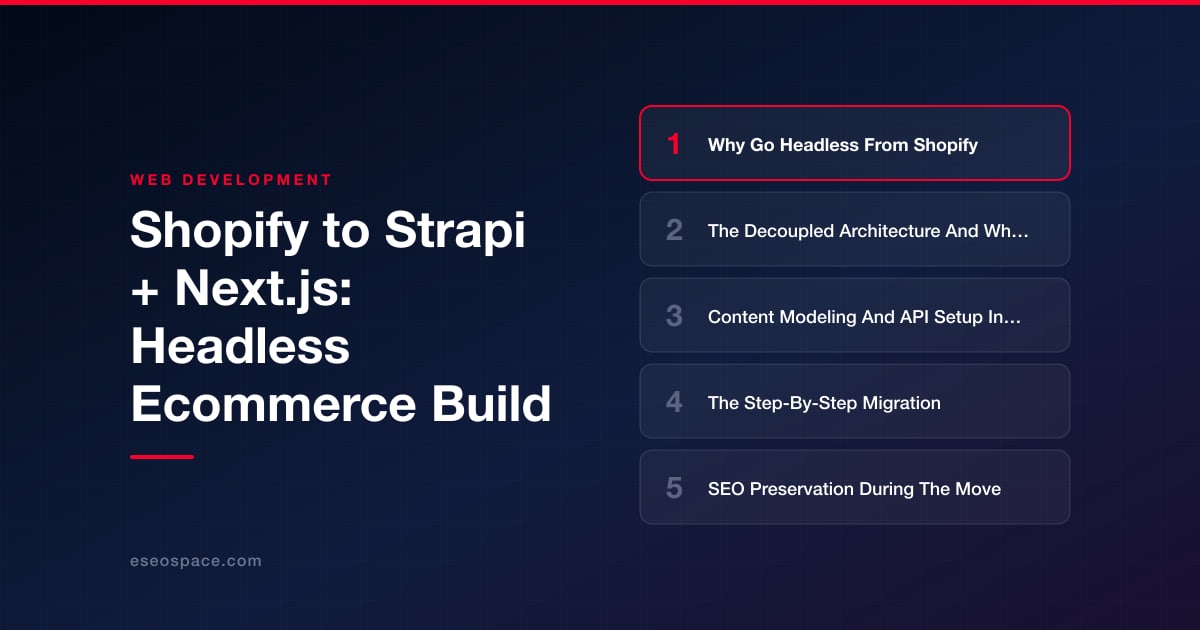
Key Takeaways
- Going headless from Shopify trades a hosted monolith for a Next.js frontend you fully control, unlocking better performance, editorial freedom, and no per-feature app fees.
- The decoupled architecture splits content (Strapi), presentation (Next.js), and commerce (Shopify Storefront API), letting you keep proven checkout while owning everything else.
- Strapi content modeling built around real editorial workflows—products, pages, articles, and a reusable SEO component—determines the quality and speed of the entire build.
- The migration is an ETL project: export from Shopify's Admin API, transform fields to your Strapi schema, load records, build Next.js routes, then stage, QA, and cut over.
- SEO preservation is the highest-risk task; a complete 301 redirect map, faithful metadata, rebuilt structured data, and fresh sitemaps are non-negotiable for holding rankings.
Shopify is a superb place to start selling, but growing merchants eventually hit its ceiling: theme liquid that fights your design system, checkout and PDP logic locked behind app subscriptions, and Core Web Vitals dragged down by a stack of injected scripts you never asked for. When your storefront needs to become a genuine content and commerce platform—not just a catalog—going headless with Strapi as the CMS and Next.js as the frontend gives you back control of the rendering layer, the URL structure, and the editorial experience.
This guide walks through a real migration path from Shopify to a decoupled Strapi + Next.js build. We will cover why teams make the move, how the decoupled architecture actually changes your day-to-day, how to model content and stand up the API, the step-by-step data migration, and—most importantly—how to preserve the organic search equity you have spent years earning. The goal is a store that is faster, more flexible, and fully yours.
Why Go Headless From Shopify
The decision to leave Shopify's monolith is rarely about a single missing feature. It is the accumulation of friction. On a hosted theme, every custom section is a compromise between Liquid's constraints and the design you actually want, and performance-critical work like image handling and script loading is largely out of your hands. Headless flips that: the frontend is a first-class application you own.
- Performance you control. Next.js lets you server-render or statically generate product and collection pages, ship minimal JavaScript, and hit strong Largest Contentful Paint and Interaction to Next Paint scores without wrestling a theme.
- Editorial freedom. Strapi models content the way your business thinks—landing pages, buying guides, lookbooks, and rich PDP copy—instead of shoehorning everything into product metafields.
- No app tax. Features that Shopify gates behind monthly app subscriptions (custom filtering, advanced SEO fields, content blocks) become code you write once.
- Composability. You can keep Shopify's Storefront API for cart and checkout while owning everything else, or move commerce logic to another provider later without a full rebuild.
If you are weighing this trade-off, our breakdown of headless CMS versus traditional CMS lays out where the model pays off and where a monolith is still the pragmatic choice. Headless is not free—you take on more architecture—but for content-heavy brands it is usually a net win.
The Decoupled Architecture And What Changes
In a headless build, the storefront is split into three cooperating layers instead of one Shopify monolith. Strapi becomes your content source of truth, exposing pages, blog posts, and enriched product content over a REST or GraphQL API. Next.js is the presentation layer, fetching from Strapi at build time or request time and rendering HTML the browser and Googlebot receive fully formed. Commerce primitives—cart, inventory, checkout, payments—can stay on Shopify's Storefront API, so you keep PCI-compliant checkout without rebuilding it.
What changes day-to-day is meaningful. Content editors work in Strapi's admin, not Shopify's theme customizer. Developers deploy the frontend independently of content changes. Deploys and content updates decouple: an editor publishing a blog post triggers an incremental static regeneration or an on-demand revalidation, not a theme redeploy. You also inherit responsibilities Shopify handled invisibly—hosting, image optimization, and API caching—which is why this kind of project benefits from a partner experienced in custom website and platform development rather than a purely theme-focused shop.
A typical data flow looks like this: Next.js requests a collection page, fetches structured content and SEO fields from Strapi, fetches live pricing and inventory from Shopify's Storefront API, composes the page, and caches it at the edge. Add-to-cart calls go straight to Shopify from the client, so the cart and checkout remain battle-tested while everything around them is bespoke.
Content Modeling And API Setup In Strapi
The quality of a headless build is decided at the content-modeling stage. In Strapi you define collection types and components that mirror how your team actually creates content. A pragmatic starting schema for an ecommerce store includes:
- Product (collection type): title, handle/slug, long-form description as rich text or dynamic zone, image gallery, SEO component, and a
shopifyProductIdfield that links the content record to the live commerce object. - Collection/Category: name, slug, hero content, and relations to products for editorial merchandising.
- Page: a flexible dynamic zone of reusable components (hero, feature grid, FAQ, CTA) for landing pages and marketing.
- Article: your blog, with author relation, categories, and a shared SEO component.
- SEO component (reusable): metaTitle, metaDescription, canonicalURL, ogImage, and structured-data fields—attached to every content type so nothing ships without metadata.
On the API side, enable Strapi's REST or GraphQL plugin and lock down permissions: create a read-only API token scoped to the content types Next.js needs, and keep write access internal. Use Strapi's populate parameters deliberately—over-fetching deep relations is the most common source of slow builds. For images, Strapi's upload provider should point at a CDN or object storage (S3, Cloudinary) so the frontend serves optimized assets. Wire webhooks so that publishing in Strapi calls a Next.js revalidation endpoint, keeping static pages fresh without full rebuilds.
The Step-By-Step Migration
With the model in place, the migration itself is an orchestrated ETL exercise. Rushing it is how stores lose data and rankings, so treat it as a project with checkpoints. A dependable sequence looks like this:
- Export from Shopify. Pull products, collections, pages, and blog articles via the Admin API (or a full GraphQL bulk export). Capture handles, body HTML, images, metafields, and—critically—every existing URL.
- Transform. Write a script that maps Shopify fields onto your Strapi schema: Shopify
handlebecomes Strapislug, product body HTML is sanitized into rich text, and images are re-uploaded to your CDN with their references rewritten. - Load into Strapi. Use Strapi's REST API or a seed script to create records, preserving the
shopifyProductIdlink so live pricing can be joined at render time. - Build the frontend. Implement Next.js routes with dynamic segments (
/products/[slug],/collections/[slug],/blog/[slug]) using static generation plus incremental revalidation, and wire the Storefront API for cart and checkout. - Stage and QA. Deploy to a preview environment, diff every migrated page against the live Shopify store, and verify pricing, inventory, add-to-cart, and checkout end to end.
- Cut over. Point DNS at the new frontend, deploy your redirect map, and monitor logs and analytics closely for the first 72 hours.
Because so much can go wrong at the data and DNS layers, many teams bring in dedicated website migration services to own the ETL scripts, the QA matrix, and the launch runbook. A structured migration with rollback checkpoints is far cheaper than an emergency the week after launch.
SEO Preservation During The Move
The single biggest risk in any replatform is losing organic traffic, and Shopify's URL conventions make this a live concern. Shopify forces prefixes like /products/, /collections/, and /blogs/news/, and it appends collection paths to product URLs. If your new Next.js structure differs—even slightly—every changed URL must be redirected or you will bleed rankings. This is where a complete 301 redirect map is non-negotiable: crawl the existing site, list every indexed URL, and map each to its new destination with a permanent 301.
- Preserve or redirect every URL. Match the new slug to the old handle wherever possible to keep redirects one-to-one; use catch-all redirect rules for Shopify's pattern prefixes.
- Port metadata faithfully. Your Strapi SEO component should carry over the exact title tags, meta descriptions, and canonical URLs so search engines see continuity, not a rewrite.
- Rebuild structured data. Re-emit Product, BreadcrumbList, and Article JSON-LD from Next.js—do not assume the theme's schema carried over.
- Regenerate sitemaps and validate. Produce a fresh XML sitemap, submit it in Search Console, and watch coverage and crawl-error reports daily post-launch.
Work through a formal website migration SEO checklist before and after cutover so nothing is missed under launch pressure. Server-side rendering in Next.js is actually an SEO advantage here—crawlers receive fully rendered HTML rather than the client-heavy output some Shopify themes produce—but that upside only materializes if your redirects and metadata are airtight.
Bringing It All Together
Migrating from Shopify to Strapi + Next.js is a deliberate trade: you take on architecture and hosting responsibility in exchange for a storefront that is faster, fully composable, and unconstrained by theme limits or app fees. The winning approach is methodical—model your content around how your team really works, keep Shopify's checkout where it is strong, script the data migration as a repeatable ETL, and treat SEO preservation as a first-class deliverable rather than an afterthought. Done right, you launch onto a platform that not only matches your Shopify store on day one but gives you room to grow for years. That is the payoff of owning your frontend, and it is exactly the kind of build that rewards a careful, well-planned execution.
Get a FREE Audit
We'll perform a comprehensive SEO, AEO, GEO & CRO audit of your website — completely free — and show you exactly how to outrank your competitors.
Don't have a site yet? Get in touch →
Put this into action with eSEOspace
We help businesses grow with website development that actually performs. Explore the services behind this guide:
Frequently Asked Questions
Do I have to give up Shopify checkout when going headless?
What is Strapi's role versus Shopify in this stack?
How do I avoid losing SEO rankings during the migration?
How long does a Shopify to Strapi plus Next.js migration take?
Is headless overkill for a small Shopify store?
Get a FREE GEO/AEO/SEO Audit
We'll analyze your site's SEO, GEO, AEO & CRO — completely free — and show you exactly how to get found across Google and AI answers.
Don't have a site yet? Get in touch →
Great — your audit is on the way!
We'll send your free SEO/GEO/AEO/CRO audit within the next few hours. Where should we send it?
You're all set! ✓
Your free audit is being prepared — check your inbox in the next few hours. Talk soon!








