



Real-Time Chat for Your Website: Should You Build It or Use a Chat API?
Real-Time Chat for Your Website: Should You Build It or Use a Chat API?
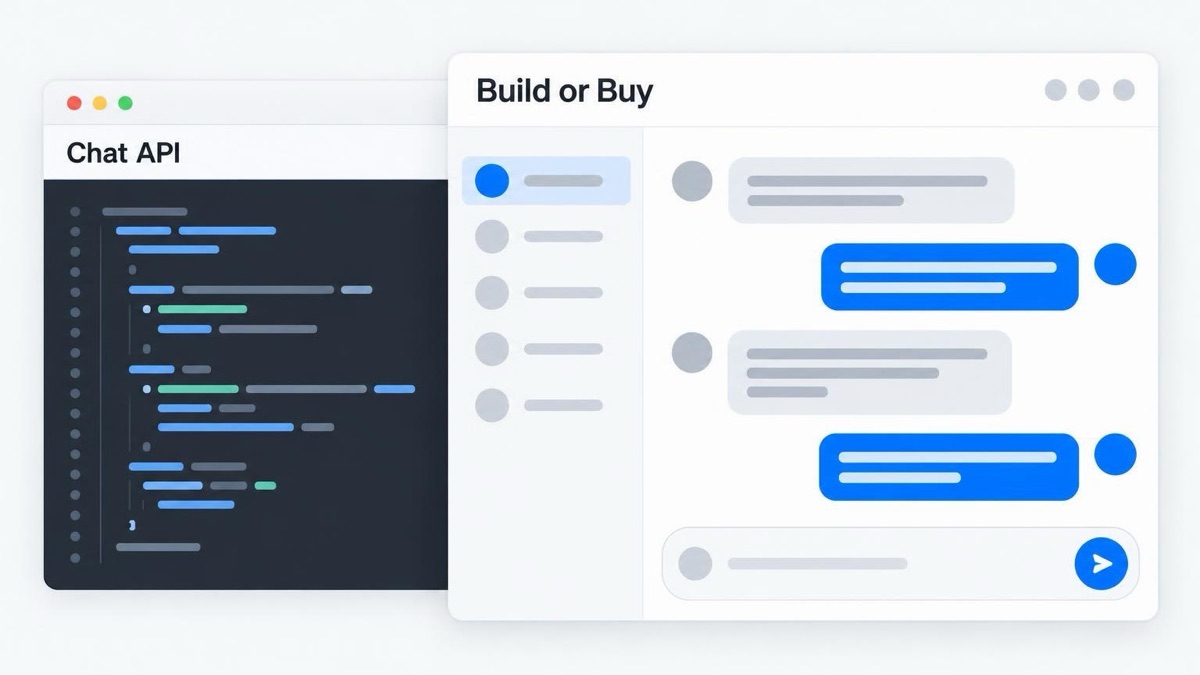
A website used to be a place where people read. Today it is often a place where people do business with each other: a client books a contractor, a donor talks to a volunteer coordinator, a member asks a question in a community. When those conversations happen in private email threads or in an outside messaging app, the site owner cannot see them, cannot support them, and cannot learn from them.
That is why more web projects now include a chat requirement in the brief. This article is for the people who have to answer it: site owners, marketing leads, and the web teams that work for them. It explains the two kinds of website chat, what it takes to build one, and when a chat API is the better investment.
First, know which chat you need
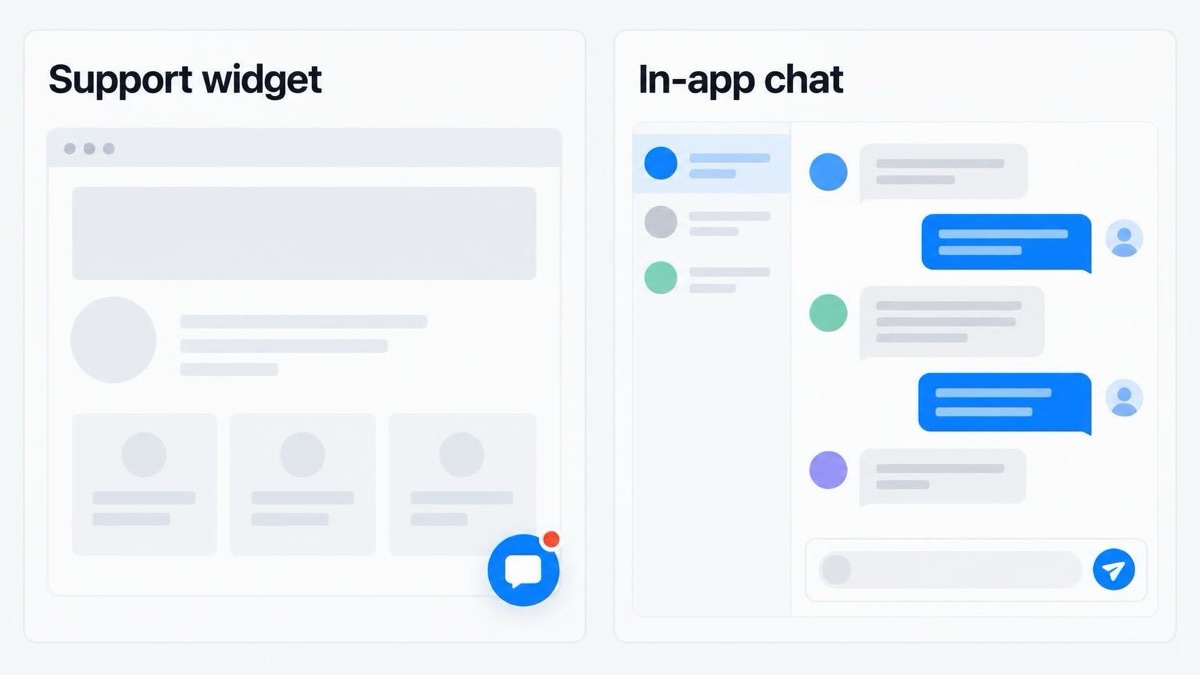
"Add chat to the site" can mean two different products.
A support widget. The small bubble in the corner of the page. A visitor talks to your team. It is a customer service tool, and you install it with a line of script.
In-app chat. Your users talk to each other, or to named people in your organisation, inside their account. A buyer messages a seller. A patient messages their own care team. A student messages a tutor. This chat is a part of your product. It knows who the user is, it keeps the history, and it must follow your rules about who can talk to whom.
The rest of this article is about the second kind, because that is where the build-or-buy decision is hard.
Where in-app chat pays off
Chat is worth the work when a conversation is a step on the way to the result you want.
- Marketplaces and directories. A buyer with a question needs the answer before paying. If the answer comes inside your platform, the sale stays there too.
- Booking and service platforms. Clients and providers agree on details without phone calls, and the record stays with the booking.
- Membership sites and online courses. Members get one more reason to come back: the other members, and not only the content.
- Nonprofits and public-sector portals. Volunteers, case workers, and residents get one safe place to communicate, with a record that the organisation controls.
There is one more benefit for the site owner. When conversations stay on your site, you can see what people ask before they buy, book, or join. Those questions show you which pages and answers the site still needs.
What it takes to build chat yourself
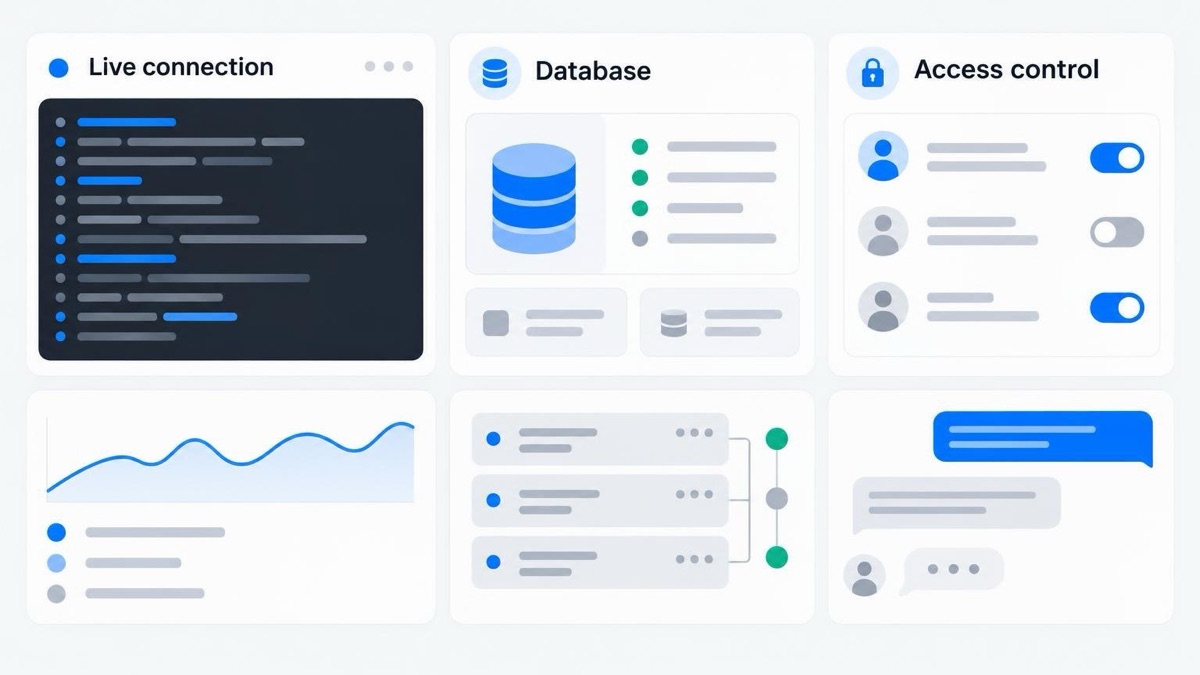
A developer can show two browser windows passing messages in an afternoon. That demo is a small part of the work. The rest is what makes people trust the feature.
- A server that keeps a live connection with every open browser, and scales when traffic grows.
- A database that stores every message in order and loads long conversations quickly.
- Notifications by email or push for people who are offline, without duplicates.
- Read receipts, typing indicators, and online status.
- File and image upload with virus and size checks.
- Access control, so that no user can read a conversation that is not theirs.
- Moderation tools and a way to report abuse.
- A responsive, accessible interface for desktop and mobile.
Then comes maintenance. Browsers change, phones change, and users ask for new features. A custom chat needs an engineer who owns it for as long as the site runs. For a company whose main product is messaging, that is a sound investment. For most other organisations, it is a second product that nobody planned to run.
What a chat API does for you
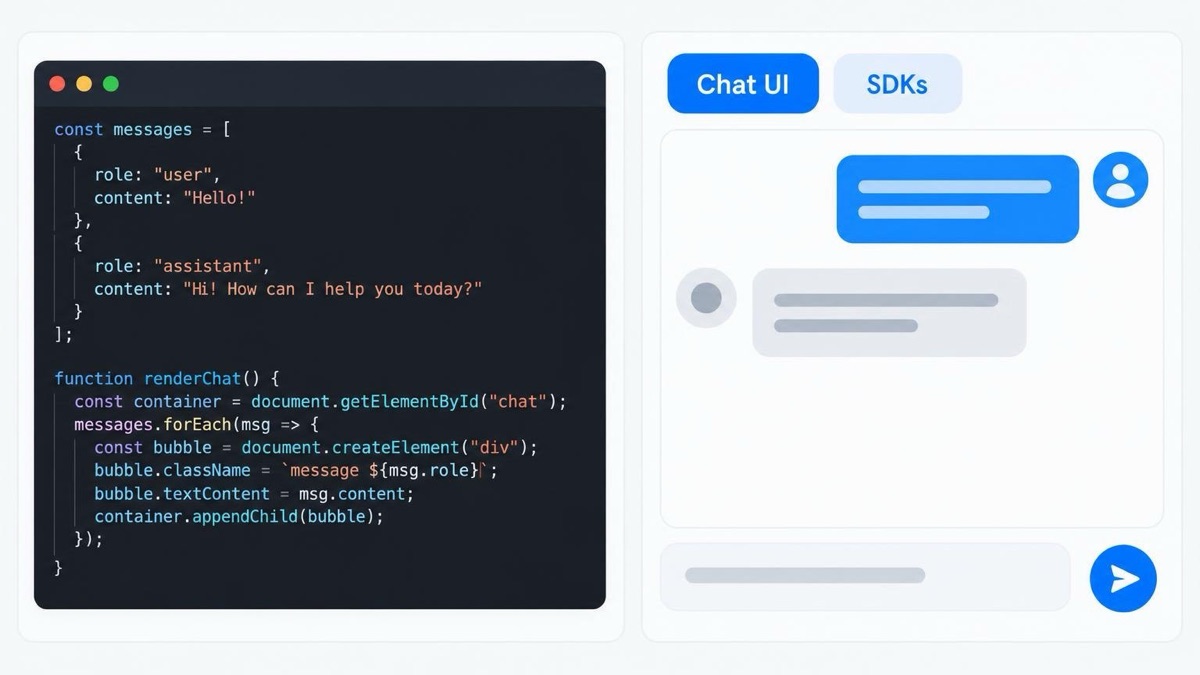
A chat API is a hosted service that provides all of the parts above. Your developers connect it to your user accounts, and the provider runs the connections, the storage, the delivery, and the notifications.
The better services also include the interface. TalkJS, for example, is a chat API with a pre-built chat UI that developers place in a page and then customise to match the brand. It has SDKs for JavaScript, React, React Native, Flutter, Angular, and Vue, and it supports private, group, and public conversations. The company states that it is ISO 27001 certified, GDPR compliant, and hosted in the EU, which answers the first questions that a legal or procurement team will ask.
The exchange is simple. You pay a subscription, usually based on the number of active users, and you accept the limits of the provider's platform. In return you get a complete chat in days or weeks, and your developers stay on the work that is specific to your organisation.
Cost: compare the right numbers
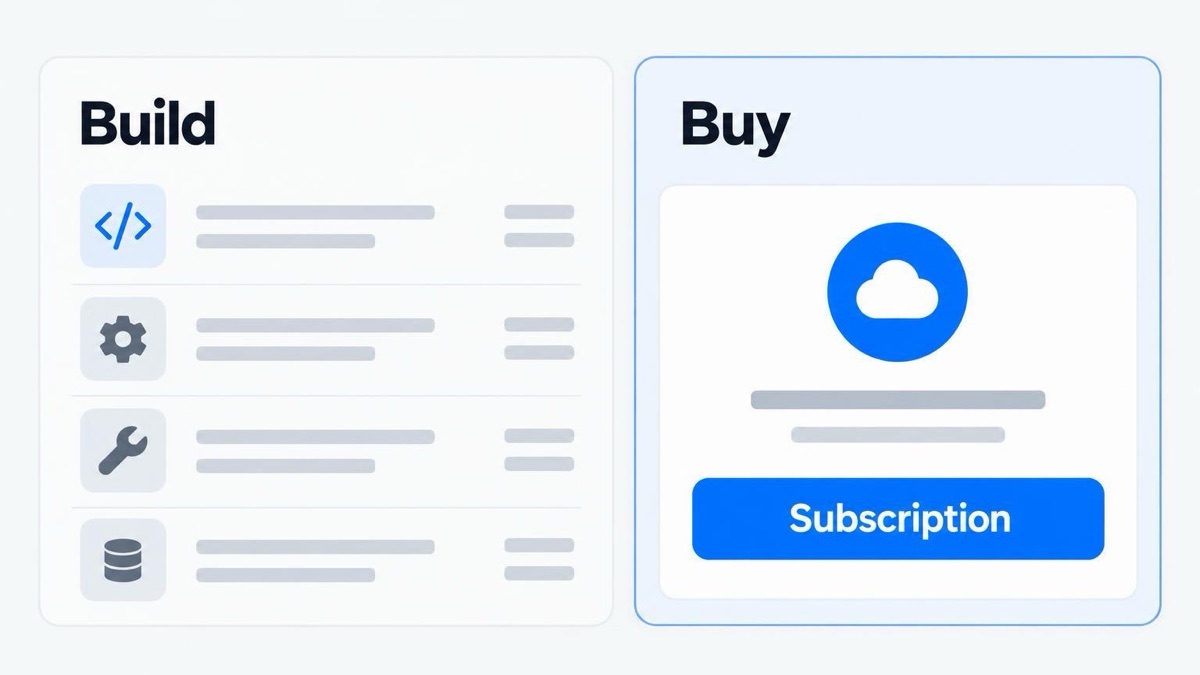
Teams often compare a monthly subscription with zero, because "we already have developers". That is the wrong comparison. Compare these two totals over three years:
- Build: the developer months to reach a complete feature, plus hosting, plus a part of one engineer's time each year for maintenance and new features.
- Buy: the integration work, which is days or weeks, plus the subscription at your expected number of users.
For a small or mid-size platform, the second total is usually lower, and it is also more predictable. The calculation changes for very large platforms, where usage fees grow and an in-house team becomes realistic.
A checklist for choosing a provider
If you decide to use a chat API, ask each provider the same questions.
- Is the interface included? A backend-only API still leaves you with months of front-end work.
- Does it support our stack? Check for an SDK for your framework and for your mobile apps.
- Can it look like our site? Ask to see the theme or styling options, not only a demo with the provider's colours.
- Where is the data stored, and which certifications apply? Get this in writing for your privacy policy.
- How are offline users notified? Email, push, SMS, and the rules for each.
- What moderation tools exist? Especially for public or community chat.
- What does it cost at ten times our users? Read the pricing for the plan you will need later, not only for the plan you start on.
- Can we test without paying? A free development or test mode lets your developers prove the integration first.
How to start with low risk
You do not have to decide for the whole site at once. Choose one place where a conversation clearly helps, such as the "contact the seller" button on a listing or the page of a booked appointment. Add chat there with an API in a test environment. Give it to a small group of real users for two weeks, and measure three things: how many conversations start, how fast replies arrive, and whether those users complete the purchase, booking, or sign-up more often.
If the numbers are good, extend the chat to the rest of the site. If chat turns out to be the centre of your product, you will have real usage data to plan a custom build. In both cases, you will have learned what your users need before you spend months of development on it.
The decision in one paragraph
Build your own chat when messaging is the product you sell and you have the engineers to own it for years. Use a chat API when chat supports the real purpose of your site, when your team is small, or when the launch date is close. For most business, nonprofit, and community websites, that second description is the accurate one.
Put this into action with eSEOspace
We help businesses grow with website development that actually performs. Explore the services behind this guide:
Get a FREE Audit
We'll perform a comprehensive SEO, AEO, GEO & CRO audit of your website — completely free — and show you exactly how to outrank your competitors.
Don't have a site yet? Get in touch →
Get a FREE GEO/AEO/SEO Audit
We'll analyze your site's SEO, GEO, AEO & CRO — completely free — and show you exactly how to get found across Google and AI answers.
Don't have a site yet? Get in touch →
Great — your audit is on the way!
We'll send your free SEO/GEO/AEO/CRO audit within the next few hours. Where should we send it?
You're all set! ✓
Your free audit is being prepared — check your inbox in the next few hours. Talk soon!








