



6 Best Social Media Scheduling Tools for Small Marketing Teams
6 Best Social Media Scheduling Tools for Small Marketing Teams
Quick Answer: What's the Best Social Media Scheduling Tool for a Small Marketing Team?
The best social media scheduling tools for small marketing teams are:
- Cloud Campaign: best for small agency teams managing multiple clients
- SocialPilot: best for a defined agency package with client approval
- Sendible: best for workspace-based collaboration with unlimited users
The right choice depends on how many clients you manage, who needs to approve posts and how your plan is billed. Buffer, Hootsuite and Sprout Social round out the list for lighter workloads, inbox-heavy teams and customer-care reporting.
Disclosure: this is a sponsored guest post. The comparison is desk-researched rather than hands-on, and competitor features and prices come from each vendor's own pricing page, checked October 15, 2026. All prices are in USD.
| Tool | Best for | Approvals | Team access | Pricing (checked Oct 15, 2026) |
|---|---|---|---|---|
| Cloud Campaign | Social media management software built for agencies managing multiple clients | Every plan, including multi-level approvals | Unlimited users on all plans | 14-day free trial |
| SocialPilot | Agency package with set account and user allowances | Manager approval on Standard; client approval on Premium | Six users on Premium | Premium $100/month, or $85/month billed annually |
| Sendible | Workspace-based collaboration | From Plus | Unlimited users on all plans | Plus $99/month billed monthly |
| Buffer | Smaller publishing workloads | Team plan | One user on Free and Essentials | Free plan; Team $10/channel/month billed annually |
| Hootsuite | Scheduling plus inbox work | Advanced plan | Per user | From $99/user/month billed annually |
| Sprout Social | Reporting and customer care | Confirm with vendor | Per seat | From $79/seat/month billed annually |
Our 6 Picks for Small Marketing Teams
A small team rarely needs the biggest platform. It needs the right mix of approvals, client organization and a bill that doesn't jump every time someone joins the review process.
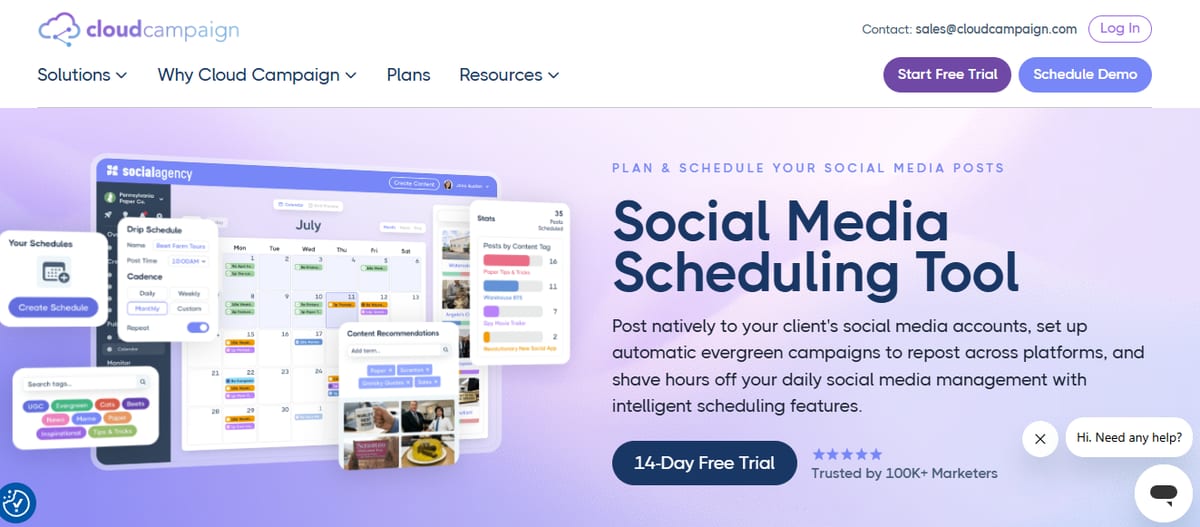
1. Cloud Campaign
Cloud Campaign is social media management software built for agencies managing multiple clients. Its workspace-based client management and unlimited users suit small teams where several people touch each client's content.
Cloud Campaign Standout Features
- Approvals: approval workflows on every plan, including multi-level approvals
- Reporting: one-click reporting on every plan, white-labeled on the Team and Agency plans
- Publishing: direct publishing to Facebook, Instagram, LinkedIn, Pinterest, YouTube, Google Business Profile, TikTok and Threads
- AI tools: CaptionAI, ImageAI and AI Social Inbox on every plan
- Content operations: evergreen recycling, category-based scheduling and bulk import from Google Drive, RSS and CSV
Pricing: A 14-day free trial is available, and every plan includes unlimited users.
2. SocialPilot
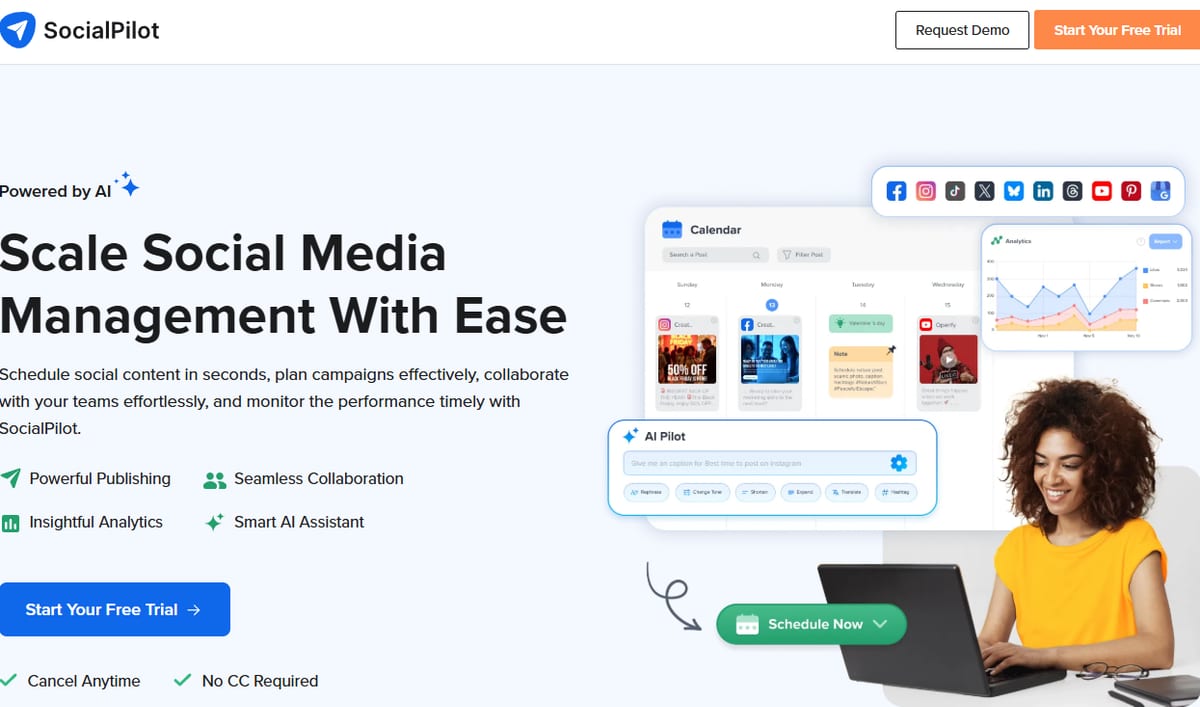
SocialPilot suits a small agency that wants a defined package with clear allowances. Premium brings client approval, bulk scheduling and white-label reports together.
SocialPilot Standout Features
- Premium allowances: 25 social accounts and six users
- Client approval: included on Premium, while Standard offers manager approval
- Bulk scheduling: included on Premium
- White-label reports: included on Premium
Pricing: Monthly billing runs $30 for Essentials, $50 for Standard, $100 for Premium and $200 for Ultimate. Premium is $85 per month on annual billing, and Ultimate includes 50 accounts and unlimited users.
3. Sendible
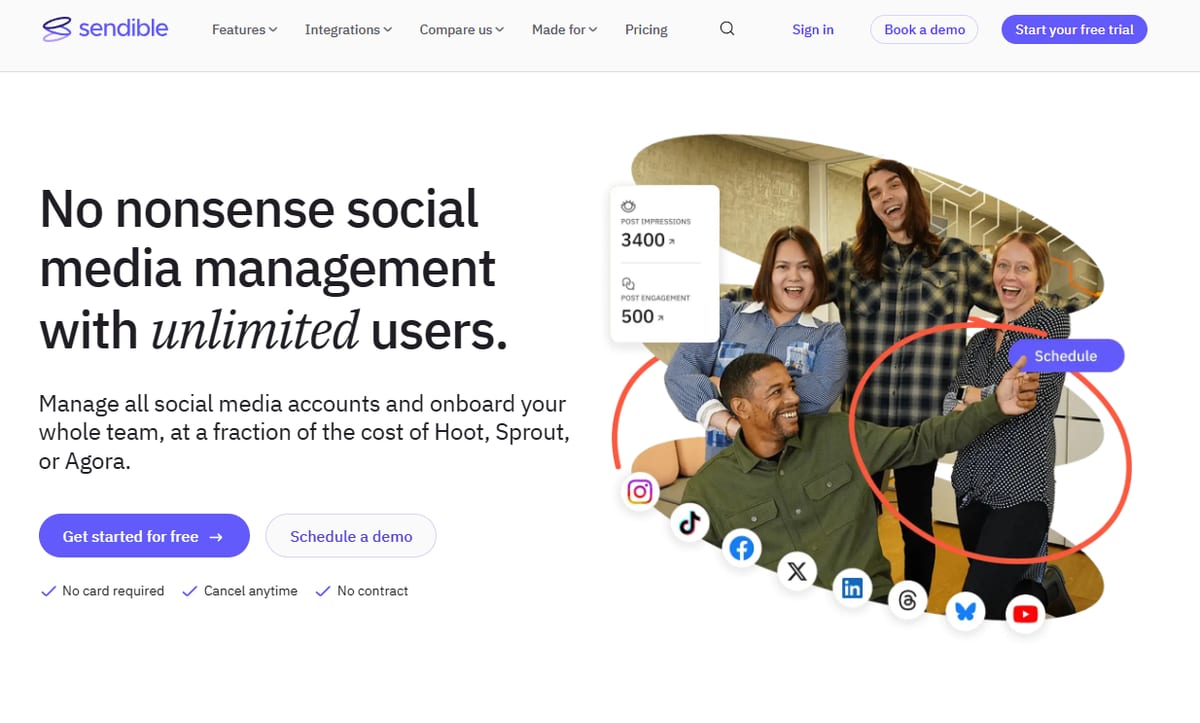
Sendible fits teams that want unlimited users within a workspace structure. Each workspace includes six social profiles plus its own calendar, inbox, reports and publishing queues.
Sendible Standout Features
- Unlimited users: included on every plan
- Bulk scheduling: included from Core
- Approvals: assignment and approvals start on Plus
- Branding: branded reports from Premium, with platform white-labeling as a paid Elite or Enterprise add-on
Pricing: Monthly billing runs $35 for Core with one workspace, $99 for Plus with three, $199 for Premium with seven, $299 for Elite with 15 and $750 for Enterprise with 50.
4. Buffer
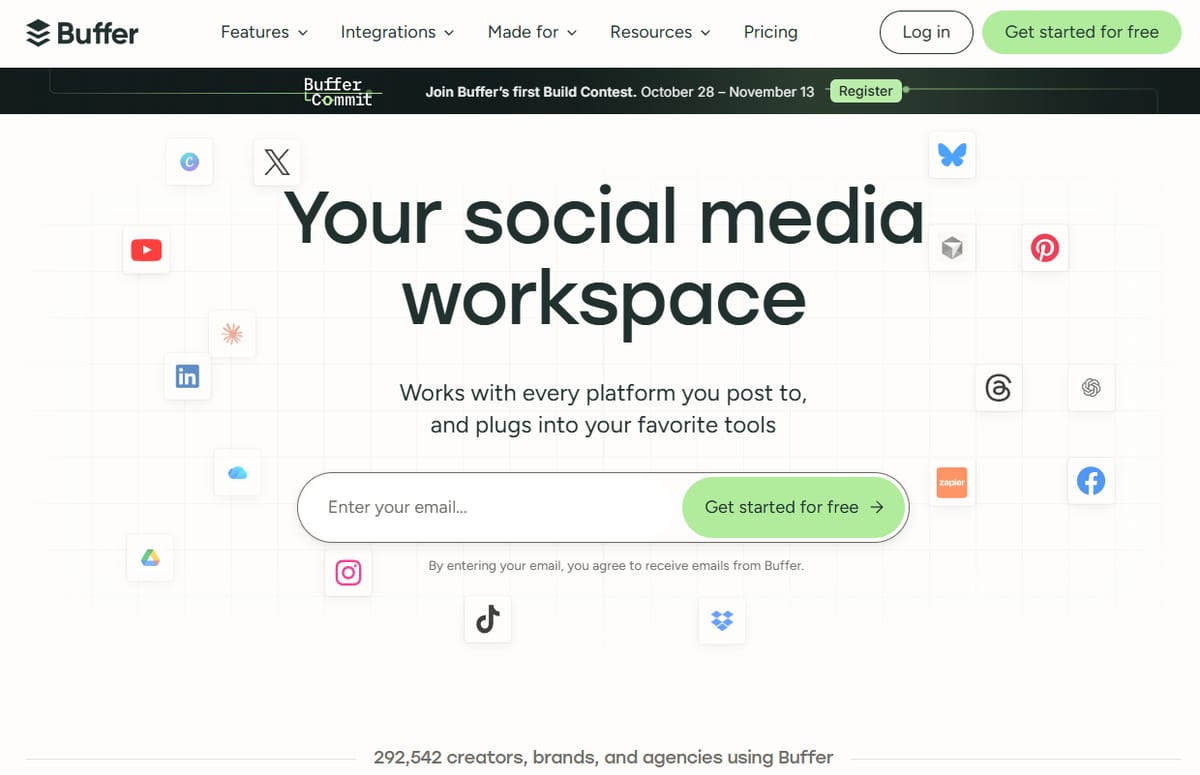
Buffer is a simple starting point when one person handles a brand's channels. Its free plan gives a defined place to begin, and Team adds shared access when the workload grows.
Buffer Standout Features
- Free plan: three channels, one user and a refillable ten-post queue per channel
- Paid features: advanced analytics and first-comment scheduling
- Team plan: unlimited members and approvals
Pricing: Annual billing runs $5 per channel per month for Essentials and $10 per channel per month for Team. Free and Essentials are single-user plans.
5. Hootsuite
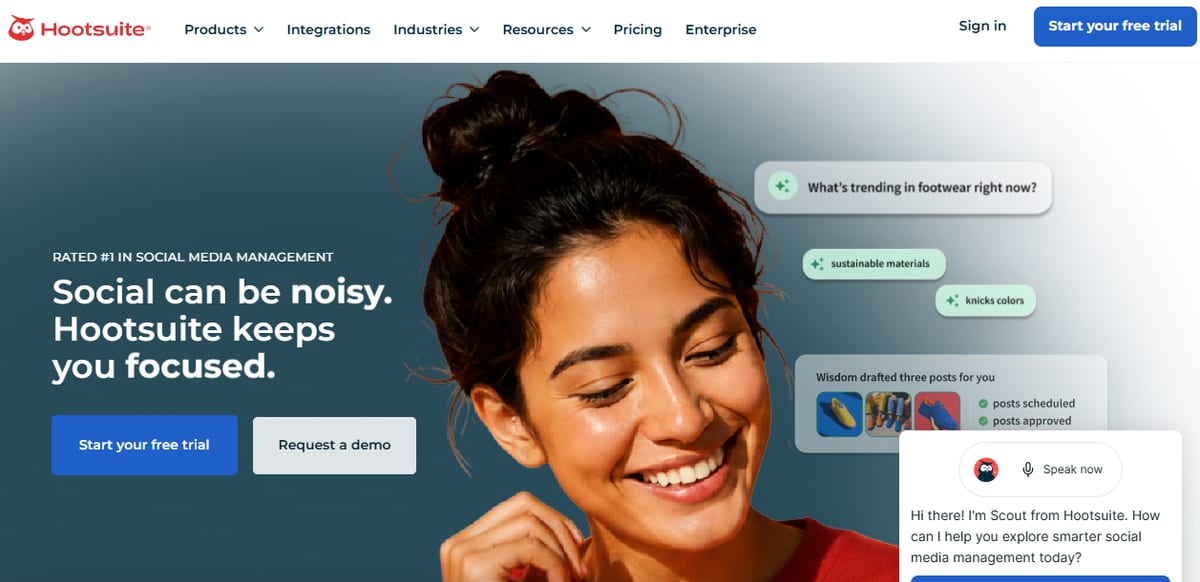
Hootsuite belongs on the list when publishing and inbox work share the same workflow. Standard covers both, and higher tiers add account capacity and approvals.
Hootsuite Standout Features
- Standard: scheduling, an inbox and ten social accounts
- Professional: unlimited accounts and custom reports
- Advanced: content review and approvals
Pricing: Annual billing runs $99 for Standard, $199 for Professional and $399 for Advanced, each per user per month. Enterprise is custom-priced.
6. Sprout Social
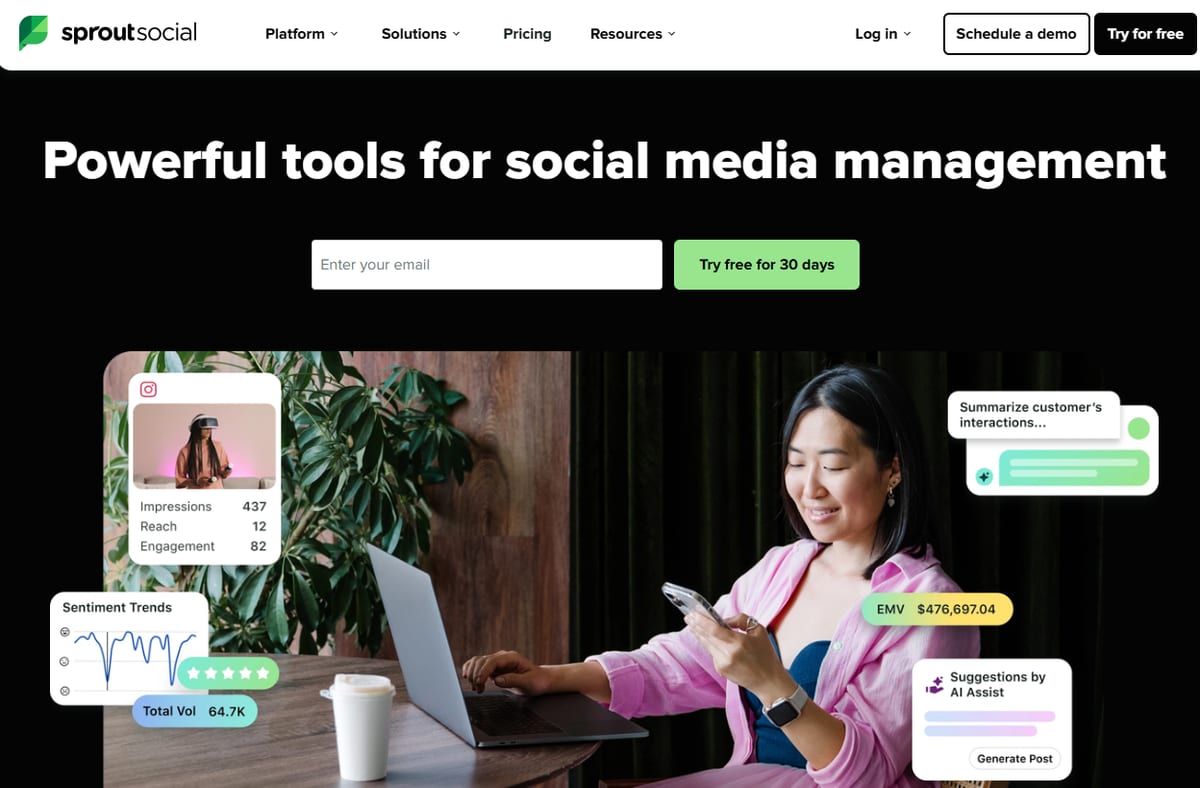
Sprout Social is the option for teams expanding into reporting and customer care. Its review management, competitor insights and helpdesk integrations sit across different tiers.
Sprout Social Standout Features
- Essentials and Standard: five profiles each, with inbox and review management on Standard
- Professional: competitor and paid insights, plus unlimited profiles
- Advanced: API and helpdesk integrations and customer-care reports
- Add-ons: Premium Analytics and Listening are sold separately
Pricing: Essentials is $79 per seat per month billed annually or $99 billed monthly. Standard, Professional and Advanced are $199, $299 and $399 per seat per month on annual billing, and a 30-day trial is available.
Must-Have Features in a Social Media Scheduler for Small Teams
A good scheduler takes repetitive work off a small team. These are the features worth checking first.
Approval Workflows
Small teams still need sign-off, whether it comes from a manager, a client or both. Check which plan includes approvals and whether it supports more than one review step.
Multi-Platform Publishing
Publishing from one dashboard saves hours of switching between apps. Confirm the tool supports the networks your clients actually use, and plan for formats like short-form video, which our guide tovideo marketing ROI covers in more detail.
Bulk and Recurring Scheduling
Bulk import and evergreen recycling keep calendars full without daily effort. They matter most when one person runs several accounts.
Reporting
Look for reports you can send without rebuilding them each month. If clients expect branded reports, check which plan includes them.
Fair Team Pricing
Per-seat and per-user billing can raise costs every time someone joins the review process. Compare plans against your real team size, not just the entry price.
How AI Is Changing Social Media Scheduling
AI now helps with captions, image creation and replies inside the scheduler itself. That shortens the gap between planning a post and publishing it.
For a small team, the value is speed on first drafts. Keep a person reviewing AI-assisted content before it goes live, and check which plan includes each AI feature.
How to Choose a Social Media Scheduler That Fits Your Team
Start with how your team works rather than with feature lists:
- Team size: a solo marketer can start with a simple queue, while a team of reviewers needs approvals and shared access.
- Client count: agencies managing several clients benefit from workspace-based organization.
- Billing unit: compare bundled, per-channel and per-seat pricing against your real roster.
- Approval route: decide whether you need internal sign-off, client sign-off or both.
Use free plans and trials to run one real client workflow from draft to approval to publishing before you commit.
Conclusion
The best social media scheduling tool for a small marketing team is the one that matches its approval process, client load and billing needs. Cloud Campaign leads this list for small agency teams managing multiple clients.
SocialPilot and Sendible suit teams wanting defined packages or workspace-based collaboration. Buffer, Hootsuite and Sprout Social fit lighter workloads, inbox-heavy work and customer-care reporting.
Social Media Scheduling Tools FAQs
What's the best social media scheduling tool for a small marketing team?
It depends on your workflow. For small agency teams managing multiple clients, Cloud Campaign offers workspace-based client management, unlimited users and approvals on every plan, while Buffer suits a single person handling a lighter workload.
Do small teams need approval workflows?
Usually, yes. Even a two-person team benefits from a review step before posts go live, especially when clients need to sign off.
Is per-user pricing a problem for small teams?
It can be. Per-user or per-seat billing adds cost for every reviewer, so compare it against plans that include unlimited users.
Can I try a social media scheduler before buying?
Most tools on this list offer a free plan or trial. Cloud Campaign offers a 14-day free trial, and Sprout Social advertises a 30-day trial.
Put this into action with eSEOspace
We help businesses grow with marketing that actually performs. Explore the services behind this guide:
Get a FREE Audit
We'll perform a comprehensive SEO, AEO, GEO & CRO audit of your website — completely free — and show you exactly how to outrank your competitors.
Don't have a site yet? Get in touch →
Get a FREE GEO/AEO/SEO Audit
We'll analyze your site's SEO, GEO, AEO & CRO — completely free — and show you exactly how to get found across Google and AI answers.
Don't have a site yet? Get in touch →
Great — your audit is on the way!
We'll send your free SEO/GEO/AEO/CRO audit within the next few hours. Where should we send it?
You're all set! ✓
Your free audit is being prepared — check your inbox in the next few hours. Talk soon!


On this page
- Quick Answer: What's the Best Social Media Scheduling Tool for a Small Marketing Team?
- Our 6 Picks for Small Marketing Teams
- Must-Have Features in a Social Media Scheduler for Small Teams
- How AI Is Changing Social Media Scheduling
- How to Choose a Social Media Scheduler That Fits Your Team
- Conclusion
- Social Media Scheduling Tools FAQs






