



7 Google Business Profile Mistakes That Quietly Cost Local Health Practices New Patients
7 Google Business Profile Mistakes That Quietly Cost Local Health Practices New Patients
A patient searches for a family doctor nearby. Two practices show up with recent photos and hours that match reality. One has a blank cover photo and a phone number that still rings the old fax line. Guess which ones get the call. Small errors on a Google Business Profile push good local health practices to the bottom of the list, and most owners never learn why.
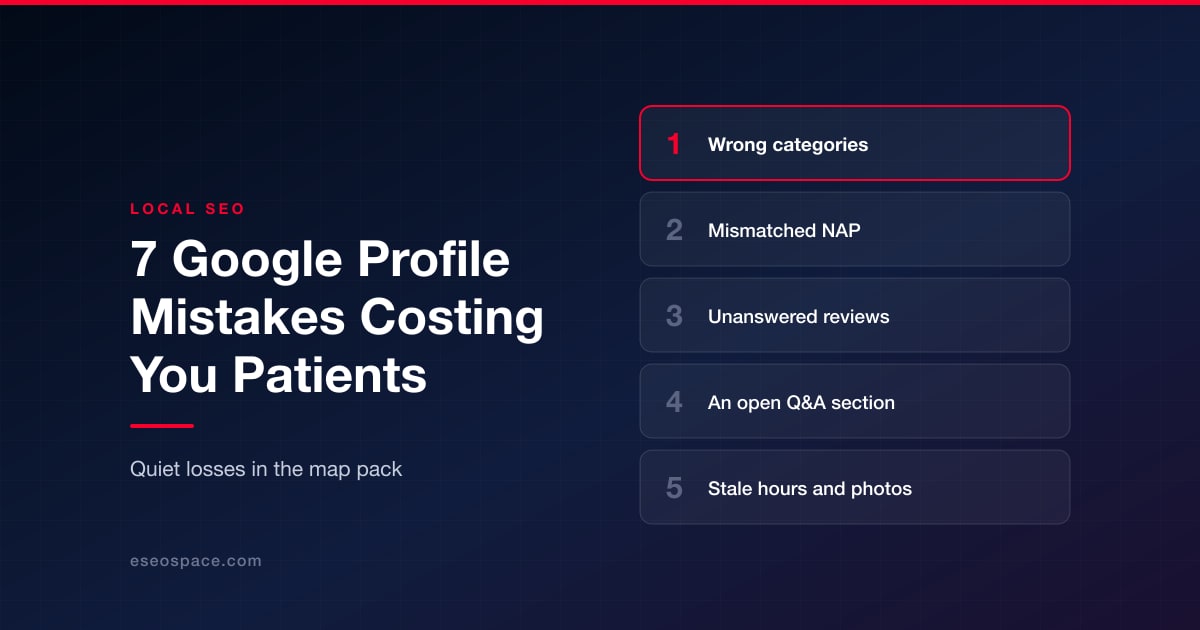
TL;DR: Local health practices lose new patients to fixable errors on their Google Business Profile — wrong categories, inconsistent contact details, ignored reviews, an unmonitored Q&A section, stale hours, missing photos, and a profile nobody updates. Fixing these seven issues improves local search visibility and turns more profile views into booked appointments.
Choosing the Wrong Google Business Profile Categories
A business profile carries one primary category and several secondary ones, and most clinics only fill in the first. A general listing under "Medical Clinic" competes against every practice in town, while "Pediatric Dentist" or "Physical Therapist" puts the practice in front of people searching for that exact care, which is the kind of detail a healthcare seo company handles for a living. A clinic treating sports injuries but listed only as "Doctor" is nearly invisible to someone typing "sports medicine near me."
Categories are also the field most worth revisiting, because Google adds and retires them without notice. A profile audit that starts anywhere else usually starts in the wrong place.
Letting Name, Address, and Phone Details Go Inconsistent
Google checks the name, address, and phone number on a profile against directories, insurance sites, and the practice's own website. When those details don't match, even by a suite number, Google loses confidence in the listing and ranks it lower. A practice that moved offices two years ago and never updated its old directory listing is telling Google two addresses exist.
Clean, matching details rank among the simplest fixes here, and the most overlooked. Chasing down every stale citation is tedious work, which is exactly why it stays broken — it's standard groundwork in any local SEO engagement and rarely gets done otherwise.
Leaving Patient Reviews Unanswered
According to BrightLocal's 2025 Local Consumer Review Survey, only 4 percent of consumers say they never read reviews before choosing a local business. A patient scrolling past five unanswered one-star reviews assumes nobody is paying attention. Staff need to stay mindful of HIPAA when replying — a short thank you works in almost every case, and it should never confirm that the reviewer was a patient.
That constraint runs deeper than review replies. Anywhere a practice handles patient information in public, the same rules apply, which is why HIPAA-compliant builds treat forms, chat, and messaging as regulated surfaces rather than website features.
Leaving Profile Details Incomplete Now That Q&A Is Gone
Anyone with a Google account can post a question on a business profile, and anyone can answer it — including people with no connection to the practice. An unmonitored section can end up with wrong answers about parking or accepted insurance sitting right at the top. Checking it monthly and seeding accurate answers keeps it working for the practice, not against it.
Letting Hours, Insurance, and Services Go Stale
Holiday hours, new insurance networks, added telehealth options: profiles fall out of date the moment daily operations get busy. A patient who shows up to a locked door because the listed hours were wrong last month rarely gives that practice a second try. Services and insurance fields matter just as much, since patients often filter results by those details first.
Those same fields increasingly feed answers elsewhere. When someone asks an assistant rather than a search box, the profile is often what gets read back — which is why "near me" queries in AI search reward the practices whose structured details are actually current.
Skipping Photos or Leaving Old Ones Up
A profile with no interior shots and no current exterior image reads as either brand new or abandoned. Patients want to see the waiting room and the people who will treat them before they book, especially for specialties like dermatology where comfort matters. Fresh photos, added every few months, give Google a reason to treat the profile as active.
Treating the Profile as a One-Time Setup
A profile created once and never touched again slowly loses ground to competitors who post updates and respond to reviews regularly. Google Posts add up over months as small signals. Practices that assign someone — even for twenty minutes a week — tend to outperform the ones that walk away after setup.
Turning Profile Fixes Into a Steady Flow of New Patients
Fixing all seven issues rarely happens in one afternoon, and that's fine. Start with categories and contact details, since those affect whether Google shows the practice at all. Move to reviews and photos next, since those are what a patient sees first in the results. Some practices handle this in-house. Others bring in a specialist agency, such as iMatrix, since staying current takes attention that's hard to fit around patient care. Regular attention converts more searches into appointments than a profile left to sit.
It also helps when the profile points at a site built to receive that traffic. A practice website with clear service pages and a working booking path is what turns a profile view into an appointment rather than a bounce.
FAQs
How much does a weak Google Business Profile cost a health practice?
Rarely one patient at a time. A practice with outdated hours or the wrong category loses a share of every local search it appears in — a steady drain that's easy to miss.
How often should a medical practice update its Google Business Profile?
Check hours and new reviews weekly. Add fresh photos and a Google Post monthly. Confirm categories and services quarterly.
Can front desk staff manage Google reviews without violating HIPAA?
Yes, as long as replies stay general. Staff can thank a reviewer, but should never confirm someone is a patient or reference their condition.
Does the Q&A section affect local search rankings?
It affects patient decisions more than rankings. A monitored section reduces confusion, while a neglected one can leave wrong information sitting at the top for months.
Put this into action with eSEOspace
We help businesses grow with website development that actually performs. Explore the services behind this guide:
Get a FREE Audit
We'll perform a comprehensive SEO, AEO, GEO & CRO audit of your website — completely free — and show you exactly how to outrank your competitors.
Don't have a site yet? Get in touch →
Get a FREE GEO/AEO/SEO Audit
We'll analyze your site's SEO, GEO, AEO & CRO — completely free — and show you exactly how to get found across Google and AI answers.
Don't have a site yet? Get in touch →
Great — your audit is on the way!
We'll send your free SEO/GEO/AEO/CRO audit within the next few hours. Where should we send it?
You're all set! ✓
Your free audit is being prepared — check your inbox in the next few hours. Talk soon!


On this page
- Choosing the Wrong Google Business Profile Categories
- Letting Name, Address, and Phone Details Go Inconsistent
- Leaving Patient Reviews Unanswered
- Leaving Profile Details Incomplete Now That Q&A Is Gone
- Letting Hours, Insurance, and Services Go Stale
- Skipping Photos or Leaving Old Ones Up
- Treating the Profile as a One-Time Setup
- Turning Profile Fixes Into a Steady Flow of New Patients
- FAQs






