



How to Migrate from Etsy to Shopify (Your Own Store)
How to Migrate from Etsy to Shopify (Your Own Store)
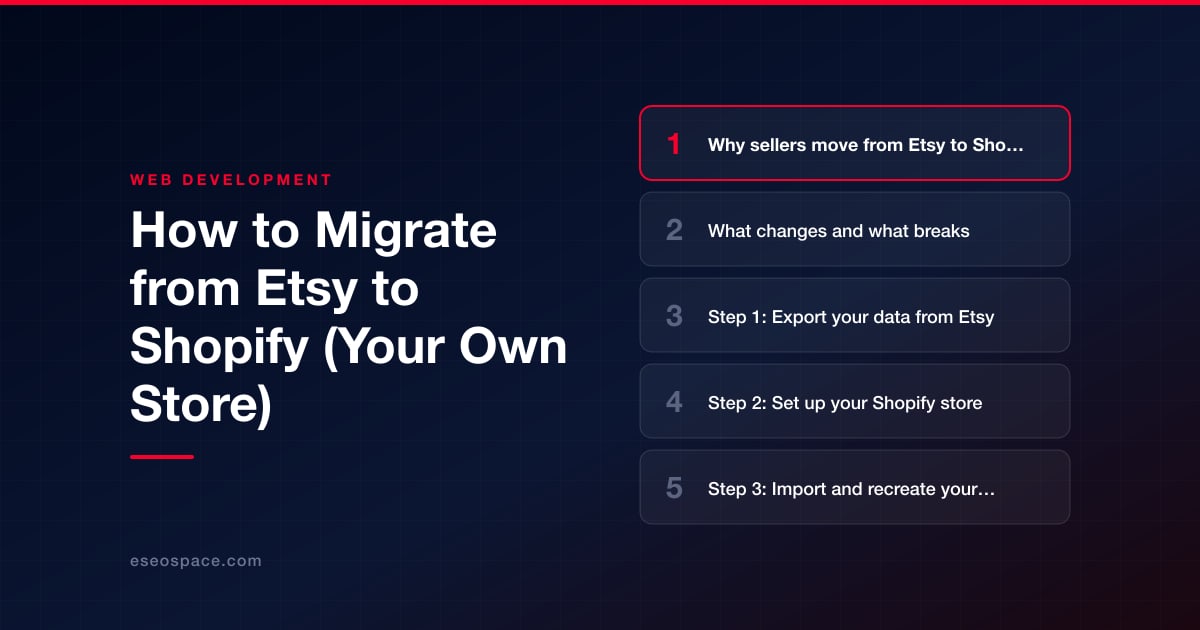
Key Takeaways
- Sellers leave Etsy for Shopify to escape marketplace fees, own the customer relationship, control branding, and gain real analytics and marketing tools.
- Etsy listing URLs cannot be 301-redirected because you do not control the etsy.com domain, so the SEO strategy is to keep Etsy listings live as a channel while building authority on your own Shopify domain.
- Reviews, buyer emails, and shop design do not transfer from Etsy; you rebuild them on Shopify with apps like Judge.me and a chosen theme.
- The core process is: export Etsy CSVs, set up and theme Shopify, import and manually clean product data, configure redirects and SEO fields, then connect DNS, launch, and test end to end.
- A small catalog can migrate in a week and a large one in two to four weeks; costs center on the Shopify plan, a theme, apps, and hourly help — with product-data accuracy and SEO discipline being the highest-value work.
Etsy is a superb place to launch a handmade or vintage brand: built-in shoppers, low upfront cost, and near-zero setup. But as your orders grow, the marketplace model starts working against you. Transaction fees, offsite ad fees, and payment processing quietly stack up; you compete against millions of similar listings; and you never truly own the customer relationship, the email list, or the traffic. When Etsy changes a policy or an algorithm, your revenue changes with it.
Moving to your own Shopify store fixes the ownership problem. You control branding, pricing, checkout, email capture, and the full analytics picture. The trade-off is that you now run the store instead of renting a stall inside a mall. This guide walks through exactly what changes when you migrate from Etsy to Shopify, what breaks, and how to move product data, customers, and search rankings without losing momentum.
The migration itself is very doable in a weekend for a small catalog, or a couple of weeks for a large one with lots of variations. The part that trips people up is SEO and redirects, because Etsy and Shopify structure URLs completely differently. We will handle that carefully.
Why sellers move from Etsy to Shopify
The economics are usually the trigger. On Etsy you pay a listing fee, a transaction fee, payment processing, and often a mandatory offsite ads fee on orders that come through Etsy's advertising. Shopify charges a flat monthly plan plus payment processing, which becomes far cheaper per order once you have consistent volume. Beyond cost, the strategic reasons include:
- You own the customer — Etsy restricts marketing to buyers; Shopify lets you build an email/SMS list and remarket freely.
- Full brand control — custom domain, custom theme, custom checkout experience instead of a templated Etsy shop page.
- No head-to-head listing competition — shoppers on your domain are not shown a competitor's product two rows down.
- Real analytics and pixels — Google Analytics 4, Meta Pixel, and conversion tracking that Etsy simply does not expose.
- Scalability — subscriptions, wholesale, bundles, and apps that Etsy's closed ecosystem cannot support.
Many sellers keep Etsy running as a secondary sales channel (Shopify's own Store Migration app can import your Etsy products, and third-party apps can keep inventory in sync) while they build up their own store as the primary brand home. That hybrid approach removes the fear of "turning off the lights" on day one.
What changes and what breaks
Etsy and Shopify are fundamentally different systems, so expect these gaps. Planning for them upfront is what separates a clean migration from a painful one, and it is the core of any professional website migration service.
- URLs change completely. Etsy listing URLs look like etsy.com/listing/1234567890/product-name. Shopify uses yourdomain.com/products/product-name. Every indexed listing URL will 404 unless redirected — but you cannot 301-redirect an Etsy URL you do not control, so the SEO strategy is different (covered below).
- Reviews do not transfer. Etsy reviews are locked to Etsy. You will start review collection from zero on Shopify using an app like Judge.me or Loox (Shopify's own Product Reviews app is no longer available).
- Design is rebuilt, not migrated. Etsy shop banners and "About" sections do not carry over. You will pick a Shopify theme (Dawn, or a premium theme) and rebuild the brand look.
- Apps replace built-in features. Etsy's messaging, digital-download delivery, and variations map to Shopify apps or native features — sometimes one-to-one, sometimes not.
- Digital products need setup. If you sell downloads, install the free Shopify Digital Products app or a tool like SendOwl; delivery is not automatic out of the box.
- Tax and shipping are yours now. Etsy auto-collected sales tax in many states; on Shopify you configure Shopify Tax and shipping zones yourself.
Step 1: Export your data from Etsy
Etsy gives you CSV exports under Shop Manager → Settings → Options → Download Data. Pull everything you can:
- Currently for sale listings CSV — titles, descriptions, prices, quantities, tags, and SKUs.
- Orders CSV and Order Items CSV — your sales history for reference.
- Product images — Etsy's export does not bundle full-resolution images cleanly, so plan to download listing photos manually or via an Etsy-to-Shopify migration app.
The listings CSV is not in Shopify's import format, so it needs reformatting. You have three options: reformat the CSV by hand into Shopify's product template, use a purpose-built migration app (Shopify's free Store Migration app, which imports Etsy products and is in early access as of October 2026, or LitExtension and Cart2Cart), or have a developer script the transformation. Whichever you choose, keep a master spreadsheet listing every old Etsy listing URL alongside its new Shopify handle — you will need that map for SEO.
Step 2: Set up your Shopify store
Start a Shopify trial and choose a plan (Basic is fine for most launching sellers). Then build the foundation before importing anything:
- Connect your domain. Buy or point a custom domain — this is your permanent brand address, unlike your Etsy shop URL.
- Pick and customize a theme. Free Dawn works well; premium themes save time. Rebuild your homepage, About, and policy pages here.
- Configure payments (Shopify Payments plus PayPal), taxes, and shipping zones/rates to match what Etsy handled for you.
- Set up collections (Shopify's version of categories) so products are browsable.
If you want a store that goes well beyond a stock theme — custom product configurators, subscriptions, or B2B pricing — this is the stage to bring in professional Shopify design or broader custom development and CRM integration so the build supports where the business is headed, not just where it is today.
Step 3: Import and recreate your products
Import your reformatted CSV under Products → Import, or let a migration app push listings, variants, and images directly. Then do a manual quality pass, because automated imports rarely land perfectly:
- Rewrite product descriptions for your own voice — and, importantly, to remove keyword stuffing that made sense on Etsy's internal search but hurts on Google.
- Check that variants (size, color, personalization) mapped correctly; Etsy variations and Shopify options do not always line up.
- Confirm images are high-resolution and set a clear featured image per product.
- Set SEO fields — the URL handle, meta title, and meta description — for every product and collection. Keep handles clean and descriptive.
- Add alt text to images and re-establish product tags/collections for navigation.
Step 4: Preserve SEO and rankings with redirects
This is the highest-stakes part of the move, and it works differently than a normal site migration. Because you never controlled etsy.com, you cannot place 301 redirects on your old Etsy listing URLs — that traffic and link equity largely stays with Etsy. So the plan splits in two:
- Keep Etsy listings live if possible. Running Etsy as a secondary channel means those ranking listing pages keep sending sales while your own domain builds authority. Do not delete them the day you launch.
- Build strong on-domain SEO from day one. Optimize Shopify product titles, meta descriptions, and unique descriptions; submit your Shopify sitemap (auto-generated at /sitemap.xml) to Google Search Console; and earn links to your new domain.
Where 301 redirects do matter is internal to Shopify: any time you change a product handle after launch, use Shopify's URL Redirects tool (Content → Menus → View URL redirects) to point the old handle to the new one. Follow a disciplined migration SEO checklist and keep a clean 301 redirect map so nothing slips through — this same rigor is what protects rankings on every professional website development project, not just a Shopify one.
Step 5: DNS, launch, and test
When the store is built and products are checked, connect DNS and go live. Point your domain's A record and CNAME to Shopify per their domain instructions, and remove the storefront password to make the site public. Then run a full pre- and post-launch test:
- Place a real test order end to end (checkout, payment, confirmation email, and — for digital goods — download delivery).
- Verify mobile rendering, page speed, and that every product image loads.
- Confirm analytics and pixels fire (GA4, Meta, Google Merchant Center feed if you run Shopping ads).
- Submit the sitemap to Google Search Console and request indexing of key pages.
- Crawl the site for broken links and missing meta data before you announce the launch.
Finally, tell your existing customers. Since you could not migrate Etsy reviews or buyer emails automatically, use your Etsy order history and any opted-in contacts to announce the new store, and add a link to your own site anywhere Etsy policy allows.
Timeline and realistic cost
For a small shop (under ~50 listings) a determined seller can migrate in a weekend to a week. A larger catalog with heavy variations, digital products, and custom design realistically takes two to four weeks. Budget-wise, Shopify's plan starts around $29–$39/month, a premium theme runs a one-time $100–$500, and apps for reviews, SEO, and downloads add a modest monthly total. If you hire help, agency migration work is priced by scope, and the total depends mostly on catalog size, design complexity, and how much SEO cleanup the old listings need. The reliable rule: spend the most care on product data accuracy and the SEO/redirect discipline, because those are the two areas where a rushed migration costs you sales for months afterward.
Get a FREE Audit
We'll perform a comprehensive SEO, AEO, GEO & CRO audit of your website — completely free — and show you exactly how to outrank your competitors.
Don't have a site yet? Get in touch →
Put this into action with eSEOspace
We help businesses grow with website development that actually performs. Explore the services behind this guide:
Frequently Asked Questions
Can I redirect my Etsy links to my new Shopify store?
Will I lose my Etsy reviews when I move to Shopify?
How long does an Etsy to Shopify migration take?
How much does it cost to move from Etsy to Shopify?
Should I close my Etsy shop after moving to Shopify?
Get a FREE GEO/AEO/SEO Audit
We'll analyze your site's SEO, GEO, AEO & CRO — completely free — and show you exactly how to get found across Google and AI answers.
Don't have a site yet? Get in touch →
Great — your audit is on the way!
We'll send your free SEO/GEO/AEO/CRO audit within the next few hours. Where should we send it?
You're all set! ✓
Your free audit is being prepared — check your inbox in the next few hours. Talk soon!


On this page






