



Blog
The Impact of Changing Domains on SEO

Key Takeaways
- Changing domains is a high-stakes move that can erase years of SEO authority if the migration is handled poorly.
- Roughly 9 in 10 site migrations fail and can trigger a 50% traffic loss, so precision on every technical step is essential.
- A complete redirect map linking each old URL to its new destination is your most important tool for preserving link equity and avoiding 404 errors.
- Keep the old domain active for about a year and use 301 redirects so existing backlinks continue passing value to the new address.
- Use Search Console's change of address tool, submit a fresh sitemap, and monitor rankings closely to catch indexing issues early.
Moving your website to a new domain is a massive decision for any brand. It affects how users find you and how search engines view your authority. A bad move can destroy years of hard work in a single afternoon. You must understand the risks before you pull the trigger on a migration. This guide will walk you through the technical side of the process. Your digital presence depends on a smooth transition between old and new web addresses. Setting up your path early helps you avoid major traffic losses later.
Managing the Technical Migration
Moving a site requires a plan to avoid breaking your current search rankings. Many businesses decide to transfer a domain name when they rebrand to reach a wider audience. This step must happen correctly to prevent broken links across the web. You need to map out every URL before you touch the live site. Verify that your new host can support the traffic spikes that happen during a big launch.
Planning helps you spot potential issues before they become permanent mistakes. A clear roadmap keeps your team focused during the hectic migration day. You should test your new server environment to make sure it handles the load.
Get a FREE Audit
We'll perform a comprehensive SEO, AEO, GEO & CRO audit of your website — completely free — and show you exactly how to outrank your competitors.
Don't have a site yet? Get in touch →
Protecting Your Existing Link Equity
Your current domain has spent years building trust with search engine bots. A blog post by Fine suggests that a domain change means starting from scratch and losing link authority. You are basically wiping away the reputation you built over several years. This loss happens since search engines see the new URL as a separate entity entirely. Keeping your old domain active for a year helps redirect that value to the new home.
Link equity is the value passed from other websites to yours. When you move, those old links still point to your old address. You must redirect those links to maintain your current standing. Losing this power will cause your rankings to drop significantly.
Avoiding Massive Traffic Drops
Migration failures happen more often than most webmasters would like to admit. Research from Numentechnology shows that 9 in 10 migrations fail and lead to a 50% traffic loss. This statistic proves that small errors lead to massive consequences for your business. You cannot afford to skip any technical steps during this phase. Double-check your settings to make sure every page points to the right place.
Common errors include messy redirects or blocked crawling files on the new server. These bugs stop search bots from finding your fresh content. A drop in traffic means fewer leads and less revenue for your brand. Precision is your only defense against these common migration traps.
Best Practices for New URL Slugs
Your new address is a chance to clean up your site architecture. Briskon noted that pages with short slugs of 3 to 5 words tend to rank higher in search results. Using concise slugs makes it easier for users to read your links. It helps search engines understand the context of your content quickly. Short links look cleaner and more professional in the search results pages.
Avoid using long strings of numbers or random characters in your URLs. Clear paths improve the user experience and help with indexing. You want your links to look professional when people share them on social media. Simple structures are easier to manage as your site grows.
Mapping Old URLs to New Destinations
A redirect map is the most important document in your migration toolkit. It lists every page on your old site and its new home.
- Create a list of all current URLs.
- Match them to the new page structure.
- Review any duplicate content issues.
- Test the redirects in a staging area.
- Fix any loops that might slow down the site.
- Track the performance of high-traffic pages.
This list prevents 404 errors from appearing when users click old links. It tells search engines exactly where your content has moved. A well-organized map saves you hours of troubleshooting later on. You should keep this map updated throughout the entire process.
Monitoring Rankings After the Move
The work does not end once the new domain goes live. You must watch your search console data for any sudden ranking drops. Expect some minor fluctuations as the search engines crawl your new pages. Steady monitoring allows you to catch errors before they scale up. Early detection of issues can save you weeks of lost organic visibility.
Look for a steady increase in indexed pages on the new domain. If the old pages stay indexed for too long, there might be a redirect issue. Your goal is a smooth handoff between the two domains. Stay patient as the search engines process the massive change.
Communicating Changes to Search Engines
Official tools help speed up the process of moving your brand online. Use the change of address tool in your search dashboard to alert the bots. This signal connects your old authority to the new site address. It reduces the time your pages spend in the digital limbo.
Submit your new sitemap immediately after the move is complete. This gives the crawlers a clear path to your new content. You want the bots to find and index your pages as fast as possible. Frequent crawls will help restore your traffic levels quickly.
Keeping Your Brand Identity Intact
A domain change is more than a technical move for your business. You need to keep your brand voice consistent across all digital platforms.
- Update your social media profile links.
- Notify your email subscribers about the change.
- Change your business listings in local directories.
- Update your internal links to the new domain.
- Refresh your logo and brand colors if needed.
- Monitor brand mentions on external websites.
Consistency helps your audience trust the new domain name. This trust translates to higher click-through rates in search results. Maintaining your identity is key to long-term success.
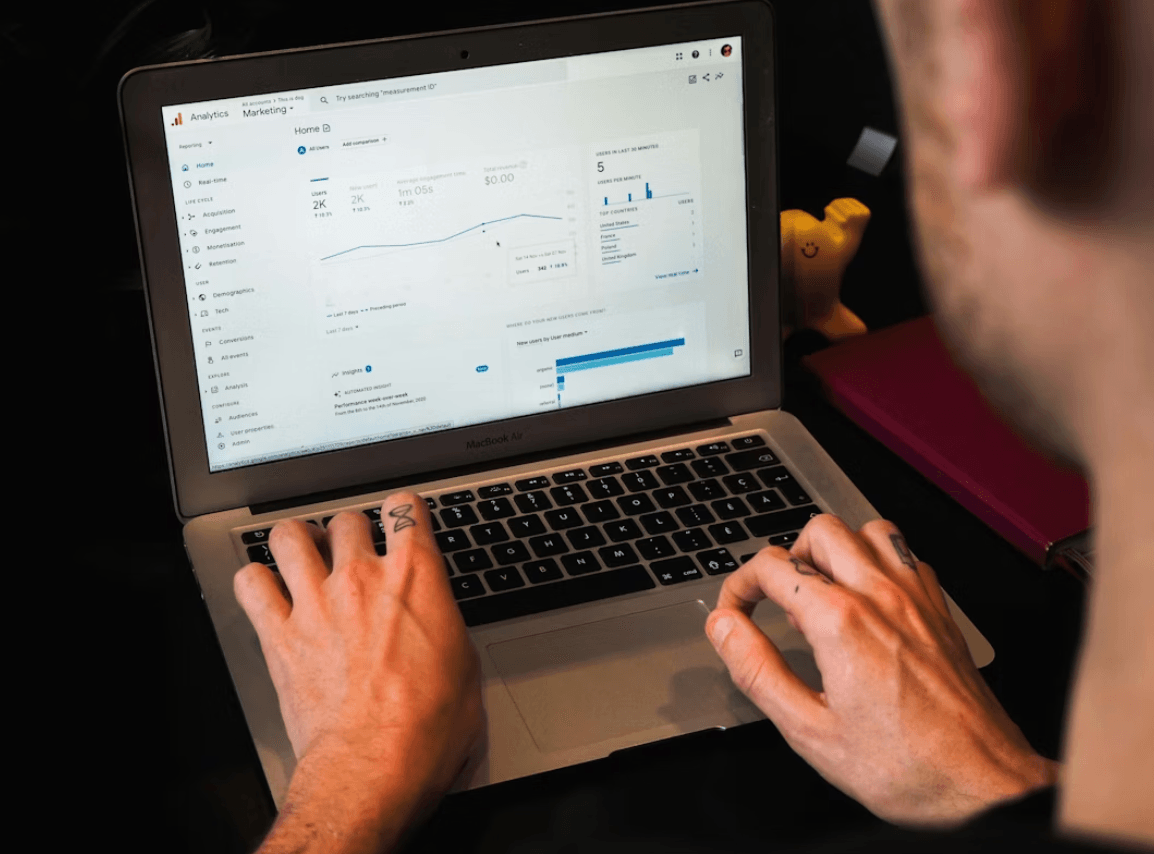
Success in a domain migration comes down to preparation and care. You must be ready to handle technical bugs as they appear. A successful move will lead to growth for your brand in the long run. Stay focused on the data and keep your site healthy. Your new domain will become a powerful asset for your business in the future. Moving forward with a clear plan is the best way to win. Every step you take now builds a stronger foundation for the future.
Frequently Asked Questions
Will changing my domain hurt my SEO rankings?
What is link equity and why does it matter during a migration?
How do I create a redirect map for my migration?
How long should I keep my old domain active after moving?
What should my new URL slugs look like after migrating?
Put this into action with eSEOspace
We help businesses grow with website development that actually performs. Explore the services behind this guide:
Get a FREE GEO/AEO/SEO Audit
We'll analyze your site's SEO, GEO, AEO & CRO — completely free — and show you exactly how to get found across Google and AI answers.
Don't have a site yet? Get in touch →
Great — your audit is on the way!
We'll send your free SEO/GEO/AEO/CRO audit within the next few hours. Where should we send it?
You're all set! ✓
Your free audit is being prepared — check your inbox in the next few hours. Talk soon!


On this page
- Key Takeaways
- Managing the Technical Migration
- Protecting Your Existing Link Equity
- Avoiding Massive Traffic Drops
- Best Practices for New URL Slugs
- Mapping Old URLs to New Destinations
- Monitoring Rankings After the Move
- Communicating Changes to Search Engines
- Keeping Your Brand Identity Intact
- Frequently Asked Questions






