



Best AI Video Translation Tools in 2026
Best AI Video Translation Tools in 2026
You made a good video. It took planning, a decent mic and more takes than you want to admit. Now someone asks for it in Spanish, German and Japanese.
A few years ago that meant a translator, a casting call, a studio booking and a sound engineer. Weeks of work, and a separate bill per language. Most teams just said no.
Now you upload the file you already have and get back versions in languages you do not speak. The catch is that these tools are not all doing the same job, even though they describe themselves in identical words.
Key Takeaways
- Three very different products get sold under one label, and results are not comparable
- Subtitle language counts run far higher than dubbing counts, sometimes by four times
- Keeping the speaker's voice separates a real localization from an obvious dub
- Lip sync is often locked behind a pricier plan or billed at double rates
- Free plans range from one watermarked minute to nothing at all
Three different things wearing the same label
Before you compare anything, know what you are comparing. Three approaches, and the gap between them is huge.
Translated subtitles
The tool transcribes your audio, translates it and puts captions on screen. Your original audio never changes.
Cheapest and fastest, and also weakest, because your viewer is reading instead of watching.
Dubbing
The tool replaces your audio with speech in the new language. Simple versions hand you a stock voice, while better ones clone the original speaker so the same person seems to speak every language.
This is what most people picture, and it costs more for good reason.
Dubbing with lip sync
This adds a visual layer, adjusting the speaker's mouth movements to match the new audio. It is the only version that does not look translated.
For talking-head video, that is the difference between publishing and apologizing.
One thing that does not belong here
Roundups often include script-to-video generators, which build a new video from text using an avatar presenter. Useful, but not translation. If you already have footage you care about, generating new footage does not solve your problem. If you do want brand-new footage, Magic Hour's text to video AI generates clips from a written prompt.
What we checked on every tool
Most comparison articles answer a different set of questions for each product, which makes them useless. We asked the same five things about all seven.
We also looked at what is AI UGC and how each tool approaches it, alongside how many languages it dubs into, kept separate from how many it subtitles. Whether it keeps the speaker's voice or swaps in a different one.
Whether lip sync exists and what it costs. Whether you can fix the translation afterwards, and what the free plan really gives you.
The short version
| Tool | Dubbing languages | Keeps original voice | Lip sync | Free plan |
|---|---|---|---|---|
| Synthesia | 140+ | Yes, multiple speakers | Yes, 2x credits | First minute, watermarked |
| ElevenLabs Dubbing | 90+ | Yes, multiple speakers | Add-on | Yes, watermarked |
| Rask AI | 130+ | Yes, in 32 languages | Pricier tiers, extra credits | Short trial only |
| Papercup | 70+ | Synthetic, human reviewed | Basic | None, quote only |
| Deepdub | 100+ | Yes, with accent control | Yes | None, quote only |
| Descript | 30+ | English only, really | No | 1 hour transcription monthly |
| VEED | 29 (125+ subtitles) | Yes, in 29 languages | Yes | Yes, watermarked, capped minutes |
Going through them one by one
1. Synthesia ~ One Upload, Many Versions
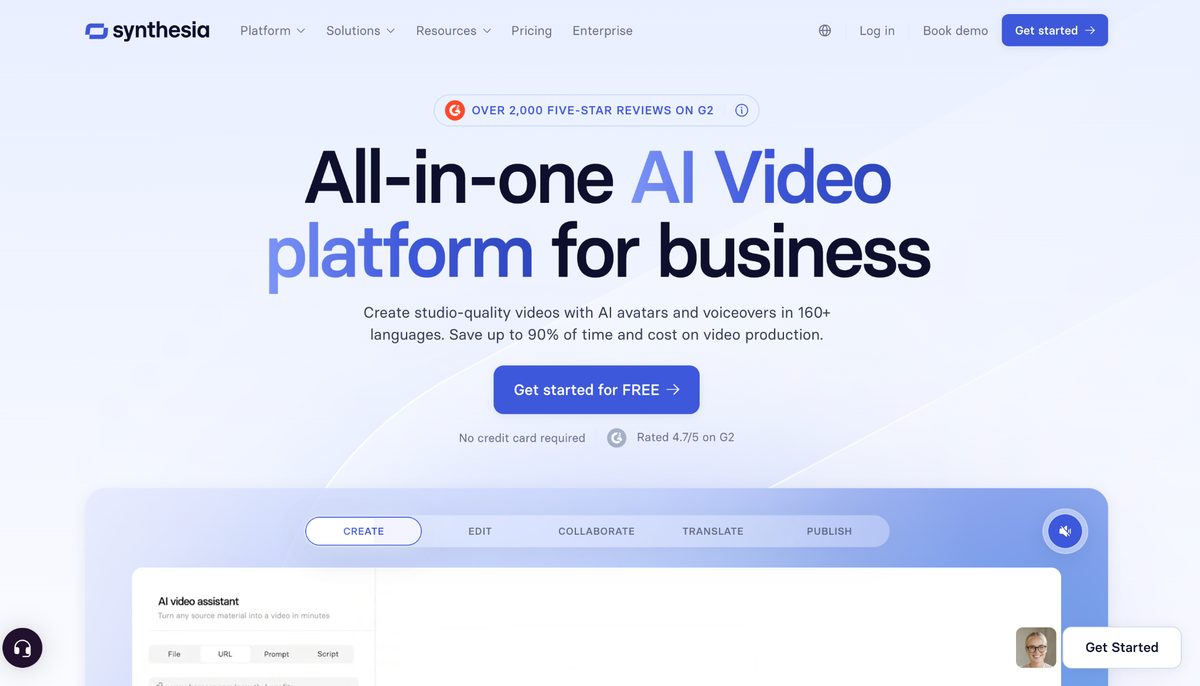
Synthesia is the most complete option here. Drop in an MP4, MOV or WEBM file, or paste a YouTube link, and it works out what language you are speaking.
The AI video translator handles 140+ languages and regional variants, with accent choices so you can pick British or American English rather than something generic. Everything generates at once, so ten languages does not take ten times as long as one.
Voice preservation picks up your tone, timbre, pacing and the way you talk. If several people appear, it finds and clones each without you assigning anything.
Translated sentences also change length, so you get two modes. One speeds the speech slightly to hold your runtime, the other lets the audio run naturally and shifts the duration.
The transcript editor is the underrated part. Each language has its own, changing one does not touch the others, and editing costs no credits.
- Features: 140+ languages, multi-speaker voice cloning, lip sync, two timing modes, editable per-language transcripts, one smart link
- Best for: training, marketing and internal comms teams handling volume
- Free plan: first minute, no card required, watermarked
- Worth noting: SOC 2 Type II, ISO 42001 and GDPR compliance, which matters in procurement
2. ElevenLabs Dubbing ~ The Best Sounding Voices
ElevenLabs built its name on voice synthesis and it shows. Coverage sits at 90 languages, with the speaker's identity and emotional tone carried across each.
The detail worth knowing is what it does with everything that is not speech. Music and background noise stay intact rather than flattened, and overlapping speakers get separate tracks.
- Features: 90+ languages, voice preservation, background audio kept intact, separation for overlapping speakers
- Best for: narration-heavy content where sound quality matters most
- Free plan: yes, with a watermark
- Worth noting: nine speakers per file is the limit, and there is no live dubbing yet
3. Rask AI ~ The Longest Language List
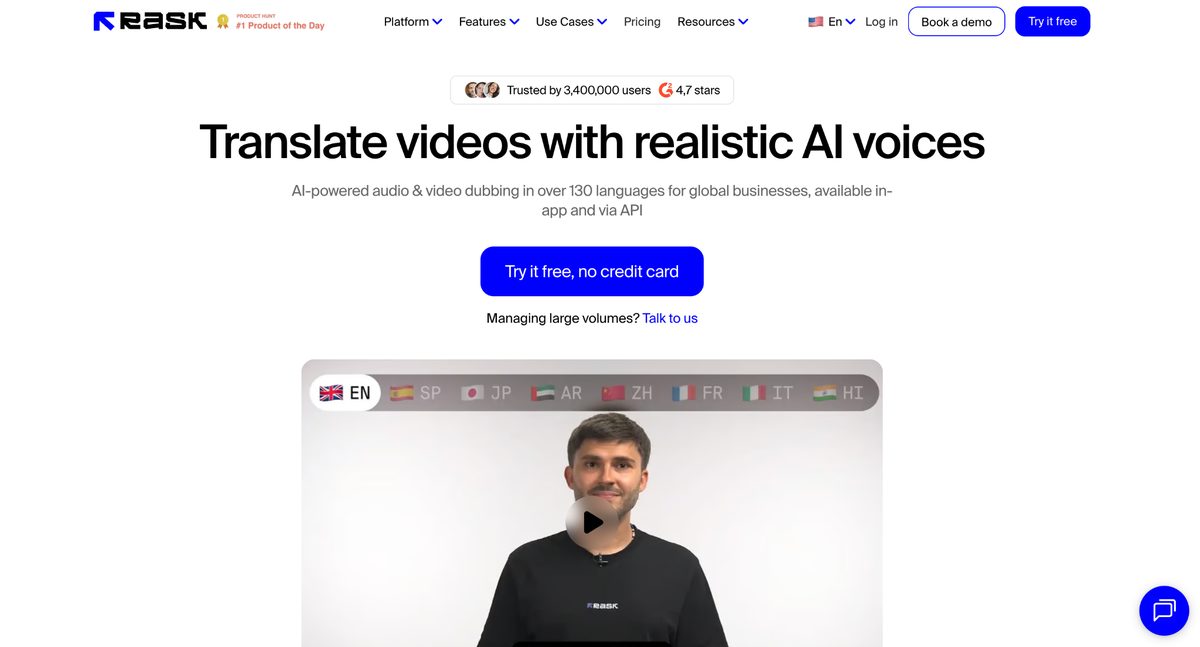
Rask AI runs transcription, translation, voice cloning and lip sync in one pass across 130 languages, spotting speakers automatically.
Read the fine print first. Voice cloning works in only 32 of those languages, and lip sync sits behind a pricier plan while eating extra minutes every time you use it.
- Features: 130+ languages, voice cloning in 32, automatic speaker detection, optional lip sync, an API
- Best for: teams pushing into smaller markets nobody else covers
- Free plan: a short one-time trial, nothing ongoing
- Worth noting: per-minute billing plus lip sync doubling usage makes costs climb fast
4. Deepdub ~ Built For Film And TV
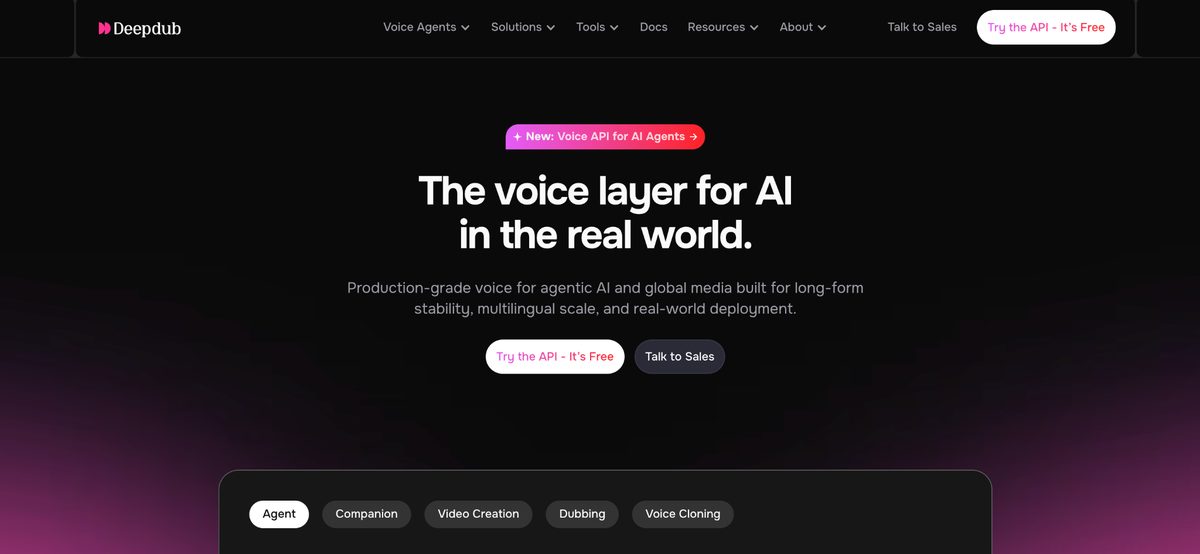
Deepdub aims at entertainment, not corporate video. Its engine covers 100 languages and accents, and can keep or change a character's accent in translation.
That sounds like a gimmick until you think about it. A character whose accent is part of who they are will not survive a generic dub.
- Features: 100+ languages and accents, emotive speech synthesis, accent control, live broadcast dubbing, a licensed voice bank
- Best for: studios, broadcasters and anyone with a catalog
- Free plan: none, enterprise quoting
- Worth noting: TPN Gold Shield certification and licensed voices remove the rights headache
5. Descript ~ Edit Speech Like A Document
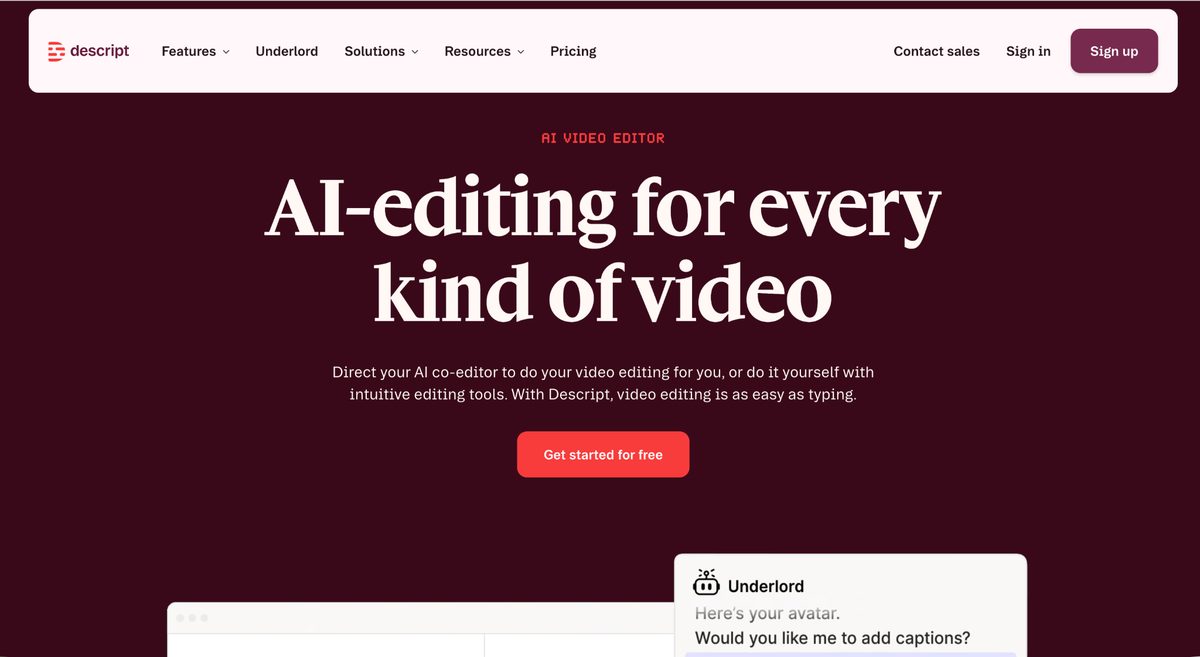
Descript is an editor first, translator second, and it is lovely to use. Delete a word from the transcript and it disappears from the video.
Translation and dubbing work across 30 languages, but its voice cloning is really only built for English, so it will not carry your voice into a dozen markets.
- Features: text-based editing, transcription, dubbing in 30+ languages, voice cloning
- Best for: podcasters and teams already in Descript daily
- Free plan: one hour of transcription a month
- Worth noting: no lip sync, so translated talking-head footage will look off
6. VEED ~ The Best Free Starting Point
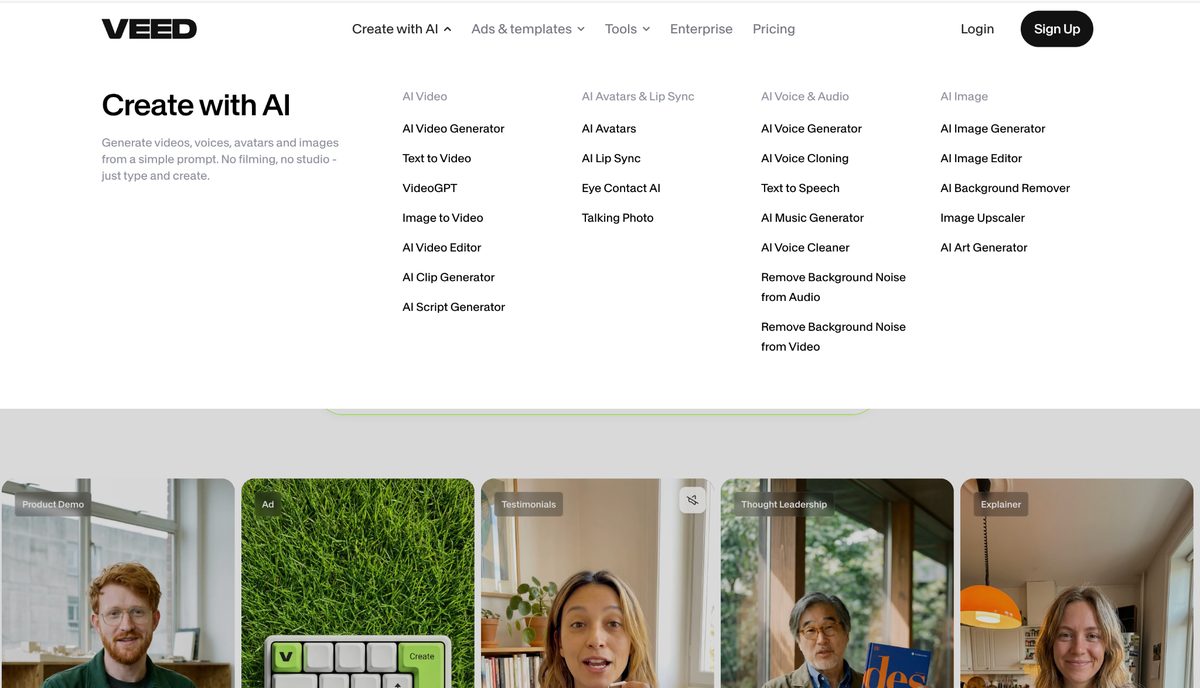
VEED is a browser editor with translation bolted on, and its numbers show the gap we keep mentioning. Subtitles reach 125 languages. Voice preservation reaches 29.
You do get lip sync and background audio retention, putting it ahead of caption-only tools. The free plan watermarks exports and caps monthly subtitle minutes.
- Features: 125+ subtitle languages, voice preservation in 29, lip sync, background audio retention
- Best for: social and short-form creators on no budget
- Free plan: watermarked exports, capped monthly subtitle minutes
- Worth noting: downloading SRT, VTT or TXT subtitle files needs a paid plan
Why dubbing usually beats subtitles
If you are tempted to save money and just add captions, the research is worth a minute.
A 2021 study in Computers and Education followed 247 participants and found immediate comprehension was much the same across formats, but that transfer performance in the subtitled condition fell away over time compared with narrated video. A 2009 study in the Journal of Media Psychology put 154 adults through a film segment and found foreign language subtitles reduced spatial presence, transportation and flow, three established measures of how absorbed a viewer is.
Worth being precise about that second one, because it found no significant difference between dubbing and subtitling in the viewer's own language. Perego, Del Missier and Stragà, in the journal Target, found subtitling a more complex film led to more effortful processing and weaker cognitive performance, while a moderately complex film was handled fine either way.
Which makes sense. When someone is reading, they have less brain left for what you said.
One practical footnote. Every language version you publish is a separate asset search engines still have to find, and that comes down to transcripts, metadata and schema rather than the dubbing. This video SEO guide covers that side of the job.
Which one should you actually pick
Need one video in many languages with your own voice intact? Start with Synthesia and ElevenLabs. Synthesia is stronger on breadth and lip sync, ElevenLabs on pure audio quality.
Broadcast or entertainment content belongs with Papercup or Deepdub. Both want a conversation rather than a signup, and earn it when mistakes go public.
If your budget is zero and captions will do, VEED gets you started today. And if you already live inside Descript, its translation is good enough that switching is not worth it.
Wrapping up
The honest summary is that this got good faster than most people noticed. Work that once needed a studio, a cast and weeks now needs an upload and a coffee break.
That does not make every tool interchangeable. Check the dubbing language count rather than the headline number, confirm voice cloning covers the languages you need, and ask whether lip sync costs extra.
Most have a free tier. Test with a real video from your library, not a demo clip.
Frequently asked questions
What is the difference between dubbing and translated subtitles?
Subtitles leave your original audio alone and add translated captions on screen. Dubbing replaces the audio with speech in the new language, and better tools clone your voice so it still sounds like you.
Dubbing costs more and takes longer, but it holds attention better because your viewer watches instead of reading.
Can these tools really keep my own voice in another language?
Yes, most dedicated dubbing tools do this now. They capture your tone, timbre, pacing and delivery from the source audio, then rebuild those qualities in each new language.
Two things to watch. Clean source audio produces better clones, and many tools support far fewer languages for cloning than for translation, so check that shorter list rather than the homepage number.
What happens when a sentence gets longer in translation?
This is the trickiest problem in the category. A ten word English sentence might become seven words in Japanese or fourteen in German, which wrecks the timing against your footage.
Tools solve it two ways. They either adjust speech speed slightly to hold your runtime, or let the audio run at natural length and allow the duration to shift. Training content suits the first, fast-cut content the second.
Are any of these actually free?
Several are, with real limits. Synthesia gives you a free first minute with a watermark and no card required, while ElevenLabs and VEED run standing free plans with watermarked output.
Rask AI offers only a short trial. Papercup and Deepdub have no self-serve option, so you will be requesting a quote.
Put this into action with eSEOspace
We help businesses grow with website development that actually performs. Explore the services behind this guide:
Get a FREE Audit
We'll perform a comprehensive SEO, AEO, GEO & CRO audit of your website — completely free — and show you exactly how to outrank your competitors.
Don't have a site yet? Get in touch →
Get a FREE GEO/AEO/SEO Audit
We'll analyze your site's SEO, GEO, AEO & CRO — completely free — and show you exactly how to get found across Google and AI answers.
Don't have a site yet? Get in touch →
Great — your audit is on the way!
We'll send your free SEO/GEO/AEO/CRO audit within the next few hours. Where should we send it?
You're all set! ✓
Your free audit is being prepared — check your inbox in the next few hours. Talk soon!








