This page is part of our MCP Security Center, within The MCP Guide. Want a second opinion on your setup? Request a free MCP readiness review.
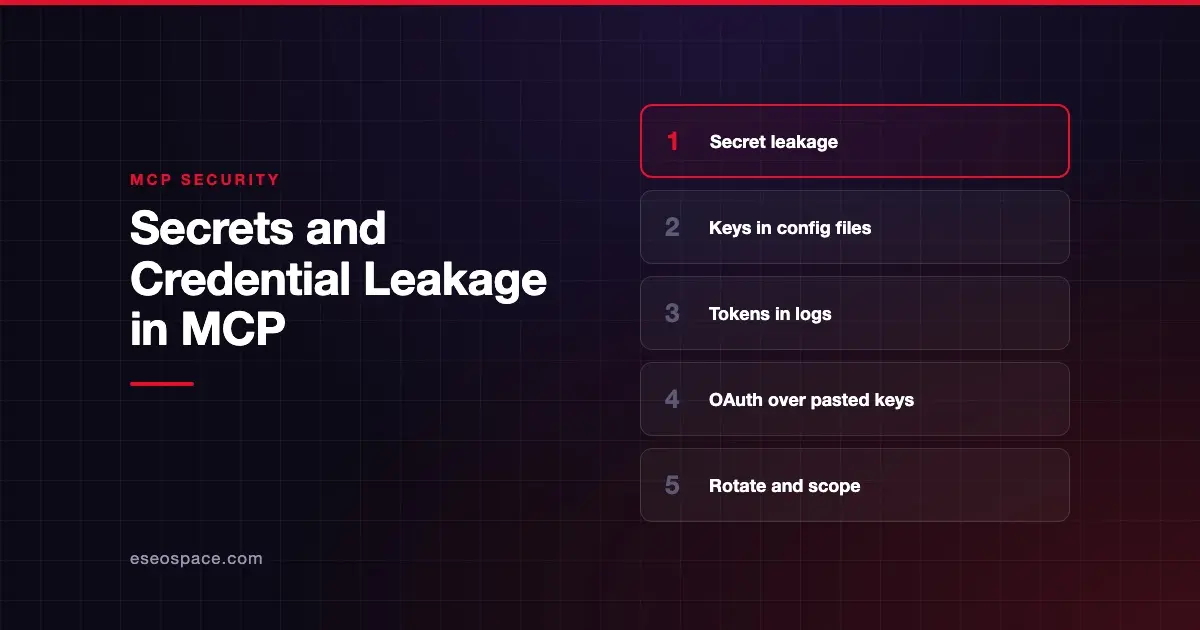
Secret leakage in MCP is when an API key, password or access token escapes from where it should live. It might land in a public Git repository, a log file, or a tool result the model can read. It might also reach another process on the same machine.
OWASP ranks it first in its MCP Top 10. The OWASP project page lists "MCP01:2025 - Token Mismanagement & Secret Exposure." It describes hard-coded credentials, long-lived tokens, and secrets kept in model memory or logs.
The numbers back this up. GitGuardian's State of Secrets Sprawl 2026 found 24,008 unique secrets in MCP-related configuration files on public GitHub. This page covers how leaks happen and how to stop them. Sources were checked on 28 October 2026.
Key Takeaways
- MCP setups spread secrets across config files, environment variables, logs and model context, which creates many ways for them to leak.
- GitGuardian found 24,008 unique secrets in MCP-related config files on public GitHub, including 2,117 valid credentials.
- The MCP spec requires secure token storage and bans tokens in URL query strings. It also forbids asking for passwords or API keys through form elicitation.
- Published advisories show tokens leaking through unauthenticated local helpers and crafted request headers.
- Prefer OAuth with short-lived, narrowly scoped tokens over long-lived API keys pasted into config files.
Where MCP secrets leak
Config files committed to Git
Many local MCP servers read an API key from a JSON config file. Those files end up in repositories. GitGuardian says "popular MCP setup guides often recommend putting API keys directly into configuration files." Its 2026 report counted 2,117 unique valid credentials among the MCP findings, 8.8% of the total.
Logs and caches
The MCP authorization security considerations warn about "tokens cached or logged on the server." An attacker with those can make requests "that appear legitimate to resource servers."
Tool results and model context
A tool can return more than it should, such as a full config object with a key inside. Once in the model's context, the secret can be repeated, summarized, or sent out by a prompt-injected instruction. Backslash Security's research advises developers to avoid "leaking internal data (e.g., secrets, tokens, or internal logs) in tool responses or LLM prompts."
Local helpers and request headers
Two advisories show this route:
- The dbt-mcp advisory (CVE-2026-55837) found a local OAuth helper that returned access and refresh tokens to any local process or DNS rebinding page. Fixed in 1.20.0.
- Grafana's advisory for mcp-grafana (CVE-2026-15583) describes a crafted
X-Grafana-URLheader that could expose the server's service-account token. Grafana says to upgrade to 0.17.1 or later.
URLs and headers seen by intermediaries
The authorization spec says access tokens "MUST NOT be included in the URI query string." URLs end up in browser history and proxy logs. The tools spec adds that developers SHOULD NOT mirror passwords, API keys, tokens or personal data into HTTP headers with x-mcp-header, "as header values are visible to network intermediaries."
An illustrative example
This scenario is illustrative, not a real incident.
A developer adds a database MCP server to their AI coding tool. The setup guide shows a config file with a PostgreSQL connection string inline. They paste their production string, then commit the project folder to a public repository a week later.
A bot scanning GitHub finds the string within hours. The database has no IP restrictions. The attacker reads customer records before anyone notices the commit.
Who is at risk
- Developers and power users who configure local MCP servers by hand.
- Teams that share config files through repositories or chat.
- Server builders who log full requests, return raw API responses, or run local OAuth helpers.
- Companies using long-lived keys where the vendor also offers OAuth.
How to detect it
- Run a secrets scanner on repositories, including files such as
mcp.jsonand editor config folders. Our MCP security tools roundup compares scanning options. - Search logs for
Authorization:headers,Bearerstrings and known key prefixes. - Review what each tool returns. Look for raw API payloads that could include credentials.
- Check local machines for helpers listening on ports during sign-in flows.
How to reduce the risk
Client side
- Keep secrets out of config files. The authorization spec says stdio servers should "retrieve credentials from the environment." Use the operating system's keychain or a secrets manager where your client supports it.
- Prefer remote servers that use OAuth. The spec says clients MUST keep refresh tokens "confidential in transit and storage."
- Never paste secrets into chat. The model's context is not a vault.
Server side
- Store tokens securely. Clients and servers "MUST implement secure token storage," per the security considerations page.
- Never ask for secrets in a form. The elicitation spec says servers MUST NOT use form mode for "passwords, API keys, access tokens, or payment credentials." They MUST use URL mode, so the secret never passes through the client or model.
- Redact logs and results. Strip tokens from logs and return only the fields the model needs.
- Do not pass tokens through. The spec forbids forwarding a client's token to downstream APIs. See why MCP servers must not pass tokens through.
Organization side
- Issue short-lived tokens. The spec says authorization servers SHOULD issue "short-lived access tokens to reduce the impact of leaked tokens."
- Scope every key to the minimum. A leaked read-only key is a smaller problem. Our page on excessive permissions covers how to cut scopes.
- Write a rotation plan before you need it. If a key leaks, revoke it first, then investigate.
What the spec says
The 2026-07-28 spec spreads secret rules across several pages. Token storage, short-lived tokens and refresh token rotation are in the authorization security considerations. The query-string ban and refresh token confidentiality are in the authorization page. The form-mode ban is in elicitation. The header warning is in tools.
None of these stop a person from committing a config file. That gap is why scanners and OAuth-first designs matter.
Next step
Find out where your MCP secrets live today. Our MCP readiness audit checks config files, token lifetimes, scopes and logging for leaks. Browse related threats in the MCP Security Center.
Frequently asked questions
Is it safe to put an API key in my MCP config file?
It is common, but risky. The file can be committed, synced or shared. Use environment variables or a secrets manager, and prefer OAuth when the vendor supports it.
How many MCP secrets have leaked publicly?
GitGuardian's 2026 report found 24,008 unique secrets in MCP-related configuration files on public GitHub. Of those, 2,117 were valid credentials when checked.
Can a server ask me for my password in a chat form?
Not under the spec. Servers MUST NOT use form-mode elicitation for passwords, API keys, tokens or payment details. They must send you to a URL instead, so the secret bypasses the client.
What should I do if a key leaks?
Revoke or rotate it immediately, then check logs for use. Our MCP incident response guide walks through the steps.
Are OAuth tokens safer than API keys?
Usually. OAuth tokens can be short-lived, scoped and bound to one server through audience checks. A pasted API key often has full access and never expires.