PHP2Shell, October 2026: two critical flaws in PHP itself (CVE-2026-109618 and CVE-2026-109619) were fixed on 21 October 2026 in PHP 8.5.12, 8.4.27, 8.3.36 and 8.2.35. Any site running on PHP needs the server updated. See our PHP2Shell Resource Center.
Most incident response advice is written for organizations with a security function. This is written for the far more common case: something is wrong with the website, it is Saturday, and the people available are whoever answers the phone.
The value of a plan is not that it is sophisticated. It is that the decisions were made when nobody was panicking.
Decide these four things in advance
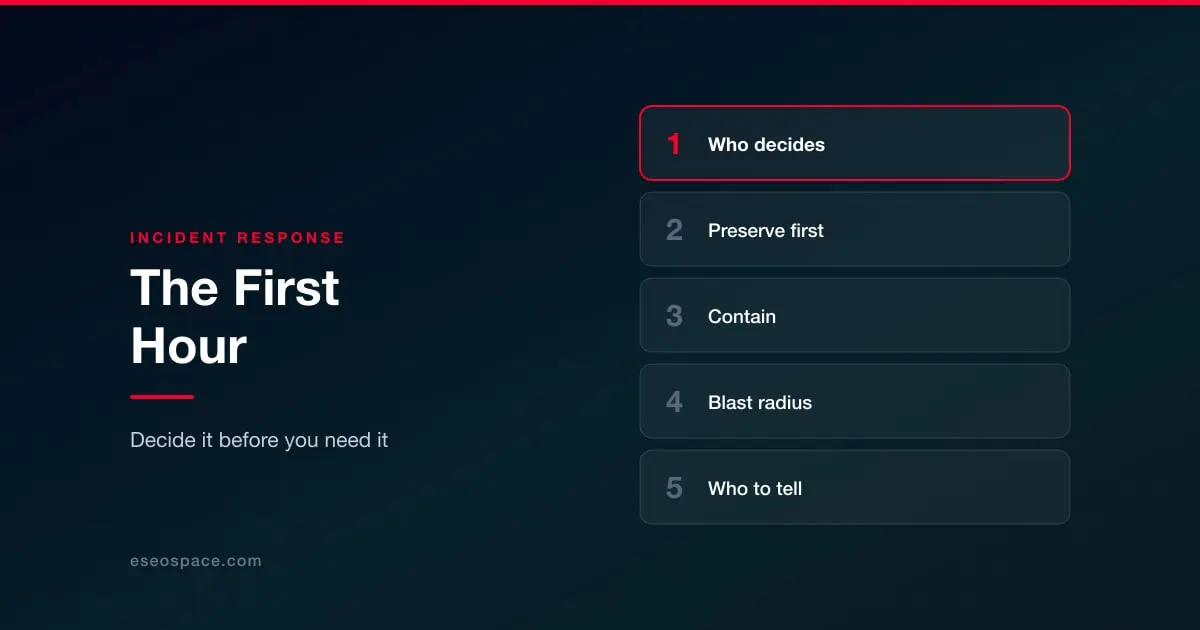
Who decides. One named person with authority to take the site offline, and one named deputy. Taking a revenue-generating site down is a business decision, and it should not be made by whoever happens to notice the problem, nor delayed for days because nobody feels entitled to make it.
Who has access. The credentials needed to investigate, held somewhere reachable when the usual systems may be untrustworthy. If your password manager is the account that was compromised, you want to have thought about that beforehand.
Who you call. Your host, your developer or agency, and if you take card payments, your acquirer. Write the numbers down. Looking these up during an incident wastes the hour that matters most.
What the threshold for outside help is. Suspected card data exposure, suspected access to personal data, or anything you cannot explain within a couple of hours are all reasonable triggers.
The first hour
Confirm before acting. Not everything odd is an attack. A defacement is obvious; a sudden traffic drop, a browser warning or an unexpected redirect may be a compromise, a misconfiguration or a DNS problem. Ten minutes of confirmation prevents an unnecessary outage. See how to check whether you have been hacked.
Preserve before you clean. This is the step almost everyone gets wrong. The instinct is to delete the bad file immediately, and doing so destroys the evidence needed to work out how they got in and what else they touched. Take a full copy of the site and its logs first, then work on the copy. Without this you will clean the symptom, miss the entry point, and be compromised again through the same door.
Contain. Change administrative passwords and revoke active sessions, rotate API keys and tokens, and disable accounts you cannot attribute. If the site is serving malware, attacking visitors, or exposing data, take it offline or put a holding page up. A short outage is cheaper than continued exposure, and considerably cheaper than being blacklisted.
Work out the blast radius. What did the compromised credential or component have access to. Customer data, order records, form submissions, connected systems, the email account, the domain registrar. This determines everything that follows, including whether you have notification obligations.
Then recover
Restore from a backup taken before the intrusion where one exists, rather than cleaning in place. Cleaning is a bet that you found everything, made against someone whose objective was to remain. See backup and recovery, and how to remove malware where restoring is not an option.
Close the entry point before going back online. Restoring a clean copy onto the same unpatched plugin simply resets the clock. Then rotate every credential the compromised system could have seen, patch or remove the component that was exploited, and re-enable access account by account.
If Google flagged the site, request a review once it is genuinely clean. See blacklisting and how to fix it, and expect some ranking impact.
Who has to be told
This is the part that turns a technical problem into a legal one, and it is the reason the blast radius question matters. If personal data was accessed, breach notification duties may apply under state privacy laws and, for some sectors, under specific regimes with their own timelines. If card data was involved, your acquirer has contractual requirements and there are forensic obligations attached.
Do not make these determinations under pressure or on your own. Establish in advance who your legal contact is, and treat the notification question as one to raise early rather than one to resolve after the cleanup. See website legal requirements for which regimes may reach you and PCI DSS 4.0 for the card side.
Afterwards
Write down what happened, how they got in, and what was changed as a result, while it is fresh. Then fix the thing that let it happen rather than only the damage: the account without 2FA, the abandoned plugin, the backup nobody had tested. Incidents repeat when the cleanup is treated as the remediation.
For prevention by platform, start from website security by platform.