PHP2Shell, October 2026: two critical flaws in PHP itself (CVE-2026-109618 and CVE-2026-109619) were fixed on 21 October 2026 in PHP 8.5.12, 8.4.27, 8.3.36 and 8.2.35. Any site running on PHP needs the server updated. See our PHP2Shell Resource Center.
"Is WordPress secure?" is the wrong question, and it is the one almost everybody asks first. The right question is narrower and much more useful: on this platform, which layers does the vendor secure, which layers do I secure, and which of mine is currently weakest?
Platforms differ enormously on where that line sits. They differ much less on what happens after it. Across every platform in this guide, the same three things account for most real-world compromises: an account that should have had two-factor authentication, a piece of third-party code nobody was tracking, and a backup that had never been restored from. The platform decides how much surface you own. It does not change what you do with it.
This hub sorts the platforms by that split, then covers the parts that are the same everywhere.
The shared responsibility split
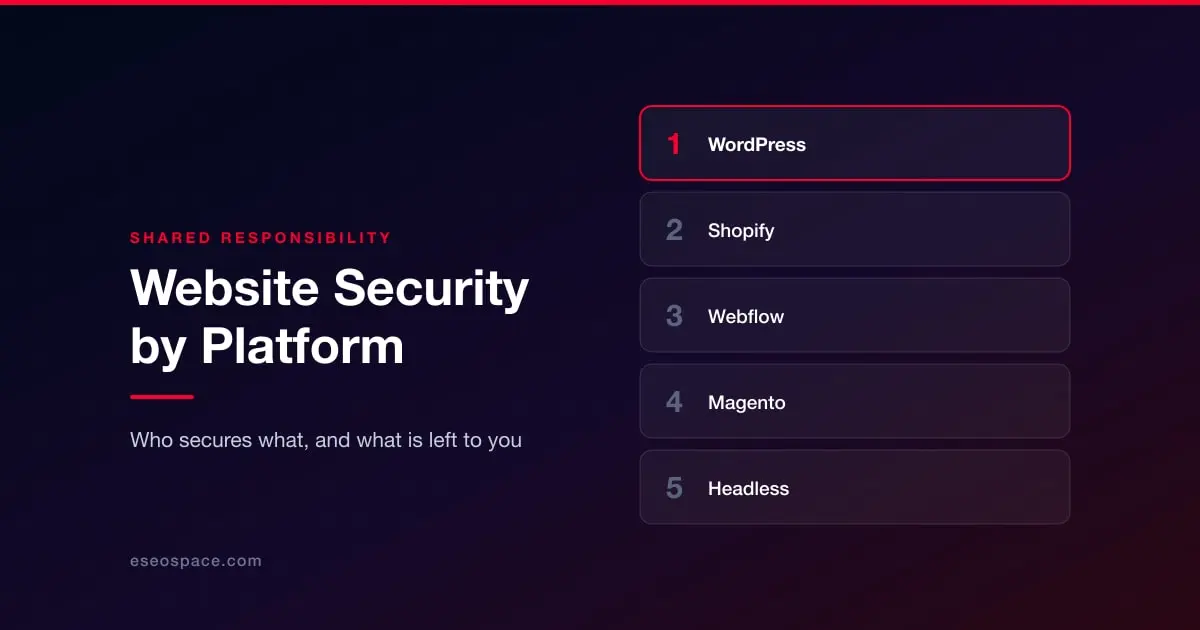
Every hosted platform divides the stack between vendor and customer. The vendor publishes this, usually in a security or trust page, and it is worth reading once for whatever you run. The pattern falls into three families.
Managed SaaS platforms — Shopify, Wix, Squarespace, BigCommerce, Webflow. The vendor owns the servers, the runtime, the platform code, TLS certificates and patching. You own accounts and permissions, whatever third-party apps you install, any custom code you inject, and the data you collect. You cannot patch the platform, and you also cannot fail to patch it. This is a genuine security advantage and it is the main reason these platforms have far fewer mass-compromise events than self-hosted software.
Self-hosted open source — WordPress, Drupal, Joomla, Magento Open Source. You own everything above the hosting layer: core updates, extension updates, PHP version, file permissions, server configuration. The software is not less well written than the SaaS alternatives. The difference is that nobody applies its patches unless you do, and attackers scan continuously for the sites where nobody did.
Headless and custom builds — Next.js, Astro, Nuxt and similar, usually on Vercel, Netlify or a cloud provider. The hosting platform secures the edge and the runtime. You own your dependency tree, your build pipeline, your environment variables and every API route you wrote. The attack surface moves away from a public admin panel and toward your supply chain and your own code.
Where each platform sits
Self-hosted, you patch everything: WordPress, Drupal, Joomla, Magento and Adobe Commerce.
Managed SaaS, you own config and apps: Shopify, BigCommerce, Webflow, Wix, Squarespace.
Custom, you own the supply chain: headless and custom builds.
What is true on every platform
These four are worth reading regardless of what you run, because they are where the platform stops protecting you.
Accounts are the most common way in. Not an exploit, a login. Every platform above supports two-factor authentication on admin accounts and most organizations have it switched on for some of them. See access control and 2FA.
Third-party code is the second. A plugin, an app, a theme, an npm package or a marketing tag. You inherit the security of everything you install, and the install decision is usually made once and never revisited. See the plugin and app supply chain.
Backups are what decide how bad it gets. The difference between an incident and a catastrophe is almost always whether a clean restore exists and whether anyone has ever tested it. See backup and recovery.
Someone has to know what to do in the first hour. See the incident response plan, and if you are past that point already, how to check whether you have been hacked and how to remove malware without losing everything.
If you take card payments, PCI DSS 4.0 now imposes specific obligations on the scripts running on your payment page, which is a requirement rather than a best practice and applies no matter which platform you are on.
The full framework is in the shared responsibility model.
Choosing a platform on security grounds
If security is a primary criterion rather than one of many, the honest summary is short.
Managed SaaS removes the failure mode that causes most mass compromises, which is unpatched software. It replaces it with a narrower set of risks you still have to manage: account takeover, over-permissioned apps, and code you paste into a custom-code block. For most small and mid-sized organizations without a person whose job includes patching, this trade is strongly favourable.
Self-hosted platforms give you control that genuinely matters at scale and in regulated environments, and they are entirely defensible when someone owns updates. They are indefensible when nobody does, which is the state a large share of them are actually in.
Headless builds are not inherently more or less secure. They move the risk from an admin panel to a dependency tree, which is a better trade only if you are equipped to monitor a dependency tree.
None of this substitutes for the fundamentals. A well-run WordPress site is safer than a neglected Shopify store with six abandoned apps and shared admin logins.
This guide is about preventing a compromise. If you are dealing with one right now, start at the website hacked triage guide instead and come back here afterwards.
A note on this guide
Platform behaviour, version support and compliance deadlines all move. Where this guide names a version, a date or a specific requirement, treat it as a pointer to check against the vendor's own documentation rather than a citation, and confirm anything you are about to act on. Security guidance goes stale faster than most writing about websites, and stale security guidance is worse than none, because it is followed with confidence.
If you would rather this were handled for you, that is what our website security service does.