The mental image of a website compromise involves an exploit. The reality is usually duller: someone logged in with valid credentials that they were not supposed to have, or that should have stopped working months ago.
This is the most boring section of any security guide and the one with the best return. It applies identically to every platform, requires no engineering, and eliminates whole categories of incident.
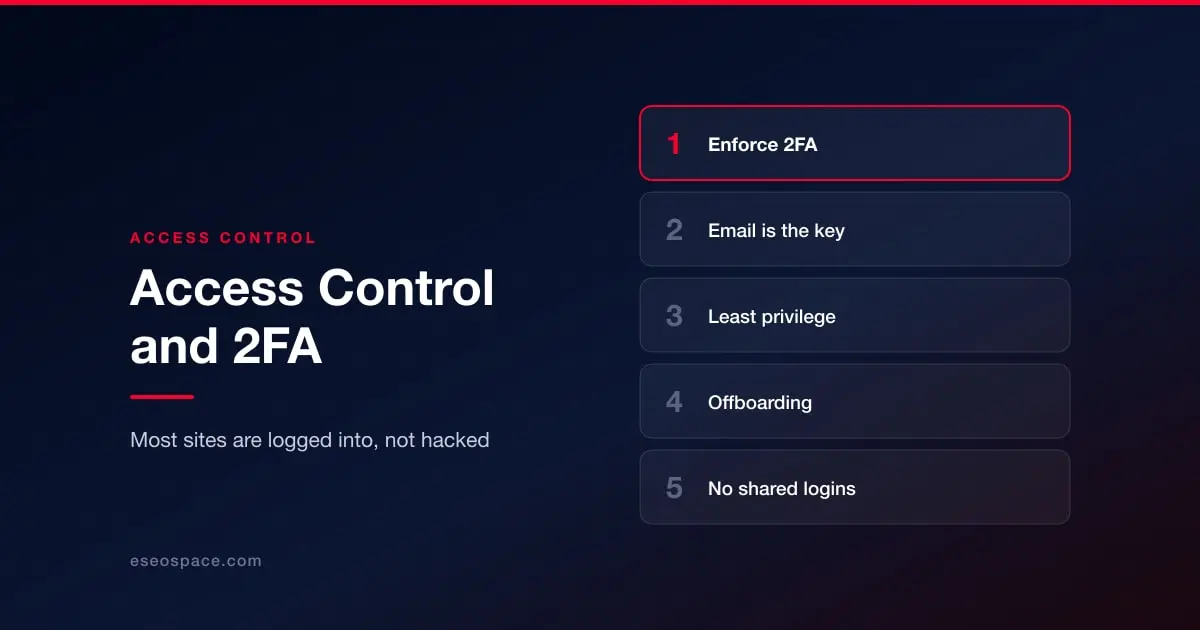
Two-factor authentication, enforced rather than available
Every platform covered in this guide supports two-factor authentication on administrative accounts. Most organizations have it enabled on some of them, which is not the same thing.
The distinction that matters is enforcement. If 2FA is optional, the account that will not have it is the one belonging to whoever finds it inconvenient, and that is frequently someone with full permissions. Where the platform supports requiring it organization-wide, require it. Where it does not, audit periodically for accounts without it.
On method: an authenticator app or a hardware key is meaningfully better than SMS, because SMS is vulnerable to SIM swapping and to interception. SMS is still enormously better than nothing, so if the choice is between SMS and a fight, take SMS.
The email account is the real password
Any account with a password reset flow is only as secure as the inbox that receives the reset. This is the step people skip: 2FA on the CMS, nothing on the mailbox that can bypass it.
Secure the email account behind every administrative login with its own 2FA, and secure the domain registrar too, because whoever controls DNS controls email. See protecting business email from phishing and what to do if business email is compromised.
Least privilege, actually applied
Every platform in this guide has permission levels, and most organizations use two of them: full access, and whatever the default is. Granting administrator because it is quicker than working out which permission is needed is the norm rather than the exception.
The question worth asking for each account is not "is this person trusted" but "if this account were taken over tomorrow, what could be done with it". A copywriter who can publish pages does not need to install code. An agency working on one landing page does not need access to customer data.
Two roles deserve particular attention because they are equivalent to site takeover regardless of what they are called: anything that can install or edit code, and anything that can create other accounts.
Offboarding is where this fails
Accounts are created deliberately and removed accidentally. Agencies finish engagements, contractors move on, staff leave, and the access remains because removing it was nobody's specific job.
Make it somebody's job. Tie account removal to the same checklist that collects the laptop. Review the user list on every platform quarterly and after any departure, and treat an account you cannot attribute to a named current person as one to disable immediately.
Shared logins make all of this impossible, which is the strongest argument against them. If four people use one login you cannot remove one person's access, cannot tell who made a change, and cannot enforce 2FA meaningfully. Every platform here supports individual accounts.
A short audit you can run today
List every account on every platform that touches the website: CMS, hosting, domain registrar, CDN, analytics, email, and any app with API access. For each, record the person it belongs to, whether they still need it, whether 2FA is on, and whether the permissions match the job. Anything that fails one of those four gets fixed the same day.
Most organizations doing this for the first time find at least one live administrative account belonging to someone who left. That is the finding, and it is why the exercise is worth the afternoon.
For platform-specific detail, start from website security by platform.