PHP2Shell, October 2026: two critical flaws in PHP itself (CVE-2026-109618 and CVE-2026-109619) were fixed on 21 October 2026 in PHP 8.5.12, 8.4.27, 8.3.36 and 8.2.35. Any site running on PHP needs the server updated. See our PHP2Shell Resource Center.
Drupal has a deserved reputation for security, and it is largely earned by process rather than by the code being unusually different from its peers. There is a formal security team, scheduled advisory windows, coordinated disclosure, and clear risk scoring on every advisory. Enterprise and public-sector buyers choose it partly for this.
The same process creates the platform's defining risk, and it is worth understanding before you run Drupal rather than after.
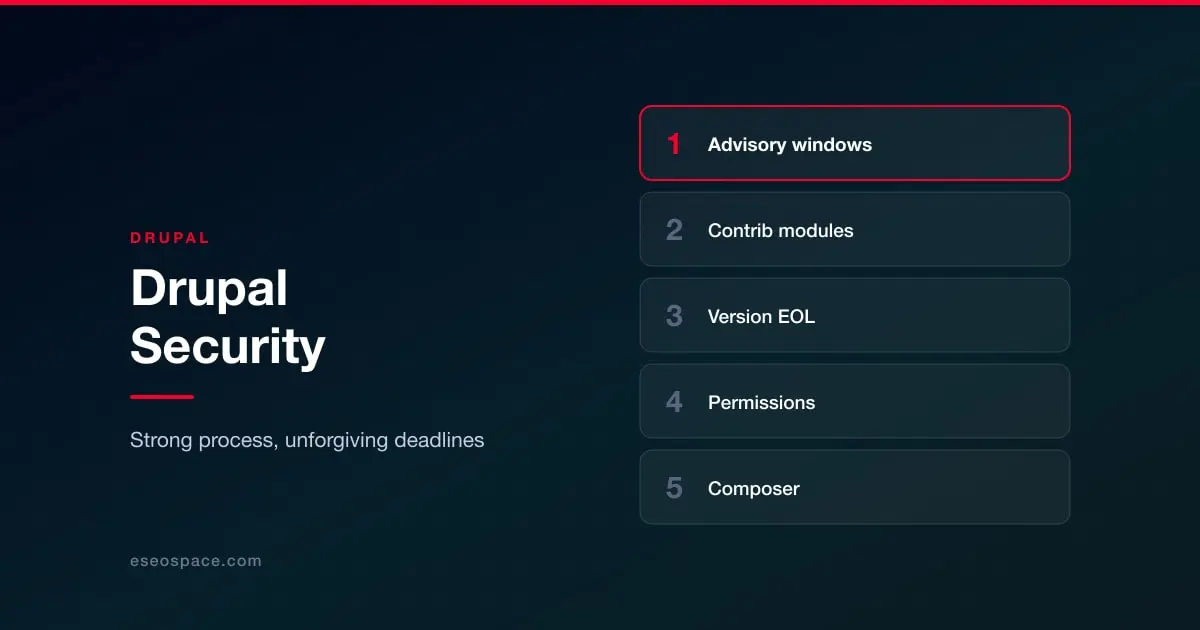
The patch window is measured in hours
Because Drupal advisories are published on a schedule and scored publicly, a critical core advisory is a starting gun. Attackers read the advisory, diff the patch, and build a working exploit quickly, and unpatched Drupal sites are enumerable at scale. The pattern established by the highly critical core advisories of recent years is consistent: mass exploitation follows disclosure within days and sometimes within hours.
The operational consequence is specific. If you run Drupal, someone has to be able to apply a patch the day it is released, including in August, including on a Friday. A monthly maintenance window is not adequate for a highly critical core advisory. Sites that treat Drupal updates as routine maintenance rather than as an on-call obligation are the ones that get caught.
Version support is the second trap
Drupal's major-version lifecycle has a harder edge than most CMS platforms. When a major version reaches end of life, community security support stops, and this has repeatedly stranded large numbers of sites whose owners had not budgeted for a migration. Drupal 7 reached its final end of life in January 2025 after several extensions, and the sites still on it are running software that receives no security fixes at all.
Unlike WordPress, where a very old site usually still receives core security updates, an end-of-life Drupal site is genuinely unsupported. Paid vendor extended support exists for some versions and is a legitimate bridge, but it is a bridge to a migration rather than an alternative to one.
If you are on an unsupported major version, that is the finding. Nothing else in this guide matters as much.
Contributed modules
Core is well reviewed. Contributed modules vary, exactly as WordPress plugins do, and carry their own advisories. Two Drupal-specific points are worth knowing.
First, the security team covers stable releases of contributed projects, but coverage is not automatic for every project or every branch, and modules can be marked as unsupported. An advisory saying a module is unsupported means "there will be no fix", which is a different instruction from "update it".
Second, Drupal's permission system is unusually granular, which is a strength that becomes a weakness when it is configured casually. Permissions like administering filters, or any permission allowing full HTML or PHP-adjacent input, effectively grant site takeover to any account that has them. Review who holds administrative permissions rather than only who holds administrative roles.
What to actually do
Subscribe to Drupal security advisories by email and route them somewhere a person reads, not a shared inbox nobody owns. Know your current major version's support horizon and have the migration budgeted before it arrives, not after. Use Composer to manage core and contrib so that patching is a routine command rather than a project. Audit administrative permissions against people rather than roles. And keep restorable off-server backups, as everywhere.
The rest is common to every platform: enforce 2FA on administrative accounts, treat every contributed module as supply chain, and test your restores.
If Drupal's patch obligation is heavier than your organization can carry, that is a legitimate reason to consider a platform where the vendor patches for you. See website security by platform.