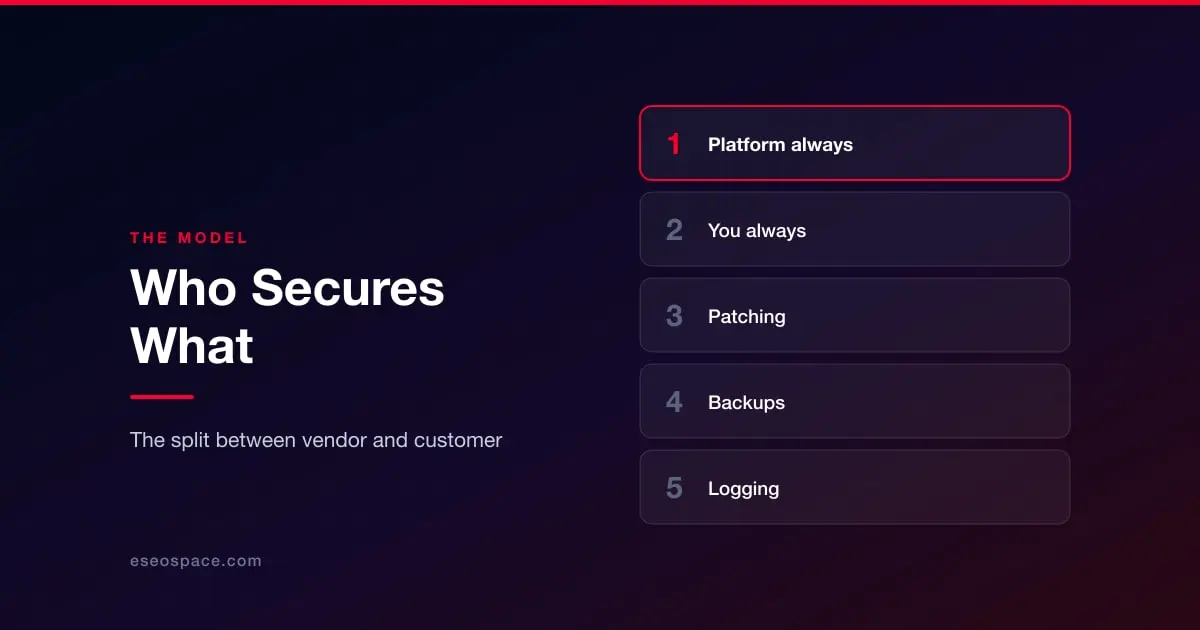
Cloud providers formalised an idea that applies to every website, whether or not the vendor uses the phrase: security is divided between the platform and the customer, the division is published, and each side is liable for its own half.
The reason this matters is not legal. It is that the two halves fail in completely different ways, and almost nobody audits the half they own. Platform-side failures are rare, widely reported, and fixed for you. Customer-side failures are common, unreported, and fixed only if you notice.
What the platform always owns
On any hosted platform, the vendor is responsible for physical security of the data centre, the hypervisor and host operating system, the network, and the availability of the service. On managed SaaS this extends upward to the application code itself: when Shopify patches Shopify, every store gets the patch without doing anything.
This part is generally done well. It is the part with a security team, a bug bounty, external audits and a commercial incentive to avoid headlines. It is not where your risk is.
What you always own
Four things never transfer to the vendor, on any platform, at any price.
Identity. Who has an account, what it can do, whether it has two-factor authentication, and whether it still exists after the person left. No platform can tell that a valid login is being used by the wrong person.
Configuration. Public settings that should be private, permissive sharing, exposed API keys, a staging site indexed and unprotected, a form that emails submissions in plain text.
Third-party code you chose to add. Apps, plugins, themes, packages, embeds and tags. The platform is not responsible for something you installed, and in most cases its terms say so explicitly.
Your data. What you collect, where it goes, how long you keep it and who you share it with. This is also where security overlaps with law, which is covered separately in website legal requirements.
The part that moves
Between those two fixed ends sits a middle band that shifts by platform, and it is the band worth being precise about.
Application patching. Managed SaaS: the vendor. Self-hosted: you, including core, extensions and the PHP runtime. This single line explains most of the difference in real-world compromise rates between platform families.
TLS certificates. Almost universally the platform now, including automatic renewal. This used to be a common outage and is largely solved, but it is still worth confirming rather than assuming. See SSL certificates explained.
Backups. Frequently misunderstood. Many platforms take backups for their own disaster recovery, not for your convenience, and will not restore a single deleted page for you. Some offer customer-restorable backups on higher tiers only. Assume you own this until you have read the documentation and tested a restore. See backup and recovery.
WAF and DDoS protection. Included and always on with most SaaS platforms. On self-hosted, it is whatever you or your host put in front of the site, which is why a CDN-level layer is standard practice there.
Logging and monitoring. The weakest area across the board. Most platforms keep some admin activity log, retention is often short, and few organizations look at it. If you cannot answer "who changed this, and when" you cannot investigate an incident, only guess at it.
How to use this in practice
Once a year, or after any staff change, write down the answer to five questions for whatever you run. Who has admin access and does each of them still need it. Is 2FA enforced or merely available. What third-party code is installed and when was each piece last updated. When was a backup last restored, not last taken. And who is called first if the site is defaced on a Saturday.
Every one of those sits on your side of the line on every platform. That is the entire point of the model: the vendor's half is generally fine, and the questions above are the ones nobody is answering for you.
To see where your specific platform draws the line, start from website security by platform.