This guide is part of our Wix resource hub: whether Wix fits, what it costs, SEO and speed, security, and guides for moving to or away from Wix.
Wix is among the most closed platforms in common use, and from a security standpoint that is largely a feature. You do not have server access, you cannot install arbitrary server-side code, and you cannot leave the platform unpatched. The categories of compromise that dominate self-hosted CMS incidents are simply unavailable.
What is left is narrow, and worth being precise about rather than dismissive of.
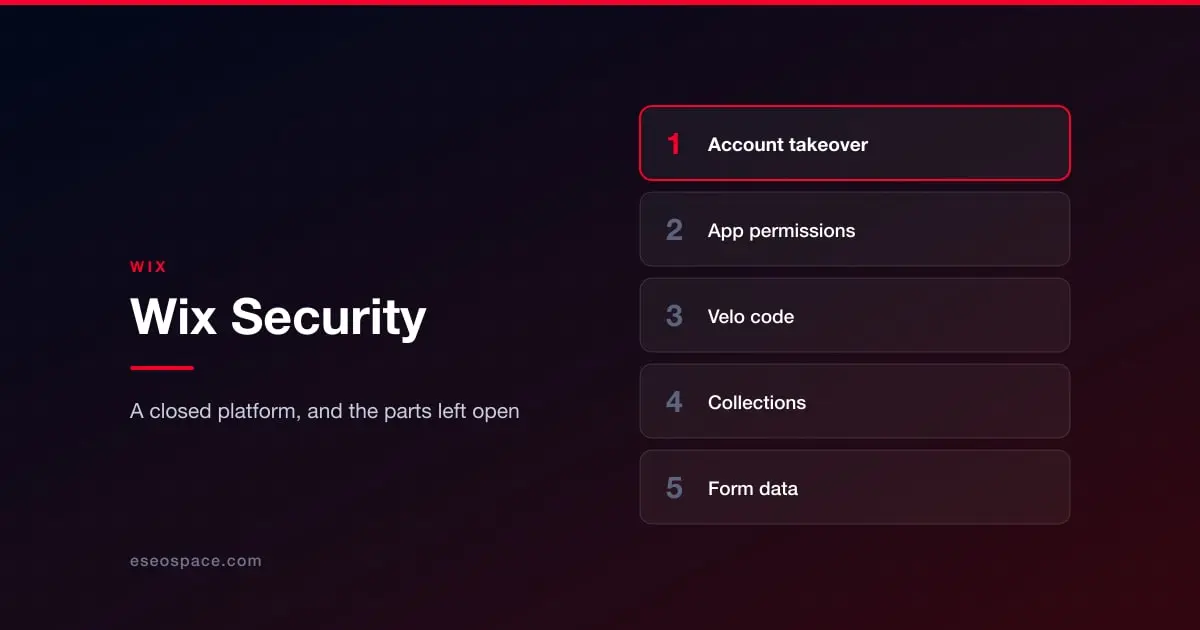
Account takeover is the primary risk
With the software layer closed, the way into a Wix site is the account that controls it. That makes email security and password hygiene the load-bearing controls, not an afterthought.
Enable two-factor authentication on the Wix account and on the email address behind it, because whoever controls that inbox can reset the Wix password. Avoid a shared login for a team; use Wix's role assignments so each person has their own access and it can be removed individually. And remove contributors when they stop working on the site. See access control and 2FA and protecting business email from phishing.
Apps from the App Market
Installed apps receive permissions to parts of your site and its data. As on every marketplace platform, the practical risks are over-permissioned apps and abandoned ones, rather than dramatic exploits.
Read the permissions at install time, uninstall what you stopped using, and check periodically whether an app you depend on is still actively maintained. See the plugin and app supply chain.
Velo and custom code
Velo lets you add JavaScript, including back-end code, to a Wix site. That is a real capability and it reopens a door the platform otherwise keeps shut. Code that queries collections, calls external APIs or handles form input can be written insecurely, and secrets pasted into front-end code are readable by anyone.
If your site uses Velo, treat it as application code: keep secrets in the secrets manager rather than in page code, validate anything that comes from a user before it reaches a query, and be careful about which collection permissions are set to allow public access, since that setting is the usual cause of Wix data exposure.
Third-party tracking and marketing scripts added through the site's custom code settings carry the same considerations as anywhere else: they run on your pages and can read what visitors type.
The data you collect
Wix sites collect form submissions, bookings, store orders and member details. That data sits in the platform and is exportable, which means access control over who can see it matters, and so does what you do with the export. On a site collecting health, legal or financial enquiries this is a compliance question as much as a security one. See website legal requirements.
What to actually do
Two-factor authentication on the Wix account and the email behind it. Individual contributor accounts with appropriate roles, reviewed when people leave. An audit of installed apps and their permissions. A check on any Velo code for exposed secrets and public collection permissions. An independent export of the data you would miss. And confirmation of what Wix's own site history can and cannot restore, which is not the same as a backup you hold. See backup and recovery.
For how a closed platform compares with the alternatives, see website security by platform.
More on running a Wix site well
The rest of this series, written for people who own a Wix site rather than for agencies.
Start with Wix website services
- Wix SEO: the complete setup checklist
- What Wix lets you control, and what it keeps
- Wix speed: what actually moves Core Web Vitals
- Wix Studio vs the Wix Editor
- Wix eCommerce SEO
- Wix blog SEO
- Schema markup on Wix
- Wix accessibility and ADA risk
- Redesigning without losing rankings
- What a Wix website really costs
- When Wix is the right choice
- Local SEO on Wix
- Wix or Squarespace hacked: what it actually means
- Best Wix SEO experts
- Top Wix developers