This guide is part of our WordPress resource hub: costs and hosting, the block editor, plugins, SEO and speed, security, maintenance, WooCommerce, development, comparisons and migrations.
PHP2Shell, October 2026: two critical flaws in PHP itself (CVE-2026-109618 and CVE-2026-109619) were fixed on 21 October 2026 in PHP 8.5.12, 8.4.27, 8.3.36 and 8.2.35. Any site running on PHP needs the server updated. See our PHP2Shell Resource Center.
WordPress runs a large share of the web, which means it is attacked more than anything else and also that it appears in more breach headlines than anything else. Those two facts get conflated into "WordPress is insecure", which is not a useful conclusion and not really an accurate one.
WordPress core is maintained by a dedicated security team, ships automatic background updates for minor releases, and core vulnerabilities serious enough to compromise a current, updated site are uncommon. Almost every compromised WordPress site was compromised through something bolted onto it, or through a login.
Where the vulnerabilities actually are
Vulnerability disclosures in the WordPress ecosystem are overwhelmingly in plugins and themes rather than core, and this ratio has been consistent for years across every organization that tracks it. That is not surprising given the arithmetic: core is one codebase with a review process, and the plugin directory holds tens of thousands of codebases with wildly varying standards, many maintained by one person in their spare time and some no longer maintained at all.
The practical consequence is that your risk is roughly proportional to how much you have installed and how carefully it is chosen, not to which CMS you picked.
Abandoned plugins are the sharpest edge. A plugin that has not been updated in two years is not stable, it is unmaintained. When a vulnerability is found in it, there will be no patch, and disclosure will be followed by mass scanning within days. WordPress will not tell you a plugin is abandoned in any prominent way, and it keeps working perfectly right up until it does not.
Nulled themes and plugins are a category of their own. Pirated commercial extensions distributed free very frequently carry injected backdoors, because that is the business model of distributing them. This is one of the few places in security where the advice is absolute rather than risk-based.
The four ways sites actually get in trouble
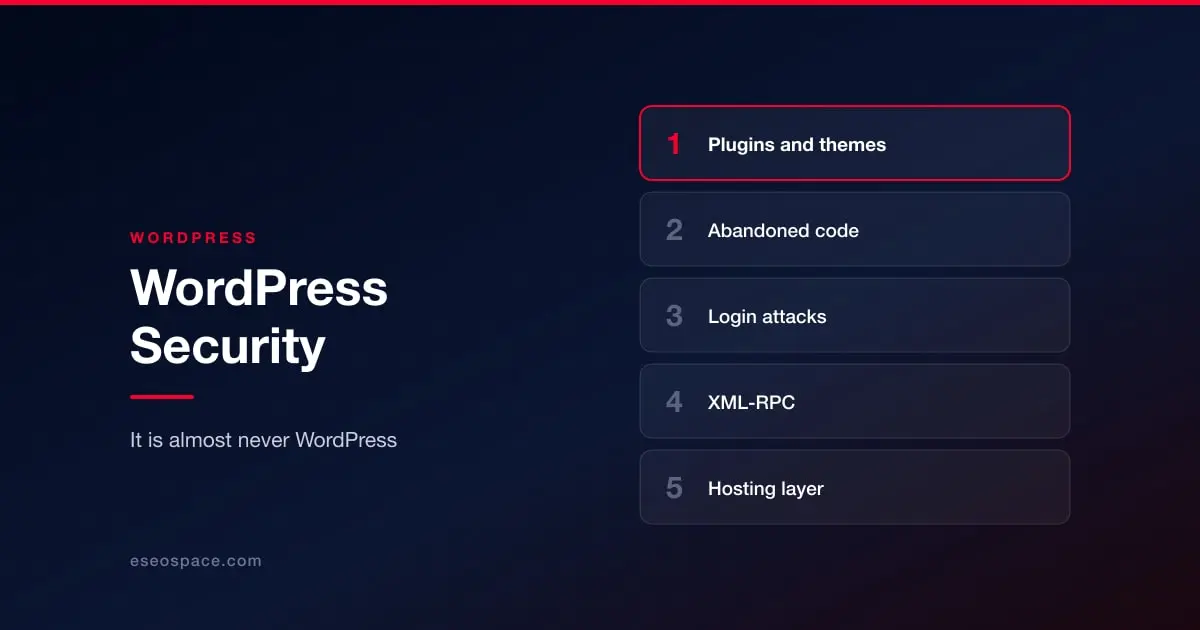
A vulnerable extension gets exploited and a web shell is written to disk. The site keeps working normally, which is the point. It is then used to send spam, host phishing pages, inject SEO spam into your content, or redirect mobile visitors only, which is why owners often do not notice for weeks. If your rankings dropped before you found anything else, see how getting hacked destroys your rankings.
Credential attacks against wp-login.php. Automated, continuous, and effective against reused passwords and any account still called admin. This is a login rather than an exploit, so no amount of patching helps.
Legacy interfaces left enabled. XML-RPC is the usual example. Most sites do not need it, many still have it on, and it offers attackers a convenient way to test many credentials per request.
Hosting-level exposure. Shared hosting where one compromised account reaches others, out-of-date PHP, world-writable directories, database credentials in a file left readable. This is invisible from inside WordPress and is a real differentiator between cheap and competent hosts.
What actually reduces risk
Enforce 2FA on every account that can edit content or install code. This single control eliminates the entire credential-attack category. See access control and 2FA.
Reduce what is installed. Every plugin is a permanent dependency. Audit what is active, remove what is not in use, and delete rather than deactivate, because deactivated plugin code is still on disk and still reachable in some vulnerability classes.
Turn on automatic updates for plugins and themes, unless you have a staging process that reliably applies them faster. The theoretical risk of an update breaking something is real; the observed risk of not updating is much larger, and one is recoverable from a backup while the other frequently is not. See the plugin and app supply chain.
Keep PHP current. Sites routinely run PHP versions that stopped receiving security fixes years ago because an old plugin needed it. That is a decision to accept unpatched runtime vulnerabilities indefinitely.
Put something in front of the site. A WAF at CDN level filters a large share of automated attack traffic before it reaches PHP, and also handles the volumetric case. See how Cloudflare handles DDoS.
Have restorable backups held somewhere the web server cannot write to. Backups stored on the same server are frequently encrypted or deleted along with everything else. See backup and recovery.
If you think you are already compromised
Do not start by deleting files. Start by confirming it and preserving what you have, then work through the warning signs specific to WordPress, how to check, and how to clean up. If Google has already flagged the site, blacklisting is fixable but the sooner the better.
The judgement call people get wrong is cleaning rather than rebuilding. If a web shell had write access for an unknown period, you cannot be confident you found everything. Restoring to a known-good backup and reapplying changes is often faster and always more certain than hunting for the last injected file.
For how WordPress compares to platforms where the vendor patches for you, see website security by platform.