Webflow is a managed platform: it hosts the site, terminates TLS, patches its own stack and sits behind a CDN. There is no server for you to harden and no CMS software for you to update. For a marketing site, that removes most of the traditional risk surface outright.
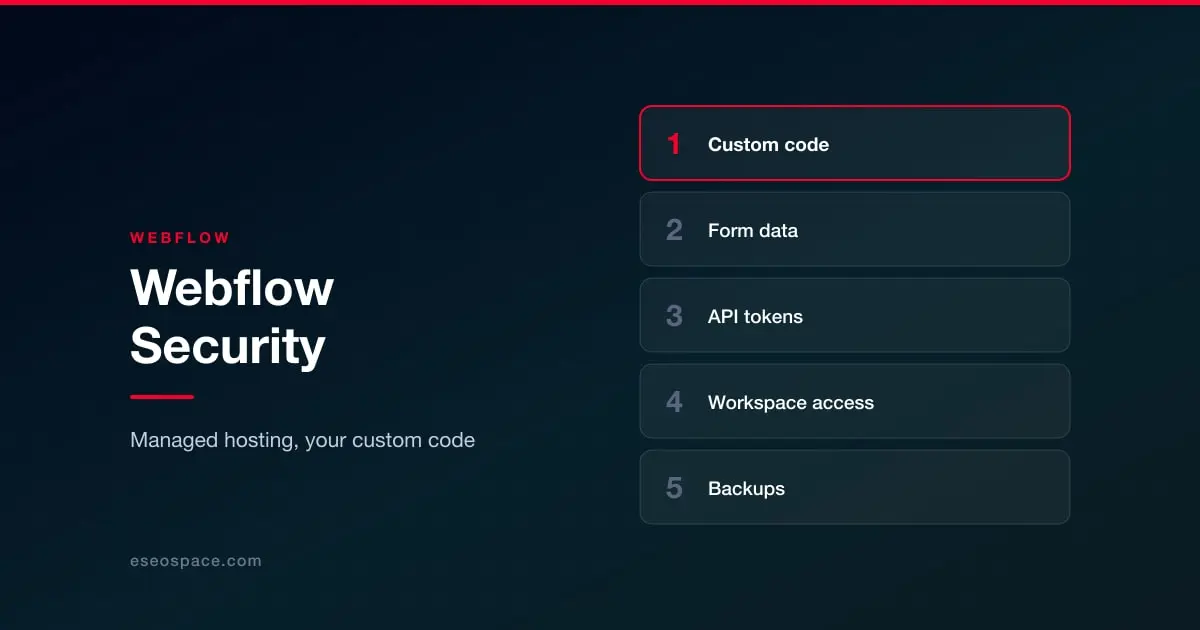
What remains is smaller but genuinely yours, and it is concentrated in four places.
Custom code is the main one
Webflow's value is that it lets designers build without developers, and its custom code panels let developers add whatever the visual builder cannot. Those panels inject raw script into the site head or body, at page level or site-wide, and whatever is in them runs with full access to the page.
In practice these fill up with analytics, chat widgets, heatmap tools, A/B testing snippets, ad pixels and one-off fixes. Each was added for a reason, most were added by different people at different times, and few organizations can say what is in there now. Every one of those scripts can read the page, including anything typed into a form.
The fix is unglamorous: keep a list of what is in the custom code blocks, who added it and why, and remove what is no longer needed. Prefer loading tags through a single tag manager with access controls over pasting them individually. And be conscious that a third-party script vendor being compromised means your site is serving their compromise.
Form submissions and where they go
Webflow forms collect data and deliver it somewhere: the Webflow dashboard, an email address, or an integration. That data is frequently more sensitive than people assume, particularly on healthcare, legal and financial sites where an enquiry form collects details that carry regulatory weight.
Check who can see form submissions, whether they are being emailed in plain text to an inbox that may be shared, and how long they are retained. This is where website security overlaps with privacy law rather than with hacking, and it is covered in website legal requirements.
API tokens and integrations
Webflow issues API tokens for the CMS and site management, and these are commonly generated during a build, pasted into an automation tool, and never rotated. A token with CMS write access can rewrite your site's content.
Inventory tokens, scope them to what the integration needs, rotate them when an agency engagement ends, and revoke rather than leave dormant. The same applies to any third-party service holding a Webflow token on your behalf.
Workspace access
Webflow access is granted at workspace and site level, and design agencies, contractors and freelancers accumulate in it exactly as they do everywhere else. Enforce two-factor authentication, review the member list after any engagement ends, and use the role controls rather than granting full access to everyone who needs to edit one page. See access control and 2FA.
What Webflow does not do for you
Two things surprise people. Webflow's own backups cover the site structure and content within the platform's versioning, which is not the same as an independent export you control, so confirm what you can actually restore and from when. And "password protection" on a page is a site gate rather than an authentication system, so it should not be used to protect anything that genuinely needs access control.
Beyond that the fundamentals are the same everywhere: third-party code, restorable backups, and a plan for the first hour. For the wider comparison, see website security by platform.