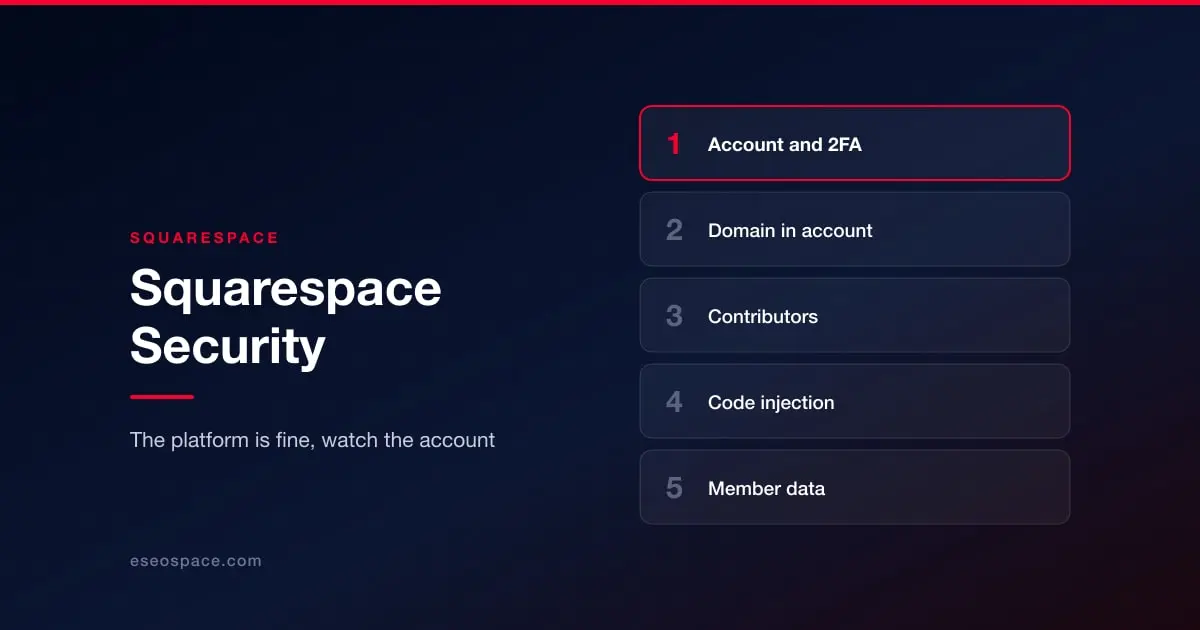
Squarespace is a fully managed platform. Infrastructure, application patching, TLS and CDN are all handled, and there is no plugin ecosystem of the kind that generates most WordPress incidents. For the great majority of sites on it, the platform is not the risk.
Three things are, and one of them is specific to Squarespace in a way people underestimate.
The domain usually lives in the same account
Squarespace is both a site builder and a domain registrar, and after its acquisition of Google Domains a very large number of domains sit in Squarespace accounts. That means a single account compromise can reach both the website and the domain that points at it.
Domain control is worse than site control. Someone who can change nameservers can redirect your traffic and your email, intercept password resets for other services, and obtain certificates in your name. Recovery is slower and involves more parties than restoring a website.
So: two-factor authentication on the Squarespace account is not optional, the email address behind it needs the same protection, and registrar transfer lock should be on. If your domain and your site are in one account, that account is your single point of failure and should be treated accordingly.
Contributor access
Squarespace supports contributors with defined permission levels. The usual pattern applies: a designer, a copywriter and an agency were all added at some point, with administrator permissions because it was simpler, and nobody removed them afterwards.
Review the contributor list, use the lowest permission level that lets each person do their job, and remove people at the end of engagements. See access control and 2FA.
Code injection
Squarespace allows custom code injection at site and page level, plus code blocks within pages. This is where third-party scripts accumulate: analytics, chat, pixels, popups and old snippets that nobody dares delete.
Every one of those runs on your pages with full access to them, including forms. Keep an inventory of what is injected and why, remove what is dead, and prefer a single tag manager over scattered snippets. If your site takes enquiries containing sensitive information, be deliberate about which third parties are able to observe them.
Commerce and member areas
If you sell or run member areas, you are handling customer records and payment flows through the platform's own integrations. Payment processing runs through certified providers rather than through your own code, which keeps card data out of your hands, and that is the right architecture. Your responsibility is around the scripts on those pages and around access to customer data in the dashboard. See PCI DSS 4.0 requirements for what still reaches the merchant.
What to actually do
Enable 2FA on the Squarespace account and the email behind it. Confirm whether your domain is in that same account and, if so, treat it as critical infrastructure with transfer lock enabled. Audit contributors and reduce permissions. Inventory injected code. Export the content and any customer or member data you would not want to lose, since platform-side version history is not an independent backup. See backup and recovery.
For how managed platforms compare with self-hosted, see website security by platform.