This guide is part of our Shopify resource hub: plans and fees, setup, every major feature, apps, marketing, operations, comparisons and migrations.
Shopify removes the largest single cause of ecommerce compromise, which is unpatched self-hosted software. You cannot fail to patch Shopify, the checkout is operated by Shopify under its own PCI certification, and the infrastructure is not yours to misconfigure.
This is a genuine and substantial security advantage, and it is why the honest comparison with a self-hosted store favours Shopify for most merchants. It also means that when a Shopify store is compromised, it is nearly always through one of four doors that remain yours.
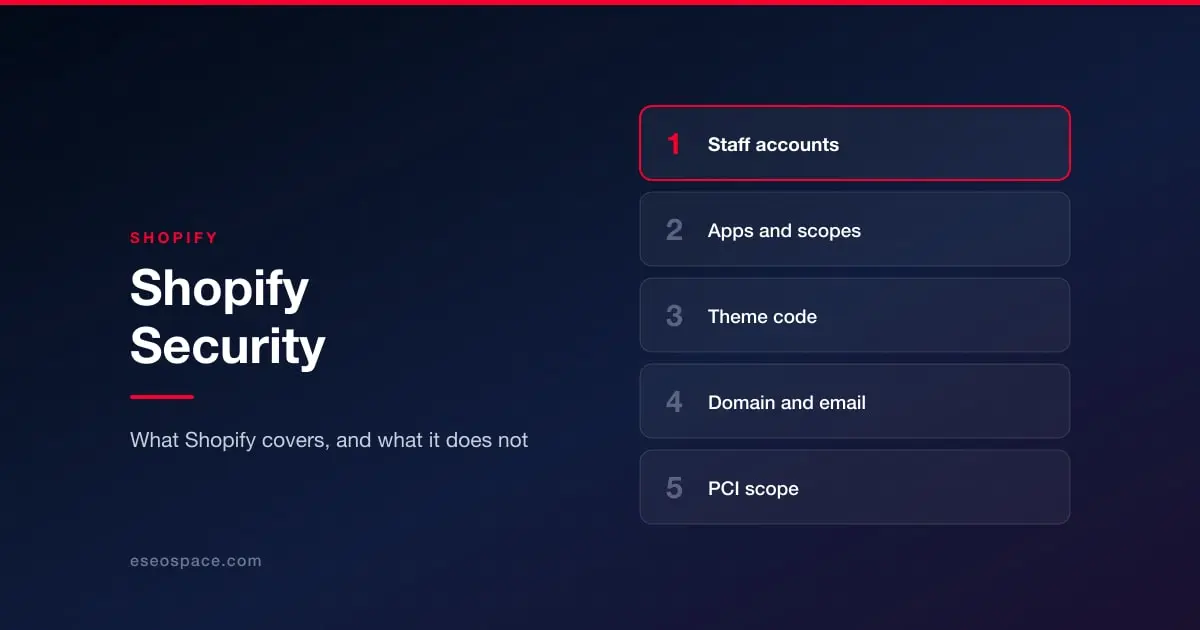
1. Staff accounts
The most common route into a Shopify store is a valid login. Staff accounts accumulate: agencies, freelancers, a developer engaged for one project, a former marketing manager. Each has permissions someone chose once and nobody reviewed since.
Make two-factor authentication a condition of every staff account (each person turns it on for their own login; only Shopify Plus stores can require a secure sign-in method for everyone as a setting), use the permission granularity Shopify provides rather than granting full access by default, and remove accounts at the point people stop working with you rather than at some later audit. Shopify's own logs will tell you who did what, which is only useful if the accounts correspond to actual people. See access control and 2FA.
2. Apps
Installing an app grants it API access to some part of your store, potentially including customer and order data. That grant persists until you remove it, including for apps you stopped using, apps whose developer has moved on, and apps installed by someone who has left.
The risks are real but usually mundane: an app with broad data scopes that stores your customer list on infrastructure you have never assessed, or an abandoned app that stops receiving fixes. Audit installed apps periodically, uninstall what is unused, and read the requested scopes at install time rather than clicking through them. An app asking for customer data to do something that does not obviously require customer data is worth a pause. See the plugin and app supply chain.
3. Theme and custom code
Themes are code you control, and code you control is code you can get wrong. Shopify has hardened the checkout specifically because it is the part that matters most, but scripts elsewhere on the store, custom pixels, and third-party tags added through a tag manager are all yours.
Two practices matter. Keep an inventory of every third-party script the storefront loads and why it is there, because these accumulate through marketing decisions rather than technical ones and nobody removes them. And treat any code pasted from a tutorial or a vendor into a theme file as an addition to your attack surface, not as configuration.
4. Your data and your domain
Shopify secures the store. It does not secure your email, your domain registrar, or the inbox that can reset your Shopify password. A meaningful share of "store takeovers" begin as domain or email compromises, because whoever controls the email controls the account recovery.
Lock the domain at the registrar, enable 2FA there and on the email account behind it, and configure email authentication properly so the store's transactional mail cannot be spoofed. See DMARC, SPF and DKIM explained, and protecting business email from phishing.
What about PCI
Shopify operates the checkout and maintains its own PCI DSS certification, which removes the great majority of the compliance burden from merchants and is one of the strongest arguments for the platform. It does not make PCI entirely somebody else's problem: obligations around the scripts on payment pages and around how you handle any card data you touch outside the checkout still reach the merchant. See PCI DSS 4.0 requirements for what applies to you rather than to the platform.
The short version
On Shopify you are not going to be compromised because you missed a patch. You are going to be compromised, if at all, because of an account that should have been closed, an app that should have been uninstalled, a script somebody pasted into the theme, or an email account with a reused password. All four are cheap to fix and none of them will fix itself.
For how this compares with running a store yourself, see Magento and Adobe Commerce or the overview in website security by platform.