This profile is part of our MCP server directory, within The MCP Guide. Profiles are checked against each vendor's own documentation. Need a server built? See MCP development.
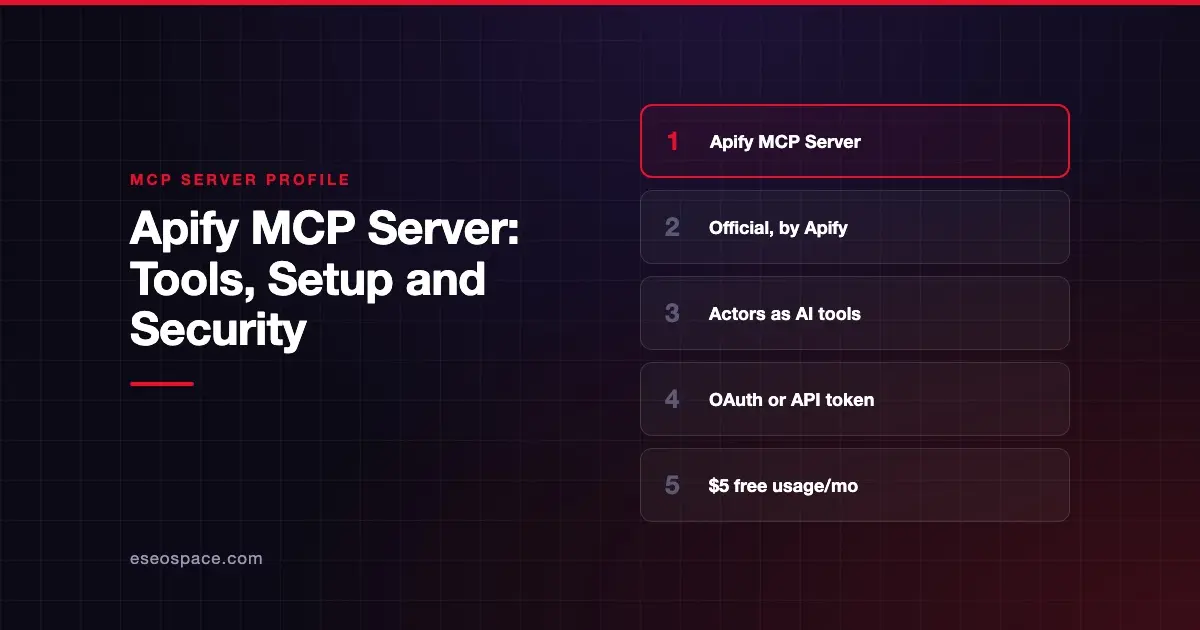
The Apify MCP server lets an AI app use Apify Actors as tools. Actors are ready-made scrapers and automations for sites such as Google Search, Google Maps, Instagram and Facebook. Apify hosts the server at https://mcp.apify.com and publishes the code on GitHub.
Checked against: Apify MCP Server README on 28 October 2026. eSEOspace did not install or test this server.
Key Takeaways
- Apify's official server lets an agent search the Apify Store, read an Actor's input schema and run it.
- By default it loads Actor discovery and docs tools plus two Actors:
apify/rag-web-browserandapify/web-fetch. - Dozens of extra tools manage runs, storage, tasks, schedules, builds and the Apify API, and some of them delete or change things.
- Telemetry is on by default; you can turn it off when you run the server yourself.
- Apify's Free plan includes $5 of usage a month; paid plans start at $19 a month.
At a glance
| Field | Detail |
|---|---|
| Publisher | Apify |
| Official? | Yes |
| Hosting | Both: remote https://mcp.apify.com and local package @apify/actors-mcp-server |
| Transport | Streamable HTTP (remote; legacy SSE endpoint removed); stdio (local) |
| Sign-in | OAuth or API token (Authorization: Bearer) |
| Read or write | Both |
| Price | No separate MCP price listed; Apify platform usage applies |
| Source code | github.com/apify/apify-mcp-server |
| Status | Not stated |
What it can do
The README says the server "allows an AI assistant to use any Apify Actor as a tool." It loads an Actor's input schema and builds a matching MCP tool, so the model knows what arguments to pass.
Default tools:
search-actors,fetch-actor-detailsandcall-actor: find, inspect and run Actors.search-apify-docsandfetch-apify-docs: read Apify's documentation.apify--rag-web-browserandapify--web-fetch: browse the web and fetch a URL.- Auto-added helpers:
get-actor-run,get-dataset-items,get-key-value-store-recordandabort-actor-run.
Optional tools are selected by name or category. They cover run logs, dataset and key-value store access, saved tasks, schedules, builds and Actor versions. apify-api-read and apify-api-write reach the raw Apify API. Two optional tools are destructive: delete-actor and delete-schedule.
You choose tools with a tools URL parameter. For example, https://mcp.apify.com?tools=apify/my-actor exposes a single Actor and nothing else. Apify's web configurator builds the URL for you.
How to connect it
The README recommends the hosted endpoint. Connect via OAuth, or send Authorization: Bearer <APIFY_TOKEN>. It says OAuth support means you can connect from clients like Claude.ai.
For local stdio, set the command to npx @apify/actors-mcp-server and the APIFY_TOKEN environment variable to your token. The README lists tested clients including Claude Desktop, Claude.ai, ChatGPT, VS Code, Cursor and Kiro. Full steps are in the Apify MCP documentation.
The README also describes "agentic payments." Agents can pay for Actor runs without an Apify token, through AGI, direct x402 (USDC on Base) or Skyfire.
Security notes
Write and delete tools. The defaults focus on finding and running Actors. Optional tools can update tasks, publish task pages, change Actor files, delete schedules and Actors, and send POST, PUT, PATCH or DELETE requests with apify-api-write. Only enable the tools you need. See excessive permissions in MCP.
Tool annotations. The README says tools carry readOnlyHint and openWorldHint annotations. Actor tools get read-only hints only for Apify-maintained Actors with limited permissions. Our page on MCP tool annotations explains why clients should treat hints as advice.
Paid runs. call-actor starts runs that use your Apify balance. Keep approvals on so an agent does not loop through costly scrapes.
Telemetry. The README says telemetry "is enabled for all tool calls" by default. search-actors also sends a one-sentence useCase, written by the model, to Apify's search analytics. Opt out with --telemetry-enabled false or TELEMETRY_ENABLED=false.
Third-party Actors. Many Store Actors are built by community developers, not Apify. Check an Actor's author and permissions before running it. The MCP security center covers supply chain risks in more depth.
Pricing
Apify's pricing page lists, as of October 2026: Free at $0 with $5 of included usage a month, Starter at $19, Scale at $199 and Business at $999 a month. Individual Actors can have their own pricing, which fetch-actor-details returns.
Alternatives
- Bright Data MCP server: 1,200+ pre-built scrapers plus search and browser tools.
- Firecrawl MCP server: general scrape, crawl and map tools rather than per-site scrapers.
- Browserbase MCP server: a cloud browser for custom navigation.
More on our MCP server profiles hub.
Next step
Apify is also a marketplace: developers publish Actors and MCP servers for others to use. If you are launching one, our MCP marketing team helps it get found.
Frequently asked questions
What is an Apify Actor?
An Actor is a ready-made cloud program on Apify, often a scraper or automation for one site. The MCP server turns each Actor's input schema into a tool the AI app can call.
Can I limit the server to one scraper?
Yes. Use the tools URL parameter with just that Actor, such as ?tools=apify/my-actor. The README says no other tools are then available.
Does Apify collect data about my tool calls?
The README says telemetry is on by default for tool calls. You can turn it off with the --telemetry-enabled flag or the TELEMETRY_ENABLED environment variable when running the server.
How is it priced?
There is no separate MCP fee listed. Runs use your Apify plan, which starts with a free tier that includes $5 of usage a month as of October 2026.