

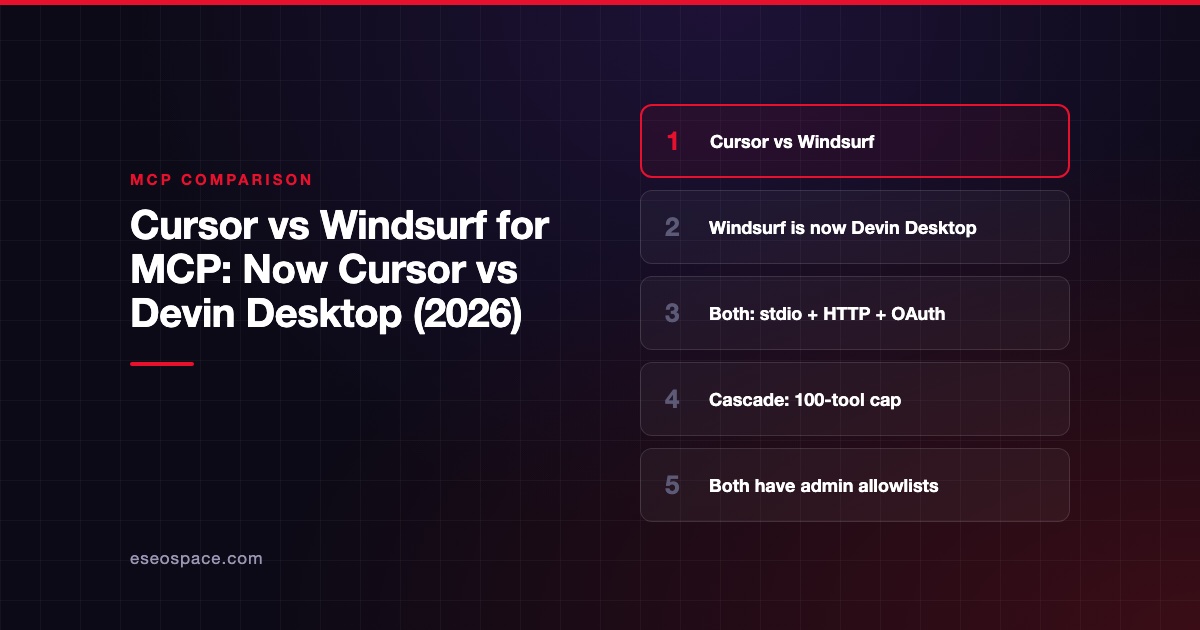
This comparison is part of our MCP comparisons, within The MCP Guide. Facts are checked against each vendor's own documentation and pricing pages on the date shown.
Windsurf has been renamed. Its site now redirects to Devin Desktop, and Devin's FAQ says "Devin Desktop is the new name for Windsurf." So the real comparison in October 2026 is Cursor vs Devin Desktop. Pick Cursor for broader documented MCP features and a one-click marketplace. Pick Devin Desktop if strict team allowlisting and Devin's cloud agents matter more to you.
Checked against: Cursor's MCP docs and Devin Desktop's Cascade MCP docs on 28 October 2026. eSEOspace did not test either product.
Key Takeaways
- windsurf.com now redirects to devin.ai/desktop, and Devin's Desktop page says current plans and pricing "stay exactly the same, including legacy Windsurf Enterprise plans."
- Both editors support stdio, Streamable HTTP and SSE, with OAuth for remote servers.
- Devin's docs say Cascade has "a limit of 100 total tools" at any one time; Cursor's MCP page states no tool cap.
- In Devin Desktop, allowlisting one server blocks every non-allowlisted server for the team.
- Cursor has a marketplace with "Add to Cursor"; Devin's docs say Cascade "does not have an MCP Marketplace or one-click install."
What happened to Windsurf
When we opened windsurf.com on 28 October 2026, it returned a permanent redirect to devin.ai/desktop. The FAQ on that page says: "Devin Desktop is the new name for Windsurf." It adds that the team is "building on the IDE foundation of Windsurf" and that "Windsurf for JetBrains" is still available to download. The page refers to the "Cognition Platform" for enterprise customers.
Devin's MCP docs describe Cascade as the "legacy agent" in Devin Desktop. The default agent for new tabs is Devin Local, which uses the Devin CLI config files. This article covers the documented Cascade MCP setup, since that is the Windsurf feature most readers are comparing.
At a glance
| Item | Cursor | Devin Desktop (formerly Windsurf) |
|---|---|---|
| Maker | Anysphere, Inc. (acquired by SpaceX, August 2026) | Devin (devin.ai); page references Cognition |
| Transports | stdio, SSE, Streamable HTTP | stdio, Streamable HTTP, SSE |
| OAuth | Authorization code flow with PKCE | Supported for each transport type |
| Config file | .cursor/mcp.json or ~/.cursor/mcp.json | mcp_config.json in ~/.config/devin/ (macOS/Linux) or %APPDATA%\devin\ |
| Secret interpolation | ${env:NAME}, ${workspaceFolder} | ${env:VAR}, ${file:path} |
| Tool limit | Not documented | 100 total tools in Cascade |
| Turn off single tools | Tool allowlists | disabledTools array |
| Marketplace | Cursor Marketplace, one-click | None in Cascade; Devin Local has one |
| Admin control | MCP allowlist for commands, URLs, tools | Team MCP toggle and server allowlist (regex) |
| Entry price | Free $0; Plus $8/month | Free $0; Pro $20/month |
Where Cursor is stronger
Documented protocol features
Cursor's MCP docs list tools, prompts, resources, roots, elicitation and the MCP Apps extension. Devin's Cascade page focuses on transports, config and admin settings. If you build servers that use prompts or elicitation, Cursor's documentation is easier to test against.
Installing servers
Cursor's docs say to "Click 'Add to Cursor' on a marketplace entry to install it and authenticate with OAuth." Community servers are listed on cursor.directory. Devin's docs say plainly that "Cascade does not have an MCP Marketplace or one-click install," so Cascade users edit mcp_config.json by hand.
No published tool ceiling
Devin documents a 100-tool cap for Cascade. Cursor's MCP page states no cap. Large servers, such as GitHub's, can expose many tools. With several connected, a 100-tool cap can be reached, and you would need disabledTools to trim the list.
Where Devin Desktop is stronger
A strict allowlist by default
Devin's docs say team admins can toggle MCP access and allowlist approved servers. Once you allowlist a server, "all non-allowlisted servers will be blocked for your team." Patterns are case-sensitive regular expressions matched against the full string. That is a closed-by-default model, which many security teams prefer.
File-based secrets
Devin's config supports ${file:path} as well as ${env:VAR}. You can keep an API key in a separate file that is never committed, instead of in an environment variable.
Agents beyond the editor
Devin's pricing page lists cloud agents (Devin Cloud) on Pro and above. If you already use Devin's cloud agents, keeping the editor in the same product may simplify billing and admin.
Pricing
Prices below come from the official pricing pages on 28 October 2026.
| Plan | Cursor (pricing) | Devin (pricing) |
|---|---|---|
| Free | $0/month | $0 |
| Entry paid | Plus $8/month | Pro $20/month |
| Mid | Premium $30/month | Not offered |
| High | Super $100/month; Ultra $200/month | Max $200/month |
| Team | Teams $30+/user/month | Teams $80/month plus $40/month per full dev seat, up to 200 users |
| Enterprise | Custom | Contact sales |
Cursor lists "Repository, model, and MCP access controls" under Enterprise only. Devin's pricing page does not mention MCP controls; its MCP docs describe the team toggle and allowlist. Devin's page says each full Teams user includes "access to Devin Desktop."
Security and admin controls
| Control | Cursor | Devin Desktop |
|---|---|---|
| Default tool approval | "Cursor asks for approval before using MCP tools by default" | Not described on the MCP page checked |
| Server allowlist | Commands and URLs | Server IDs with regex patterns; blocks all others |
| Tool-level control | Tool allowlists | disabledTools per server |
| Network sandbox for local servers | Allow all, Allowlist, Deny all, No sandbox | Not documented |
| SSO | SAML/OIDC SSO on Teams and Enterprise | SAML/OIDC SSO on Enterprise |
| Audit logs | Enterprise | Not listed on the pricing page |
| Custom registry | Team marketplace | Enterprise custom registry URLs (not shown to Cascade users) |
Whichever you choose, treat every server as code that runs with your permissions. Our pages on tool poisoning and excessive permissions explain what to check, and the MCP security hub has more.
Ownership note for vendor reviews: Cursor's post Cursor is now a part of SpaceX (14 August 2026) says "Cursor has officially been acquired by SpaceX."
Which to choose
- Pick Cursor if you want one-click installs, broad documented MCP features and a cheaper entry plan.
- Pick Cursor if your developers connect many large servers and a 100-tool cap would get in the way.
- Pick Devin Desktop if you were already on Windsurf; Devin says plans and pricing carry over unchanged.
- Pick Devin Desktop if your security team wants a closed allowlist where one approved server blocks everything else.
- Check both if you are on a legacy Windsurf Enterprise plan; confirm with your account team which agent (Cascade or Devin Local) and which MCP config file your users will have.
See more editors side by side in our best MCP clients list, the Cursor vs VS Code comparison and the comparisons hub.
Next step
Before you standardize on an editor, decide which MCP servers your team may use. Our MCP readiness audit sets up that approved list and the scopes behind it.
Frequently asked questions
Is Windsurf still available?
The Windsurf name has moved. windsurf.com redirects to devin.ai/desktop, where the FAQ says "Devin Desktop is the new name for Windsurf." The same FAQ says Windsurf for JetBrains is still available to download.
Do my Windsurf MCP servers still work in Devin Desktop?
Devin's docs describe Cascade, the legacy agent, reading mcp_config.json from a Devin config folder. The default Devin Local agent uses the Devin CLI config files instead. Check which agent you use and where its config lives.
How many MCP tools can Devin Desktop use?
Devin's docs say "Cascade has a limit of 100 total tools that it has access to at any given time." You can switch off single tools with a disabledTools list or turn off a whole server.
Which is cheaper for a team?
On the pricing pages checked, Cursor Teams starts at $30 per user per month. Devin Teams is $80 per month for the team plus $40 per month per full developer seat. The total depends on your seat count.









