This lesson is part of Learn MCP, our free course on the Model Context Protocol, within The MCP Guide.
In this lesson you will add logging and monitoring to an MCP server. You will learn where logs should go under the current spec, what an audit record for a tool call should contain, what must never be logged, and which signals are worth an alert.
Logging is how you answer "what happened?" after a bug, a customer complaint or a security incident. Without it, the threat model from Lesson 24 and the permissions from Lesson 25 can't be checked.
One spec change shapes this whole lesson. As of October 2026, the MCP Logging feature is deprecated. You will log the way the spec now recommends.
Key Takeaways
- The 2026-07-28 spec deprecated the protocol's Logging feature (
notifications/message); new servers should log to stderr on stdio and use OpenTelemetry for structured observability. - On a stdio server, stdout is reserved for MCP messages; the spec allows any logging on stderr.
- The Tools page says clients should log tool usage for audit purposes, and servers must rate limit and validate calls, which you can only verify with logs.
- An audit record needs who, what tool, which arguments (redacted), outcome, time and duration, plus a correlation ID.
- Never log credentials, tokens or personal data; redact before you write.
What changed in the 2026-07-28 spec
Older MCP versions had a Logging utility. A server declared a logging capability and sent notifications/message events to the client at levels such as info or error.
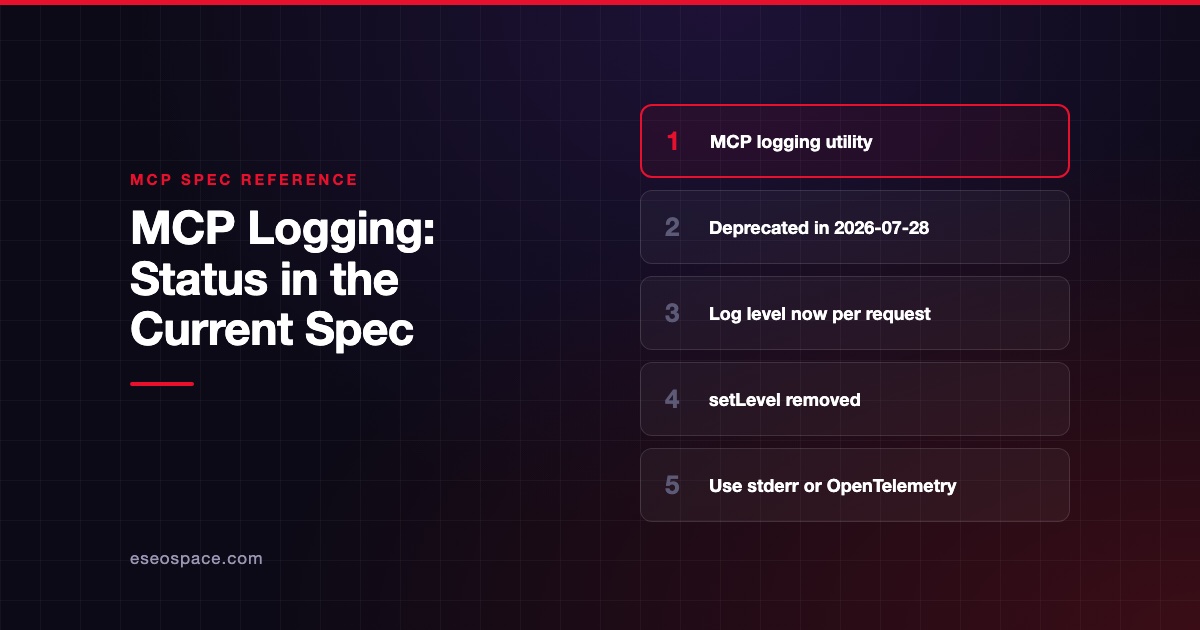
The Logging page now carries a deprecation notice under SEP-2577. It says new implementations "SHOULD NOT adopt it" and existing ones "SHOULD migrate to logging to stderr for stdio transports, or to OpenTelemetry for structured observability." Under the feature lifecycle policy it stays in the spec for at least twelve months. The changelog also removed logging/setLevel.
So the protocol is no longer your logging pipe. Your server logs like any other service. See MCP logging: status in the current spec for the details.
Step 1: Send logs to stderr, never stdout
The stdio transport page says the server "MUST NOT write anything to its stdout that is not a valid MCP message." It also says the server "MAY write UTF-8 strings to stderr for any logging purposes." Clients may capture or ignore stderr, and should not assume stderr output means an error.
In practice: no print() in Python and no console.log() in Node.js. Use a logger pointed at stderr. HTTP servers can log wherever your hosting platform collects logs.
Step 2: Write one structured audit record per tool call
Plain text logs are hard to search. Write one JSON object per line. Here is a small, dependency-free Python helper. This code ran on 28 October 2026 with Python 3.9.6, using only the standard library.
import json, logging, sys, time, uuid

# Log to stderr: stdout is reserved for MCP messages on stdio servers.
handler = logging.StreamHandler(sys.stderr)
handler.setFormatter(logging.Formatter("%(message)s"))
log = logging.getLogger("audit")
log.addHandler(handler)
log.setLevel(logging.INFO)

SECRET_KEYS = {"password", "api_key", "token", "authorization"}

def redact(args: dict) -> dict:
    return {k: ("[REDACTED]" if k.lower() in SECRET_KEYS else v) for k, v in args.items()}

def audit(tool: str, user: str, args: dict, outcome: str, started: float) -> None:
    log.info(json.dumps({
        "event": "tool_call",
        "id": str(uuid.uuid4()),
        "time": time.strftime("%Y-%m-%dT%H:%M:%SZ", time.gmtime()),
        "user": user,
        "tool": tool,
        "args": redact(args),
        "outcome": outcome,
        "duration_ms": round((time.time() - started) * 1000),
    }))
Calling audit("find_overdue_invoices", "user-123", {"customer_id": "C-42", "api_key": "abc"}, "ok", t) printed one line to stderr with "api_key": "[REDACTED]". Call the helper at the end of each tool handler, including on errors.
A key-name blocklist is a starting point, not full protection. Secrets can hide in free-text fields too, so keep arguments you log small and specific.
Step 3: Decide what to record
Use this table as your minimum audit schema. Our article on MCP audit logging goes deeper.
| Field | Why |
|---|---|
| Correlation ID | Ties the tool call to traces and downstream API logs |
| User or client identity | From the verified token, never from tool arguments |
| Tool name | What was invoked |
| Arguments, redacted | What the model asked for |
| Outcome | Success, tool execution error (isError: true) or protocol error |
| Duration | Spot slow downstream calls and timeouts |
| Scope changes | The spec says to "log elevation events (scope requested, granted subset) with correlation IDs" |
The scope-change row comes from the spec's Security Best Practices. Lesson 20 explains the two error types; see Handle Errors Well.
Step 4: Keep secrets and personal data out
The deprecated Logging page still has good rules that apply to any log. It says log messages "MUST NOT contain" credentials or secrets, personal identifying information, or internal system details that could aid attacks. It also recommends rate limiting log output and controlling who can read logs.
Practical habits:
- Redact by key name and by pattern (for example, anything that looks like a bearer token).
- Log IDs, not full records.
customer_id: C-42is enough to investigate. - Set a retention period and restrict log access to the people who need it.
Step 5: Add tracing with OpenTelemetry
Logs tell you what happened in one place. Traces follow one request across the host, your server and the APIs behind it.
The spec's _meta rules reserve the keys traceparent, tracestate and baggage for OpenTelemetry trace context, in W3C Trace Context format. A client can pass a trace ID in a request, and your server can continue the same trace.
Check what your SDK already does. In the Python SDK 2.3.0 package source, an OpenTelemetry middleware is switched on by default. A code comment says it creates a span per message and "is a no-op until an OTel exporter is installed." It records attributes such as mcp.method.name and gen_ai.tool.name. The same comment marks the API as provisional, so check the Python SDK repository before you depend on it.
Step 6: Turn logs into alerts
Collecting logs is not monitoring. Pick a few signals and alert on them:
- Error rate per tool, split by tool execution errors and protocol errors.
- Latency above your timeout budget.
- Rate limit hits. The Tools page makes rate limiting a server MUST.
- Destructive tool calls outside business hours or above a daily count.
- Scope elevations that are new for a user or client.
- Unexpected network destinations. The official Local Server Security guide calls unexpected egress a signal worth investigating.
The OWASP MCP Top 10 lists "Lack of Audit and Telemetry" as MCP08. A good alert list is your answer to it. If an alert fires, follow an incident response plan.
Try it
- Add the
audit()helper to one tool in your server. - Run the server under MCP Inspector (Lesson 19) and call the tool once with good input and once with bad input.
- Confirm both calls produced one JSON line on stderr, and that stdout still carries only MCP messages.
- Add a fake
tokenargument and confirm it is redacted. - Write three alert rules in plain English, such as "Alert if
void_invoiceis called more than 20 times in an hour."
Recap
You moved logging off the deprecated protocol feature and onto stderr and OpenTelemetry, as the 2026-07-28 spec recommends. You wrote structured audit records, kept secrets out, added trace context, and chose alerts that map to real risks. Lesson 27 covers how to change your server safely once people depend on it.
Course navigation
Previous lesson: Lesson 25: Least Privilege in Practice.
Next lesson: Lesson 27: Version and Update Your Server.
Back to the Learn MCP course outline.
Frequently asked questions
Can I still use notifications/message for logs?
It still works during the deprecation window, which lasts at least twelve months from the 2026-07-28 release. The spec now says new implementations should not adopt it. If you use it today, plan a move to stderr or OpenTelemetry.
Why can't my stdio server print to stdout?
Because stdout carries the JSON-RPC messages between client and server. Any stray text corrupts that stream and breaks the connection. Send logs to stderr instead.
Should the host or the server keep the audit log?
Both, ideally. The Tools page says clients should log tool usage for audit purposes. Your server should log too, because it sees the downstream effects and the verified identity. Our governance guide for IT leaders covers central collection.
How long should I keep logs?
That depends on your legal and contractual duties, which vary by industry and region. Keep them long enough to investigate an incident, restrict access, and delete them on a schedule. Ask your compliance lead for the exact period.
Do I need OpenTelemetry for a small server?
No. Structured stderr logs are enough to start. Add tracing when your server calls several downstream systems or when you need to follow requests across services.