This article is part of our MCP Guide: what the Model Context Protocol is, how to use it safely, and how to choose servers, tools and help. Want a second opinion on your setup? Request a free MCP readiness review.
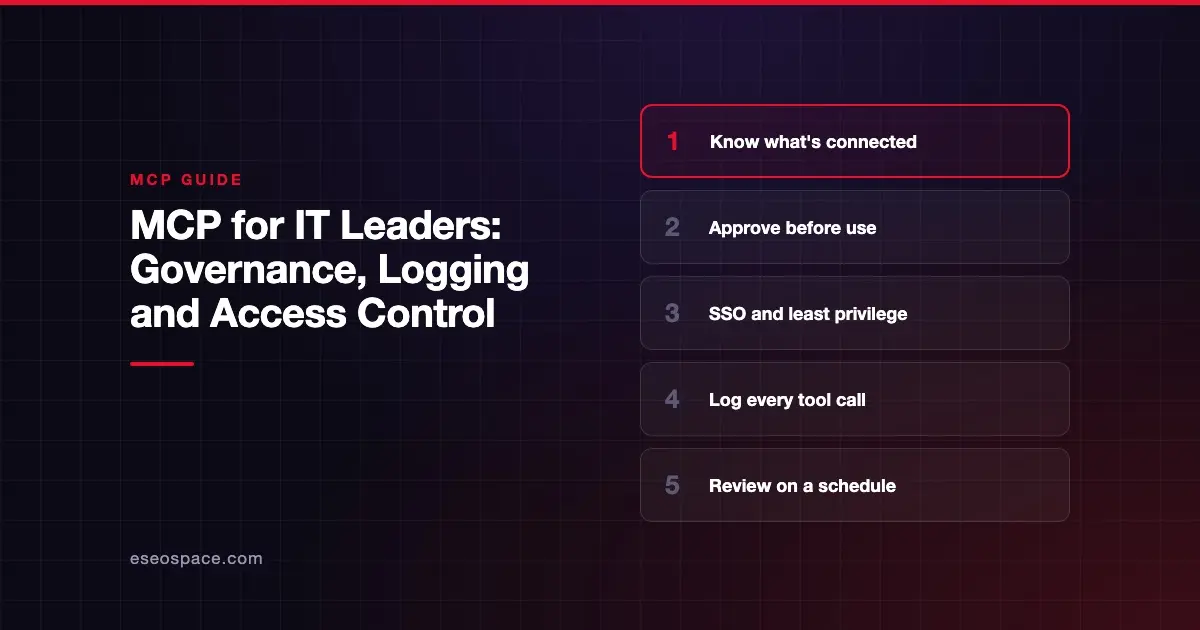
MCP governance means deciding which AI tools your company can connect, who can use them, and how you will know what they did. In practice it rests on four controls: an inventory of approved servers, access through your identity provider, least-privilege permissions, and logs of every tool call.
MCP spreads fast because it is easy. An employee can connect an AI assistant to a new data source in minutes. That speed is useful, but it also means MCP can grow outside IT's view.
This guide gives IT and operations leaders a practical governance plan. It draws on the official MCP spec, its enterprise extension, OWASP and vendor admin docs, all checked on 28 October 2026.
Key Takeaways
- Start with an inventory: you cannot govern MCP servers you do not know about.
- The MCP spec says there should always be a human able to deny tool calls, and that clients should log tool usage for audits.
- The Enterprise-Managed Authorization extension lets your identity provider decide which MCP servers employees can reach, with central revocation.
- Least-privilege scopes and per-server tokens limit the damage if any one credential leaks.
- AI clients and gateways now offer admin controls such as server allowlists, denylists and usage telemetry.
- Treat MCP like any other third-party integration: approval, review, logging and offboarding.
Why MCP needs its own governance
MCP servers act on behalf of users. They can read records, send messages and change data. Each one is effectively a new integration with its own permissions.
OWASP's MCP Top 10 names two risks that are mostly governance failures:
- Shadow MCP Servers: "unapproved MCP deployments" running outside security governance, often with default or permissive settings.
- Lack of Audit and Telemetry: sparse logging of tool calls that makes investigation hard.
It also lists "Privilege Escalation via Scope Creep," where permissions quietly widen over time. All three are solved by process more than by technology.
Note that as of October 2026, OWASP lists the project in its beta phase. For the full list, see MCP security risks.
What the MCP spec already expects
The spec gives you a baseline to hold vendors to. You do not need to read all of it, but these lines are worth quoting in policies and contracts.
From the MCP tools specification (2026-07-28):
- There "SHOULD always be a human in the loop with the ability to deny tool invocations."
- Servers "MUST" validate all tool inputs, implement access controls, rate limit tool calls, and sanitize outputs.
- Clients "SHOULD" prompt for confirmation on sensitive operations and "Log tool usage for audit purposes."
- Clients "MUST consider tool annotations to be untrusted unless they come from trusted servers."
From the MCP authorization specification:
- Servers must only accept tokens issued for them and "MUST NOT accept or transit any other tokens."
- Clients should request the minimum scopes needed and step up only when required.
For the sign-in details, see MCP authentication and OAuth 2.1. For what changed in the latest version, see the July 2026 spec changes.
A six-part MCP governance framework
Use these six parts as a starting policy. Adjust the depth to your size and risk.
1. Inventory
List every MCP server in use. For each one, record:
- Who published it, and where it is hosted.
- Whether it runs locally or remotely.
- Which data and actions it can reach.
- Who owns it inside your company.
- Which AI apps connect to it.
The official MCP Registry can help confirm a public server's publisher. It verifies namespaces through GitHub or domain ownership. It is still "in preview," though, and it leaves security scanning to package registries and downstream aggregators. The registry also does not support private servers and suggests running your own private registry for internal ones.
2. Approval
Set a simple rule: no new MCP server touches company data without approval. Your review should cover:
- The publisher's identity and track record.
- The scopes it requests, and whether fewer would do.
- How it stores and handles credentials.
- Whether it can send data outside the company.
- Its logging and how you can export logs.
Our checklist for choosing MCP servers turns this into a buying worksheet.
3. Identity and access
Route access through your identity provider wherever you can. The Enterprise-Managed Authorization extension is built for this. Its docs describe the problem it solves: employees authorizing each server one by one, inconsistent policies, and offboarding that requires "revoking access across every service individually."
With the extension, the identity provider (the docs name Okta and Azure AD as examples) evaluates group membership, roles and conditional access before any MCP token is issued. Revoking an employee's access "happens at the IdP level, taking effect immediately across all MCP clients." Client support varies, and the extension is opt-in, so confirm support with each vendor.
4. Least privilege
Give each server, user and agent the smallest access that works.
- Start read-only. Add write access only for workflows that need it.
- Avoid wildcard or "full-access" scopes, which the MCP security best practices list as a common mistake.
- Require human approval for payments, deletions and outbound messages.
- Keep tools that read untrusted content apart from tools that can send data out.
5. Logging and monitoring
Decide what you log before something goes wrong. At minimum, capture:
| Field | Why it matters |
|---|---|
| User or agent identity | Who triggered the call |
| AI client | Which app made the call |
| MCP server and tool name | What was used |
| Inputs and result status | What was asked and whether it worked |
| Timestamp | When it happened |
| Scope changes | When access was granted or widened |
The security best practices also suggest servers "Log elevation events (scope requested, granted subset) with correlation IDs." That helps you spot scope creep.
Mask secrets and personal data in logs. Logs that leak tokens create the very risk you are trying to control.
6. Review and offboarding
Governance is not a one-time project.
- Review the server inventory and scopes at least quarterly.
- Re-check tool descriptions after updates, since a trusted server can change.
- Remove servers nobody uses.
- Revoke MCP tokens when an employee leaves, ideally from one place.
Tools that help you enforce the policy
Policy needs enforcement points. As of October 2026, you have three main places to apply controls.
In the AI client
Some AI apps now include admin controls for MCP. For example, Claude Code's managed MCP docs describe several patterns:
- Deploying a fixed set of servers that users cannot change.
- An "approved catalog" using
allowedMcpServerswithallowManagedMcpServersOnly. - A denylist with
deniedMcpServersto block known-bad servers. - Usage monitoring through OpenTelemetry, which can record which MCP servers and tools users invoke.
Those docs warn that matching servers by name "is not a security control," since a user can name any server anything. They recommend matching by URL or command instead. Check what controls your other AI apps offer.
At a gateway
A gateway puts one controlled front door in front of all your MCP servers. Depending on the product, it can add central sign-in, tool curation and unified logs. See MCP gateways explained for what they do and their limits.
At the identity provider
Your identity provider controls who gets tokens. With Enterprise-Managed Authorization, it also controls which MCP servers each group can reach.
Fitting MCP into your existing frameworks
You do not need a new framework. MCP governance fits into what you already run.
- Third-party risk: treat each MCP server vendor like any SaaS vendor.
- Identity and access management: add MCP servers to joiner, mover and leaver processes.
- AI risk: if you use the NIST AI Risk Management Framework, MCP tool access is a natural part of it. NIST describes the framework as "intended for voluntary use" and also publishes a Generative AI Profile.
- Incident response: add "AI agent misused a tool" to your playbooks, with the logs needed to investigate.
A 30-day starter plan
- Week 1: survey teams and build the inventory.
- Week 2: write a one-page approval policy and name an owner.
- Week 3: cut scopes, remove unused servers, and turn on logging.
- Week 4: set client allowlists or a gateway, and book the first quarterly review.
Small companies can do this with a spreadsheet and a short policy. Larger ones will want SSO integration and a gateway.
Next step
Once you know what you need to enforce, compare the products that enforce it. Our guide to the best MCP gateways covers the main options for central access control and logging.
Frequently asked questions
What is MCP governance?
It is the set of rules for which MCP servers your company uses and who can use them. It also covers what they can do and how activity is recorded. It covers inventory, approval, access, least privilege, logging and review.
Who should own MCP governance?
Usually IT or security, working with the teams that use AI tools. Each approved server should also have a named business owner. Shared ownership without a named person tends to fail.
Can we block employees from adding their own MCP servers?
In some AI clients, yes. Claude Code, for example, documents admin settings for fixed server sets, allowlists and denylists. Check the admin options for each AI app your company uses.
What should we log for MCP?
At minimum: who made the call, from which app, to which server and tool, with what inputs, when, and whether it succeeded. Also log when access scopes are granted or widened. Mask secrets and personal data.
Does MCP work with our single sign-on?
It can. Remote MCP servers use OAuth 2.1, and the authorization server can be your identity provider. The Enterprise-Managed Authorization extension goes further by letting your provider control which servers each group can reach.
Do small businesses need formal MCP governance?
They need a light version. A list of approved servers, read-only access by default and basic logging cover most of the risk. Our MCP readiness audit can help you set that up.