This article is part of our MCP Guide: what the Model Context Protocol is, how to use it safely, and how to choose servers, tools and help. Want a second opinion on your setup? Request a free MCP readiness review.
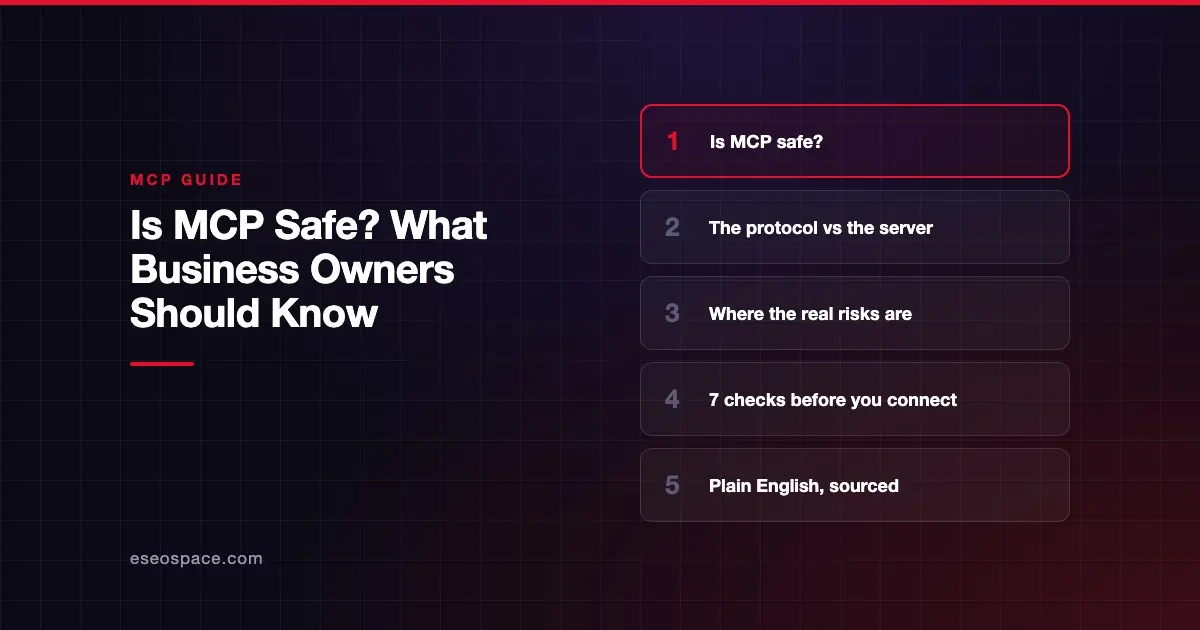
MCP can be safe for business use, but the protocol alone does not make it safe. The Model Context Protocol (MCP) is a shared standard that lets AI apps like Claude or ChatGPT connect to your tools and data. How safe that connection is depends on which server you connect, what it is allowed to do, and whether a person approves risky actions.
The spec itself says this plainly. It states that MCP "enables powerful capabilities through arbitrary data access and code execution paths," and that "MCP itself cannot enforce these security principles at the protocol level" (MCP specification, 2026-07-28). In other words, safety is a job for the apps and servers you choose, and for you.
This guide explains where the real risks sit, what the big AI vendors warn about, and the checks to run before you connect anything.
Key Takeaways
- MCP is a connection standard, not a security product, so safety depends on the server, the AI app and your settings.
- The official spec says hosts must get explicit user consent before invoking any tool or sharing user data with a server.
- The biggest practical risks are untrusted servers, prompt injection, over-broad permissions and leaked access tokens.
- Anthropic and OpenAI both tell users to connect only to MCP servers built by organizations they trust.
- Independent scans have found many public MCP servers with weak authentication, so "it's in a directory" is not proof of safety.
- A short checklist (who built it, what it can write, how it logs in, who approves actions) removes most of the risk for a small team.
What "safe" means for MCP
When people ask "is MCP safe?", they usually mean one of three things. Is the protocol itself secure? Is a given MCP server trustworthy? And can the AI do something harmful with the access I give it?
The answers differ. The protocol defines rules for consent and authorization. A server is just software, and it can be well built or badly built. The AI model follows instructions, and some of those instructions can come from places you did not intend.
If you are new to the moving parts, start with what an MCP server is and how MCP works. The short version: your AI app (the "host") runs a "client" that talks to a "server," and the server exposes "tools" the AI can call.
What the MCP spec requires
The specification sets out three trust and safety principles (MCP specification, Security and Trust & Safety):
- User consent and control. Users must explicitly consent to and understand all data access and operations.
- Data privacy. Hosts must get explicit user consent before exposing user data to servers, and must not send resource data elsewhere without consent.
- Tool safety. Tools represent arbitrary code execution. Hosts must get explicit user consent before invoking any tool.
The tools section adds a clear recommendation. "There SHOULD always be a human in the loop with the ability to deny tool invocations" (MCP spec, Tools). The same page says servers must validate inputs, apply access controls, rate limit calls and sanitize outputs.
The July 2026 spec release also tightened sign-in rules. According to the official release post, it closes an "authorization-server mix-up" gap and binds client credentials to the server that issued them. For the details, see what changed in the July 2026 MCP specification.
The catch is that these are rules for builders. Nothing stops a careless developer from shipping a server that ignores them.
Where the real risks are
The MCP project publishes a security best practices page that names specific attacks. Here are the ones that matter most to a business owner, in plain English.
| Risk | What it means | What it could cost you |
|---|---|---|
| Untrusted or malicious server | You install a server that does more than it claims | Data theft, deleted files, unwanted actions |
| Prompt injection | Hidden instructions in a web page, email or tool description steer the AI | The AI leaks data or takes an action you didn't ask for |
| Over-broad permissions | The server gets "full access" when it only needs to read | One stolen token opens everything |
| Token passthrough | A server accepts sign-in tokens that were not issued to it | Attackers reuse tokens across services |
| Local server compromise | A server you run on your laptop executes a harmful command | Code runs with your user's privileges |
The spec's own example of a local attack is blunt. It shows how a malicious startup command could copy a private SSH key to an outside server (MCP security best practices). That is why local servers from unknown sources deserve extra caution.
Scope is the other big one. The same page warns that tokens with broad scopes such as files:* or admin:* give an attacker an "expanded blast radius" if stolen. It recommends starting with minimal permissions and asking for more only when a task needs them.
For a deeper, technical walkthrough, read MCP security risks and how to reduce them.
What Anthropic and OpenAI tell their users
Both major AI vendors put the trust decision on you.
Anthropic's help center says custom connectors "allow you to connect Claude to services that haven't been verified by Anthropic." It adds: "Only connect Claude to servers built and hosted by organizations and applications you trust" (Claude Help Center). It also warns that "malicious MCP servers may include hidden instructions that try to make Claude perform unintended actions."
OpenAI's developer docs go further on prompt injection. They say "trusting a MCP's developer does not make this safe," because attackers can plant instructions in content the server returns (OpenAI MCP docs). OpenAI also says ChatGPT asks for manual confirmation before write actions run.
Both vendors give you controls. In Claude you can review OAuth permissions at sign-in, approve tools one call at a time, and switch off tools you don't want used. Anthropic suggests you "Allow always" only for servers and tools you trust to run unsupervised.
What independent research has found
Public MCP servers vary widely in quality. A few examples from researchers who published their methods:
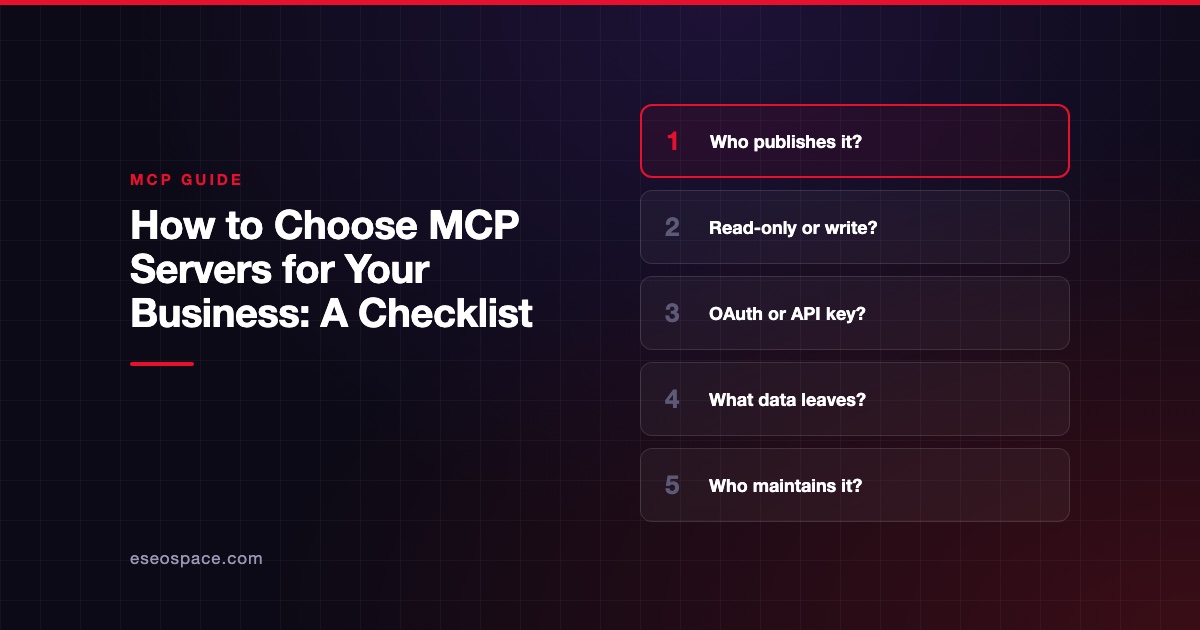
- Exposed servers. Security firm Knostic reported finding 1,862 MCP servers exposed to the internet. All 119 it checked by hand listed their tools without asking for authentication (Knostic, July 2025).
- Static credentials. Astrix Security analyzed 5,205 open-source MCP server repositories. It found about 53% relied on static API keys or tokens, and only 8.5% used OAuth (Astrix, October 2025).
These are vendor research samples, not a census of every server. They still make one point clear: being listed somewhere does not mean a server was reviewed. More sourced numbers are in our MCP statistics page.
Seven checks before you connect an MCP server
You don't need a security team to make good choices. Run these checks first.
- Who built it? Prefer official servers from the software vendor (your CRM, your accounting tool) over unknown community projects.
- Is it remote or local? A remote server runs on the vendor's infrastructure. A local one runs on your computer with your permissions, so it needs more trust.
- How does it sign in? OAuth with narrow scopes is better than pasting a long-lived API key into a config file.
- Can it write, or only read? Start read-only. Turn on write tools later, for specific people.
- Who approves actions? Keep tool-by-tool approval on for anything that sends, deletes, pays or publishes.
- Is there a log? You should be able to see which tools were called and when. The spec tells clients to "log tool usage for audit purposes."
- Can you turn it off fast? Know where to revoke the connection and the token if something looks wrong.
If you are choosing between several servers, our checklist for choosing MCP servers goes into more detail.
So, should your business use MCP?
For most small and mid-size businesses, the honest answer is "yes, carefully." Connecting an AI assistant to a trusted vendor's official MCP server, with read-only access and approvals on, is a modest risk. Installing a random local server that can run commands on your laptop is not.
Larger teams should add central controls: an approved-server list, single sign-on and logging. Our guide to MCP governance for IT leaders covers that.
Next step
Read MCP security risks and how to reduce them for the technical detail behind each risk. If you'd rather have someone review your setup, see our MCP readiness audit.
Frequently asked questions
Is MCP itself secure?
MCP is a protocol, so it defines rules rather than enforcing them. The spec requires user consent before tools run and data is shared, and it sets out sign-in rules based on OAuth. Whether a given connection is secure depends on how the server and AI app implement those rules.
Can an MCP server steal my data?
A malicious or badly built server can. It sees whatever you let it access, and a local server runs with your computer's permissions. That is why Anthropic and OpenAI both say to connect only to servers from organizations you trust.
What is prompt injection in MCP?
Prompt injection is when hidden instructions inside content (a web page, a document or a tool description) steer the AI to do something you didn't ask for. OpenAI notes that trusting a server's developer doesn't fully remove this risk, because the server may return content written by someone else.
Are MCP servers in public directories safe?
Not automatically. Directories and registries list servers, but a listing is not a security review. Check who publishes the server, how it signs in and what it can do before you connect it.
Is it safer to use MCP in Claude or ChatGPT?
Both apps ask for approval before tools act, and both let you turn tools off. The bigger safety factor is which servers you connect and what permissions you grant, not which AI app you use.
Do small businesses need a security expert to use MCP?
Not for basic, read-only use of official vendor servers. Get help if you plan to connect financial, health or customer data, give the AI write access, or build your own server.