This profile is part of our MCP server directory, within The MCP Guide. Profiles are checked against each vendor's own documentation. Need a server built? See MCP development.
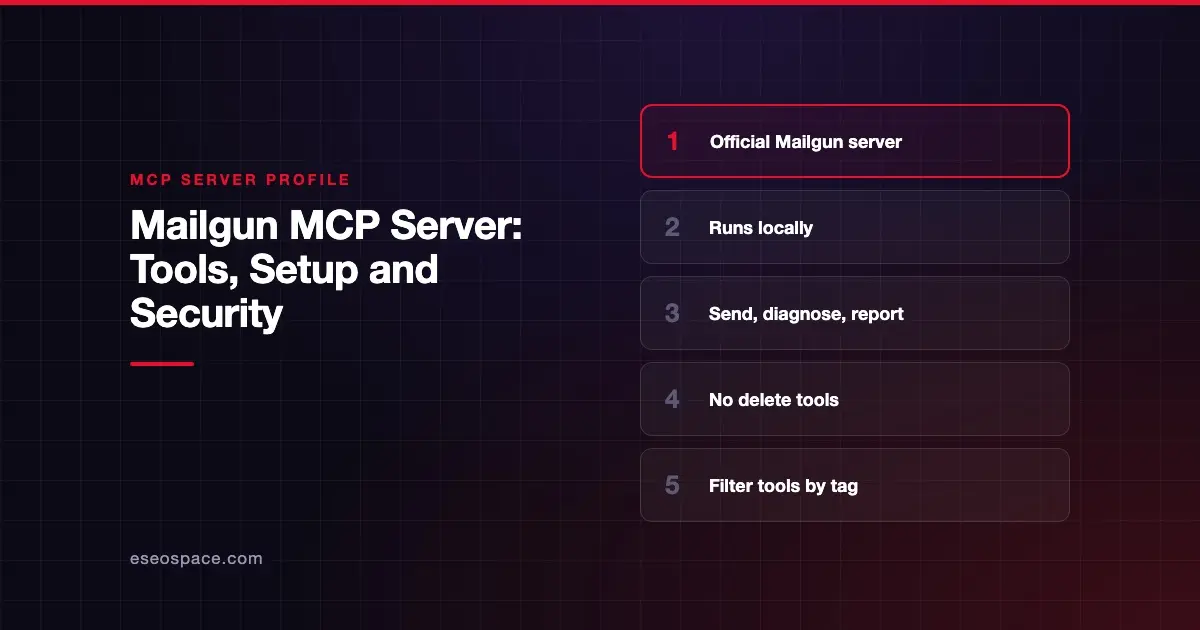
The Mailgun MCP server lets an AI agent send email through Mailgun, check domain and DNS setup, query delivery stats and logs, and manage mailing lists, templates, routes and webhooks. Mailgun publishes it as the open-source npm package @mailgun/mcp-server under the Apache 2.0 license. It runs on your own machine over stdio.
Checked against: Mailgun MCP Server README on 28 October 2026. eSEOspace did not install or test this server.
Key Takeaways
- The package is
@mailgun/mcp-server. Mailgun says it "does not currently offer a hosted version." - Tools are limited to read and update operations. No delete operations are exposed, which Mailgun says "keeps the blast radius" small.
- You can register only the tools you need with product tags:
send,validate,optimizeandinspect. - The server can still send email and change tracking, routes and webhooks, so approvals still matter.
- Mailgun says the API key is never exposed to the AI model and the server does not log keys or request data.
At a glance
| Item | Detail |
|---|---|
| Publisher | Mailgun |
| Official? | Yes |
| Hosting | Local npm package @mailgun/mcp-server |
| Transport | stdio |
| Sign-in | Mailgun API key |
| Read or write | Read and update (sends email; no deletes) |
| Price | No separate MCP price listed |
| Source code | github.com/mailgun/mailgun-mcp-server (Apache 2.0) |
| Status | Not stated |
What it can do
The server is built from Mailgun's OpenAPI spec. At startup it registers "a curated allowlist of endpoints as MCP tools." The README describes these capabilities rather than listing each tool name:
- Messaging: send emails, retrieve stored messages and resend messages.
- Domains: view domain details, verify DNS and manage click, open and unsubscribe tracking.
- Webhooks and routes: list, create and update webhooks; view and update inbound routing rules.
- Mailing lists and templates: create, view and update lists, members and versioned templates.
- Analytics and stats: sending metrics, usage, logs and aggregate stats by domain, tag, provider, device and country.
- Suppressions: view bounces, unsubscribes, complaints and allowlist entries.
- IPs and pools: view IP assignments and dedicated pools.
- Validation (
validate), Optimize (optimize) and Inspect (inspect): check addresses before sending, get inbox placement results and get email preview results. - Account limits: view custom monthly sending limits.
Every capability not marked validate, optimize or inspect is registered under the send tag.
How to connect it
You need Node.js 20.12 or higher and a Mailgun API key. Mailgun's Claude Code command is:
claude mcp add mailgun -e MAILGUN_API_KEY=YOUR-mailgun-api-key -- npx -y @mailgun/mcp-serverThen run /mcp in Claude Code to confirm the mailgun server is connected. For Claude Desktop, Mailgun says to open Settings → Developer → Edit Config and add:
{
  "mcpServers": {
    "mailgun": {
      "command": "npx",
      "args": ["-y", "@mailgun/mcp-server"],
      "env": {
        "MAILGUN_API_KEY": "YOUR-mailgun-api-key",
        "MAILGUN_API_REGION": "us"
      }
    }
  }
}
EU accounts set MAILGUN_API_REGION to eu. To expose only some products, add --tags to the args, for example ["-y", "@mailgun/mcp-server", "--tags", "validate,inspect"], or set MAILGUN_MCP_TAGS. The README also has a Cursor config.
Security notes
Mailgun's README has a detailed security section. Its main points:
- API key isolation: the key is passed as an environment variable and used only by the server process. Mailgun says the server does not log keys, request parameters or response data.
- Scoped keys: Mailgun advises a dedicated API key "with permissions scoped to only the operations you need."
- No client-side rate limiting: each AI tool call becomes a Mailgun API request. Mailgun relies on its server-side limits.
- Prompt injection: Mailgun warns that a crafted prompt could trick the assistant into actions such as "modifying tracking settings or reading mailing list members." It advises reviewing tool-call confirmations. Read our page on prompt injection through tool results.
- Webhook URLs: the server passes webhook URLs to Mailgun without extra validation. Make sure the agent does not point webhooks at internal or sensitive addresses.
The MCP tools specification says clients should prompt for confirmation on sensitive operations, so check that your client asks before each send. Tag filtering is the strongest control. A list-cleaning workflow can run with only validate, so the agent never sees send tools. That is least privilege in practice. More guidance is in our MCP security center.
Alternatives
- Postmark MCP server, with annotated destructive tools.
- Resend MCP server, with a hosted OAuth option.
- Mailtrap MCP server, with sandbox testing.
Next step
If you send through Mailgun, start with the validate and inspect tags and add send only after you trust the workflow. eSEOspace can help you plan that rollout through our MCP development service. Compare more servers in our MCP server directory.
Frequently asked questions
Is there a hosted Mailgun MCP server?
No. Mailgun's README says the server runs locally over stdio and that Mailgun "does not currently offer a hosted version."
Can the Mailgun MCP server delete anything?
No delete operations are exposed, according to Mailgun. It can still send email and update settings such as tracking, routes and webhooks.
How do I stop the agent from sending email?
Use tag filtering. Register only validate, optimize or inspect with --tags or MAILGUN_MCP_TAGS, and leave out send.
Does the AI model see my Mailgun API key?
Mailgun says no. The key is used only by the local server process and is never exposed to the model.