This page is part of our MCP Security Center, within The MCP Guide. Want a second opinion on your setup? Request a free MCP readiness review.
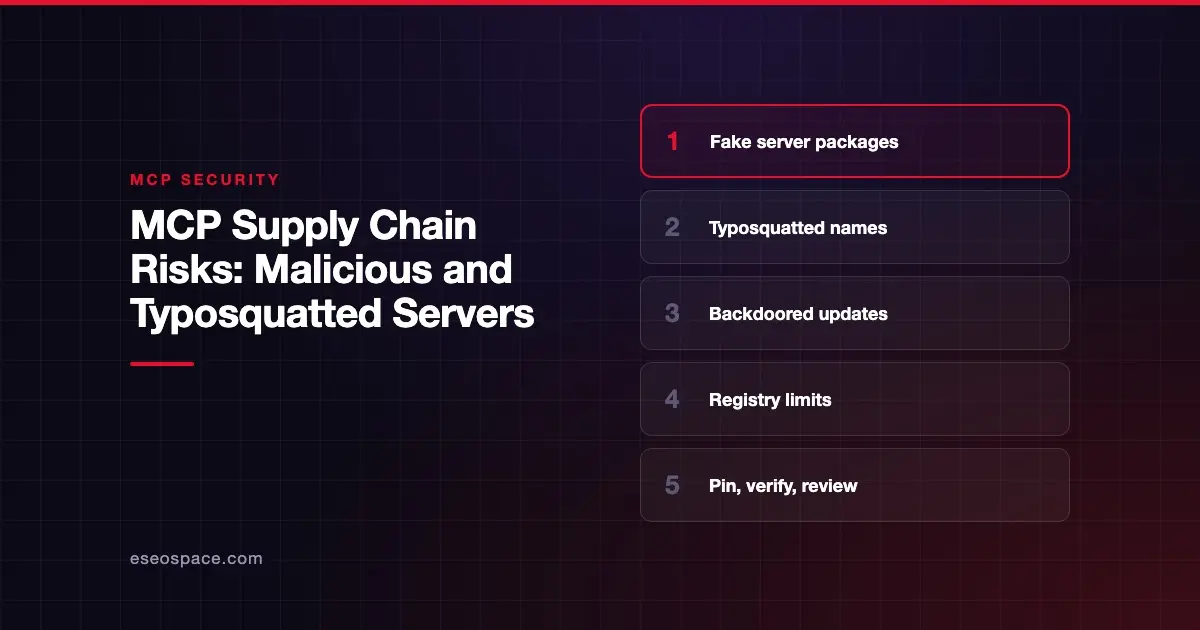
MCP supply chain risk is the chance that a server you install, or something it depends on, has been faked, tampered with or backdoored. You think you are installing a trusted tool. You are actually running someone else's code, with your data and credentials.
This is not theoretical. In September 2025, email company Postmark warned users about a fake npm package called postmark-mcp. It impersonated Postmark's name and copied outgoing emails to an outside server.
This page explains how supply chain attacks reach MCP users and what the official MCP Registry checks. It also shows how to vet servers before you install them. Sources were checked on 28 October 2026.
Key Takeaways
- Most local MCP servers are packages from npm, PyPI or Docker Hub, so they inherit those ecosystems' supply chain risks.
- Postmark said a fake
postmark-mcpnpm package added a backdoor in version 1.0.16 that copied outgoing emails. - Typosquatting, malicious updates and compromised dependencies are the main routes OWASP lists under MCP04.
- The official MCP Registry verifies namespace ownership but delegates security scanning to package registries and aggregators.
- Pin exact versions, install only from the publisher's documented source, and review every update.
- Even honest servers can ship vulnerable code, so track advisories for every server you run.
What supply chain risk means for MCP
Most local MCP servers are installed as packages. The MCP Registry's own docs explain that package registries "such as npm, PyPI, and Docker Hub" host the code, while the MCP Registry hosts metadata that points to it.
So an MCP server is only as trustworthy as the package you actually download, and every package it pulls in. OWASP's MCP04 entry, Software Supply Chain Attacks and Dependency Tampering, lists five example routes:
- Trojanized plugin. A popular connector gets a malicious update.
- Typosquatted plugin. A lookalike name tricks developers into installing malware.
- Registry compromise. A tampered library version injects instructions.
- Dependency confusion. A public package with the same name as an internal one gets pulled instead.
- Build pipeline attack. A compromised CI system adds harmful methods to manifests.
A real case: the fake postmark-mcp package
Postmark published a statement on the malicious package on 25 September 2025. According to Postmark:
- A malicious actor published a fake npm package named
postmark-mcpthat impersonated Postmark. - The package "built trust" over 15 versions, then added a backdoor in version 1.0.16.
- The backdoor secretly copied outgoing emails to an external server.
- "This is not an official Postmark tool." Postmark had not published its MCP server on npm before the incident. Its official server is on GitHub under ActiveCampaign.
Postmark advised users to remove the package immediately, review email logs, and consider rotating any credentials sent by email during the compromise period.
The case combines two routes from OWASP's list. The name was squatted on a registry where the real vendor had no package. Then a clean history was used to earn trust before a malicious update, much like a rug pull.
Vulnerable, not just malicious
Honest packages can also carry risk. In July 2025, JFrog disclosed CVE-2025-6514 in mcp-remote, a proxy that lets local-only clients connect to remote MCP servers. JFrog rated it CVSS 9.6.
A malicious server could trigger OS command execution on the machine running mcp-remote. Versions 0.0.5 through 0.1.15 were affected, and JFrog says it is fixed from 0.1.16. Our page on command injection in local MCP servers covers this class of bug.
An illustrative scenario
This example is illustrative. It is not a real incident.
A developer searches npm for a server for the team's project-management tool. The top result has the vendor's name, a good README and steady downloads. It is not the vendor's package, which lives only on GitHub.
The setup config uses npx with no version pinned. Every restart pulls the latest release. One quiet update later, the server starts copying task data to an outside endpoint.
Who is at risk
- Anyone installing local servers from npm, PyPI or Docker Hub without checking the publisher.
- Configs that run
npxoruvxwithout a pinned version. - Teams with no inventory of which servers and versions are installed. OWASP lists unapproved servers outside governance as "Shadow MCP Servers" (MCP09).
- Organizations with internal package names that could be claimed on public registries.
What the MCP Registry checks
The official registry is in preview as of October 2026. Its trust model is narrow and worth understanding:
| The registry does | The registry does not |
|---|---|
| Verify namespace ownership through GitHub, DNS or HTTP challenges | Scan server code for security issues |
Tie names like io.github.user/server to verified accounts or domains | Guarantee a package is safe to run |
| Allow maintainers to manually remove spam or malicious servers | Support private servers |
In its words, the registry "delegates security scanning" to underlying package registries and downstream aggregators. A verified namespace tells you who published a server. It does not tell you whether the code is safe. See what the MCP Registry is for more.
How to detect it
OWASP's MCP04 lists signals to watch:
- Hash or signature changes in installed packages.
- Servers contacting unknown domains.
- Silent installation of new dependencies.
- Unauthorized schema or configuration changes.
- Sudden behavior drift in agents.
Also compare the package source with the vendor's own docs. If the vendor points to GitHub and you installed from npm, stop and check.
How to reduce the risk
Before you install
- Find the server through the vendor's own website or docs, not a search result.
- Check the publisher account, repository link and release history.
- Read the install command in full. The MCP Security Best Practices page warns that attackers can embed a malicious "startup" command in a client configuration.
- Run the server through a scanner. Our MCP security tools guide compares options.
After you install
- Pin exact versions. OWASP recommends you "avoid 'latest'" and use internal mirrors where you can.
- Review every update before it reaches users.
- Sandbox local servers with limited file and network access. See sandboxing local MCP servers.
- Track advisories for every server and its main dependencies.
At the organization level
- Keep an approved server list with publishers, versions and sources.
- Use a private registry or internal mirror for approved servers. The MCP Registry docs recommend hosting your own private registry for private servers.
- Ask for signed releases or provenance where vendors offer it, as OWASP suggests.
Next step
Start with an inventory: every MCP server your team runs, where it came from and which version. Our MCP readiness audit builds that inventory and flags unpinned or unofficial packages. More threats are covered in the MCP Security Center.
Frequently asked questions
Is the official MCP Registry safe to install from?
It is a good starting point for identity, because it verifies who owns a namespace. It does not scan code. Treat a listing as "this publisher is who they say" and still review the server.
How do I know if a server package is official?
Check the vendor's own documentation for the install source. In the Postmark case, the vendor's official server was on GitHub, not npm. A package on a registry where the vendor says it does not publish is a warning sign.
What is typosquatting?
It is publishing a package with a name close to a trusted one, hoping people install it by mistake. OWASP lists typosquatted plugins as a supply chain route in MCP04.
Does pinning versions stop supply chain attacks?
It stops silent malicious updates from reaching you automatically. It does not help if the version you pinned was already bad. Combine pinning with source checks and update reviews.
What should I do if I installed a malicious server?
Remove it, then follow the publisher's or researcher's guidance. Postmark's advice for its case was to remove the package, review logs and rotate credentials that may have been exposed. Our MCP incident response guide covers the full process.