This page is part of our MCP Security Center, within The MCP Guide. Want a second opinion on your setup? Request a free MCP readiness review.
MCP security for a small business comes down to a few habits: connect only servers from companies you can identify, give AI tools the least access that works, keep a person approving anything that sends, pays or deletes, and keep your apps updated. You do not need a security team to do this. You need a short list, an owner and an hour a quarter.
MCP (Model Context Protocol) is the standard that lets AI apps like Claude or ChatGPT connect to your other tools, such as email, files, accounting or your CRM. Each connection is called an MCP server. Connecting one is easy, which is exactly why it needs a little care.
This guide is for owners and office managers, not engineers. It was checked against official sources on 28 October 2026.
Key Takeaways
- Most MCP risk comes from what you connect and how much access you give it, not from MCP itself.
- Use official servers from the vendor whose product you are connecting, and check the publisher's name.
- Start every connection read-only, and require approval for actions that send, pay or delete.
- Keep AI apps and MCP tools updated; many real MCP flaws were fixed only by updating.
- Write down what is connected, and review it every quarter.
- Have a simple plan for what to do if something looks wrong.
The risks that matter for a small business
You do not need to learn every attack name. Four ideas cover most of the risk.
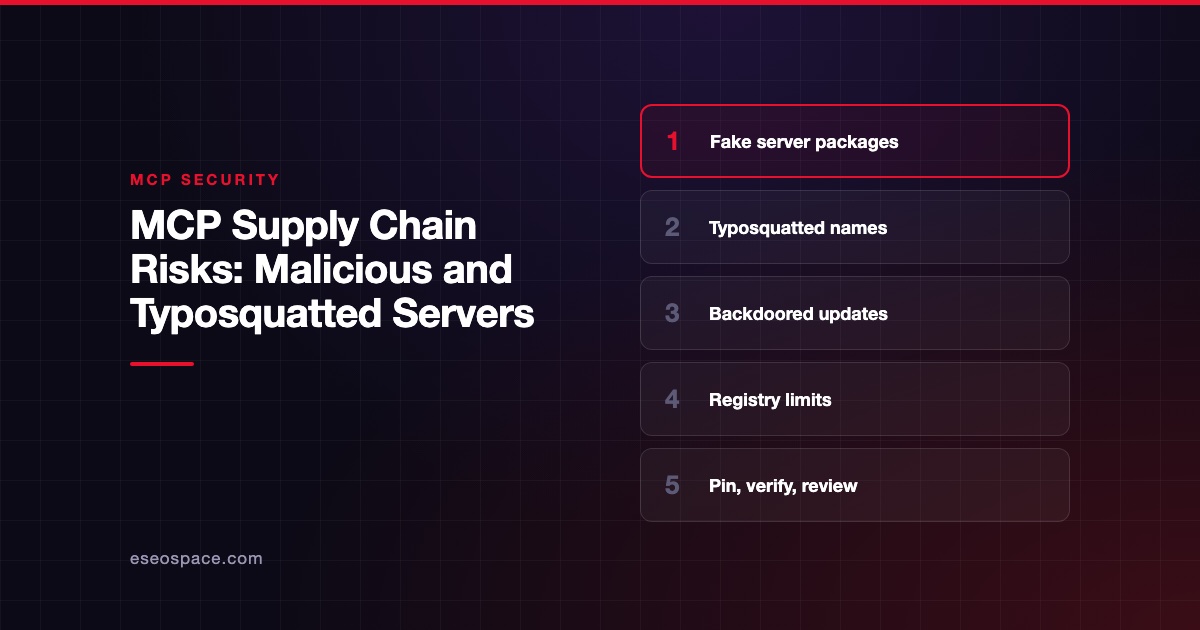
- Fake or bad servers. In September 2025, Postmark warned that a package called "postmark-mcp" was not theirs. Postmark says its author built trust over 15 versions, then added a backdoor that blind-copied emails to an outside server.
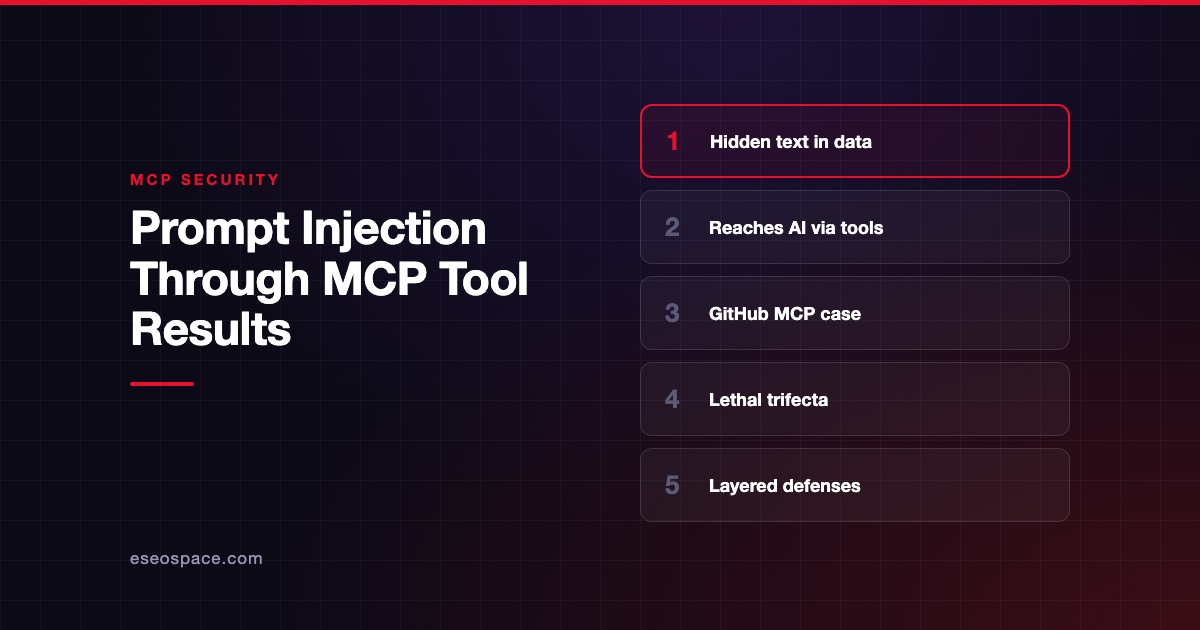
- Hidden instructions. An AI can read text, such as an email or a support ticket, that tells it to do something you did not ask for. This is called prompt injection.
- Too much access. If an AI tool can read everything and send email, one mistake or trick can leak a lot.
- Out-of-date software. MCP apps and tools have had real security flaws, each fixed in a newer version. Our incident tracker lists examples.
Developer Simon Willison calls the dangerous combination the "lethal trifecta": access to private data, exposure to untrusted content, and a way to send data out. If one AI setup has all three, add approvals or split the tools.
Ten practical rules
- Keep a list. A spreadsheet with each MCP server, what it connects to, who added it and when.
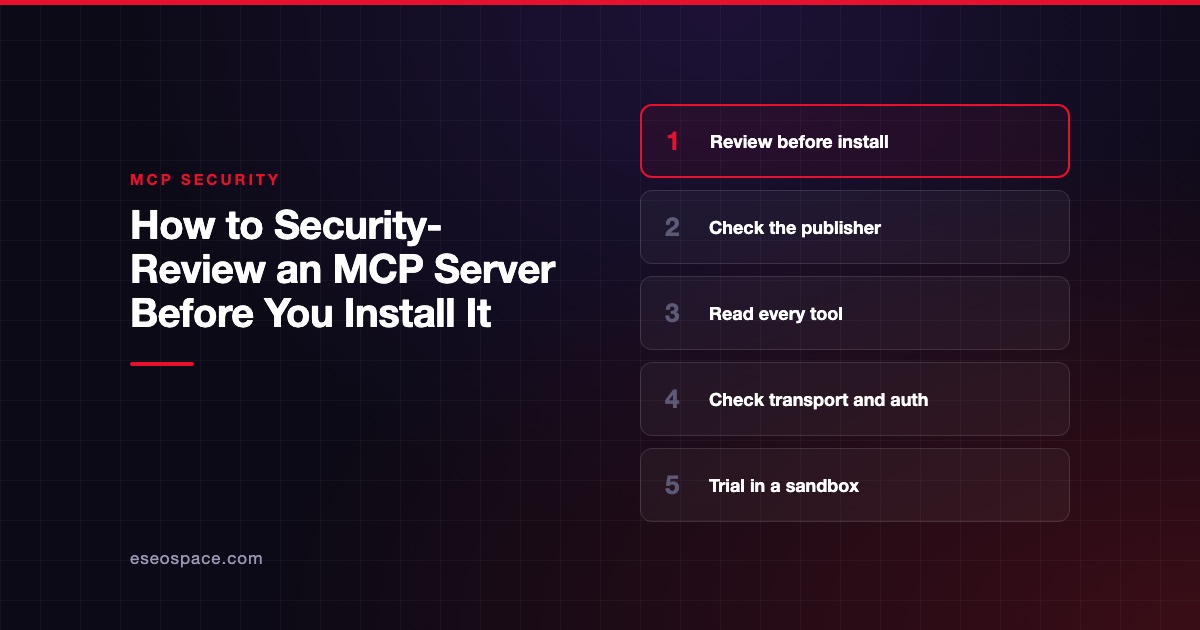
- Use the vendor's own server. For example, connect your accounting app through the server its maker publishes. Check the publisher's name matches the vendor's documentation.
- Prefer remote servers with sign-in. Remote servers that use your normal account login (OAuth) avoid storing long-lived keys on laptops.
- Start read-only. Turn on write access only for a task that needs it.
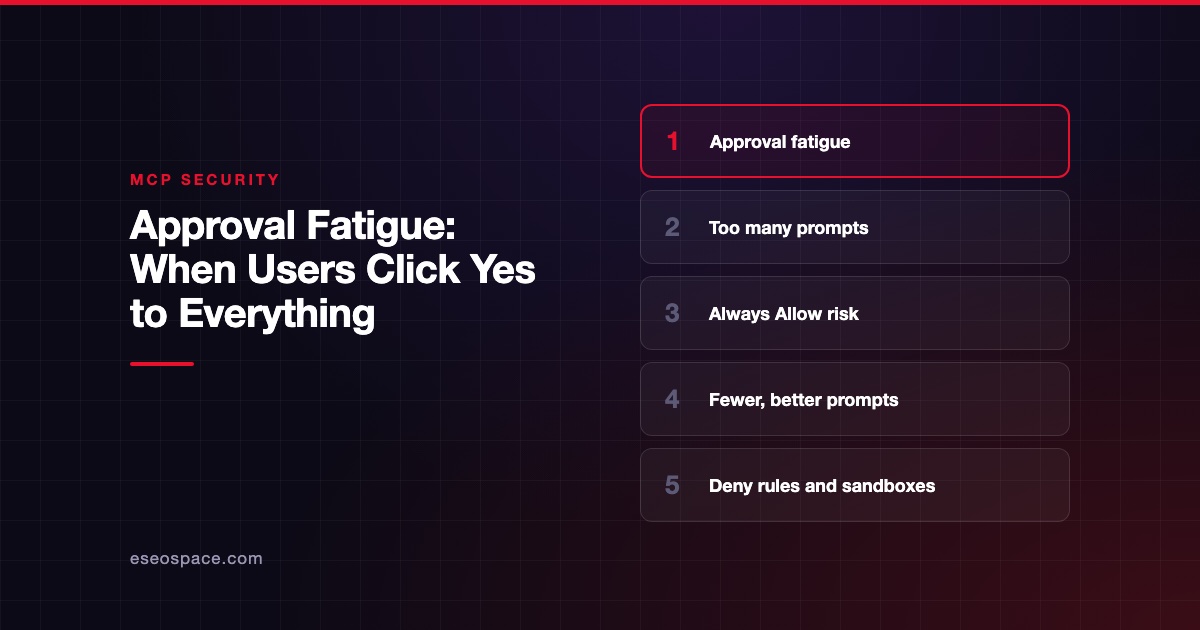
- Approve risky actions. The MCP tools specification says there "SHOULD always be a human in the loop with the ability to deny tool invocations." Use that for sending, paying and deleting.
- Do not mix untrusted inboxes with powerful tools. An AI reading customer emails should not also be able to send files out without approval.
- Protect your accounts. CISA's small business guidance puts multifactor authentication first, especially for email and admin accounts. "Any form of MFA is better than no MFA," it says.
- Update promptly. CISA also recommends turning on automatic updates where possible. That includes your AI apps and any MCP tools on your computers.
- Be careful with local installs. Some MCP servers run on your own computer. Install only from known publishers, and do not approve an install command you have not read.
- Review quarterly. Remove what nobody uses, and check that access still makes sense.
A one-page staff policy
Copy this and adapt it. It is a starting point, not legal advice. For a fuller version, use our AI and MCP acceptable use policy template.
AI TOOL CONNECTIONS (MCP): STAFF RULES
Owner: [name]          Last reviewed: [date]

1. Ask [owner] before connecting any AI app to a company account.
2. Use only the connections on the approved list: [link].
3. New connections start read-only unless [owner] approves more.
4. Always review before the AI sends email, makes a payment,
   deletes anything or shares a file outside the company.
5. Never paste passwords, API keys or customer card data into an AI app.
6. Do not install AI add-ons or MCP servers on your computer
   without approval.
7. If the AI does something you did not ask for, stop, take a
   screenshot and tell [owner] right away. You will not be blamed.
Simple choices that cut risk
| Choice | Lower risk | Higher risk |
|---|---|---|
| Who published the server | The product's own vendor | Unknown individual, copied link |
| Where it runs | Remote, with your normal login | Local, with a saved API key |
| Access level | Read-only | Full read, write and delete |
| Approvals | Required for send, pay, delete | "Always allow" for everything |
| Updates | Automatic | Manual, rarely done |
If something goes wrong
Signs to watch for include emails you did not send, files shared without your action, unexpected charges, or an AI app asking to install something new.
- Disconnect the server in your AI app.
- Change the password and revoke access for the connected account. Most apps list connected apps under security settings.
- Note what you saw, with times and screenshots.
- Check sent mail, file sharing and payment history for the affected account.
- Get help if customer data may be involved.
CISA recommends having a written incident response plan and using it "even when you suspect a false alarm." Our guide to MCP incident response has a fuller playbook.
Next step
Not sure where to start? Our MCP readiness audit reviews what your business has connected and gives you a short, prioritized fix list. If you are still deciding whether you need MCP at all, read MCP for small business: do you need it yet?
Frequently asked questions
Is MCP safe for a small business?
It can be, with sensible limits. MCP is a connection standard with detailed security guidance in its spec. The risk depends on which servers you connect and how much access they get. See is MCP safe? for more.
Do we need special security software?
Not to start. A list of connections, read-only defaults, approvals and updates cover most of the risk. Tools such as gateways and scanners help once you have many connections or staff.
Can I trust servers listed in the official MCP Registry?
A listing tells you the publisher controls the name it uses. The registry's own page says it leaves security scanning to package registries and other services. So it is a useful check, not a guarantee.
Who should own MCP security in a small company?
One named person, often the owner or office manager. They keep the list, approve new connections and do the quarterly review. An outside IT provider can help, but someone inside should own the list.
What is the single most important step?
Requiring approval before the AI sends, pays or deletes anything. That one habit stops many mistakes and many tricks from becoming real damage.