

This playbook is part of our MCP playbooks, within The MCP Guide. Want help setting it up for your team? Request a free MCP readiness review.
An MCP access review checks who can reach which MCP servers and tools, and whether they still need that access. It is usually run by IT, security or an operations lead, once a quarter or after a team change. MCP changes the job because one AI app can hold live connections to many business systems at once, so a forgotten grant can be used by an AI agent, not just a person.
This playbook walks through a review built on what your AI clients and gateways already record. It covers Claude, ChatGPT and gateway-based setups, using controls their vendors document as of October 2026.
Key Takeaways
- An access review answers two questions: who can connect to each MCP server, and who actually did in the review period.
- Pull the "who can" list from admin settings and the "who did" list from audit logs, then compare them.
- Gateways such as Cloudflare MCP server portals log each request with the server and tool used, which makes the comparison faster.
- Revoke unused grants at the source, not only in the AI client.
- The MCP spec says clients should log tool usage for audit purposes, but coverage varies by client, so check yours.
What you need
- An inventory of MCP connections. A list of every server, who owns it and which AI clients use it. Our MCP audit logging guide covers what to record.
- Admin access to your AI clients. In Claude Team and Enterprise, Owners manage connectors from Organization settings > Connectors, per Claude's directory docs. In ChatGPT Business, Enterprise and Edu, admins manage plugins and apps in the Admin Console, per OpenAI's admin controls article.
- A log source. Options include a gateway, the Claude Enterprise Audit Logs and Compliance API, OpenAI's Compliance Logs, or OpenTelemetry from Claude Code.
- A gateway, if you have one. Cloudflare MCP server portals, the Docker MCP Gateway and Obot all document logging. Compare more in Best MCP Gateways.
- An AI client for the analysis. Any client that can read a CSV export works. Keep the review data out of public chats.
The workflow
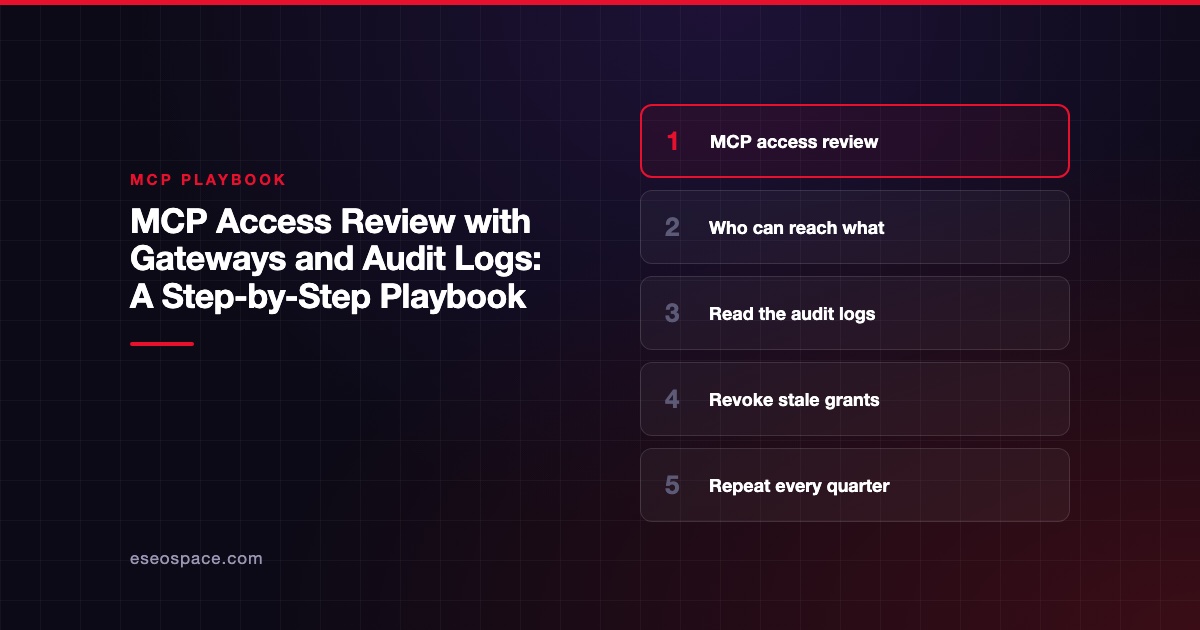
- Set the scope and period. Pick the review window, usually the last 90 days. List the servers in scope, starting with any that can write, send or delete.
- Export the "who can" list. From Claude, list the connectors added for the organization in Organization settings > Connectors. From ChatGPT, record each plugin's availability and, on Enterprise and Edu, which custom roles can use it. OpenAI notes that plugin installation and app access "are evaluated separately," so check both.
- Export the "who did" list. Pull tool-call logs for the period. Cloudflare's docs say portal logs show the time, status, server, capability (the tool used) and duration of each request. For Claude Code, Anthropic's managed MCP docs say setting
OTEL_LOG_TOOL_DETAILS=1adds MCP server and tool names to OpenTelemetry events. - Join the two lists. Match each person or role to the servers they can reach and the ones they called. Flag four groups: active and expected, granted but unused, used but not on the approved list, and shared or service accounts.
- Check the scopes behind each grant. A user may connect with a broad OAuth scope even if they only read. The MCP security best practices list "Using wildcard or omnibus scopes" as a common mistake. Note these for the permission review.
- Decide and act. For each flagged grant, the server owner confirms keep, reduce or revoke. Revoke OAuth grants or API keys in the connected app or your identity provider. Then remove the connector or role access in the AI client.
- Restrict at the gateway. If you run Cloudflare portals, its docs say admins can add Access policies per server and per portal, and turn off individual tools so "Users will not be able to call them."
- Record the result. Save the joined list, the decisions and the date. Set the next review date.
Example prompts
Use these with an exported CSV, not a live admin connection:
- "Here is our connector list and last quarter's portal log export. For each user, list the MCP servers they can reach and the ones they called. Flag servers with zero calls."
- "From this log, list every tool call that wrote, sent or deleted data. Group by user and server, and show the first and last date."
- "Compare this approved-server list with the servers that appear in the logs. List any server in the logs that is not on the approved list."
- "Draft a short message to each server owner listing the grants we plan to revoke, with a reply-by date."
Guardrails
- Start read-only. The review needs exports, not write access to admin consoles. Do not give an AI agent the power to revoke access during the review.
- Keep decisions human. The model can sort and flag. A named owner signs off on every keep or revoke.
- Treat logs as sensitive. Tool-call logs can include customer data in inputs. Store exports where only the review team can read them.
- Check log coverage first. OpenAI says Compliance API and app-log availability "depend on the specific app, product, and workspace configuration." A gap in logs is a finding, not a clean result.
- Know the risk you are closing. OWASP's MCP Top 10 lists "Lack of Audit and Telemetry" and "Privilege Escalation via Scope Creep" among its beta items. See excessive permissions for the second.
What to measure
- The number of grants reviewed, and the share revoked or reduced.
- Granted-but-unused access at the start of each review, tracked over time.
- Servers found in logs that were not on the approved list.
- Days from flag to revocation.
- Log coverage: the share of in-scope servers with usable tool-call logs.
No benchmark exists for these yet. Use your first review as the baseline and compare each quarter against it.
Next step
An access review is one part of MCP governance. To check whether your logging, inventory and revocation would hold up, start with our MCP readiness audit. More step-by-step guides are in the MCP playbooks hub.
Frequently asked questions
How often should we run an MCP access review?
Quarterly is a common rhythm for access reviews. Also run one when someone changes roles or leaves, and when you add a server that can write or delete data.
Do we need a gateway to do an access review?
No. You can work from client admin settings and client logs. A gateway puts every server's traffic in one log, which makes step 4 much faster, especially with several AI clients.
Is removing a connector from Claude or ChatGPT enough?
Not always. The OAuth grant or API key may still be valid in the connected app. Revoke it there or in your identity provider, then remove the connector.
What if our AI client does not log tool calls?
Record that as a gap. The MCP spec says clients should log tool usage for audit purposes, but it is a recommendation, not a requirement. A gateway or the server's own logs can fill the gap.









