This guide is part of our Shopify resource hub: plans and fees, setup, every major feature, apps, marketing, operations, comparisons and migrations.
If you are here because something is wrong with your Shopify store, the first useful thing to know is that the answer is a different shape than it would be on a self-hosted site.
You do not run the server. You cannot upload a file to it, and neither can an attacker. That removes an entire category of infection — no injected PHP, no backdoor in a plugin directory, no compromised core files. What remains is a shorter list, which is genuinely good news for anyone trying to find the problem quickly.
Where the responsibility actually divides is set out in Shopify security: what you still have to secure yourself. This page is for when something has already gone wrong.
The four realistic causes
A staff account was taken over. Someone's password was reused, phished or guessed. This is the most common cause by a wide margin, and it gives the attacker whatever permissions that person had.
An app has more access than it should. Apps request permissions at install and keep them indefinitely. An abandoned app, or one whose developer was themselves compromised, is a route into your store's data that does not involve your password at all.
Someone edited the theme. Theme code runs on your storefront, including your checkout-adjacent pages, and it is the one place a skimmer can realistically live on a hosted platform.
A third-party script was compromised. Analytics, chat, reviews, a marketing pixel. You did not write it, it loads on every page, and you may not have looked at it since the day it was added.
What to check, in order
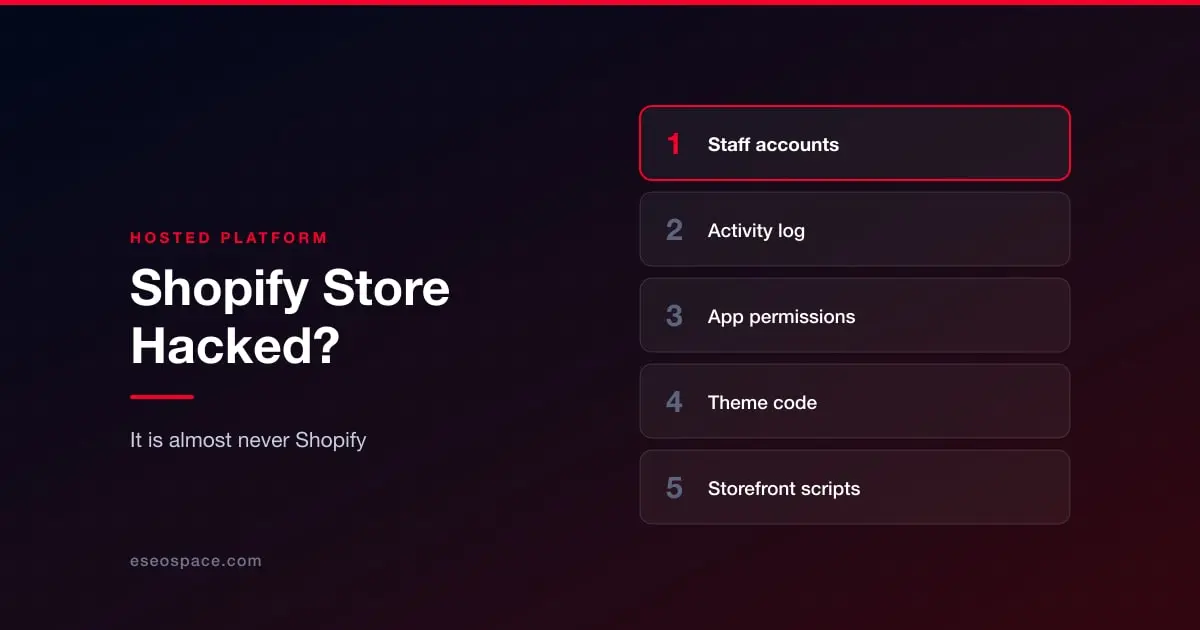
Staff accounts and permissions. Settings, then Users and permissions. Remove anyone who has left. Look hard at any account you do not recognise. Make sure everyone who remains has two-step authentication turned on, and treat it as a requirement rather than a recommendation. Each person activates it for their own login; on Shopify Plus you can enforce a secure sign-in method for all users as a setting.
The admin activity log. Shopify records what was changed and by whom. This is the fastest way to establish whether a legitimate account was used by someone illegitimate, and it is the record most store owners never open until they need it.
Installed apps. Uninstall anything you are not actively using. Uninstalling revokes the access, which is the point. For anything you keep, check what permissions it holds.
Theme code. Compare your live theme against a known-good copy. Look particularly at anything that touches the cart or checkout, and at any script tag pointing to a domain you do not recognise. If you find one, read card skimmers and cryptojacking before you do anything else — a skimmer is not only a cleanup.
Everything loading on your storefront. Open your store and inventory the scripts. Anything you cannot name is worth an answer.
What this does not cover
If your Shopify storefront is fine but your domain's other pages are affected, or you run a blog or landing pages on separate infrastructure, those are a different problem with the usual answers — start at the triage guide.
And if Google has flagged the domain, that clears through a review regardless of platform: is your website blacklisted by Google?
Afterwards
Rotate credentials for every staff account, not only the one you think was compromised. Review app permissions on a schedule rather than at install. And because the vector here is nearly always an account rather than a server, the control that matters most is the dullest one: access control and 2FA.