This article is part of our GEO and AEO Guide: how AI search chooses sources, how to get cited, and how to budget for and choose help. Want to know where your own site stands? Request a free GEO audit.
Key Takeaways
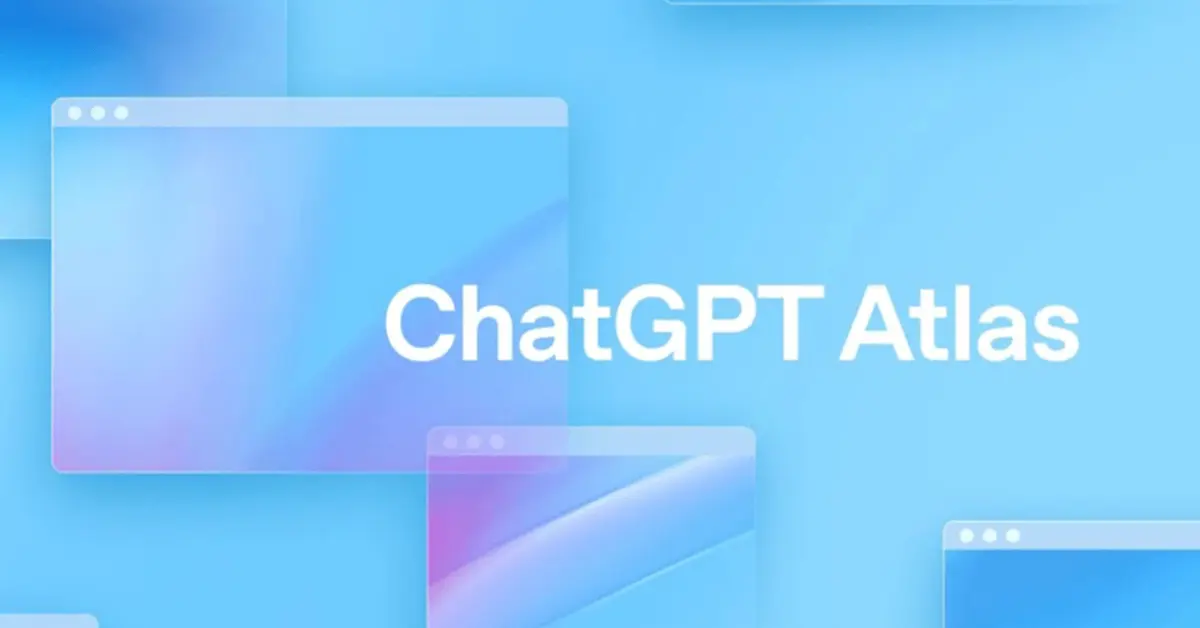
- ChatGPT Atlas is OpenAI's Chromium-based web browser that embeds ChatGPT directly into the browsing experience rather than a separate tab or app.
- It launched October 21, 2025 for macOS first, with Windows, iOS, and Android versions coming soon.
- A built-in sidebar lets you summarize pages, compare products, and rewrite highlighted text without copying content into a separate ChatGPT window.
- Optional browser memories add context across sessions, while Agent Mode can research, navigate, fill forms, and make bookings on your behalf.
- Because it is new, users should watch for bugs, AI hallucinations, macOS-only availability, and advanced Agent Mode features gated behind paid tiers.
-
ChatGPT Atlas is a web browser developed by OpenAI, built on top of Chromium (the same core technology as many modern browsers) for full web-compatibility. Wikipedia+2Ars Technica+2
-
Its launch date: October 21 2025 (for macOS initially) with versions for Windows, iOS and Android coming soon. AP News+3Wikipedia+3Ars Technica+3
-
Its key purpose: integrate the capabilities of ChatGPT (OpenAI’s AI-assistant) directly into your browsing experience—rather than having a separate tab, extension or app for the assistant. Ars Technica+1
-
In other words: it’s a browser + AI assistant built in.
-
It positions itself as a competitor to traditional browsers like Google Chrome by rethinking how we navigate and use the web in light of generative-AI tools. WIRED+1
How it works – feature overview
Here are the major features and how they work in Atlas:
-
Integrated ChatGPT sidebar
-
While you browse any website, there is a side-panel (or transcript view) of ChatGPT where you can ask questions about the page you’re on. For example: “Summarize this article”, “Compare these two products”, “What’s the main point here?” The Guardian+1
-
This removes the need to copy/paste text into ChatGPT or switch tabs. TechRadar
-
You can also highlight text on a page (e.g., in an email draft or webpage) and instruct ChatGPT to revise it, re-phrase it, make it more professional, etc. The Guardian+1
-
-
Memory / Contextual Awareness (optional)
-
Atlas offers a “browser memories” feature: if you enable it, it will remember your browsing activities (sites visited, tasks done) so the assistant can use that context in future interactions. The Guardian+1
-
Privacy control: you can pause or disable this memory feature entirely; by default your browsing data is opted out from being used to train models (as per OpenAI’s statement). The Guardian+1
-
-
Agent Mode
-
A standout feature: ChatGPT can act in the browser on your behalf. For example: research something, navigate pages, fill out forms, make a booking or a purchase (in supported contexts). TechRadar+1
-
This mode is initially available in preview for paying tiers (Plus, Pro, Business) of ChatGPT users. Lifewire+1
-
-
Writing / Workflow integration
-
Because the assistant is embedded, you can use it to help with writing (emails, drafts), editing, summarizing, rewriting right within the browser environment. WIRED
-
It aims to collapse multiple steps: browsing, copying/pasting into chat, switching tools — into a more seamless workflow.
-
-
Platform / Compatibility
-
At launch: macOS only. Windows, iOS, Android are “coming soon”. TechRadar+1
-
Built using Chromium’s engine (“Blink”) so it supports standard web technologies and extensions (to an extent) similar to other Chromium‐based browsers. WIRED
-
Who is it for – use-cases & audiences
Here’s who might benefit from using ChatGPT Atlas, and for what:
-
Power users / professionals: If you do a lot of online work — research, writing, editing, planning, comparison shopping — then having a built-in AI assistant that can summarize content, help write/edit, automate tasks could save time and reduce friction.
-
Students / learners: When you’re reading articles, doing research or studying online, being able to ask the assistant about the page you’re on, get clarity, summaries, definitions, could be helpful. But you’ll also want to stay mindful of the AI’s limitations.
-
Teams and business users: Organizations that use ChatGPT (Pro/Enterprise) might benefit if the browser allows more streamlined workflows, integrated assistant tasks, maybe automation of web tasks (booking, data entry). The memory/context feature could help maintain project continuity.
-
Everyday browser users wanting smarter help: Even if you’re just browsing, shopping, planning travel, the integrated assistant offers a step up from a regular browser + separate AI tool. The “agent mode” eventually could automate multi-step tasks like “plan me a trip” or “buy the best value X”.
-
Users mindful of privacy/control: Because OpenAI emphasises the user has control (you can disable memory, clear data, etc) it may appeal to users who like the idea of AI assistance but also want some transparency and control. The Guardian
Limitations & things to watch
-
Since it’s new (just launched), it may have bugs, rough edges in the “agent mode” or integrations.
-
AI assistants (including ChatGPT) are not perfect: they may hallucinate, or mis-interpret web content. So the browser doesn’t replace good judgement or verification.
-
Privacy & data-use: while memory features are optional and data usage is claimed to be controlled, users should read the terms.
-
Platform availability: initially macOS only; Windows/Android/iOS users will have to wait.
-
Legacy browser habits: Some users may prefer existing browsers and may not want to switch or lose their extensions/settings.
-
Agent mode availability: advanced features may be behind paid tiers.
Summary
In short: ChatGPT Atlas is OpenAI’s new browser that embeds ChatGPT directly into your web-browsing. It’s designed to make your web experience more intelligent, contextual and efficient—helping you summarise pages, edit writing, automate tasks, all without switching tools. It’s aimed at people who engage heavily with the web and could benefit from a smart assistant built into their browsing workflow.
If you’re simply browsing for casual use, you may not need it immediately—but if you often find yourself juggling tabs, copying content into ChatGPT, doing repetitive web-tasks, it could be a meaningful upgrade.