PHP2Shell, October 2026: two critical flaws in PHP itself (CVE-2026-109618 and CVE-2026-109619) were fixed on 21 October 2026 in PHP 8.5.12, 8.4.27, 8.3.36 and 8.2.35. Any site running on PHP needs the server updated. See our PHP2Shell Resource Center.
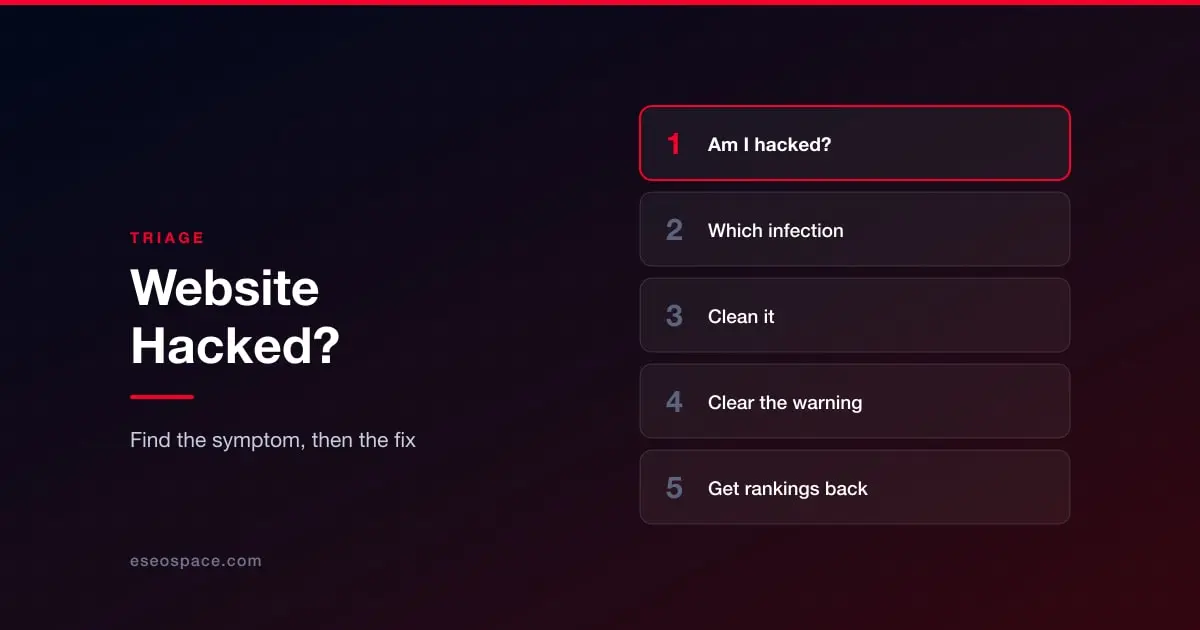
If you are reading this because something is visibly wrong with your website right now, skip the background. Find your symptom below and follow the link. Everything here assumes you have minutes, not an afternoon.
One thing before you start: do not delete anything yet. The infected files are the only record of how somebody got in. Take a full backup of the site as it currently stands, infection included, before you clean or restore. People who skip this step clean the symptom, miss the backdoor, and get reinfected within a week.
Answer three questions first
Can you still log in to the admin? If yes, you have options. If no, the attacker has probably changed your credentials or added their own account, and you are working through your host's control panel or FTP instead.
Does the site take payments? If money moves through your checkout, treat this as a card-data incident until proven otherwise, not just a malware cleanup. That changes who you have to tell and how fast.
Is Google already warning people? Search your own domain. If you see a warning label, or the browser blocks the page, the damage is no longer only technical: you are losing traffic every hour the warning stands.
If the answer to any of those is bad, the sequencing matters more than the tooling. Our website incident response plan covers who decides, what to preserve and when to take the site offline.
Find your symptom
I do not know if I am hacked, the site just feels wrong. Start with the free external scanners and Search Console checks in how to check if your website has been hacked. It is a five-minute pass that tells you whether this is an infection or something else.
My site redirects visitors to a site I do not recognise. Usually a malicious redirect injected into the theme, the database, or an .htaccess file. Often it only fires for visitors from search results, which is why it can look fine when you type the address directly. See the warning signs in 10 warning signs your WordPress site has been hacked.
Pages in Japanese are appearing in my search results. That is a specific, well-documented attack with its own fingerprint and its own cleanup. Go to the Japanese keyword hack.
Google shows pharmacy or casino pages for my site, but I cannot see them. Cloaked spam: the attacker serves one page to Googlebot and another to you. See pharma hack and SEO spam injection.
My homepage has been replaced, or I am locked out entirely. The loudest symptoms, and often the least damaging. Defaced or locked out covers both, including what to do when your host suspends the account.
Customers say their cards were used fraudulently after buying from me. Stop and read card skimmers and cryptojacking. A checkout skimmer is the one infection where cleaning the site is not the whole job.
My site is slow and the server is pinned at full load. Could be a mining script. Same page as above.
My store is on Shopify. The vector is different on hosted platforms. Go to Shopify store hacked.
My site is on Wix or Squarespace. Also different. See Wix or Squarespace hacked.
Then clean it
Once you know what you are dealing with, the cleanup itself is largely the same job: take the site offline, preserve evidence, identify every infected file, clean core and custom code separately, check the database, and hunt the backdoor that let them in. That sequence is written out step by step in how to remove malware from your website.
The step most people skip is the last one. If you clean the payload but leave the backdoor, you are reinfected on the attacker's schedule rather than yours.
Then get the warnings lifted
Cleaning the site does not clear a browser warning or a blacklist entry. Those need a review request, and the review fails if any trace is left behind. Is your website blacklisted by Google? covers how to check every list you might be on and how to request the review.
Then get the rankings back
This is the part security vendors do not do. A clean site with restored rankings is a different outcome from a clean site, and the gap between them is worth real money. See how to recover rankings after a hack, and what getting hacked actually does to your search visibility.
What it costs, and who should do it
If you are deciding between doing this yourself and paying someone, the honest answer depends on how much of the above you have already understood. What it costs to fix a hacked website sets out what drives the price and what you are actually buying when you pay for an emergency plan.
Once it is over
Almost every site we clean was compromised through something known and unpatched: an outdated plugin, a reused password, an admin account that should have been removed two years ago. The prevention side is covered properly in website security by platform, which sets out which layers your platform secures and which are yours. Read it next week, not today.