You search your own brand and find pages of Japanese text listed under your domain, selling counterfeit goods. Click one and you may get a normal page, or a 404. Nothing in your admin looks unusual.
This is the Japanese keyword hack, and it is one of the few infections distinctive enough that the symptom alone is close to a diagnosis. It has been documented by Google for years and the fingerprint barely changes.
What it actually does
The attacker gains write access to your site and generates large numbers of pages in Japanese, usually advertising brand-name goods. Those pages are not for your visitors. They exist to rank in Japanese search results and pass traffic to the attacker's store.
To get them indexed quickly, the attack usually does three things beyond creating the pages:
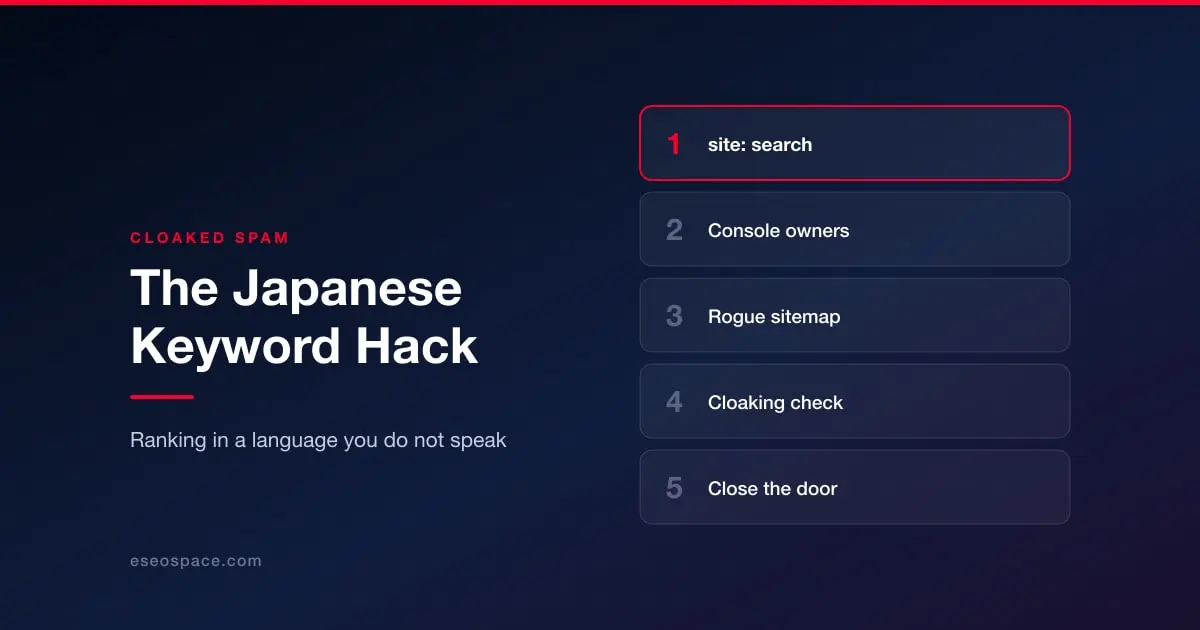
It adds itself to Search Console. The attacker verifies themselves as an owner of your property so they can submit the spam pages and monitor indexing. This is the single most reliable tell, and the one most owners never check.
It submits its own sitemap. A sitemap you did not create, listing URLs you did not make, pointing Google straight at the spam.
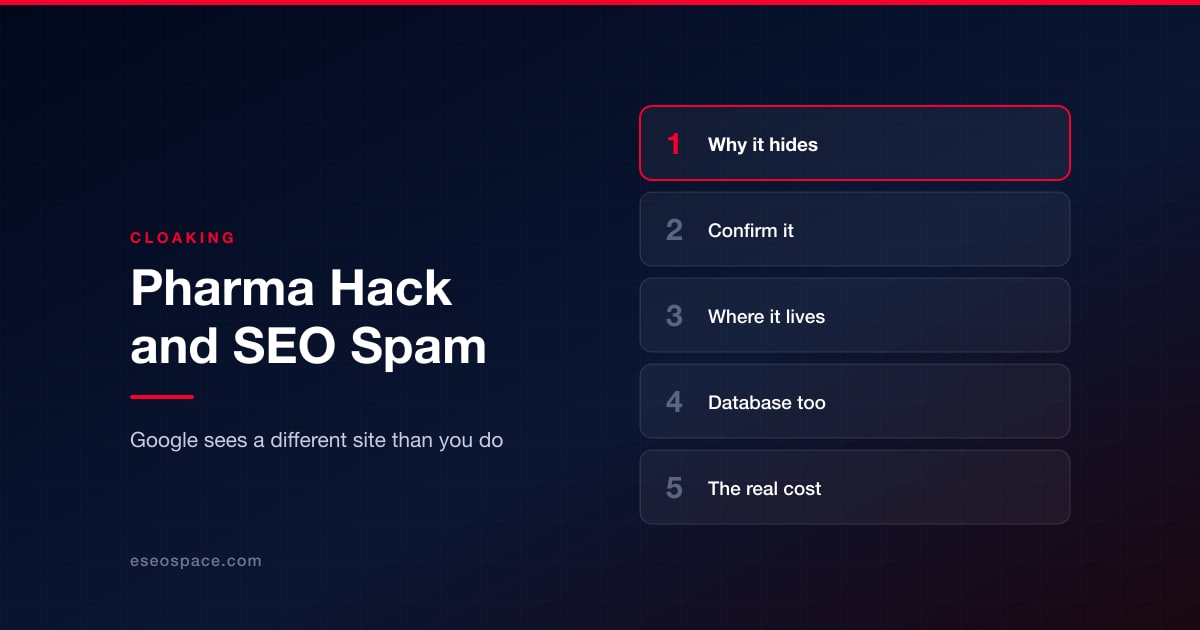
It cloaks. The spam is often served only to Googlebot or only to visitors arriving from search, which is why the page can look perfectly normal when you load it yourself.
Confirm it in four checks
Search your domain. Use a site: search against your own domain and page through the results. You are looking for URLs and titles you do not recognise. This surfaces indexed spam that the site itself will not show you.
Check Search Console users. Open Settings, then Users and permissions. Every owner listed should be someone you recognise. An unfamiliar verified owner is not ambiguous — remove it, and treat the site as compromised.
Check your sitemaps. In the Sitemaps report, look for submitted sitemaps you did not add.
Fetch a spam URL as Google sees it. Use the URL Inspection tool on one of the spam pages. If the live page looks clean to you but the inspected version shows Japanese content, you have confirmed cloaking.
The broader detection pass, including the external scanners worth running, is in how to check if your website has been hacked.
Cleaning it
The generated pages are the symptom. The cleanup is the same disciplined sequence as any other infection, and it is written out in how to remove malware from your website. Three things are specific to this attack:
Remove the attacker from Search Console first. While they hold verified ownership they can keep submitting spam, and they will see you cleaning up. Revoke the ownership, then check for and delete the verification token they used — often a file in your web root or a DNS record.
Delete the rogue sitemap and the pages it lists. Then use the URL removal tool for anything already indexed, so you are not waiting on natural recrawl.
Find the entry point. This attack is opportunistic and almost always arrives through a known vulnerability in an outdated plugin, theme or CMS version, or through a stolen admin credential. If you do not close that door, the pages come back. Our notes on security patching and plugin updates cover the usual culprits.
After the cleanup
Two jobs remain, and they are not optional.
If Google flagged the site, you need a review before the warning clears — see is your website blacklisted by Google?. And because this attack works by getting spam indexed under your domain, it does measurable damage to how your site is assessed. Recovering rankings after a hack covers what to do once the site itself is clean.
If you are still working out what you are dealing with, start at the triage guide.